

The smart speaker market has plenty of great options, but the Amazon Echo with Alexa has a useful option the others haven’t rolled out yet. When you use Alexa, you have the possibility of creating your own skills with absolutely no coding required!
Also read: 7 Ways You Can Make Amazon Alexa Smarter
What are Alexa Blueprints?
Alexa Blueprints is a new method for customizing your Alexa experience. Simply put, Blueprints are templates to create skills of your own to be used in your home without coding. It’s as easy as filling in the blanks.
When you make a skill, the default setting makes the skill available in only your account. However, you can share the skill with friends and family if you want.

What can you do with Alexa Blueprints?
There are five different categories of Skills Blueprints: Greetings & Occasions, Fun & Games, Learning & Knowledge, At Home, and Storyteller.
In the Greetings & Occasions category, you will find what amounts to a list of greeting cards you can send to someone for their birthday or other events.
Fun & Games contains blueprints for general trivia games and birthday trivia for parties to see who knows the birthday boy or girl the best. There’s also a game show blueprint and a blueprint to create an inspirational quote generator.
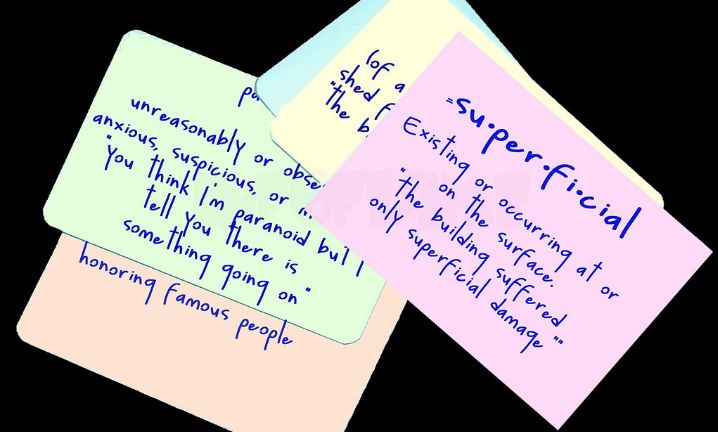
For those of you with kids in school or going back to school yourself, the Learning & Knowledge category has tools to help! Just create a skill using the Flashcards or Quizzes blueprints to aid you in your studying.
The At Home category has useful templates to create skills for your house guests, babysitters, or petsitters. You can create your own custom question and answer skill and even create a chore chart.
Time for a bedtime story? Templates in the storyteller section include ones for fairy tales, sci-fi, and fables.
Also read: Top 10 Must Have Skills for Alexa-Enabled Devices
How do you use Alexa Blueprints?
So where do you go to create these blueprints? Follow these instructions, and you’ll have your first skill done in less time than you can imagine.
1. Go to blueprints.amazon.com.
2. Log in to your Amazon account that you use for your Alexa.
3. Click Upgrade when Amazon prompts you to create a developer account. It’s free.
4. Pick your template from more than twenty options. Check out Featured blueprints for inspiration.
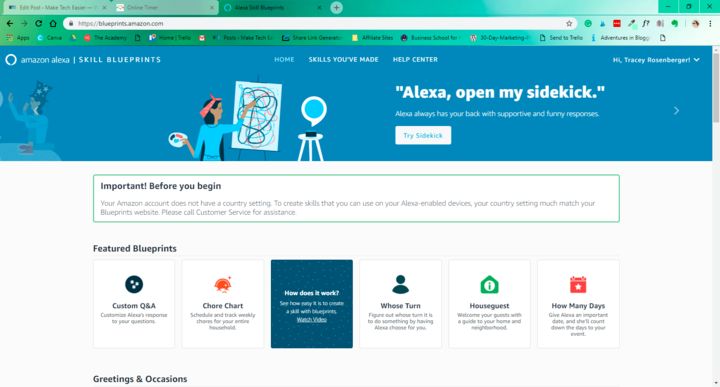
5. Click on “Make Your Own.”
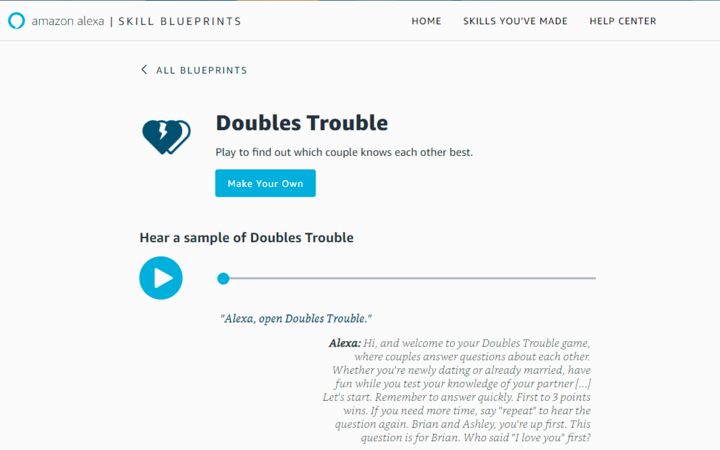
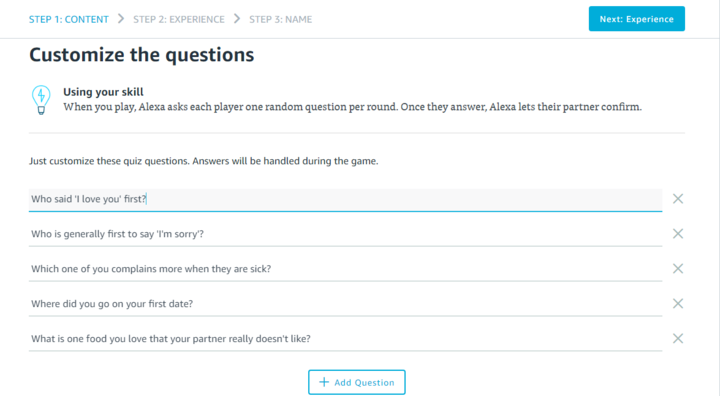
6. Fill in the blanks. Text fields are prefilled, and you can delete ones you don’t want by clicking the “x.” You can add more by clicking the “+.”
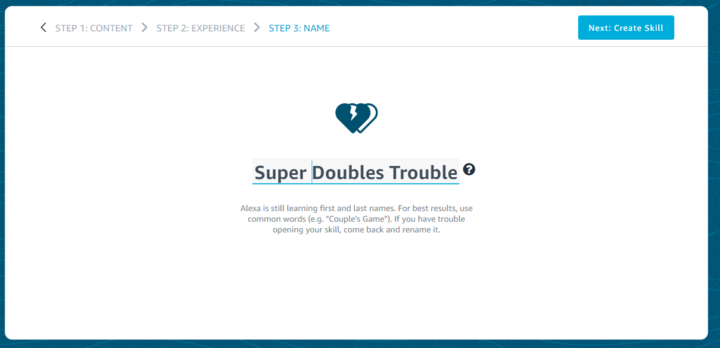
7. Name your skill.
8. Hit “Create Skill.”
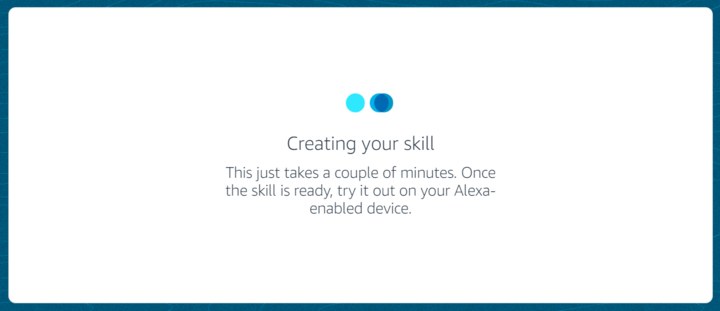
9. Wait a few minutes. There will be a notification when it is ready to use.
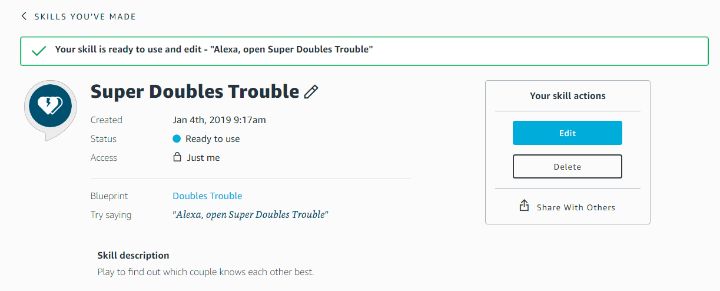
10. Test it by asking Alexa to open it: “Alexa, open (skill name).”
11. If you need to, edit it in “Skills You’ve Made” at the top of the Alexa Blueprints page.
Proper names can be tough for Alexa to understand, so you want to avoid specific family names in your titles and stay more generic with your names. She can understand common special characters like question marks and dashes. If you use a symbol that she can’t understand, you will receive an error message.
Share your Blueprints
You can share an Alexa skill with your family and friends, but just remember, if you share it with them, they will be able to share it too. Take that into consideration before sending it out to the masses. Don’t worry, though. You are the only one who will be able to edit the skill.
To share:
1. Click on “Skills You’ve Made.”
2. Click Details.
3. Choose Share with Others.
4. Indicate if the skill is meant for kids under 13.
5. Pick a sharing method. You can use Facebook, Twitter, Pinterest or a clickable link.
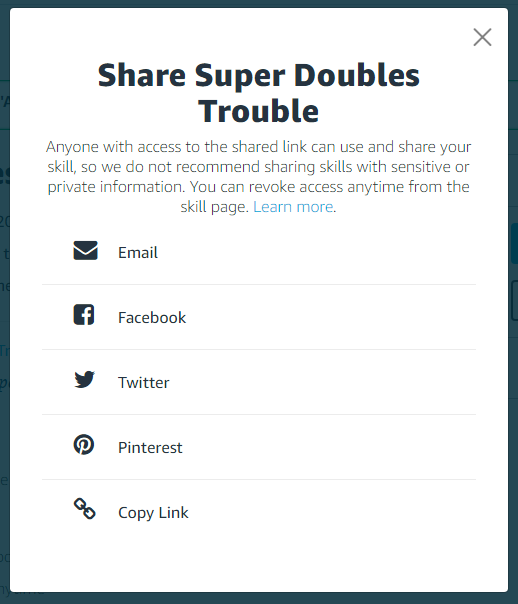
When they choose to use the app, they can find it in in their account under “Skills -> Your skills -> Personal skill,” then just have to click “Enable.”
You can see who is using your skill and revoke access whenever you want.
There is no limit as to how many skills you can create, so be creative and have fun with it!
Image credit: FlashCards vocabulary