
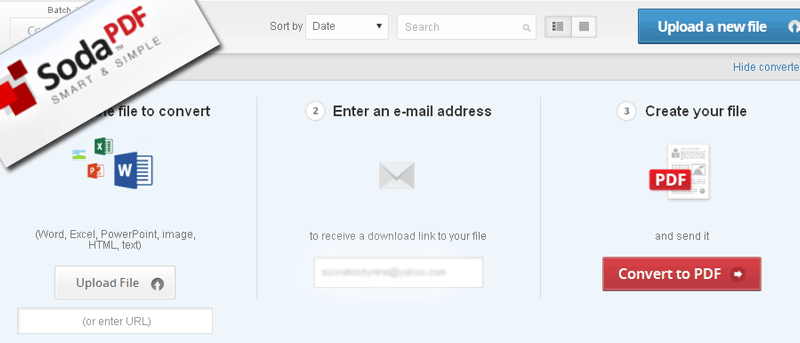

Working with different file types – and converting them – is no doubt a task that requires a lot of time and resources. For example, to convert documents to PDF format, the user needs to spend some time figuring out how it works with a certain software.
Luckily, for Firefox users, an add-on called Soda PDF now allows one to convert document files into PDF within Firefox, all in the cloud. This makes file conversion (specifically for PDF) a task that’s easier to do and is even possible without installing any new software.
The Soda PDF add-on requires restarting Firefox after installation, and you will then see the Soda PDF icon on the top right corner of the browser. If this is the first time you’re using it, you’ll need to click on the icon to go to the Soda PDF site.
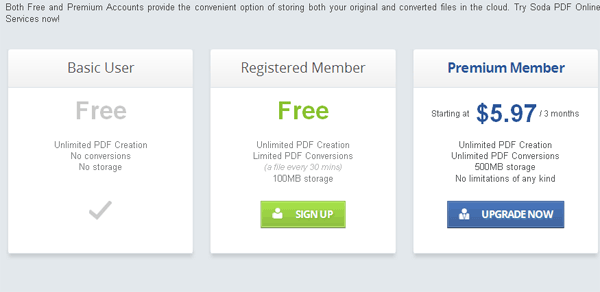
To start converting files to PDF, you’ll need to sign up for a free account. Scroll down to the bottom of the page and click on the Sign Up button under “Registered Member”.
Enter your email address and a password of your choice.
Now you are ready to convert files into PDF. Log in to your account, and you should get the main screen as shown below:
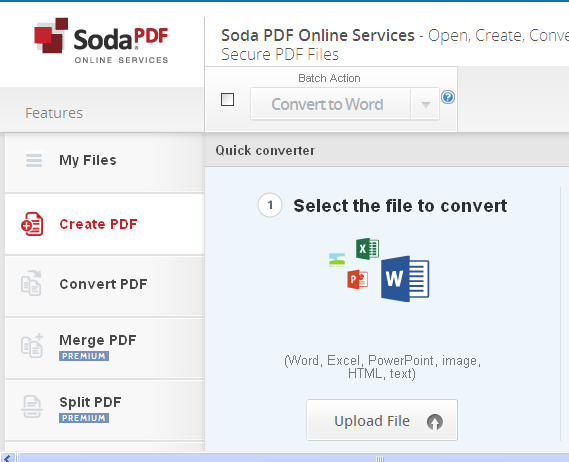
The default screen will have the step-by-step instructions for PDF conversion. The three steps include uploading the file, entering your email address and converting. The file types allowed for upload are Word, Excel, Powerpoint, HTML and image files.
Click on “Upload File” and choose the file you want to convert. Wait for the file to finish uploading.
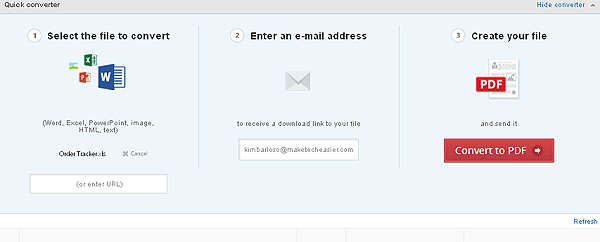
In Step 2, check to make sure the correct email is shown. If you want the notification sent to another email, you may change it here.
In Step 3, click the red “Convert to PDF” button.
The original and converted files will appear below the instructions as they are being processed.
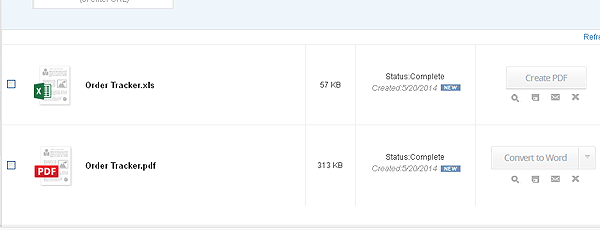
To download the converted file, click on the disk icon to the right of the file name.
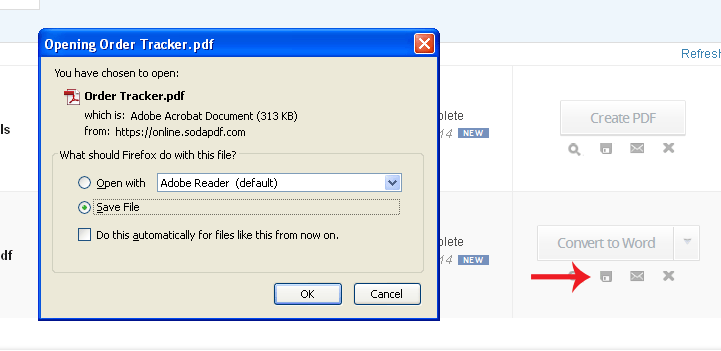
This brings up a dialog box asking whether you want to open or save the file. Click the Save File radio button, then click OK.
The downloaded file is saved under the “Downloads” folder or as configured in your browser.
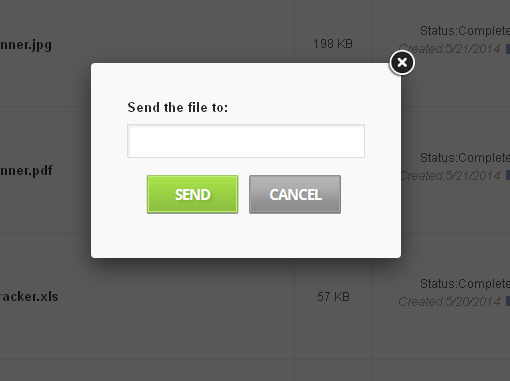
You can also send the file to an email address by clicking on the envelope icon to the right side of the file name. Enter the email address of the recipient and click “Send.”
While converting a file into PDF is a free feature, a premium plan is available and provides more options such as merging and splitting PDF files. Other features such as editing, annotating and securing PDFs are coming soon. Note that a registered account allows for only 100MB storage space and limits file conversions to one file every 30 minutes.
Being able to convert on the cloud is a convenient way of managing data across multiple files. With Soda PDF’s user-friendly site, converting document files into PDF is surprisingly fast and easy. Although the free account has a few limitations, it’s still a great deal considering the benefit it provides.