
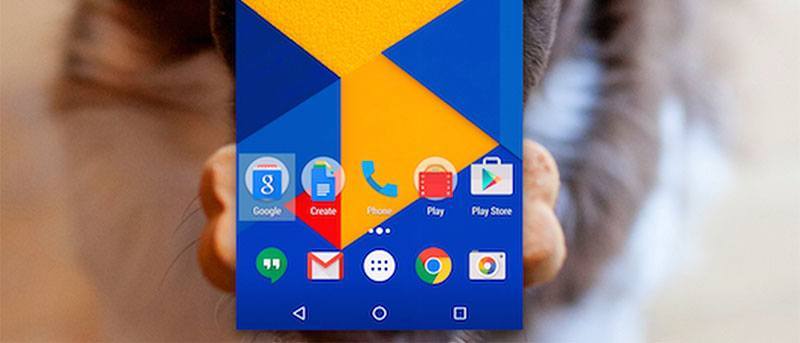

While apps like AirDroid have made it possible for Android users to share files from their devices to their computers in an easy way, these apps do not offer features that let you fully control your device from your computer. At most, what you can do with these apps is send and receive files from your device, take screenshots, and do other similar small tasks.
Enter Vysor, a Google Chrome app, that allows you to fully control your Android device from any of your computers than run the Google Chrome browser. With this app installed on your computer, you will be able to see your actual device on your computer’s screen, and you can then work with it as you would when you are actually holding it in your hands.
Here’s how it works.
Controlling Your Android Device from Your Computer
Vysor is available for free to download and use. It runs in the Chrome browser regardless of what operating system you are running.
If you are doing this procedure on a Windows-based computer, you will need to install the Universal ADB drivers on your computer before proceeding further.
1. Unlock the developer options menu on your Android device using our guide.
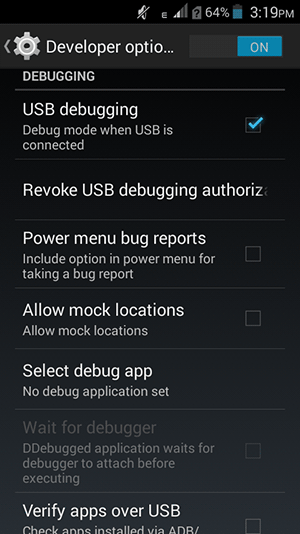
2. Head to “Menu > Settings > Developer options” and turn on “USB debugging.” Without this, the procedure below will not work.
3. Plug in your Android device to your computer using a USB cable.
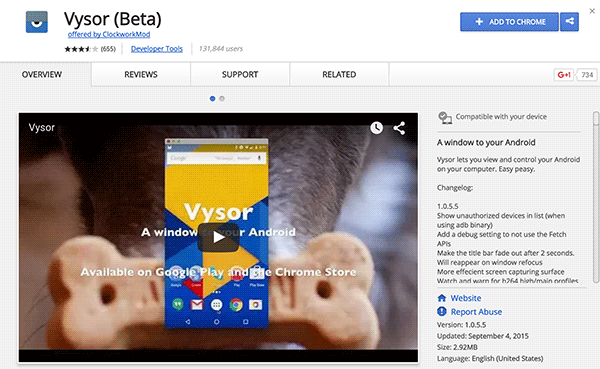
4. Open Google Chrome on your computer and head over to the Vysor app page on the Chrome Web store.
5. Click on “Add to Chrome” to add the app to the Chrome browser on your computer.
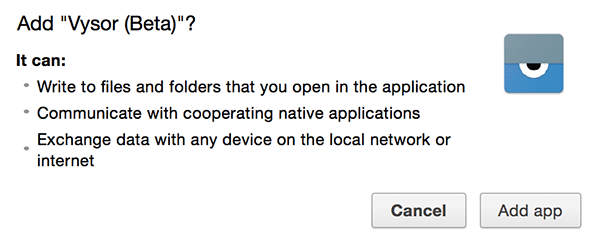
6. A prompt will appear asking if you would really like to add the app to the browser. Click on “Add app.”
7. When the app is added and installed in your browser, launch it by clicking on its icon in your browser.
8. When the app launches, click on the button that says “Find Devices.”
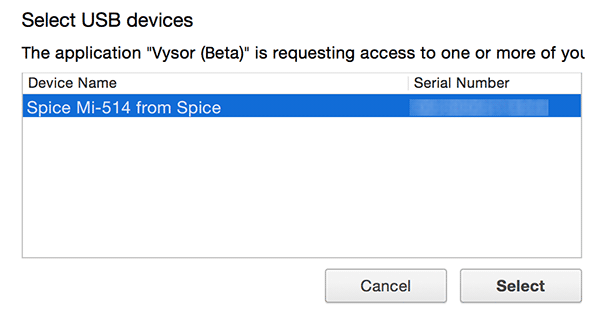
9. You will see a dialog box showing all the devices that are connected to your computer. Select the one you wish to work with, and then click on “Select” to move forward.
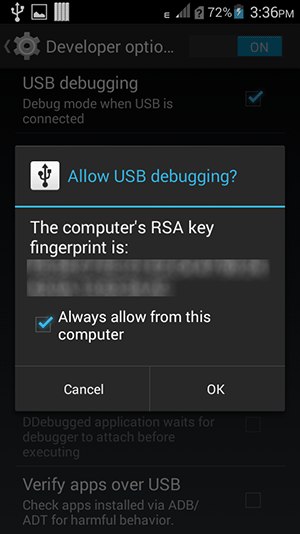
10. A prompt will appear on your device asking you to allow USB debugging for this computer. Checkmark the option that says “Always allow from this computer” and then tap on “OK.” That way the prompt will not appear again every time you use your device with this computer.
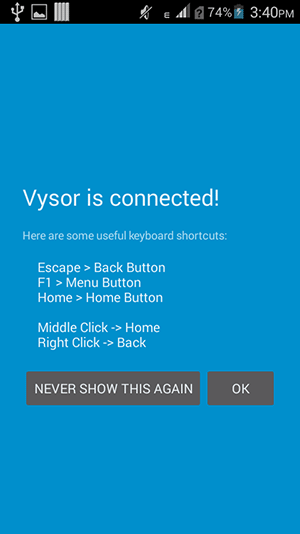
11. Once Vysor is connected, you will see a greeting on your device. It should also show you what buttons do what task in the app.
Tap on “OK” to let the message go and to get to the actual work.
12. You should now be able to interact with your device right from your computer. Just click on any item in the Vysor app window as you would on your actual device and it will work.
Your device’s screen is being mirrored on your computer, and you can use it as if you are using the actual device.
Conclusion
Being able to remotely control your device from your computer helps you get things done on your device without actually tapping an option on it.