
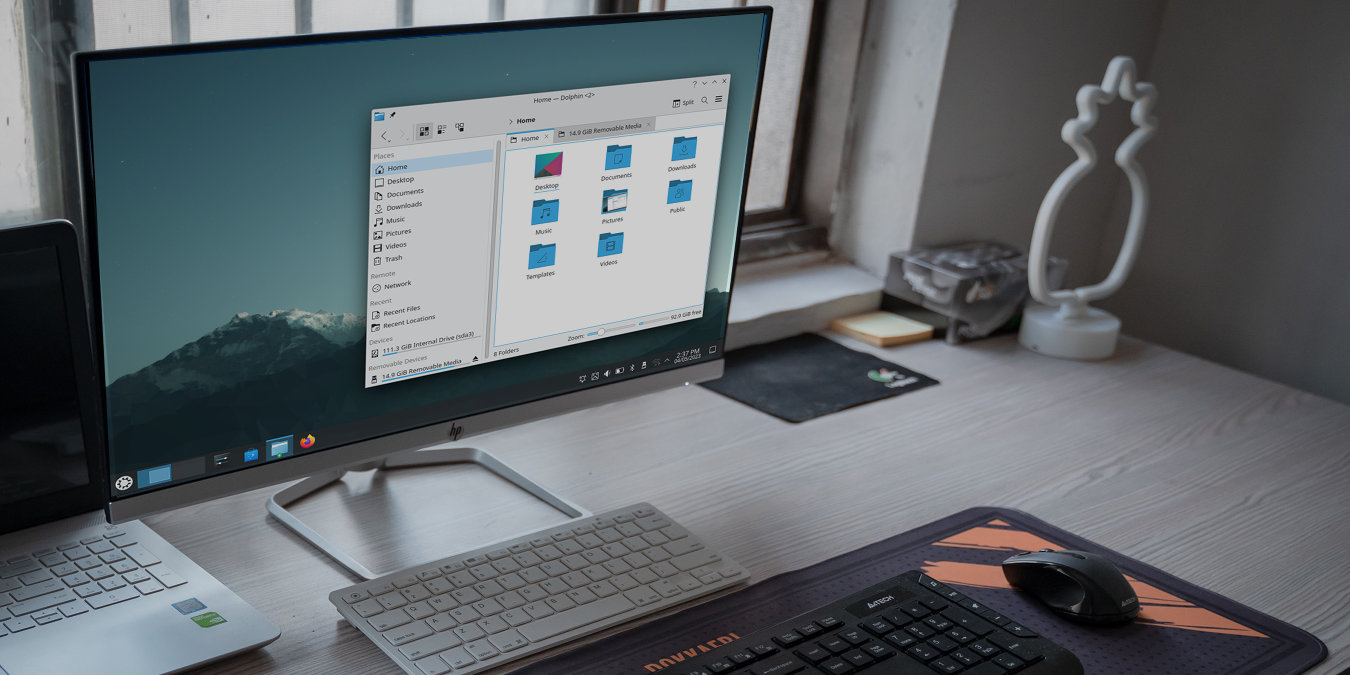

The KDE Plasma Desktop is one of the most beautiful graphical environments for Linux today. Similar to the GNOME Desktop, Plasma presents a clean interface that is both modular and quick. This makes it especially attractive to users that want a highly customizable desktop without sacrificing aesthetics.
[mte_cheatsheet_download]Picking a distribution can be tricky for a new Linux user, but eventually, you will select the perfect Linux distro for you. The strength of the KDE Plasma Desktop comes from its focus on user choice and ease of use. For example, it comes with a healthy amount of customization options and default keyboard shortcuts. This approach, in turn, allows you to use your desktop however you wish without a steep learning curve.
This cheatsheet will show you some of the most common keybindings for the KDE Plasma Desktop. With these keystrokes in your arsenal, you’ll quickly master Plasma and enjoy its various features.
| Shortcut | Function |
|---|---|
| Window Selection | |
| Alt + Tab | Cycle through the currently open windows. |
| Alt + Shift + Tab | Cycle through the currently open windows in reverse. |
| Alt + Backtick (`) | Cycle through the currently open windows of a single application. |
| Alt + Shift + Backtick (`) | Cycle through the currently open windows of a single application in reverse. |
| Alt + Win + Left Arrow | Move the focus on the window to the left of the current window. |
| Alt + Win + Right Arrow | Move the focus on the window to the right of the current window. |
| Alt + Win + Up Arrow | Move the focus on the window above the current window. |
| Alt + Win + Down Arrow | Move the focus on the window below the current window. |
| Ctrl + F10 | Show all the active windows in the current session. |
| Ctrl + F9 | Show all the active windows on the current desktop. |
| Ctrl + F7 | Show all the windows of the currently active application. |
| Window Manipulation | |
| Alt + F3 | Open the current window’s context menu. |
| Ctrl + Q | Terminate the currently running process. |
| Alt + F4 | Close the currently active window. |
| Ctrl + Win + Esc | Forcefully terminate a currently hanging process. |
| Win + Page Up | Maximize the currently active window. |
| Win + Page Down | Minimize the currently active window. |
| Win + Left Arrow | Move the current window to the left half of the desktop. |
| Win + Right Arrow | Move the current window to the right half of the desktop. |
| Win + Up Arrow | Move the current window to the upper half of the desktop. |
| Win + Down Arrow | Move the current window to the lower half of the desktop. |
| Desktop Manipulation | |
| Ctrl + F1 | Switch to the first active desktop on the current session. |
| Ctrl + F2 | Switch to the second active desktop on the current session. |
| Ctrl + F3 | Switch to the third active desktop on the current session. |
| Ctrl + F4 | Switch to the fourth active desktop on the current session. |
| Ctrl + Shift + Win + Left Arrow | Move the currently active window one desktop to the left. |
| Ctrl + Shift + Win + Right Arrow | Move the currently active window one desktop to the right. |
| Ctrl + Shift + Win + Up Arrow | Move the currently active window one desktop up. |
| Ctrl + Shift + Win + Down Arrow | Move the currently active window one desktop down. |
| Ctrl + F12 | Minimize all windows on the current desktop. |
| Application Switching | |
| Win | Open KDE Plasma’s Application Launcher. |
| Win + Q | Open KDE Plasma’s Application Switcher sidebar. |
| Win + 1 | Run the first program on the current task bar. |
| Win + 2 | Run the second program on the current taskbar. |
| Win + 3 | Run the third program on the current task bar. |
| Win + 4 | Run the third program on the current taskbar. |
| Win + 5 | Run the fourth program on the current taskbar. |
| Win + 6 | Run the fifth program on the current taskbar. |
| Win + 7 | Run the sixth program on the current taskbar. |
| Text Manipulation | |
| Ctrl + A | Select all text in the current textbox. |
| Ctrl + Shift + A | Remove the selection in the current textbox. |
| Ctrl + C | Copy the current selection to the system clipboard. |
| Ctrl + X | Cut the current selection to the system clipboard. |
| Ctrl + V | Paste the contents of the clipboard to the current textbox. |
| Ctrl + Delete | Delete the character before the cursor. |
| Ctrl + Backspace | Delete the word on the current cursor. |
| Ctrl + Z | Undo the last change on the current textbox. |
| Ctrl + Shift + Z | Redo the last undo on the current textbox. |
| Screen and Widget Manipulation | |
| Win + Equals (=) | Zoom in the entire screen. |
| Win + Minus (-) | Zoom out the entire screen. |
| Win + 0 | Revert the screen to its original zoom level. |
| Alt + D, then E | Configure the desktop widgets on the current desktop. |
| Alt + D, then A | Add a Widget on the current desktop. |
| Alt + D, then R | Remove the currently selected desktop widget. |
| Alt + D, then S | Configure the currently selected desktop widget. |
| Desktop Capture | |
| PrtSc | Take a screenshot of the entire desktop and open the screenshot editor. |
| Win + PrtSc | Take a screenshot of the currently active window. |
| Shift + PrtSc | Take a screenshot of the entire desktop. |
| Win + Shift + PrtSc | Take a screenshot of a region on the current desktop. |
| Ctrl + Win + PrtSc | Take a screenshot of the window under the mouse cursor. |
| System Manipulation | |
| F1 | Open the System User’s Handbook. |
| Shift + F1 | Toggle the Interactive Help mode. |
| Win + W | Open KDE Plasma’s Unified Overview screen. |
| Win + P | Open KDE Plasma’s display switcher prompt. |
| Ctrl + F8 | Open KDE Plasma’s Desktop Switcher screen. |
| Win + F5 | Move the mouse cursor to the window with active focus. |
| Win + F6 | Move the mouse cursor to the center of the current screen. |
| Ctrl + Esc | Open a window that lists all currently active processes in the system. |
| Alt + F2 | Open a quick launch bar on the current desktop. |
| Alt + Shift + F2 | Run the content of the current clipboard on a quick launch bar. |
| Alt + Shift + F12 | Toggle window compositing on the current Plasma session. |
| Alt + Win + K | Change the current keyboard layout. |
| Ctrl + Shift + Comma (,) | Open the available settings for the currently running program. |
| Win + L | Lock the current Plasma session. |
| Ctrl + Alt + Delete | Log out of the current Plasma session. |
Image credit: Unsplash. All alterations by Ramces Red.