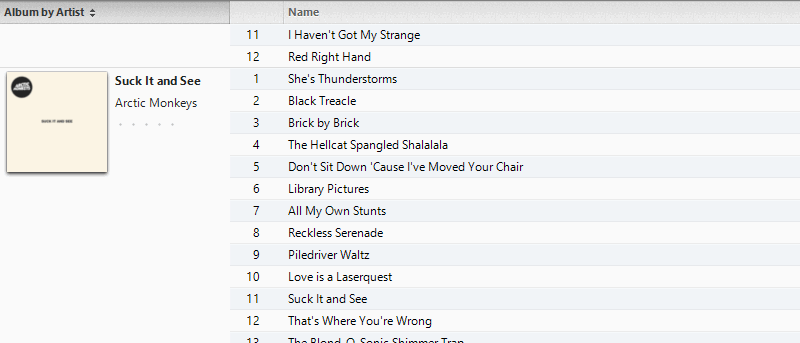
The default design of iTunes doesn’t seem to be customizable. In actual fact, you can easily customize iTunes to suit your needs. Here’s how
By Paul Ferson – Sep 11, 2014
Using command lines in Windows is easy if you understand its syntax. Here is a quick guide to show you how to read Windows command line syntax.
By Vamsi Krishna – Sep 11, 2014
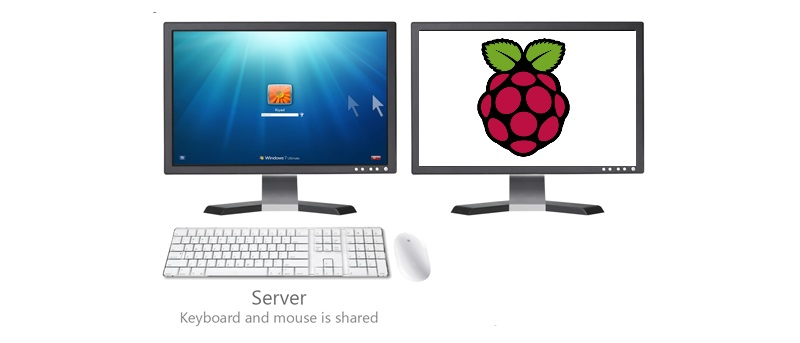
Do you have multiple computers, but only have one set of mouse and keyboard? Here is how you can share mouse and keyboard between Windows and a Raspberri Pi.
By Gary Sims – Sep 11, 2014
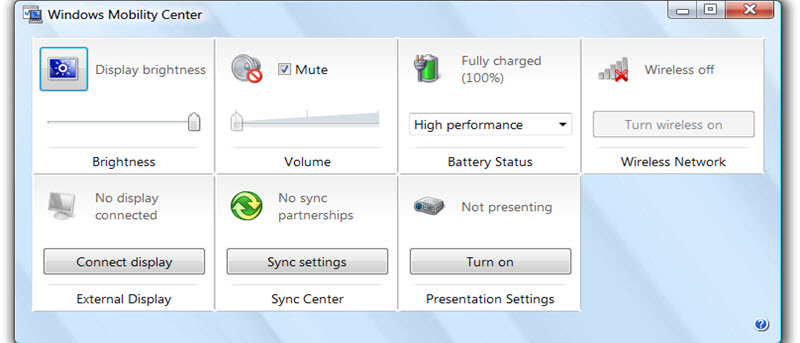
The Windows Mobility Center allows you to control your hardware from a single place, but is only enabled in laptop. Learn how to activate it on a desktop PC.
By Vamsi Krishna – Sep 10, 2014
Remember all that old school DOS games like Dave, Doom, PacMan, etc? Let’s see how you can install and play these old DOS games in Windows.
By Vamsi Krishna – Sep 9, 2014
Magic Partition Resizer allows you to easily partition your hard disk without any data loss or hiccups. Check it out for the giveaway. 10 license keys to be won.
By Vamsi Krishna – Sep 8, 2014
Windows comes with a set of windows network utilities that allows you to troubleshoot your network. Let check out what these commands can do for you.
By Vamsi Krishna – Sep 6, 2014
Over the years, we have seen many Windows tweaking myths circulating around in the Internet, so it is time for us to clear the air.
By Vamsi Krishna – Sep 5, 2014
Sometimes, Windows will fail to recognize the new hardware you added to your machine. Here is how you can find drivers for unknown devices in Windows.
By Vamsi Krishna – Aug 29, 2014
While you can drag and drop files to the OneDrive folder, sometimes, it is faster to save to OneDrive from the context menu. Learn how to add OneDrive to the context menu.
By Vamsi Krishna – Aug 26, 2014
Need to block certain applications from accessing the Internet? Learn how to create advanced firewall rules in Windows to protect yourselves.
By Vamsi Krishna – Aug 22, 2014
For those who are switching from TrueCrypt, DiskCryptor is a good alternative for you to encrypt partitions in Windows. Here is how to use it.
By Vamsi Krishna – Aug 20, 2014
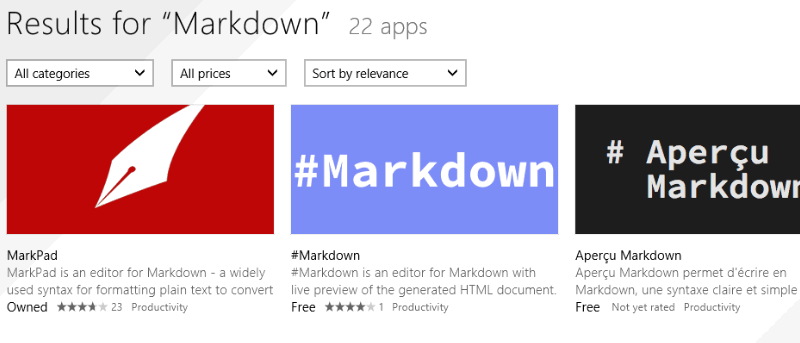
If you are a fan of the Markdown syntax, and are looking for a great Markdown editor for Windows, here are some useful ones you can consider
By Paul Ferson – Aug 20, 2014
Windows BitLocker uses AES 128-bit algorithm to encrypt your data by default. Here is how you can change BitLocker encryption to AES 256-bit.
By Vamsi Krishna – Aug 13, 2014
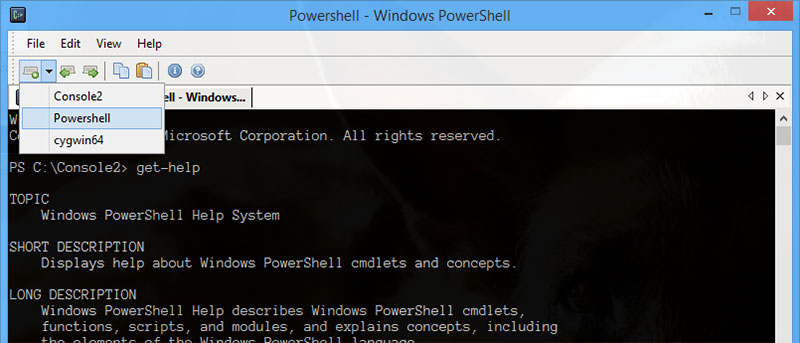
f you are a regular Command Prompt user and are looking for a good command prompt alternative, do give Console 2 a try and I am sure you will love it.
By Vamsi Krishna – Aug 10, 2014
To prevent people from brute forcing your Windows login, you can get your PC to auto lockdown after certain number of invalid logon attempts. Here’s how.
By Vamsi Krishna – Aug 9, 2014
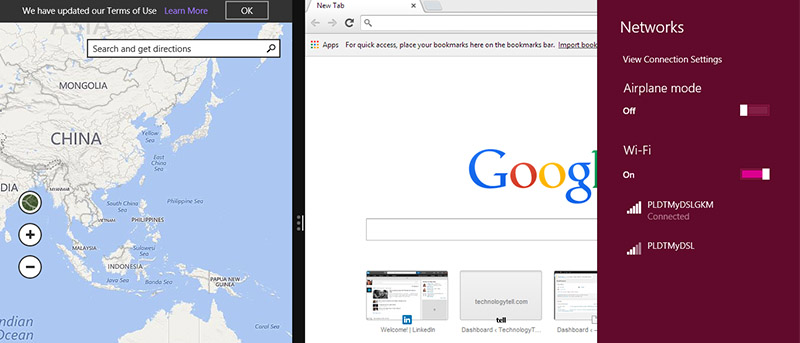
Windows 8 comes with a Snap View feature that allows you to view both native apps simultaneously on screen. Here is how it works.
By Maria Krisette Capati – Aug 5, 2014
Here is an easy way to disable the Autorun feature in Windows to protect yourself from autorun viruses in USB drives.
By Miguel Leiva-Gomez – Aug 4, 2014
System Restore is useful and allows you to recover from PC corruption. Here is how you can configure system restore in Windows 8.
By Vamsi Krishna – Aug 1, 2014
TrueCrypt is no longer a good tool for encrypting your data. Check out these 5 TrueCrypt alternatives and find the one that is best for you.
By Vamsi Krishna – Jul 30, 2014
Pagination
Affiliate Disclosure: Make Tech Easier may earn commission on products purchased through our links, which supports the work we do for our readers.