Here are three free tools for safely backing up the files on your PC and ensuring that nothing you want to vanish goes *poof* if you ever run into trouble.
If you’re a command-line fanatic, you’ll love this nifty trick that allows you to launch the administrator command prompt through a right-click option.
Windows Defender is a good low profile antivirus software. Here’s how to schedule Windows Defender to perform a full or quick scan on your Windows 8 PC.
Late in January 2015, Microsoft’s system chief said in an announcement that Windows 10 will come as a free upgrade. What’s with this change? Let’s find out.
One of the best security practices is to rename the Administrator account to deter attackers. Here’s how to rename the Administrator account in Windows.
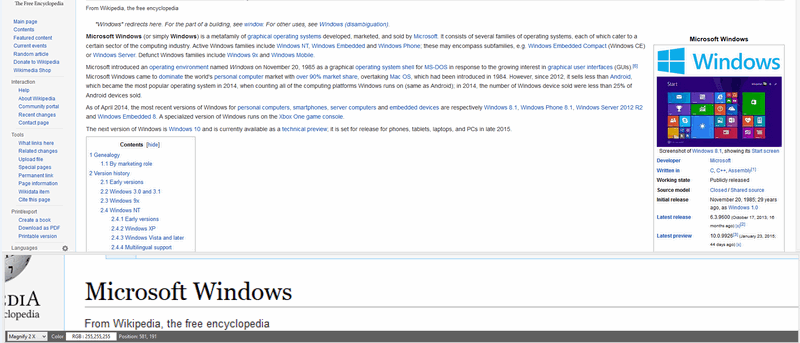
Not everyone finds reading from a computer screen to be easy. Yes, Windows Magnifier exists, and here are 3 more magnifying alternatives you may prefer.
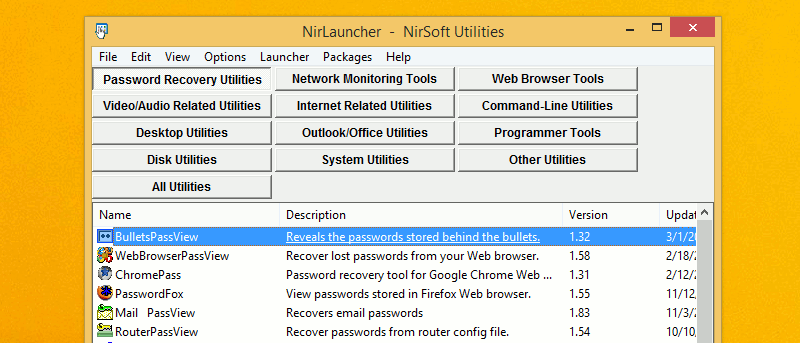
NirSoft has some of the best free and portable Windows utilities; it’s the perfect software library. Here are 15 NirSoft Utilities for you to check out.
EMET (Enhanced Mitigation Experience Toolkit) is one of the best and lesser known security tools by Microsoft. Here’s an in-depth look at how to use it.
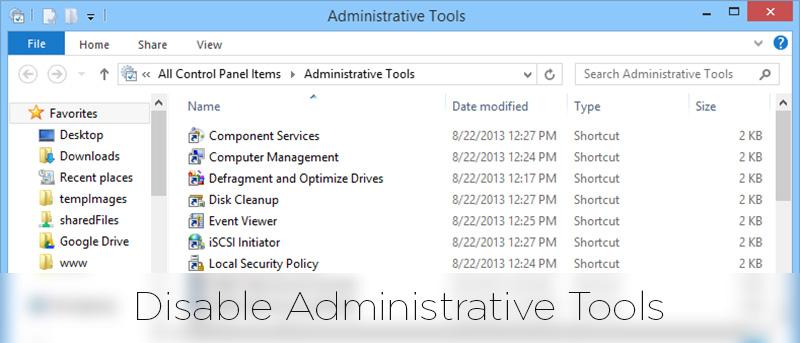
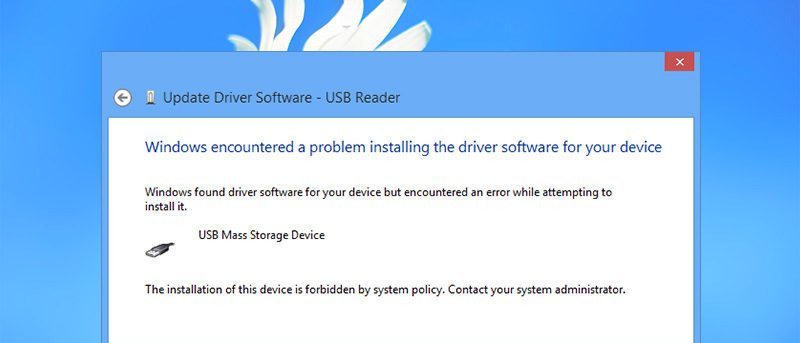
Blocking the installation of external removable devices renders them inaccessible and it is helpful in an organization environment. Here’s how it’s done.
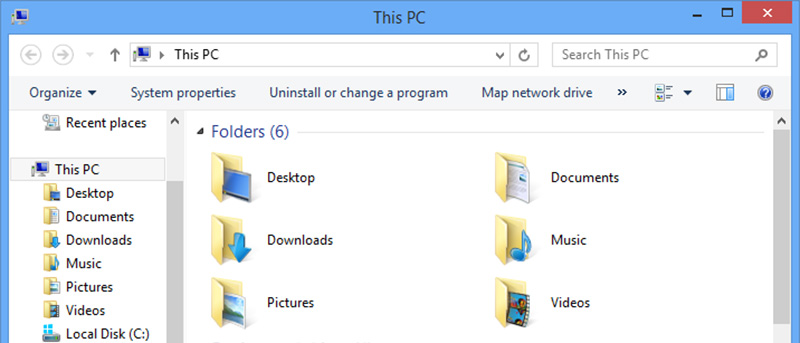
Microsoft replaced the classic toolbar UI with the Ribbon UI in Windows 8. For those who don’t like the Ribbon UI, here are a few hacks you can use to restore the classic toolbar UI.
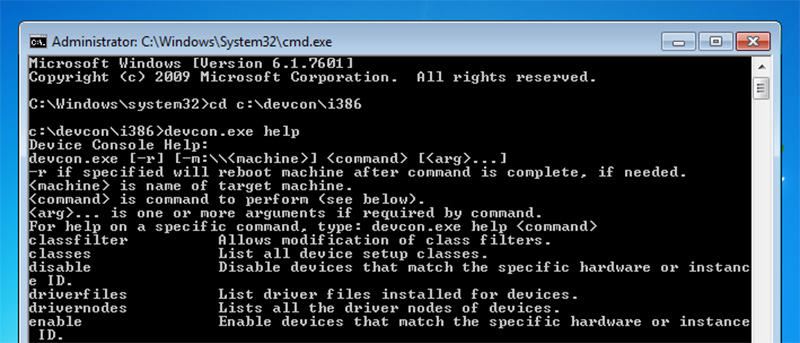
If you are in a server environment or want to control device drivers using the command line, DevCon is a good alternative for the regular Device Manager in Windows.
There are a few ways to get the BIOS version information in Windows, namely the command prompt, power shell, registry and System Information tool in Windows. Check out the details here.
If you have installed a Windows update and your PC crashes as a result, here is how you can uninstall the Windows Updates and get your system back up and running again.