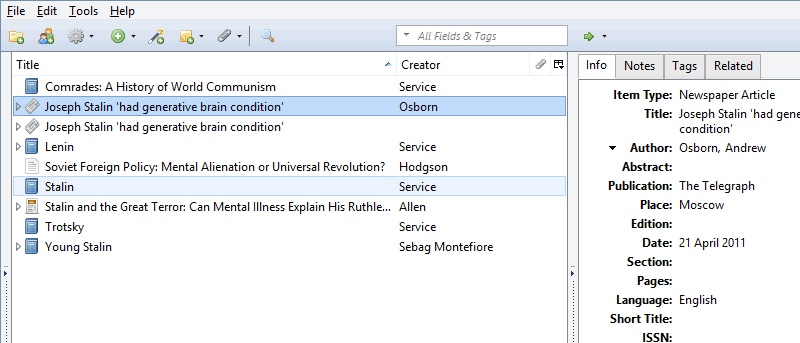
Zotero is the only research tool that automatically senses content in your web browser, allowing you to add it to your personal library with a single click.
The .NET Framework is, in truth, a vital part of many applications from around the Web, no matter their purpose. Read on to see exactly what that means.
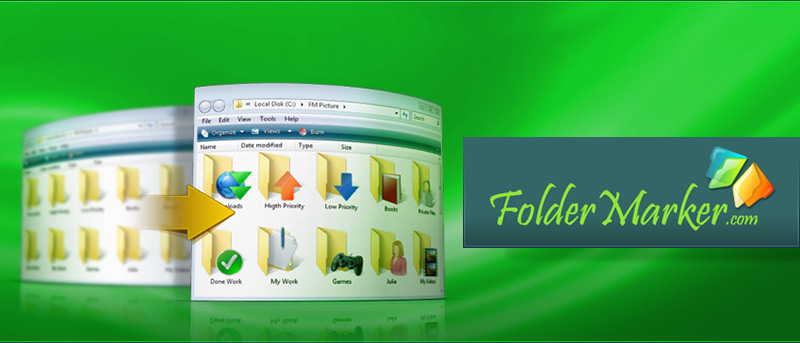
If you’re someone who likes to visually organize all your work and folders, FolderMarker will help to quickly change your Windows folder icons. Here’s how.
The Ask toolbar and Ask.com search bar are notorious for hijacking your browser by redirecting all the traffic to its search engine. Here’s how to stop that.
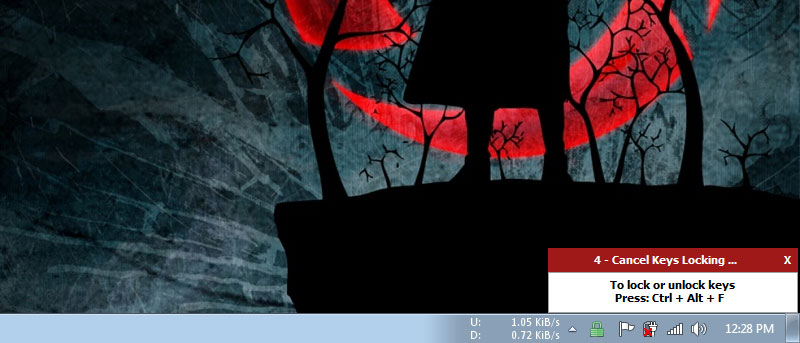
There are times when you just want to lock your Windows keyboard and mouse but not the screen. This is when the app BlueLife KeyFreeze truly comes in handy.
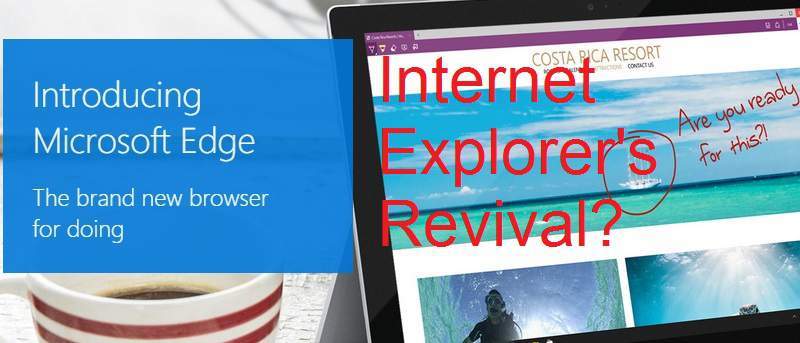
Edge is a brand new browser built to give you a better web experience with web notes, reading mode & more. Is it enough to put Microsoft back in the game?
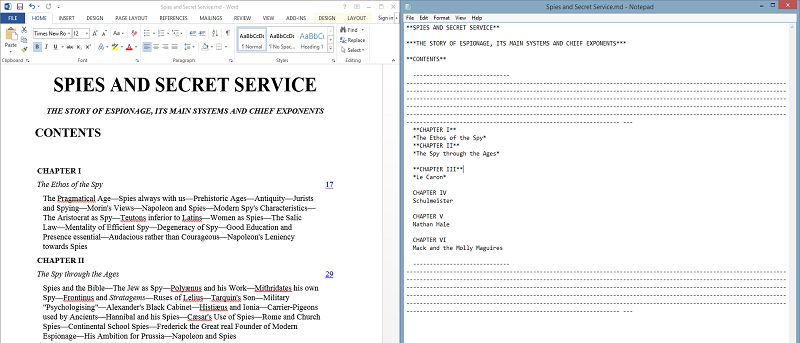
Writage, a plugin for writing Markdown in Microsoft Word, is perfect if you prefer Word’s rich interface & features, but is it the best option? Let’s find out.
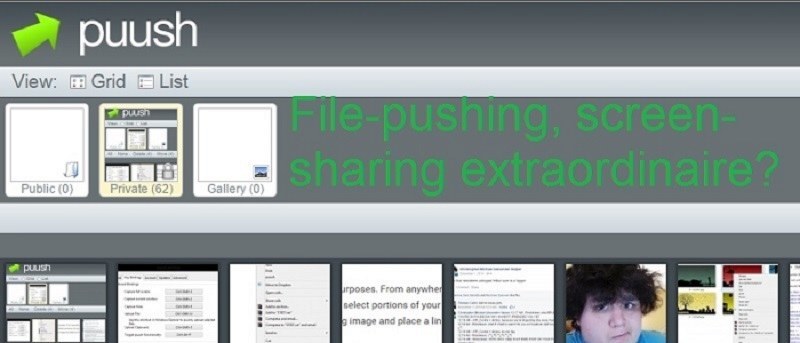
Puu.sh is a quick & simple way to share screenshots on Windows, Mac OS X & iOS. It’s also a free, file-pushing cloud storage app. Here’s an in-depth look.
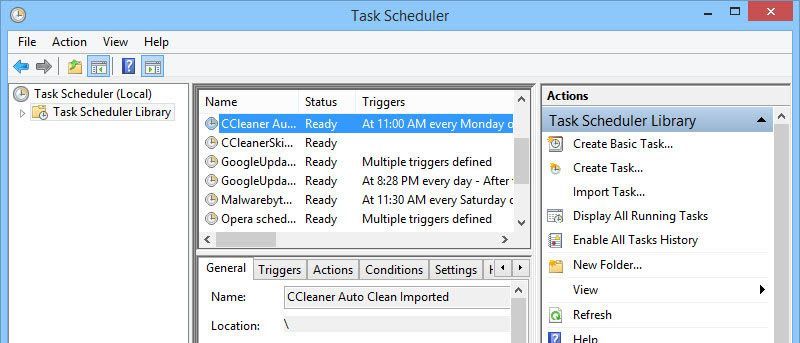
There are plenty of things you can do with the Windows Task Scheduler, except that you can’t rename created tasks. Here is how you can do so in Windows.
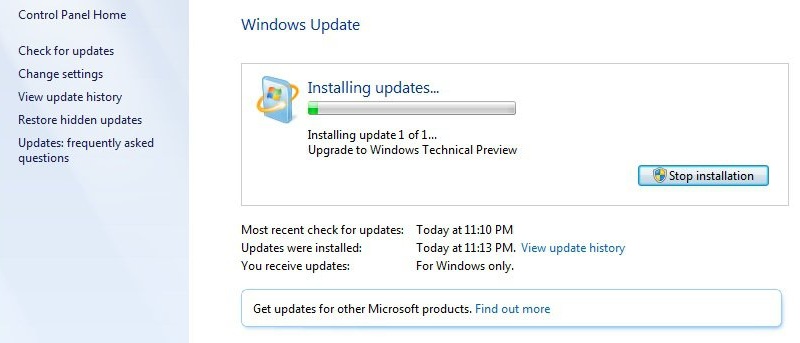
The upcoming release of Windows 10 might lock out older PCs that do not support the DRM technologies to watch 4k movies. Here is what you need to know.
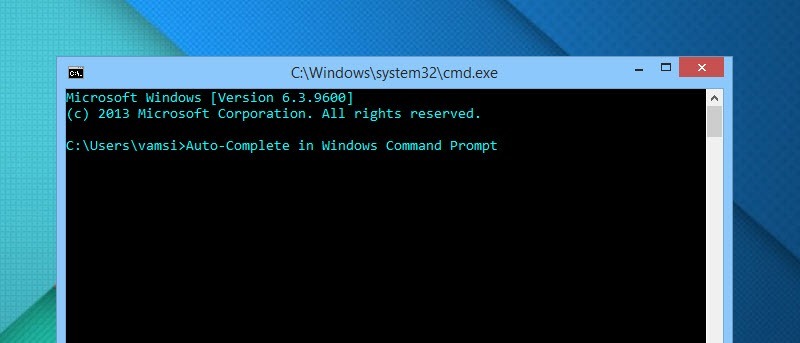
Windows Command Prompt lacks several features out of the box and auto-completion is one of them. Here’s how to enable it both temporarily and permanently.
Windows has a computer management setting that extends control over user creation & management. Here’s how to effectively create & manage user accounts.
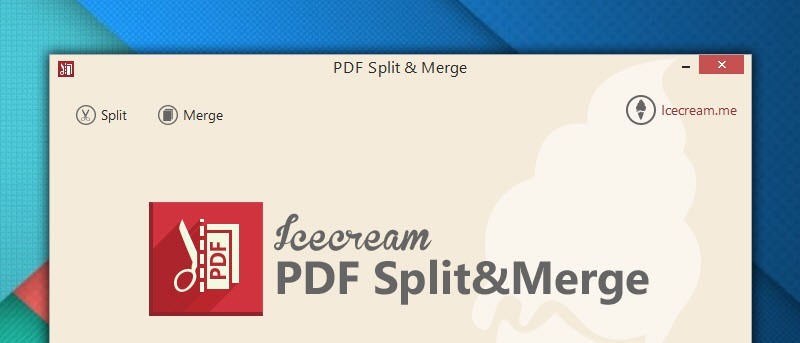
Are you looking for ways to split your PDF files or merge multiple PDFs into one document? Icecream PDF Split & Merge can get this done easily. Check it out.
When installing software in Windows, delivery can occur in a few formats: mainly .exe and .msi. What is the difference between the two? Let’s find out.