Did you know your photos give out personal info about you and your location? Luckily it’s easy to fix; here’s how to remove the metadata from your photos.
If you are having an issue with a program, your last resort to fixing it is often resetting it to its default settings. Here’s how to do that in Windows.
When you set a policy in the Local Group Policy Editor it will affect the whole system and all users by default. Here’s how to change that behaviour and tailor it for specific users.
Did you know your PC might be using unnecessary power? Luckily, you can use Windows’ built-in power options to make your PC use less power. Here’s how.
Looking to keep your Windows 10 background fresh with a new wallpaper every few minutes? Then slideshow wallpaper is perfect. Best of all, you can shuffle it!
Want to disable or remove the shutdown button from the Windows 10 login screen to prevent other users from shutting down your PC? Here’s how to do that.
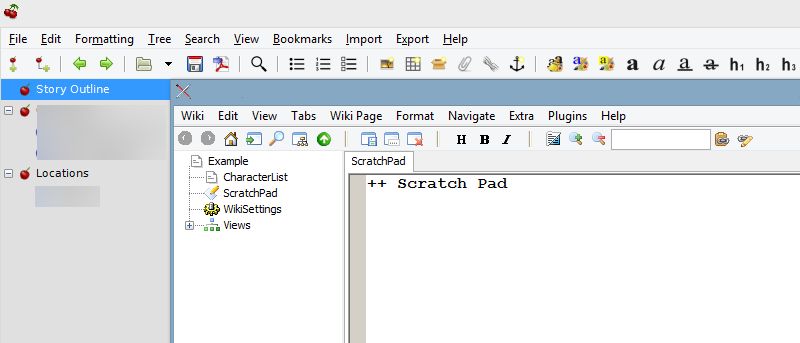
We’ve already outlined three of the best direct replacements for Notepad in a previous article. However, if you are looking for more options, here are some text editors that deviate from Notepad’s fundamental design.
AutoPlay in Windows enables you to configure how an external device or drive behaves when you plug it in. Here’s how to set Autoplay defaults in Windows 10.
There may be times when you need to securely delete your data on your hard drive so that it is not recoverable. Super Eraser does that and leaves no traces. Check it out.




![What is Adaptive Brightness and How to Easily Disable It [Windows 10]](https://maketecheasier.com/wp-content/uploads/2016/05/W10_Adap_Bright_featured.jpg?width=400&height=225&aspect_ratio=16:9)