PlayStation Now launched on the PC, letting Windows users play hundreds of PS games on their rigs. Here we have the answers to some of the biggest questions about it.
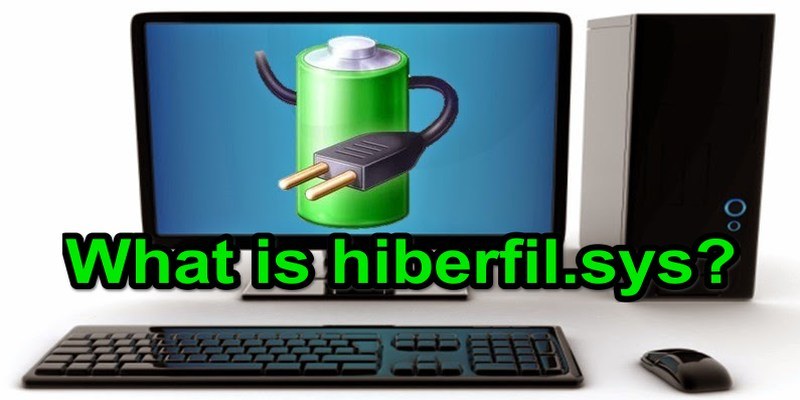
You might have came across a gigantic hiberfil.sys file in your PC and wondered if you could delete it. Let’s find out what is it and how you can handle it.
For testing it is recommended to use a virtual machine so any fatal changes won’t affect your main system. Here are some virtual machines for Windows 10 that you can use.
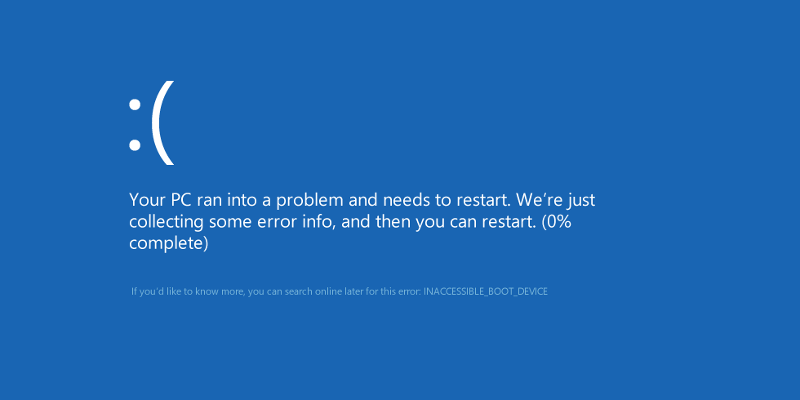
Have you been using your computer as normal when the blue screen of death suddenly appears, and the computer automatically restarts? Here’s how to debug it.
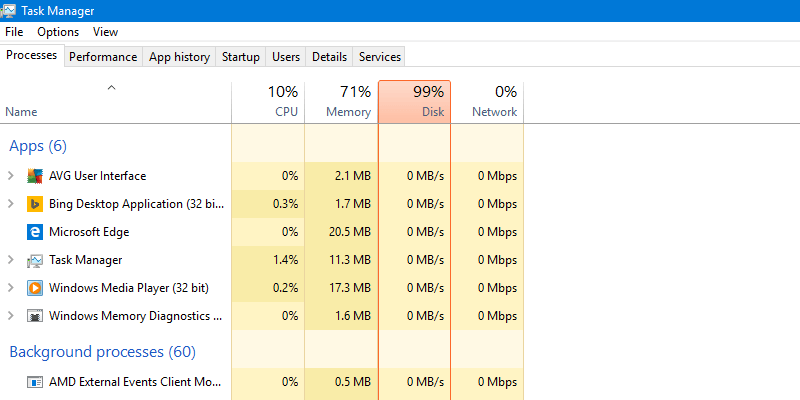
100% Disk Usage is a problem that’s affected users across Windows 7, 8, and 10, and usually stems from one of a number of background processes. Here are some of the ways you can use to fix it.
Want an easy way to create restore points in Windows 10? Here’s how to create a shortcut that lets you create a restore point via a simple double-click.
Installing the Anniversary update is not a smooth process for all. Here are some of the common Windows 10 Anniversary Update problems you might face and how to solve them.
It can be annoying if Windows never stops installing the same update. Here is how you can stop Windows from installing the same update over and over again.
There are several improvements in the Windows 10 Anniversary update, one of which is Action Center and notification priorities. Here’s how to set it up.
Microsoft enabled Cortana by default in the Windows 10 anniversary update. If you don’t use Cortana, here is how to completely disable Cortana in Windows 10.
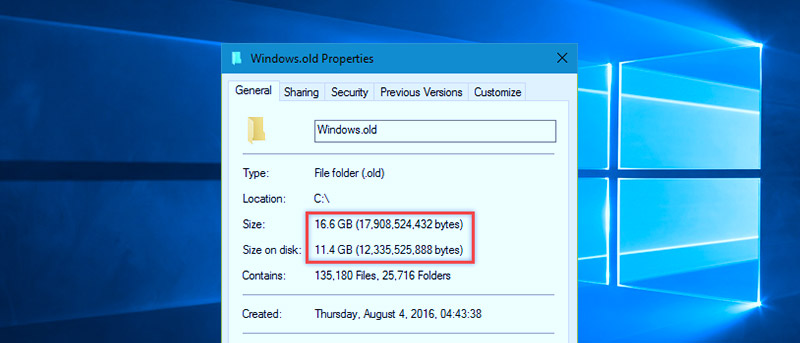
After a system upgrade, you often find a windows.old folder that is taking up some space. Here is what the “windows.old” folder is and how to remove it.