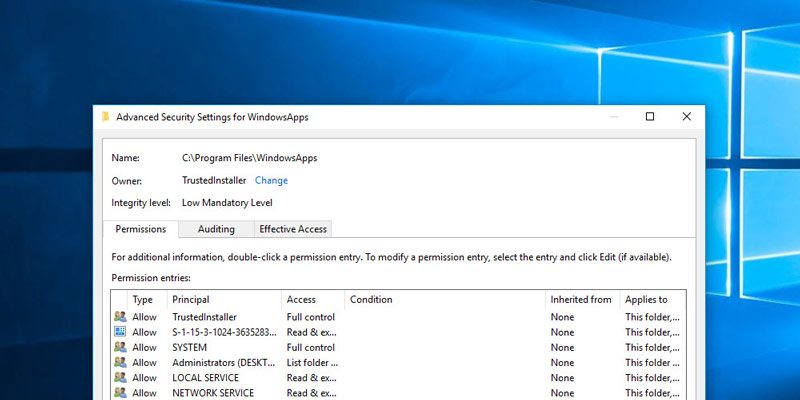
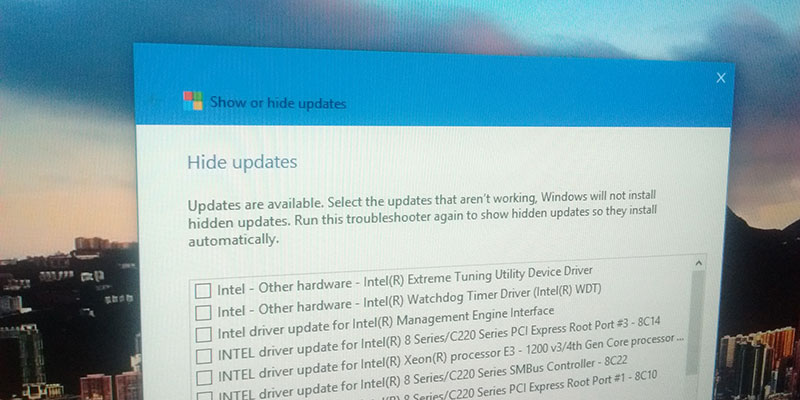
There are times when you take ownership of a system file, and it causes the system to be unstable. Here’s how you can restore the ownership to TrustedInstaller in Windows 10.
Extending a hard drive partition sounds like a difficult task, but luckily it’s not. Here’s how you can easily extend a hard drive partition in Windows 10.
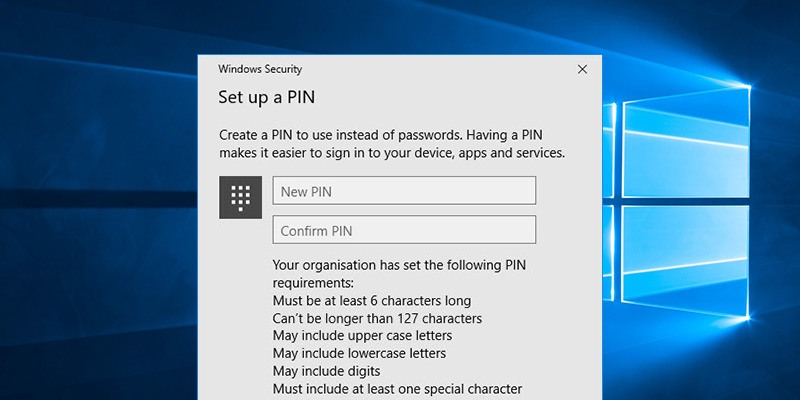
Microsoft allows you to log in to Windows using a PIN, which some of you might find insecure. Luckily, you can add PIN complexity to the Windows 10 login PIN to increase its effectiveness.
Even though Microsoft is actively pushing Windows 10, its market share is still far behind Windows 7. Did Windows 10 flop? How did things get this way?
Setting the accent color in Windows 10 will apply it to the Start menu, taskbar, title bar, etc. This trick will show you the way to apply the accent color to the taskbar only.
Windows 10 comes with a way for you to manage and change app permissions so you can fine tune and grant the app the appropriate permissions. Here’s how to do that.
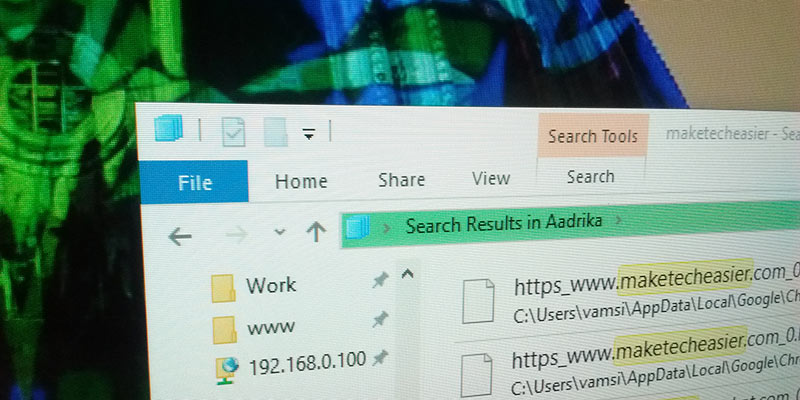
Windows 10 comes with an Indexing option for you to quickly search your files. Here are some of the ways to optimize Windows Index for better performance.
For most system administrators, Remote Desktop is one of the most used features in Windows. Here is how you can secure the remote desktop with the credential guard in Windows 10
Uninstalling programs in Windows is usually more than just click the Uninstall button. Here we will show you how to completely remove programs in Windows, without any third party tool.
Delete the wrong file by accident or have an important document go missing? Have no fear, EaseUS Data Recovery Software will save the day by recovering it for you.
The lock screen in Windows 10 is not very useful and requires more work to log in to your PC. Here are three ways to disable the lock screen in Windows 10.
There are many apps in Windows 10 that need access to your location. Here is how to set a default location in Windows 10 so the system will always return a location to your app.
YouTube is prone to the occasional bit of crashing, which for a lot of people has resulted in the BSoD (Blue Screen of Death) or garbled videos. Here’s how to stop this from happening.