Changing your default DNS server can boost your security, privacy, and speed. This article explains why you should change your DNS server and how to do so in Windows.
Erasing a file is a straightforward task, but sometimes the wrong files can be deleted. If there is a folder that you don’t ever want to erase, creating an undeletable folder is your best bet.
Windows 10 is a well streamlined beast, but over time it can start to become agonizingly slow to boot. These are the best ways to make Windows 10 boot faster.
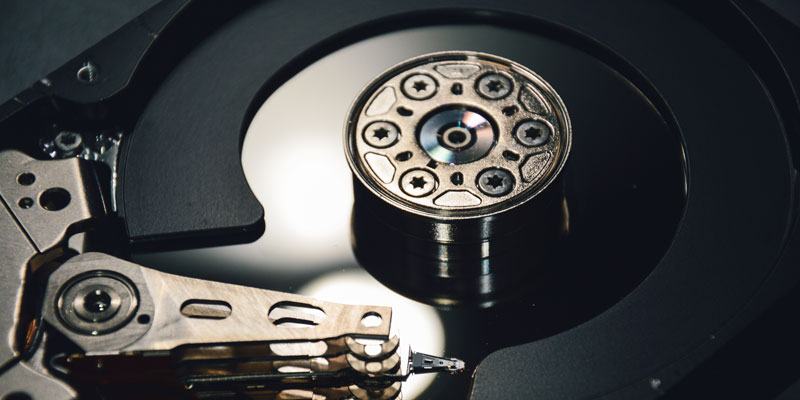
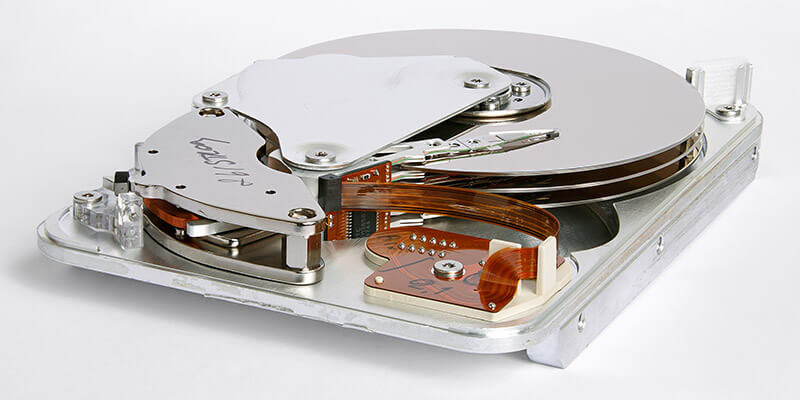
The process of formatting your hard drive may sound daunting, but it’s actually fairly easy to do. Here we’ll tell you everything you need to know about formatting a hard drive on Windows 10 and how to do it.
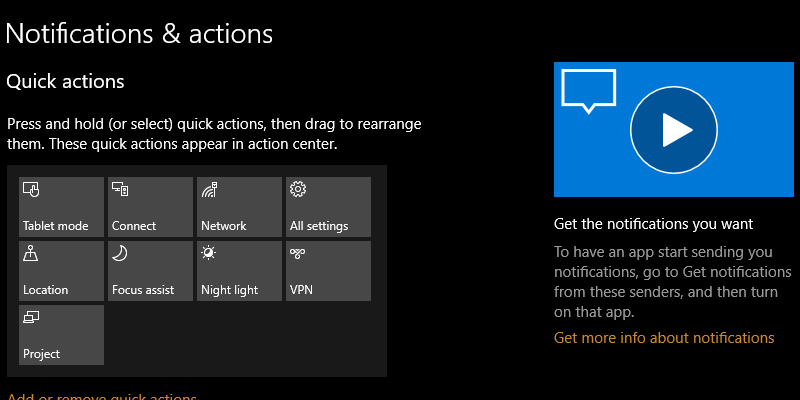
Windows 10 Fall Creators update comes with a new tips section on the right side of every page, but unless you are a complete beginner, you may not be using these tips that often. Here’s how to remove the tips from the Windows 10 Settings app.
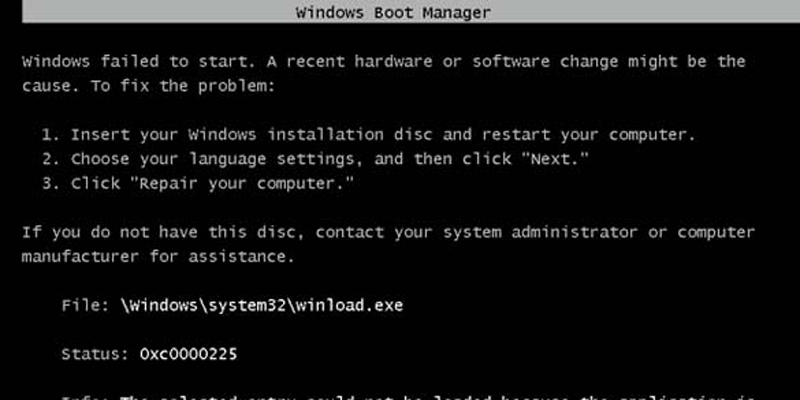
Those experienced in Windows will probably have experienced errors in the MBR (Master Boot Record) at some point. Here’s how to fix MBR errors in Windows 10.
One improvement in the Windows 10 Fall Creators Update was the addition of cross-device web browsing functionality. The feature “Continue on PC” feature connects your PC to your phone so you can share web pages between them.
Windows 10’s various power options won’t let you squeeze every bit of performance out of the system you have. A new Ultimate Performance feature introduced by Microsoft in Windows 10 can change all of this.
Microsoft is always on the lookout for ways to make Windows 10 a better operating system. The latest edition, Windows 10 Pro for Workstations, is powerful and one of a kind. Read on to learn more about Windows 10 Pro.
When you want to restrict a user from logging into their account, you can disable the user account instead of deleting it. Here are two different ways to disable a user account in Windows 10.
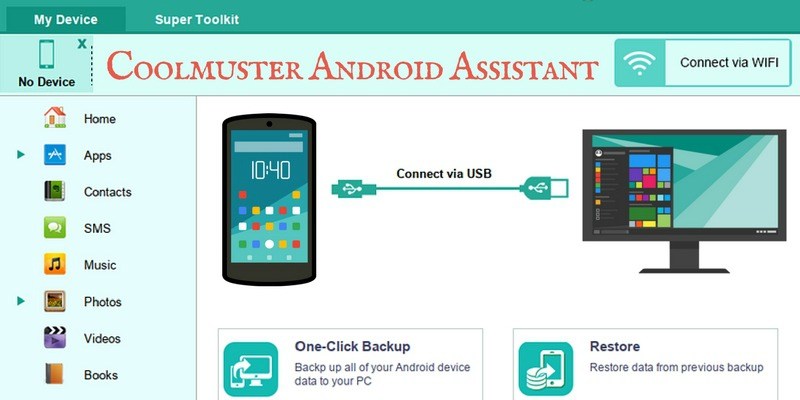
Deleted important data or files from your Android device by accident? Don’t worry, Coolmuster is an all-in-one solution for backing up, restoring, and managing your Android’s data and files.
In Windows, the virtual desktop feature has been ignored for long enough, as it only became a standard feature in the Windows 10 iteration. Learn how you can make use of the Virtual Desktop feature in Windows 10.
One of the new features in Windows 10 is the “My People” feature which was implemented in the Fall update. It’s a useful tool that gives you easier access to your favorite contacts. Let’s take a look at this new feature and see what can be done with it.
Occasionally, your PC’s screen goes totally black and after a while turns back on again. A small notification bubble will inform you that the display driver has stopped responding and had recovered. So what just happened, and how do you fix it?
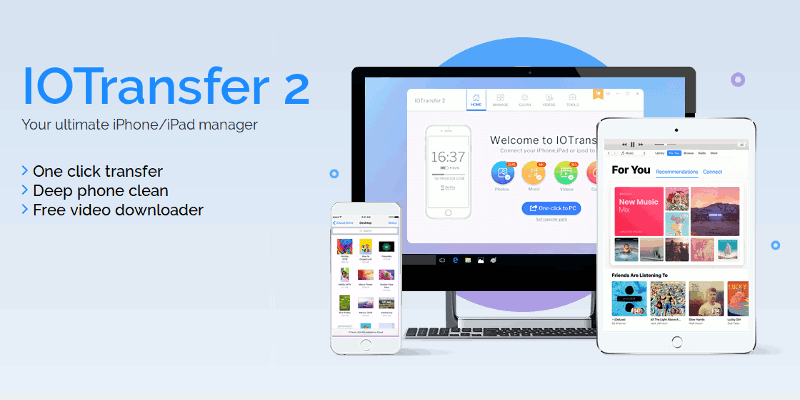
If you’re dissatisfied at the level of access you have to your files on your iOS device, then join the club. Lots of Apple fans love the kit but loathe the ecosystem. One of the best ways out of the ecosystem is to go for a third party iPhone transfer software like IOTransfer 2.
Windows comes with plenty of options to configure the mouse settings and enhance the mouse experience. Here are some mouse tweaks you can use to become more productive.
These days, a second monitor is standard procedure in many a PC setup, but what if it stops working or Windows doesn’t detect it any more? Here we have the best fixes for this common problem.
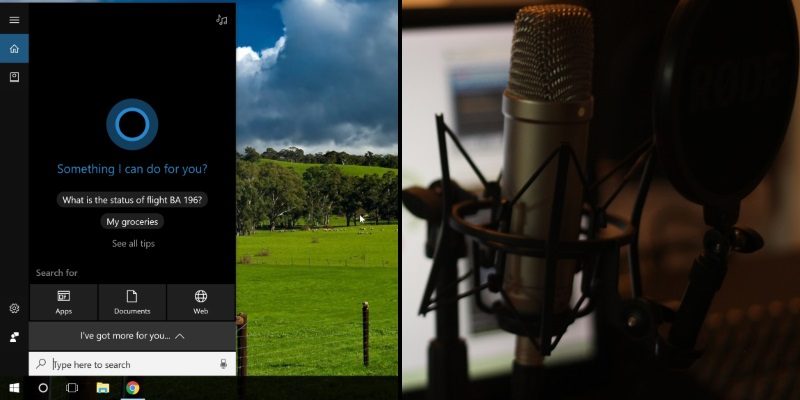
The Windows 10 Fall Creator’s Update brought in some new features for Cortana. Check out the new “Talk to Cortana” feature and see if it encourages you to try voice commands in Windows 10.
On a shared computer it is very easy for the hard disk space to be filled with all kinds of data. In such situations you can set a disk quota and limit how much space a user can use on a partition.