You can easily create stunning time-lapse videos from your collection of photos without any expensive or complex video editing software.
By Karrar Haider – Jul 24, 2025
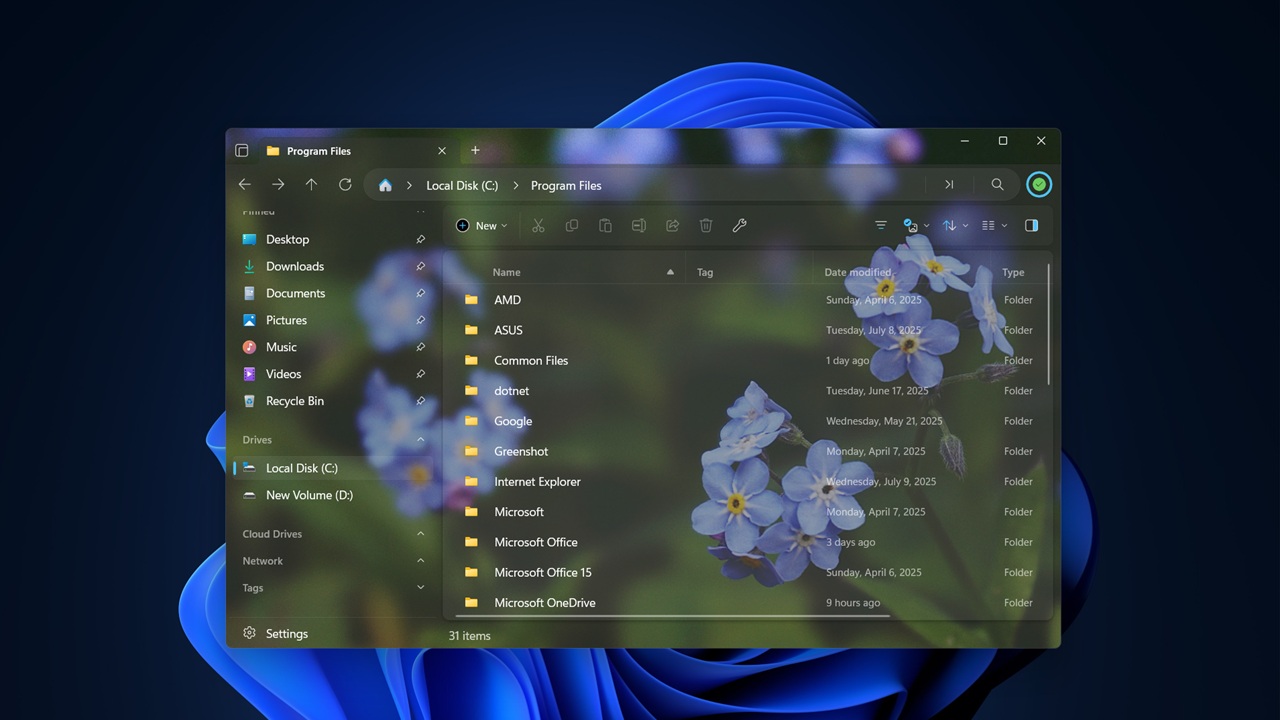
Files is a File Explorer alternative designed to streamline your file navigation experience on Windows.
By Alexandra Arici – Jul 23, 2025
If your PC storage is always full for no reasons, the following app data are the culprit!
By Karrar Haider – Jul 22, 2025
Prevent Windows from misidentifying your GPU as removable hardware and say goodbye to that irritating eject option for good.
By Karrar Haider – Jul 21, 2025
Explore all the alternative ways of opening up Device Manager in Windows.
By Sayak Boral – Jul 18, 2025
For enhanced protection, you can consider enabling the following Windows 11 security features.
By Karrar Haider – Jul 17, 2025
You can do all kinds of things from Command Prompt.
By Sayak Boral – Jul 16, 2025
You can now uninstall the default Windows apps with the Digital Markets Act features.
By Karrar Haider – Jul 10, 2025
If you’d rather keep Chrome away from your system’s deeper specifications, you can block these checks.
By Karrar Haider – Jul 9, 2025
With some free apps and a quick setup, you’ll be typing on your PC using your laptop keyboard.
By Karrar Haider – Jul 8, 2025
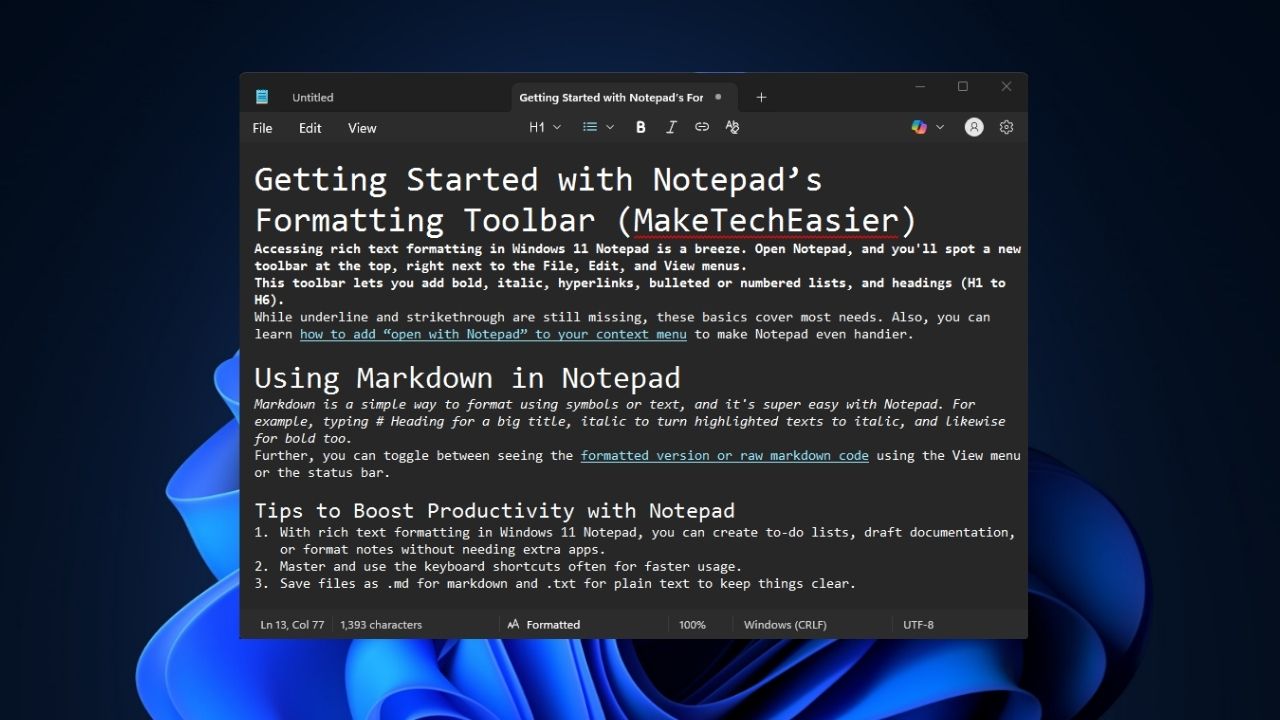
Windows Notepad now supports markdown and rich-text formatting, making it more useful than ever.
By Henderson Jayden Harper – Jul 7, 2025
It may seem easy, but there are many ways to do it that it may be confusing to find out which method is the best for you.
By Sayak Boral – Jul 5, 2025
FileFix attack can compromise a Windows system to deploy ransomware attacks, harvest credentials, and even install new malware. Learn how to protect your PC
By Karrar Haider – Jul 4, 2025
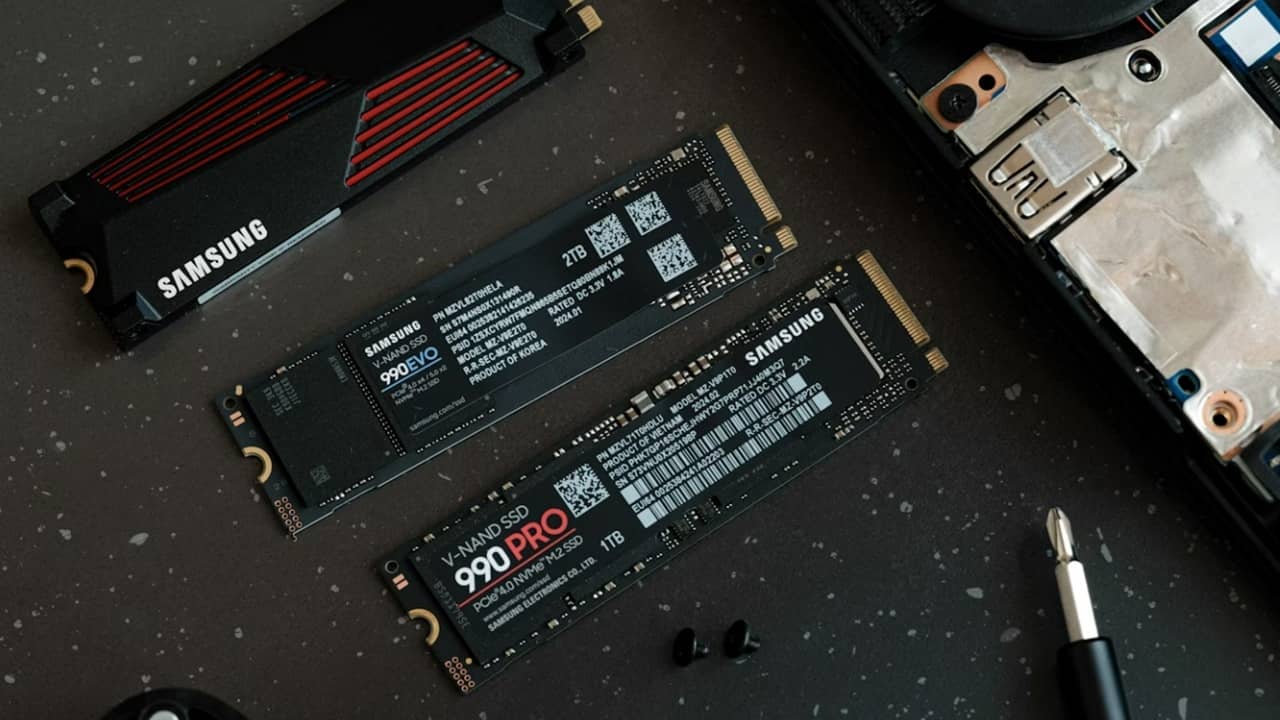
When using an SSD in Windows, there are a variety of ways to help extend SSD life to get more out of your PC and drive.
By Crystal Crowder – Jul 4, 2025
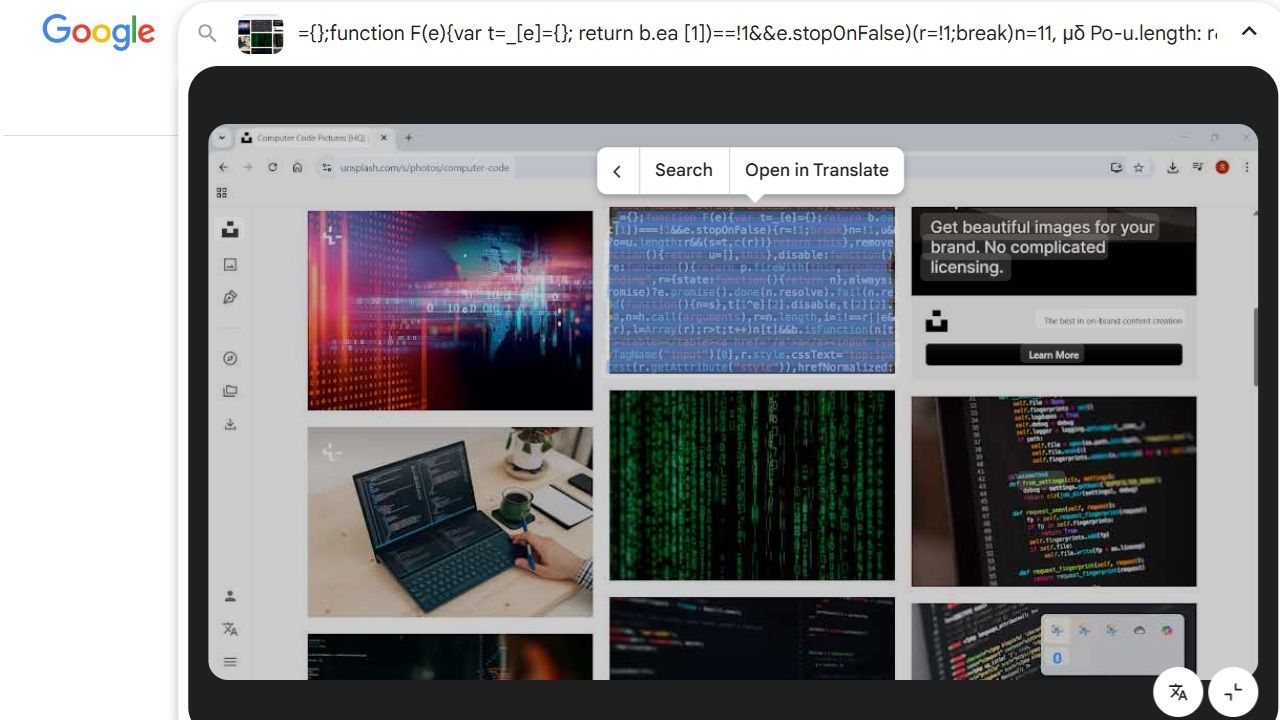
If you love Google’s Circle to Search on Android, you’ll enjoy this Snipping Lens app.
By Sayak Boral – Jul 3, 2025
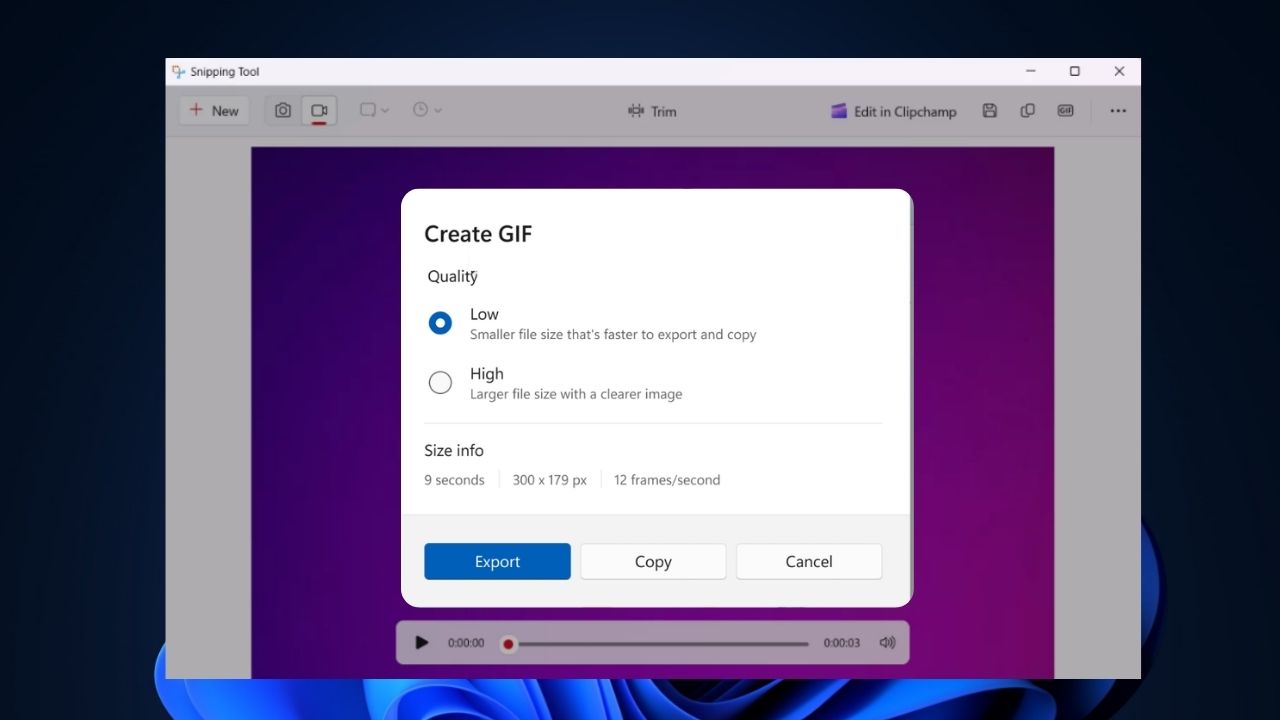
You can now record your screen as GIF in Windows without additional tool.
By Henderson Jayden Harper – Jun 29, 2025
Formatting your USB drive lets you switch the file system for better device compatibility or to handle bigger files, removes malware, and boosts performance by refreshing the file setup.
By Sayak Boral – Jun 28, 2025
Easily switch between DNS and improve performance and privacy without any hassle.
By Karrar Haider – Jun 27, 2025
Microsoft is offering a way to let you continue receiving Windows 10 updates. But, you’ll have to do one of three things first.
By Crystal Crowder – Jun 26, 2025
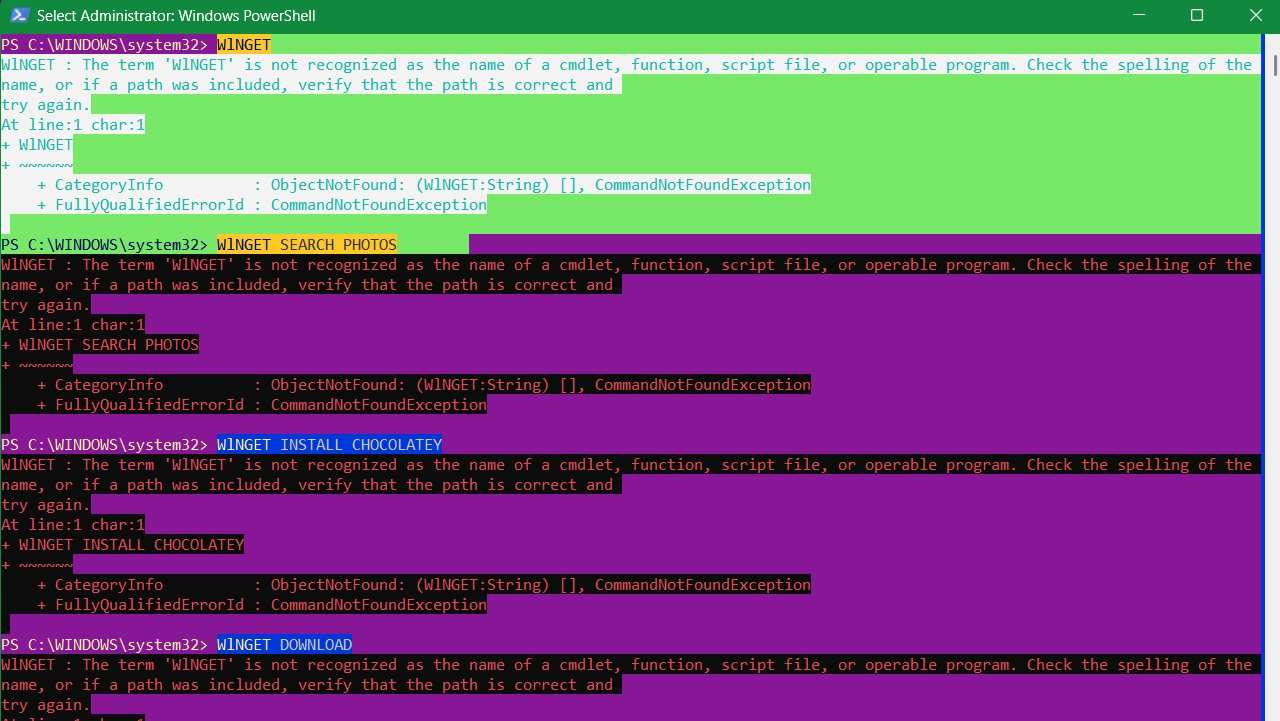
Learn how to get Winget working again.
By Sayak Boral – Jun 25, 2025
Pagination
Affiliate Disclosure: Make Tech Easier may earn commission on products purchased through our links, which supports the work we do for our readers.