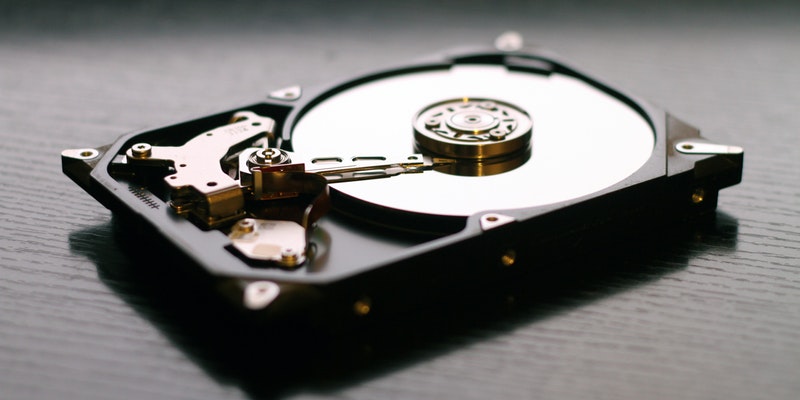
A disk collision can occur when you run two or more disks with the same disk signatures together. Here’s how you can fix the disk collision error in Windows.
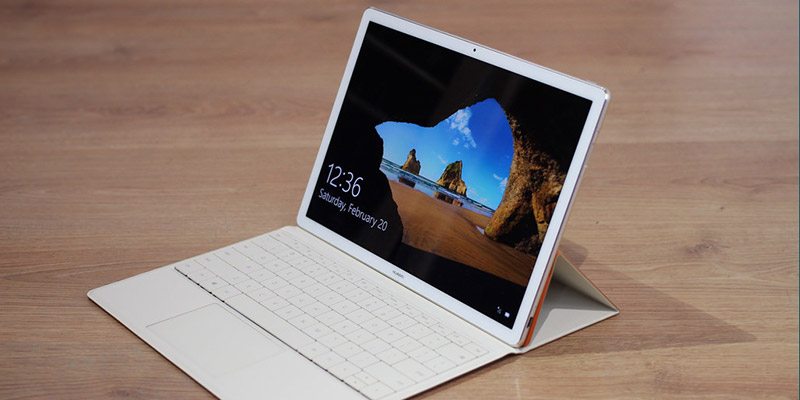
None of your data is considered secured anymore once your laptop is stolen. Here are some methods you can use to remote wipe your Windows PC and make it useless.
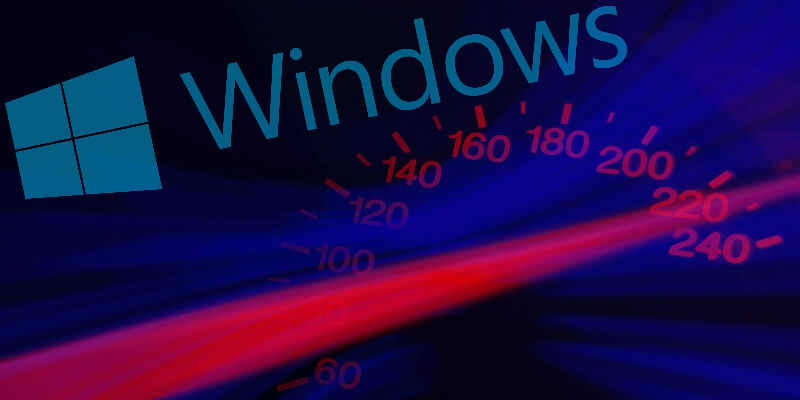
Do you wish you could make Windows 10 run faster? Windows is notorious for slowing down with time. Here are seven tips to make your Windows 10 run faster.
Microsoft now lets you install Microsoft apps remotely on its web store. All of your your devices will need to be connected to the same Microsoft account.
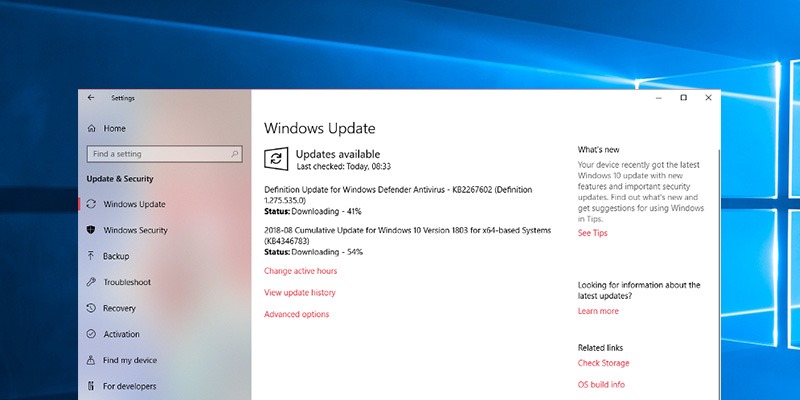
In October 2018 Windows 10 will receive a major update. This update will remove, move, or stop development on some of the features currently within Windows 10.
These days it’s almost impossible to be productive on a single monitor. Learn how to set up multiple monitors in Windows 10 to maximize your productivity.
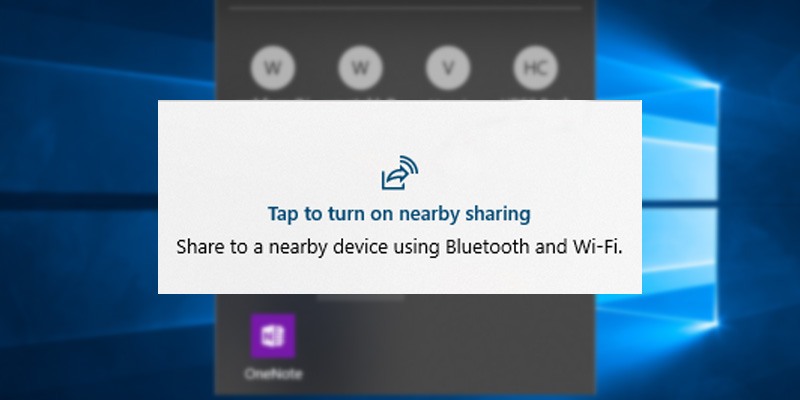
If you don’t want your Windows 10 machine to be discoverable by other devices, one way to set that is to disable the shared experience feature in Windows 10. Learn how.
There are times when the taskbar doesn’t want to hide in Windows 10. If you have this issue, here are some ways for you to fix the taskbar not hiding issue.
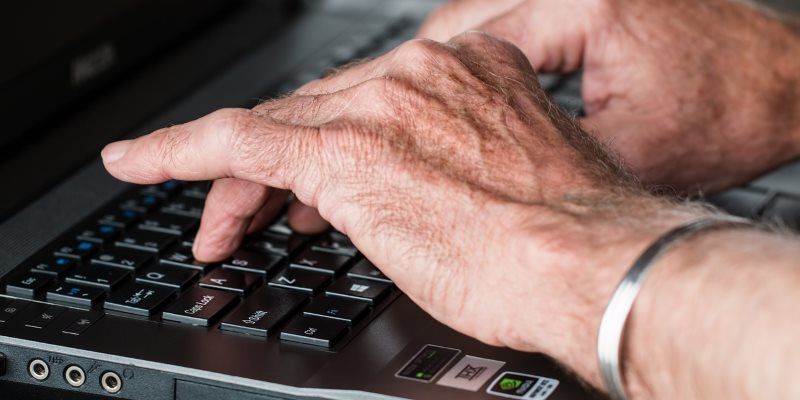
Windows 10 is a tricky operating system for seniors, and it can become overly complicated. Here’s how you can set up a Windows computer for senior citizens.
Windows 10 uses Bing as the default search engine in your Start menu search field. Learn how you can switch to Google as the default search engine in Windows.
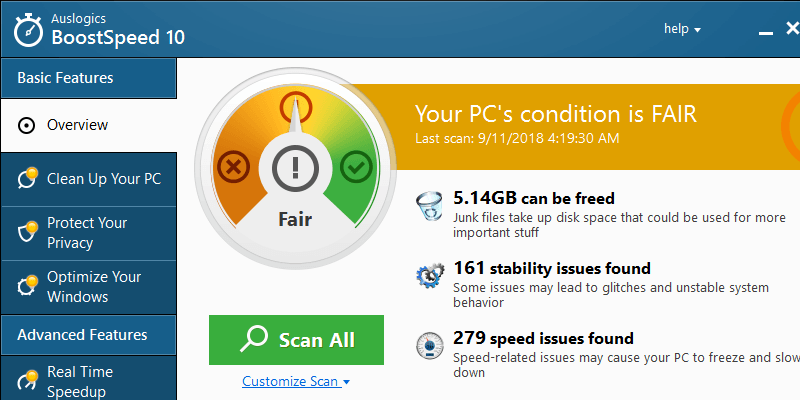
If your PC is getting slower, and you have no idea what is causing this, Auslogics BoostSpeed 10 is a system optimization tool to boost your PC performance.
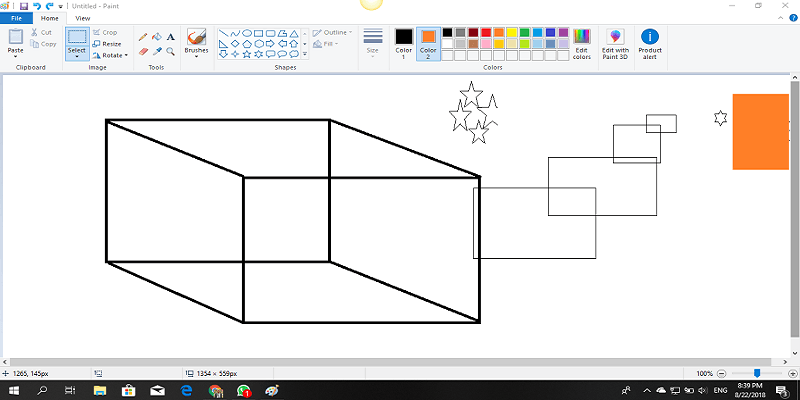
There are plenty of features added to Microsoft Paint in Windows 10. Here is some cool stuff you can do in MS Paint to turn it into proper image-editing software.
If you are a Window user and are new to Python, learn how you can easily set up Python on Windows 10 and have it up and running in a couple of minutes.
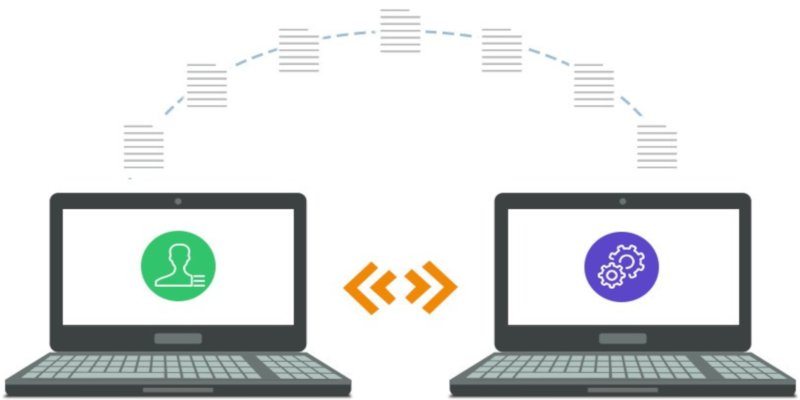
While changing computers, you can easily move your data but not the installed programs. Here is how to transfer installed programs from one Windows PC to another.
If you prefer to use the command prompt rather than the File Explorer in Windows, these are some useful commands to manage files in the command prompt.
Windows is good at auto-restarting your PC when you least expect it. Here is how you can change the auto-restart settings in Windows so you don’t get unwanted surprises.
It’s only recently that Windows started supporting HDR display technology. You can now enable HDR in Windows 10 and see the improvement in color depth and accuracy.