Have you ever encountered a WIM file in Windows 10 and didn’t know what to do with it? Learn how you can open a WIM file in Windows 10.
By Don Sharpe – Mar 18, 2021
Windows 10 updates can mess up at times. Here are a few ways to troubleshoot Windows 10 update installation problems to fix your PC.
By Crystal Crowder – Mar 17, 2021
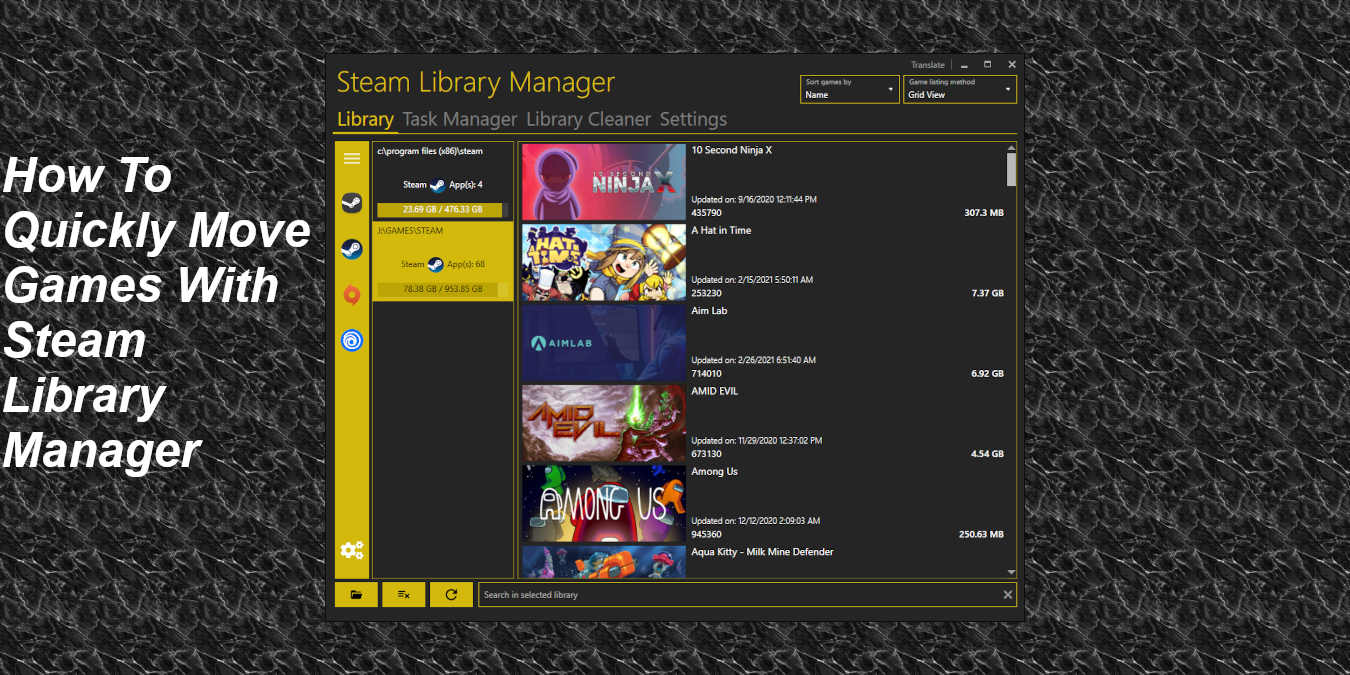
Steam Library Manager allows users to move Steam games between drives much more quickly than the Steam client. Here’s how it works and how you can use it.
By Christopher Harper – Mar 9, 2021
Faced with annoying CTF loader errors on Windows 10? Learn the causes and several possible ways to stop the errors from occurring.
By Crystal Crowder – Mar 5, 2021
Did you encounter an ASPX file and not know what to do with it? Find out what an ASPX file is and how to open it in Windows 10.
By Robert Zak – Mar 4, 2021
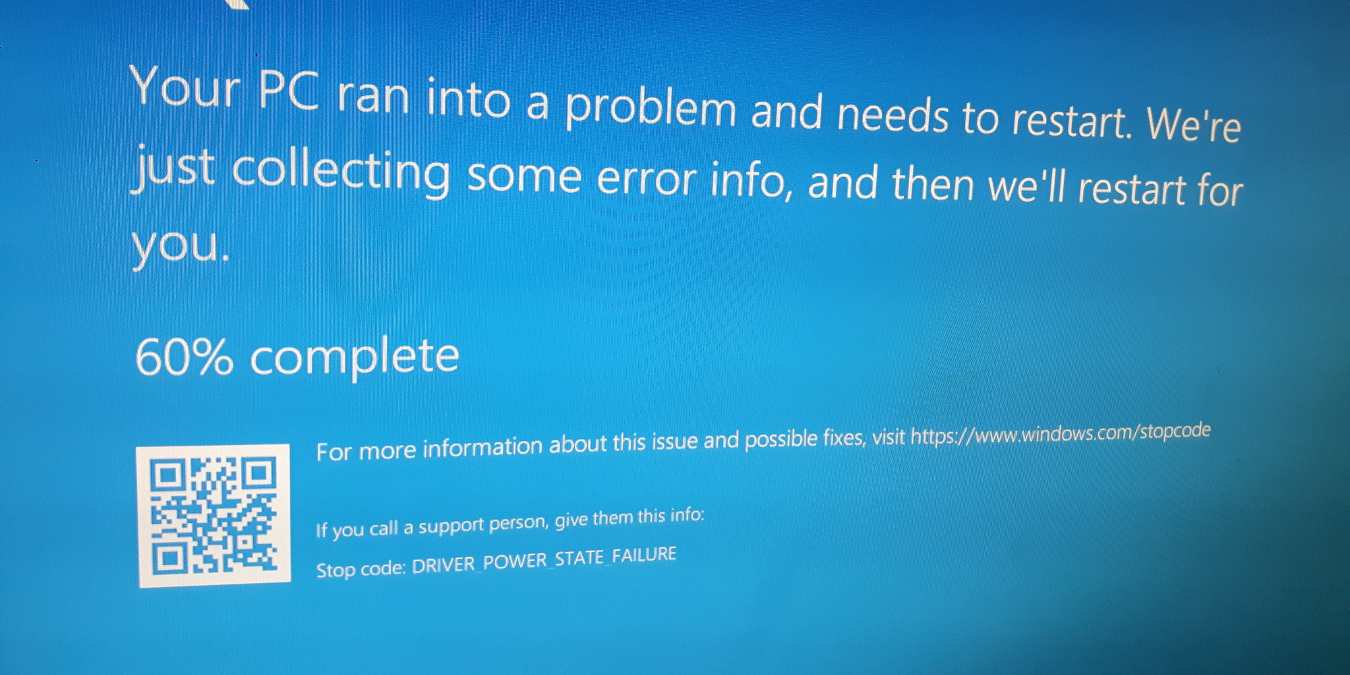
Dealing with a sudden BSoD in Windows 10? If it’s a driver power state failure error, learn what’s causing it and how to fix it to prevent this issue from happening again.
By Crystal Crowder – Feb 24, 2021
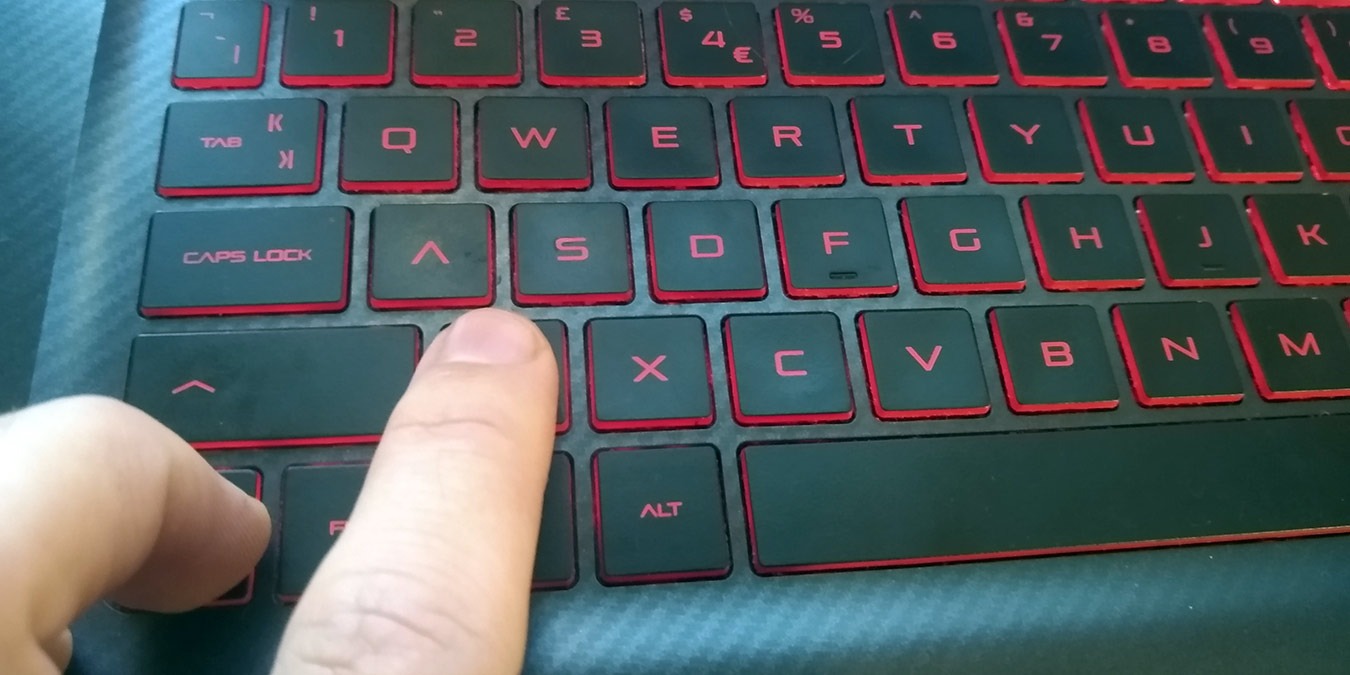
One keyboard shortcut that you should learn is Ctrl+Z, as It’s pretty much the perfect keyboard shortcut, letting you undo mistakes on all areas of your PC.
By Robert Zak – Feb 16, 2021
Want a super-quick way to open multiple sites in Windows 10 in one click? Learn how to save valuable time with this shortcut.
By Crystal Crowder – Feb 15, 2021
The PS4 Controller is probably one of the best gamepads in the world. Learn how you can connect a PS4 controller to your Windows PC to play PC games.
By Robert Zak – Feb 14, 2021
Want to quickly minimize a program to the system tray? Learn about several tools that let you send Windows 10 programs to the system tray.
By Crystal Crowder – Feb 12, 2021
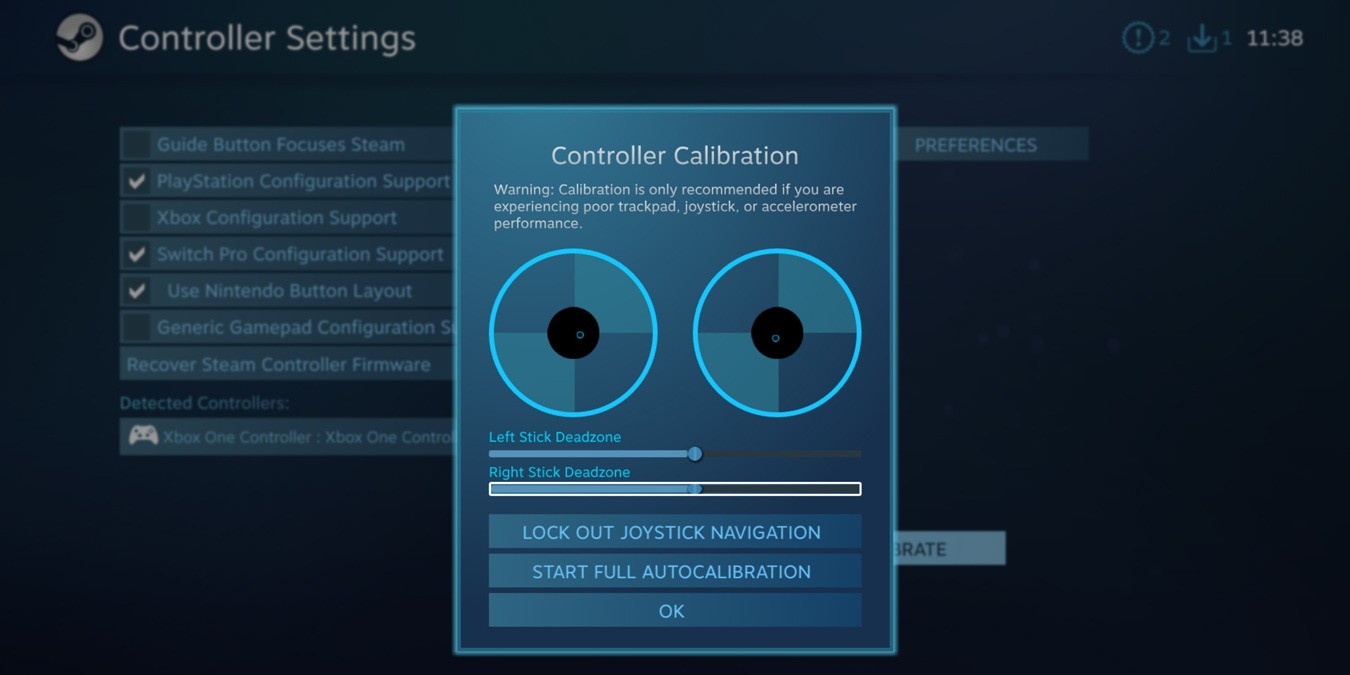
If your gaming controller starts to become out of sync and unresponsive, it is time to recalibrate it. Learn how to calibrate a gaming controller in Windows 10.
By Robert Zak – Feb 1, 2021
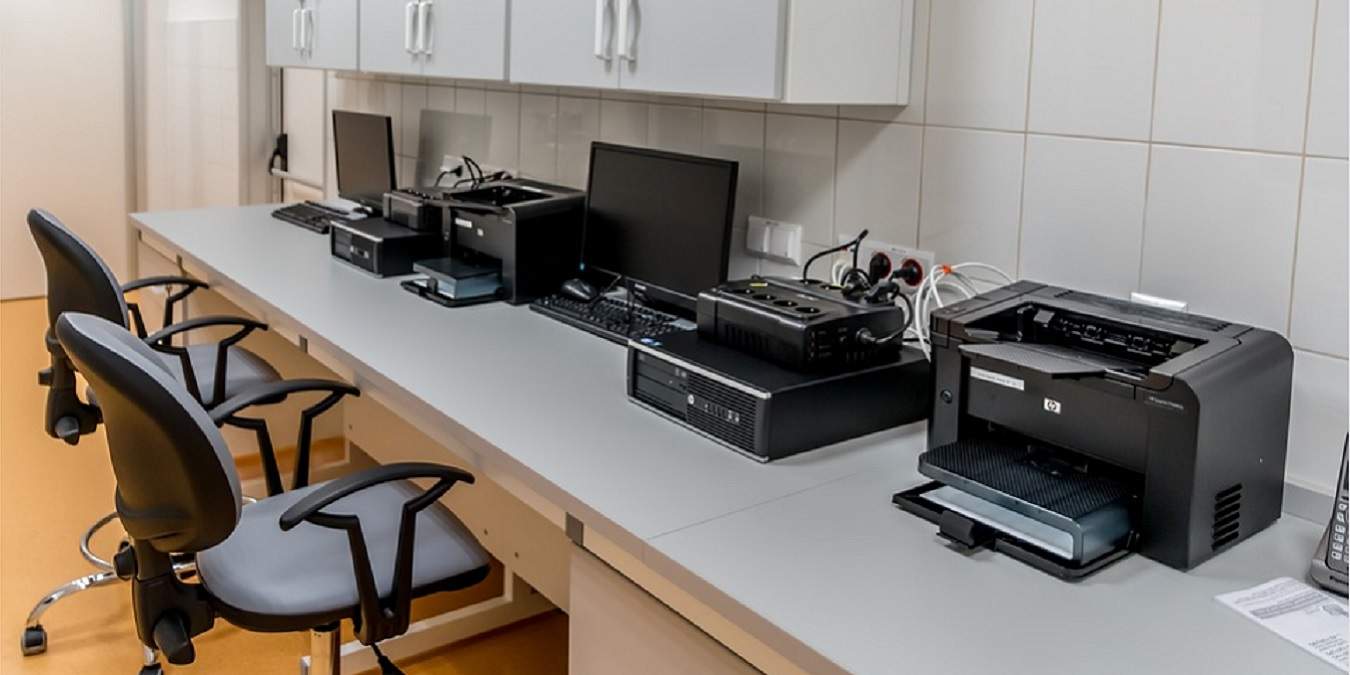
Tired of always choosing your printer each time you print something? Learn how to set a Windows 10 default printer instead and save time.
By Crystal Crowder – Jan 29, 2021
If you are using a Windows device with a small screen, with a few easy tweaks, you can easily maximize your screen real estate in Windows 10.
By Ryan Lynch – Jan 18, 2021
If you don’t need Windows 10 S anymore, learn how to switch Windows 10 S Mode to Windows 10 Home. This lets you bypass S Mode restrictions.
By Crystal Crowder – Jan 15, 2021
Want an easy way to recover Windows 10 if something goes wrong? Learn how to create a Windows 10 recovery drive to repair damage.
By Crystal Crowder – Jan 8, 2021
Windows 10 not working correctly? It may be time for a Windows rescue disk. Find out how Windows PE bootable disks work and which to use.
By Crystal Crowder – Jan 5, 2021
Focus Assist is an overlooked Windows 10 feature which increases your productivity by prioritizing notifications, alerts, and sounds.
By Sayak Boral – Jan 1, 2021
Chromium isn’t the most straightforward program to install on Windows. If you want to use it, here is how you can install Chromium in Windows.
By Mike Tee – Dec 26, 2020
Do you have a Mac and a Windows PC on the same network? Here we show you how to share files between a Mac and your PC.
By Jessica Thornsby – Dec 22, 2020
One of the most-=hated features in Windows 10 is its forced update. Learn how you can stop the Windows 10 forced update with these methods.
By Mike Tee – Dec 19, 2020
Pagination
Affiliate Disclosure: Make Tech Easier may earn commission on products purchased through our links, which supports the work we do for our readers.