While Microsoft does try to push the Edge browser and other apps, here you will learn how to change the Windows 11 default apps and browser.
By Sayak Boral – Aug 9, 2021
Do you dual boot Windows and Linux? Find out how to access Linux Ext4 partition from Windows and access your Linux files.
By Sayak Boral – Aug 6, 2021
Windows 11 is the buzz of the tech world right now. Let’s take a look at some of the biggest improvements you can expect in Windows 11.
By Sayak Boral – Jul 20, 2021
For the times you need to share files between an Android device and Windows computer, here are some of the easiest ways to do so.
By Robert Zak – Jul 14, 2021
Microsoft has announced Windows 11, and we are sure you have many questions about it. Here are the answers to the top FAQs about Windows 11.
By Mehvish Mushtaq – Jul 13, 2021
Scheduling a task in Windows is a good way to carry out repetitive actions. Here is how to use Task Scheduler to create tasks in Windows.
By Sayak Boral – Jul 13, 2021
Is your Windows laptop stuck in Airplane mode, and you can’t disable it? Here are some ways to disable Airplane Mode in Windows.
By Sagar Naresh – Jul 5, 2021
Do you like how Windows 11 looks? Learn how you can center the Windows 10 Taskbar icons to imitate the Windows 11 Taskbar style.
By Sagar Naresh – Jul 3, 2021
The Xbox Series S/X controller is a joy to use. Learn how you can connect the Xbox Series S/X controller to Windows and use it for PC gaming.
By Ryan Lynch – Jul 2, 2021
Want to allow a standard user to run a program with admin rights? You can easily do so with a custom desktop shortcut.
By Crystal Crowder – Jun 30, 2021
If you just got a new, better-quality microphone to use on your computer, learn how to properly set up an external microphone in Windows 10.
By Sayak Boral – Jun 17, 2021
Windows doesn’t let you change the default keyboard shortcut. Here’s a trick to change the default keyboard shortcuts in Windows 10.
By Robert Zak – Jun 15, 2021
The missing OneDrive icon on the Taskbar in Windows 10 means you can’t access OneDrive easily. Here’s how to restore the missing icon in the taskbar.
By Robert Zak – Jun 13, 2021
In this post, we give you some ways to disable the Windows key on your Windows 10 PC for uninterrupted gaming sessions.
By Sagar Naresh – Jun 11, 2021
Computer worms infect computers and networks around the world. But what are computer worms, and why should we pay attention to them?
By Crystal Crowder – Jun 7, 2021
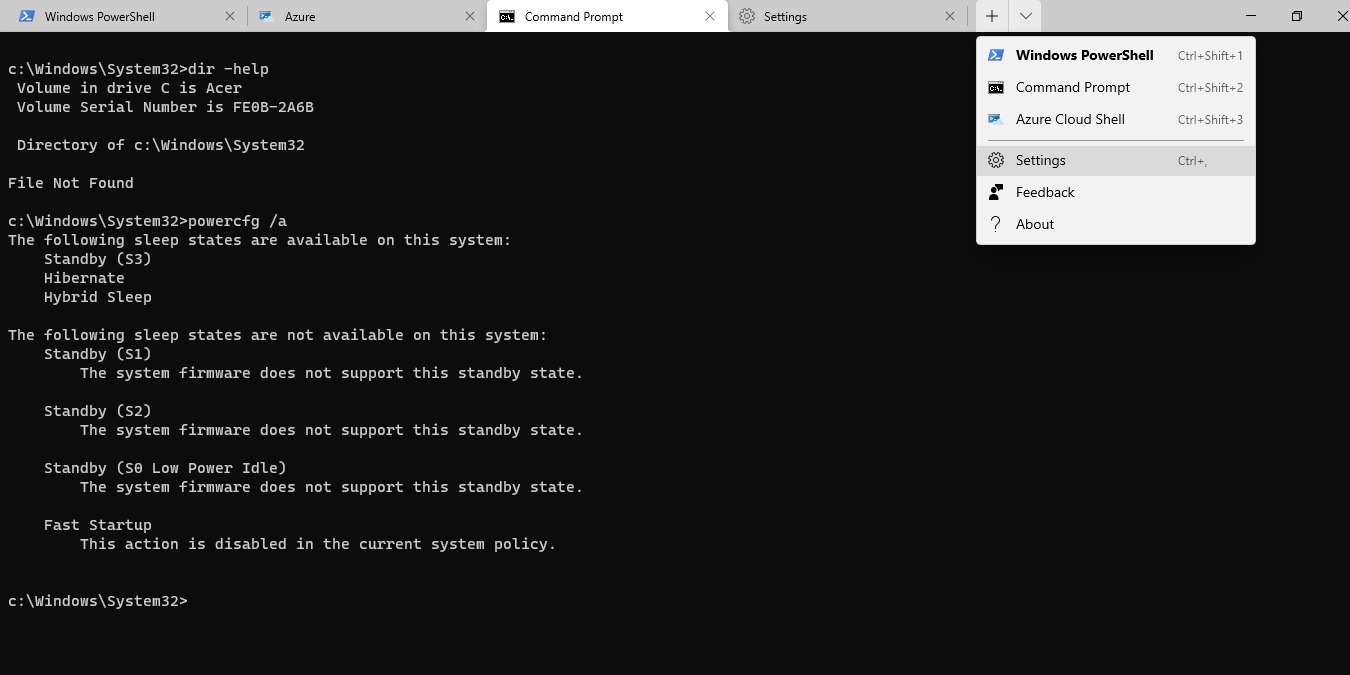
Windows Terminal combines Command Prompt, PowerShell, Azure Cloud Shell, and WSL into one. Here’s how to install Windows Terminal on Windows.
By Sayak Boral – Jun 4, 2021
Here are some of the best, effective ways to clear the clipboard history on your Windows 10 PC to prevent your info from being misused.
By Sagar Naresh – Jun 3, 2021
Need to move to a new PC or reinstall software? Learn how to get a list of all software installed on a Windows system for an easier process.
By Crystal Crowder – May 27, 2021
Want to recover old or deleted files? Learn how to use ShadowExplorer to help restore files from System Restore points in Windows.
By Crystal Crowder – May 26, 2021
Microsoft provides plenty of ways for you to open the Task Manager in Windows 10. Check them out here. Some of them apply to older Windows versions, too.
By Sayak Boral – May 26, 2021
Pagination
Affiliate Disclosure: Make Tech Easier may earn commission on products purchased through our links, which supports the work we do for our readers.