
Do you need to join a meeting on Teams, but the video is not working? Read on to learn how to fix the Microsoft Teams camera not working.
By Meenatchi Nagasubramanian – Oct 31, 2023

The “Your clock is ahead” error in Chrome can be tricky to fix. Check out our list of solutions to remove the issue and go back to browsing.
By Khizer Kaleem – Oct 28, 2023
Are you regularly getting a pop-up to renew the McAfee tool? Read on to learn how to remove McAfee from Windows 11.
By Meenatchi Nagasubramanian – Oct 27, 2023
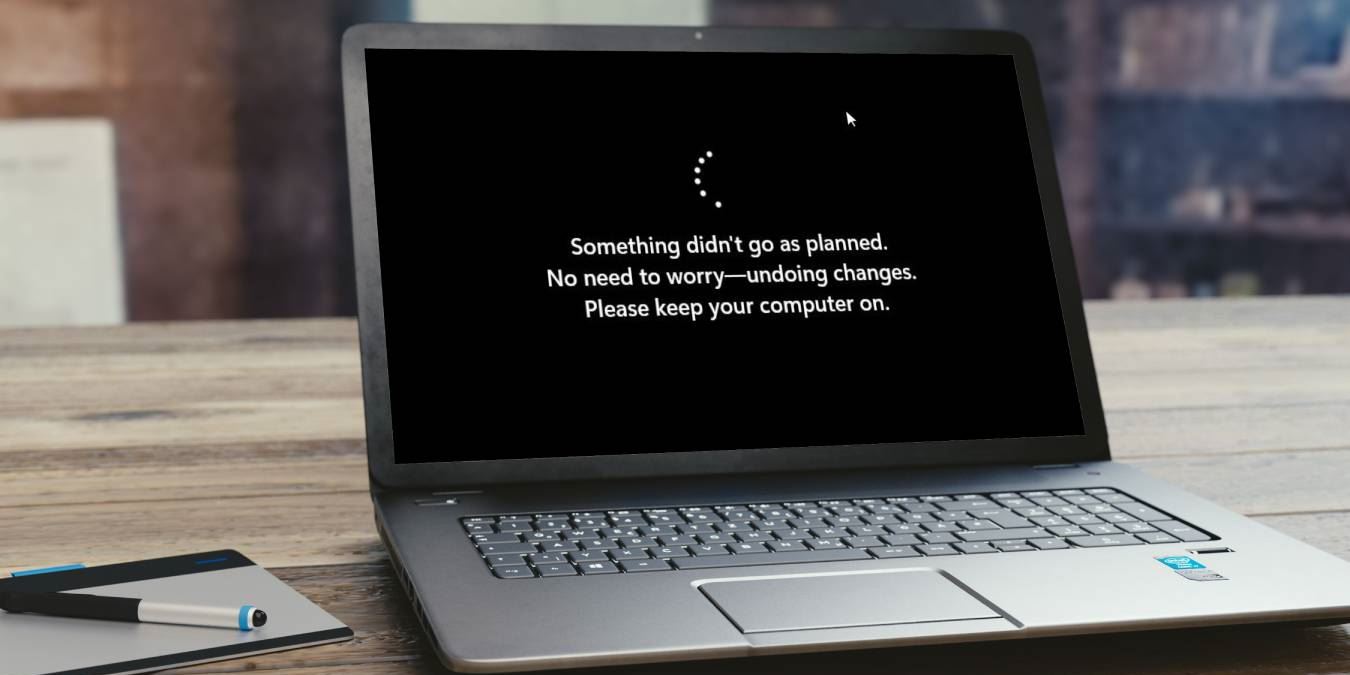
Seeing the error prompt “Something didn’t go as planned” in Windows? This guide includes seven ways to solve this error.
By Princess Angolluan – Oct 27, 2023

Learn how to effortlessly log in to your Outlook inbox on a mobile device using a QR code – no password needed.
By David Morelo – Oct 26, 2023
Was your Command Prompt access denied? Check out our tested fixes for “System Error 5, Access is denied” on Windows.
By Princess Angolluan – Oct 25, 2023
LoadLibrary failed with error 126 is a common Windows problem. Read this guide to learn how to fix this issue.
By Arjun Ruparelia – Oct 24, 2023

Have multiple Dropbox accounts, but don’t want to pay for a premium plan? Learn how to run multiple Dropbox accounts on one computer.
By Crystal Crowder – Oct 23, 2023
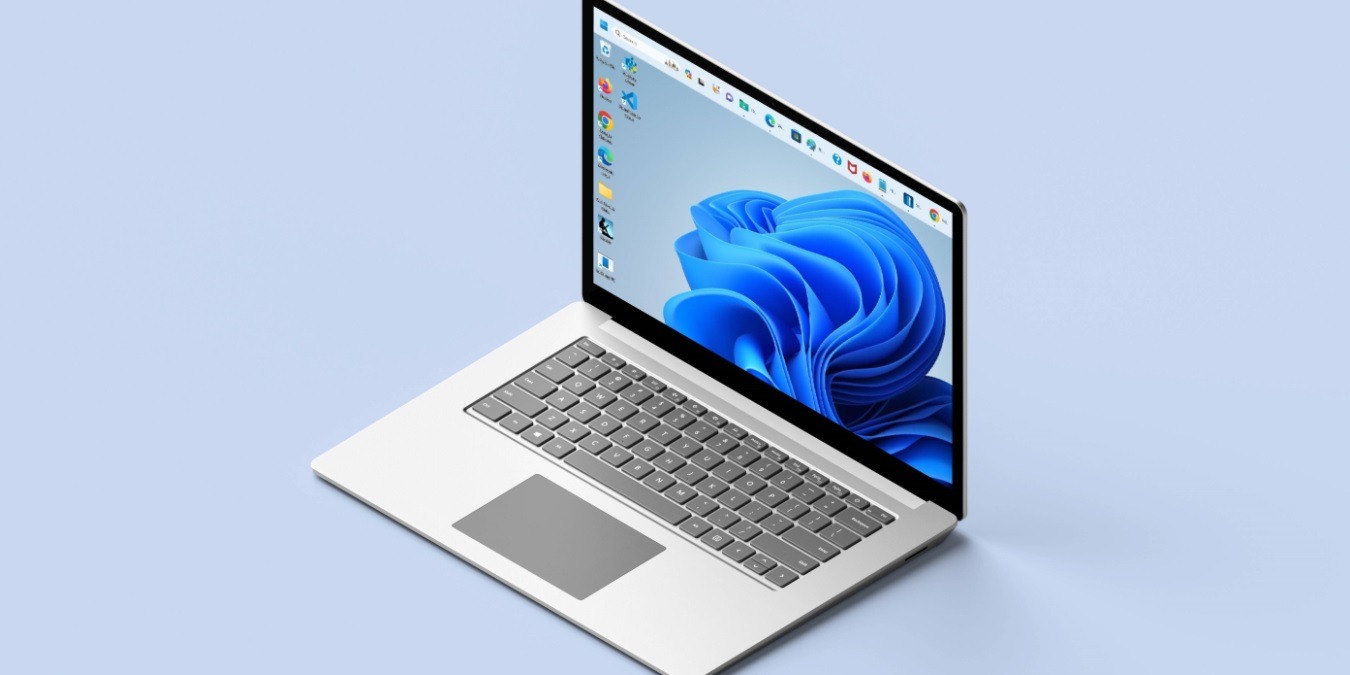
Are you tired of seeing the taskbar at the bottom of your screen? Read on to learn how to move the taskbar in Windows.
By Meenatchi Nagasubramanian – Oct 23, 2023
Seeing your memory being hogged by DWM? Learn how to fix Desktop Window Manager high memory usage on your Windows PC.
By Princess Angolluan – Oct 20, 2023

Here are some of the best Windows File Explorer alternatives that have additional features, customization options, and much more.
By Sagar Naresh – Oct 20, 2023
When the Windows taskbar is not working, it seriously inhibits your Windows experience. Try these fixes to get the taskbar working again.
By Meenatchi Nagasubramanian – Oct 20, 2023
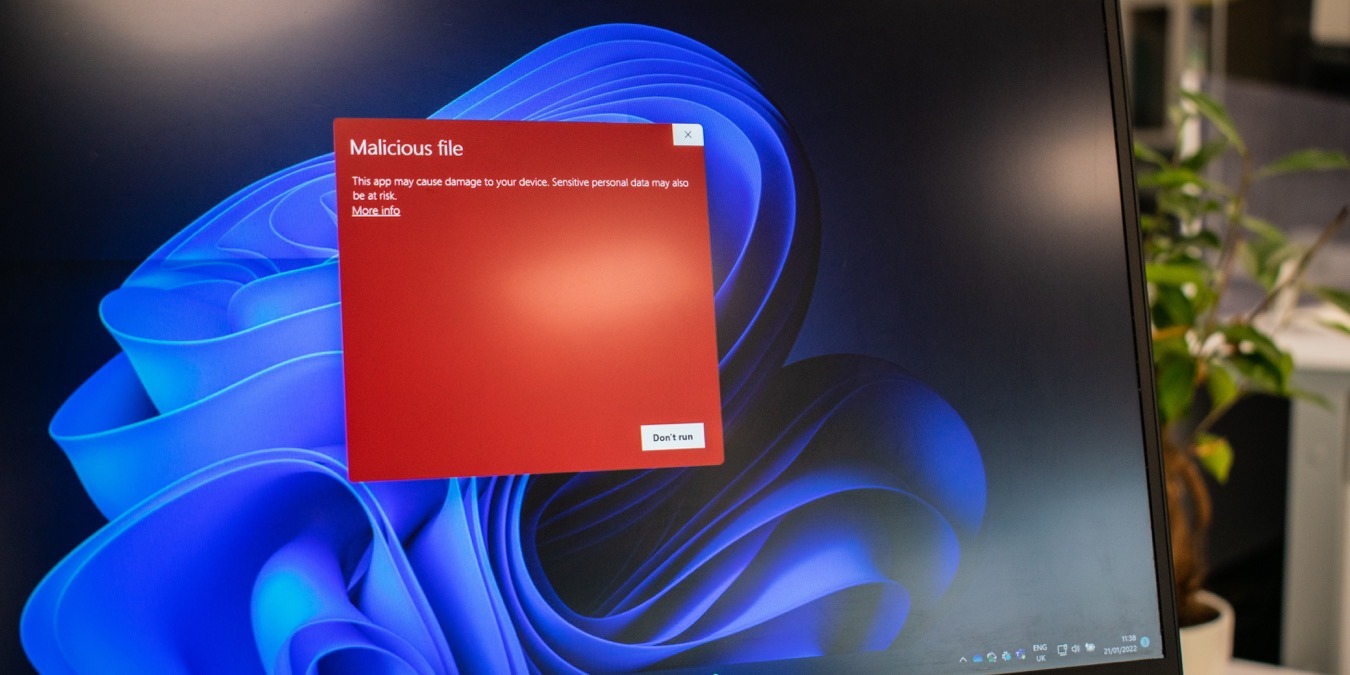
Learn how to identify Windows Defender security warning scams to stay one step ahead of opportunistic cybercriminals.
By David Morelo – Oct 19, 2023

Windows lets you customize its interface in many ways. Check out this tutorial to learn how to change your mouse cursor on your PC.
By Princess Angolluan – Oct 18, 2023
Are you experiencing the “Video memory management internal” error on Windows? Learn how to easily resolve this issue on your device.
By Khizer Kaleem – Oct 17, 2023

Blue screen errors are common occurrences in Windows. These methods will fix the “Driver overran stack buffer” error in Windows.
By Khizer Kaleem – Oct 16, 2023
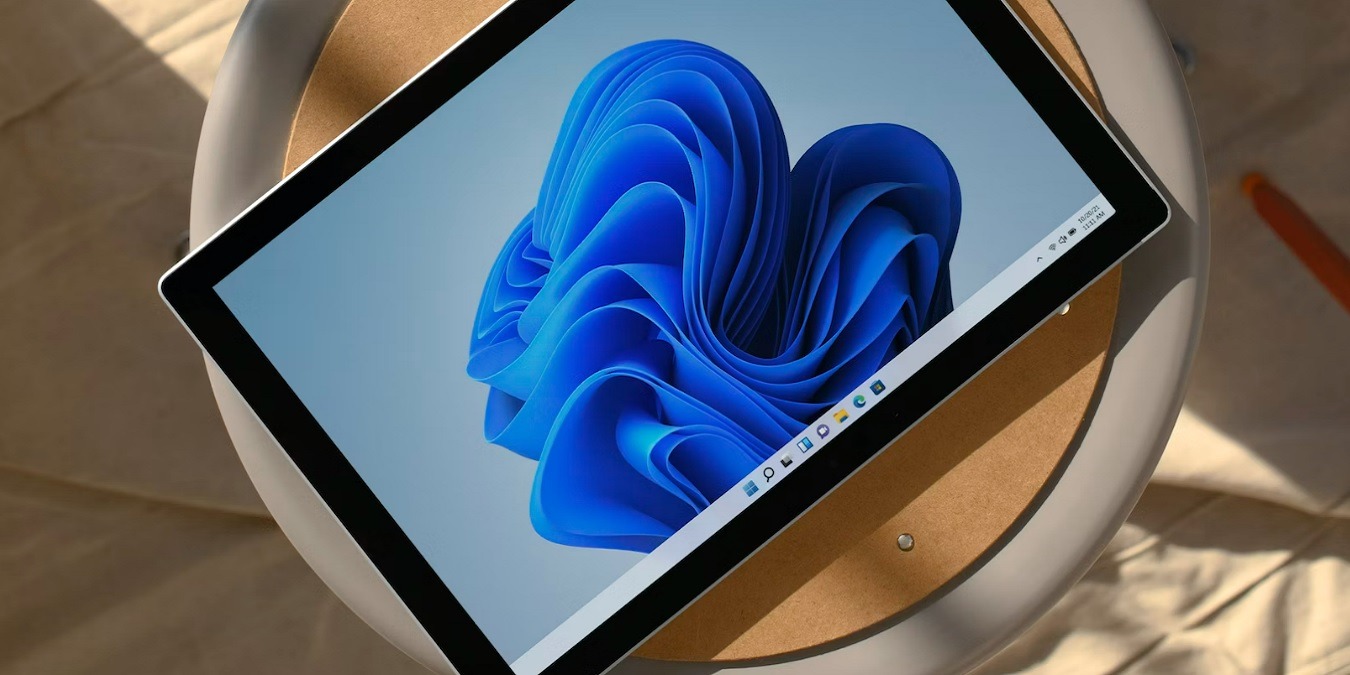
Does your tablet have a Windows Security button? Learn what it is and how to use it, even on laptops and desktops.
By Crystal Crowder – Oct 16, 2023

Want to keep a Skype call to view again later? Learn how to record Skype calls in Windows using two different but simple methods.
By Crystal Crowder – Oct 15, 2023

Did you know that you can add SharePoint to File Explorer on your Windows PC? This guide covers all the latest methods.
By Sayak Boral – Oct 14, 2023

Wondering what OneLaunch in Windows is and whether it is safe? Learn what you need to know about the app and whether you should remove it.
By Chifundo Kasiya – Oct 13, 2023
Affiliate Disclosure: Make Tech Easier may earn commission on products purchased through our links, which supports the work we do for our readers.





