There are many reasons Face ID stops working on your iPhone. Here are a number of ways to fix the Face ID not working issue.
By Ed Kennedy – Jan 1, 2021
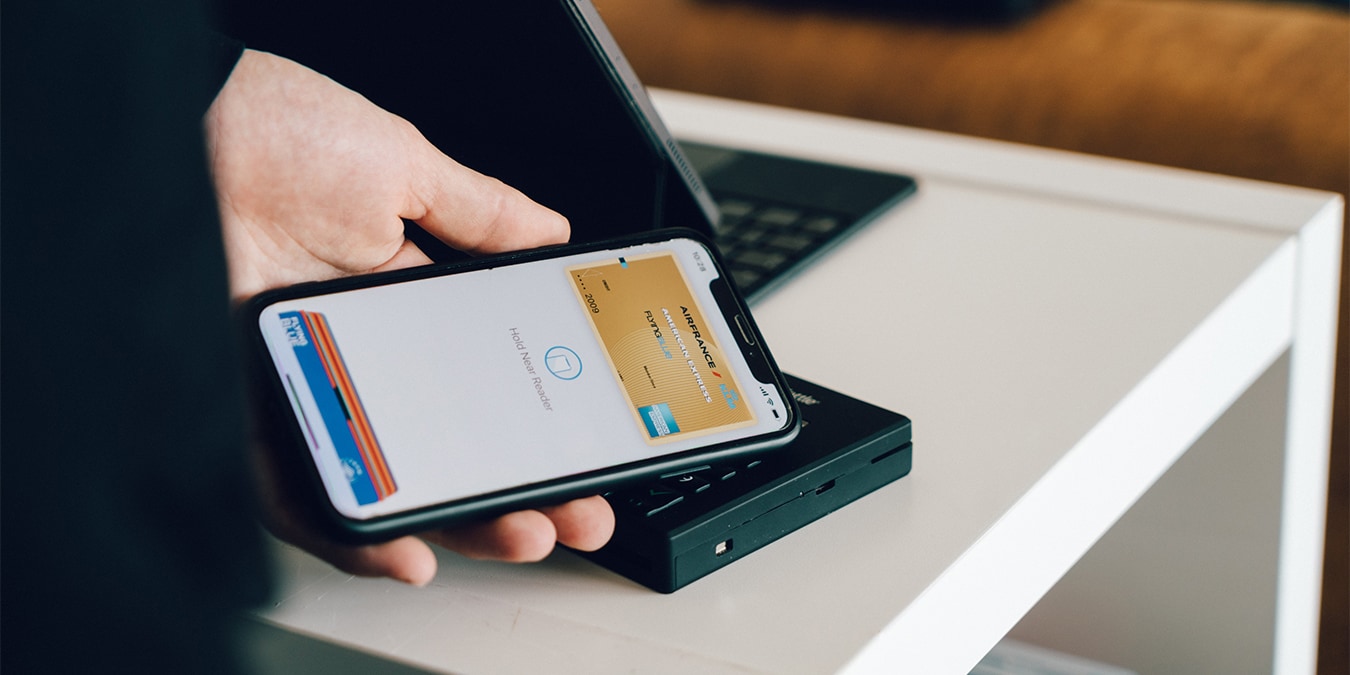
In this guide, you’ll find step-by-step instructions on how to set up Apple Pay on all devices, such as iPhones, iPads, Apple Watch and Mac!
By Isaac Norman – Dec 31, 2020
Want to identify any song, music or audio with the tap of a button? Find out how to add Shazam to your iPhone’s Control Center.
By Jessica Thornsby – Dec 30, 2020
Looking to become more productive and get more work done? Check out some of the best productivity apps for iOS.
By Ed Kennedy – Dec 24, 2020
One of the best hidden features of iOS 14 is called “Back Tap.” Here we show you how to unlock Back Tap actions on your iPhone!
By Isaac Norman – Dec 21, 2020
When you got a new iPhone, you want to make sure all your data is transferred over. Learn how to switch your Apple Watch to a new iPhone.
By David Joz – Dec 18, 2020
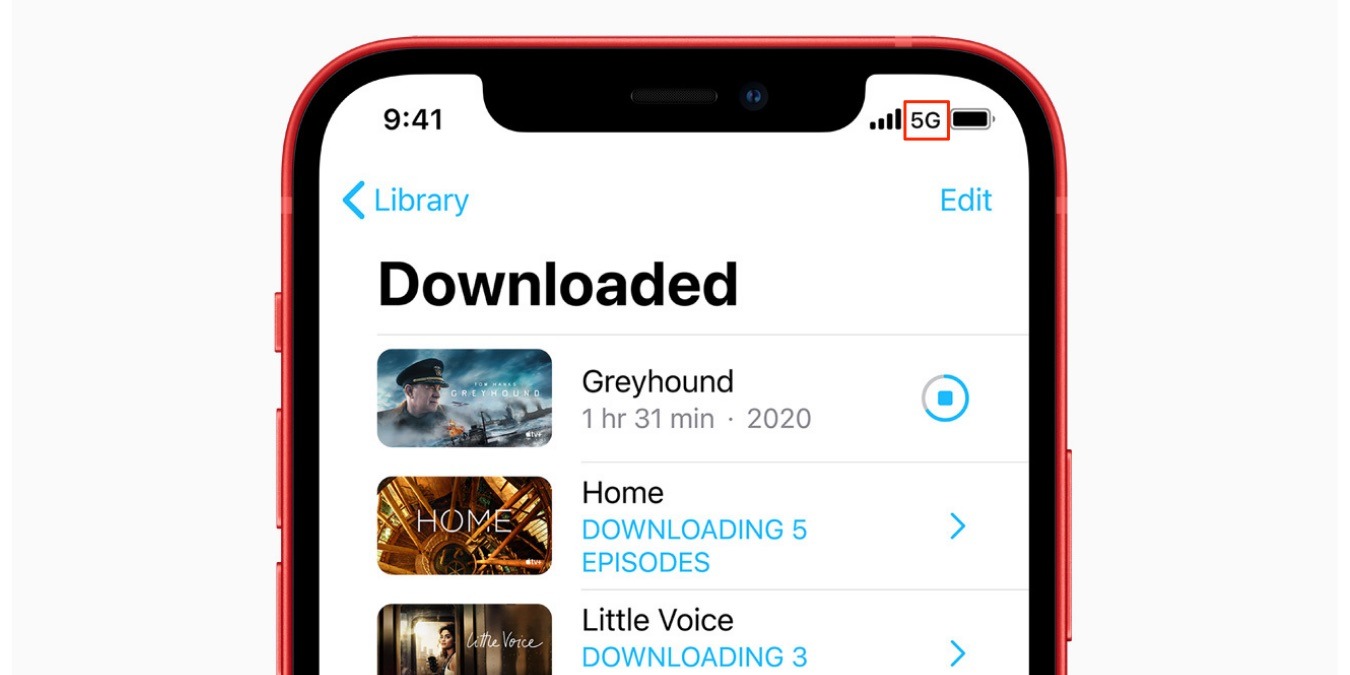
If you own an iPhone 12, you will have noticed the 5G icon showing up on your phone. Here is what the various 5G icons mean on your device.
By David Joz – Dec 7, 2020
Apple finally allows its users to set other browsers as the default app. Here’s how you can change the default web browser in iOS 14.
By Shujaa Imran – Nov 27, 2020
The App Library is a new addition in iOS 14. Learn how you can better organize your apps on an iPhone with the new App Library.
By David Joz – Nov 24, 2020
Apple has added a new sound recognition feature in iOS 14. Learn how you can set up Sound Recognition alerts on your iPhone.
By Shujaa Imran – Nov 21, 2020
AnyTrans allows users to access the deepest little crevices of the iOS platform, to enable backup of your files and apps across all your iOS devices. Here’s how it works.
By Phil South – Nov 19, 2020
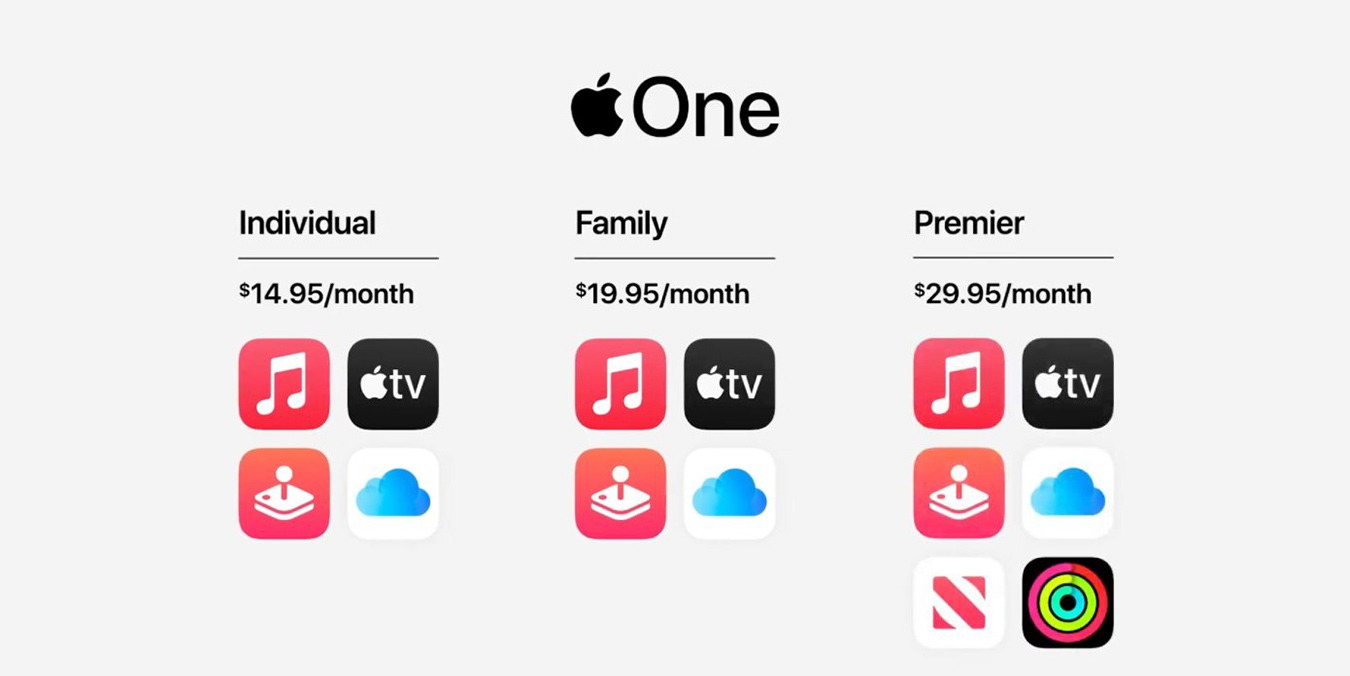
Apple recently launched Apple One subscription service. If you are interested, here is how you can sign up for Apple One on your devices.
By Shujaa Imran – Nov 14, 2020
It is not straightforward how to shut down your iPhone. Here are the necessary steps of a few ways to turn off your iPhone.
By David Joz – Nov 3, 2020
iOS has a feature that allows you to turn off music automatically after some time. Here is how to set a music sleep timer on your iPhone.
By David Joz – Oct 30, 2020
The newly released iOS 14 includes a Translation app that is incredibly easy to use. Here is how to use the Apple Translate app in iOS 14.
By David Joz – Oct 19, 2020
iOS 14 now allows you to add captions to your photos. You can use it to manage and better organize your Photos library.
By Shujaa Imran – Oct 16, 2020
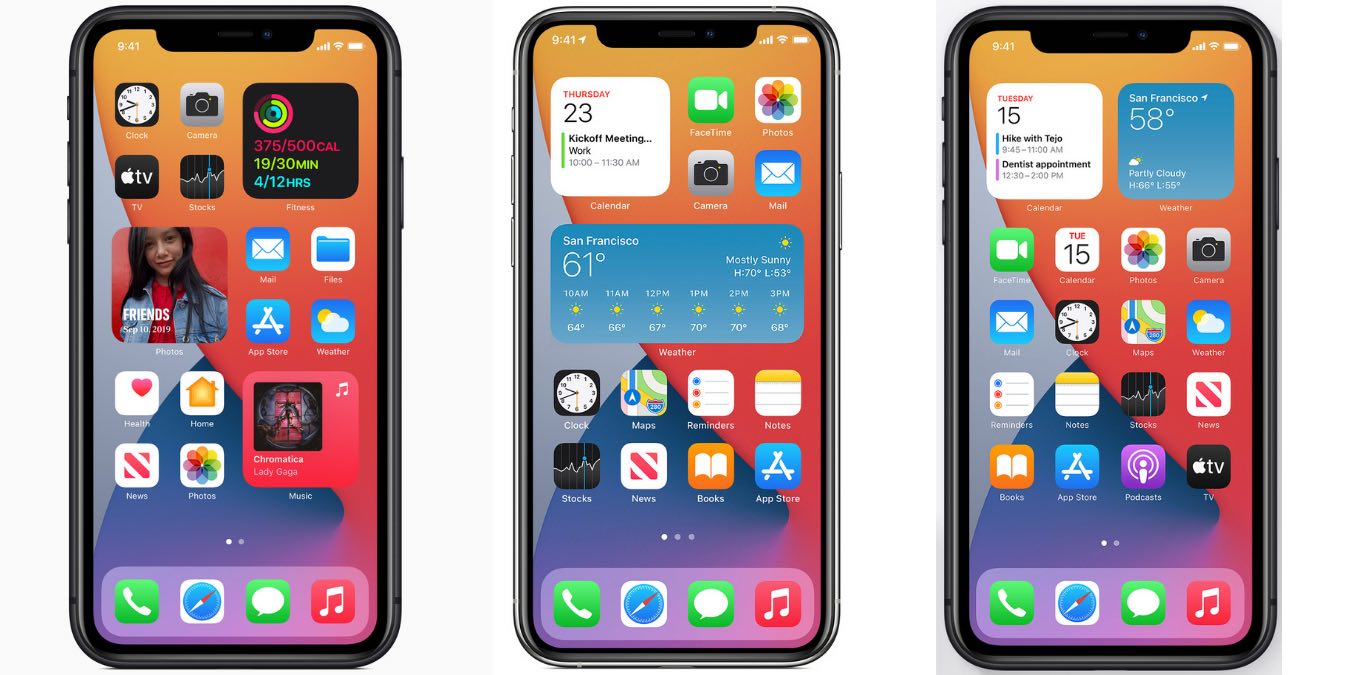
iOS 14 revamped the widgets in a more dynamic and useful way. Here’s how to get started with adding widgets to your iPhone home screen.
By David Joz – Oct 8, 2020
If you just got a new iPhone, this shows how you can preserve your photos and transfer your photos from one iPhone to another iPhone.
By David Joz – Sep 29, 2020
There have been plenty of new features added to Apple Maps over the years. Here are some useful Apple Maps features you may not know about.
By David Joz – Sep 25, 2020
With Siri, the Apple Watch has become a very powerful device. Here is how you can make good use of Siri on your Apple Watch.
By David Joz – Sep 21, 2020
Pagination
Affiliate Disclosure: Make Tech Easier may earn commission on products purchased through our links, which supports the work we do for our readers.