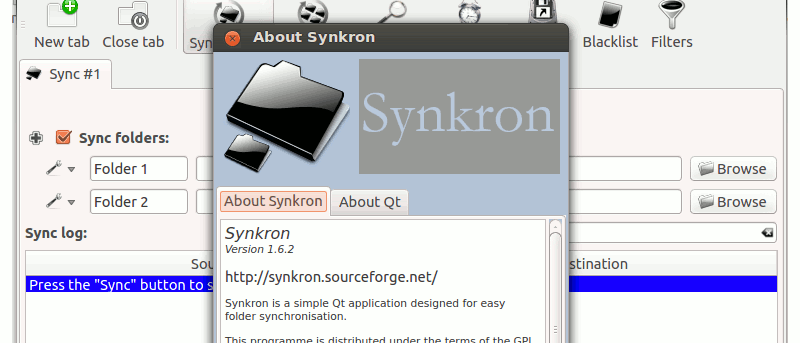
There are times when you need to synchronize several folders in your computer, such as syncing several folders to the Dropbox folder. Synkron is a cross-platform compatible application that allows you to synchronize files and folders in your computer. It works in Windows, Mac and Linux and it can help you keep your files and folders updated.
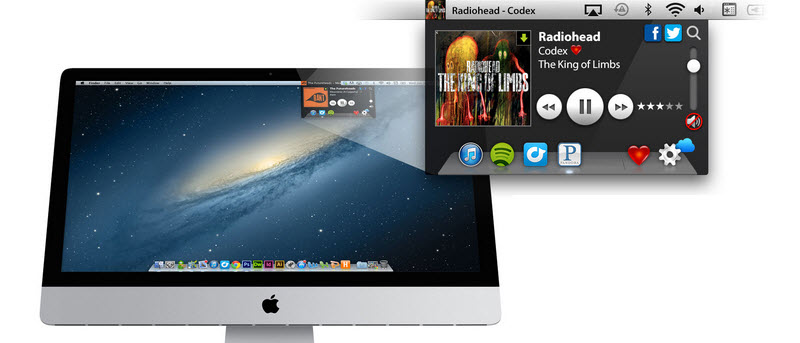
If you’re one of those who uses iTunes to listen to music, you may be looking for easier ways to control it while doing other things on your Mac. We’ll take a look at 6 Mac apps that allow you to control iTunes from the menu bar.
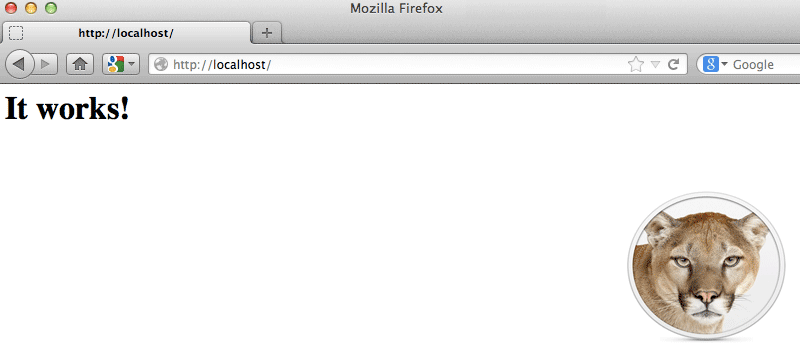
In this tutorial, we will show you how to activate the web server in Mountain Lion, as well as setting up PHP, MySQL and PhpMyAdmin. At the end of this tutorial, you will have a MAMP (Mac, Apache, MySQL, Php) server running on your Mac.
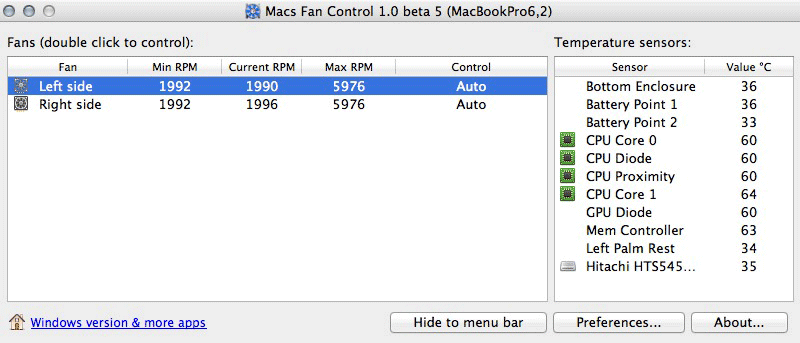
Do you have issues with noisy or overheating fans on your Mac? If so, Macs Fan Control app is both effective and easy-to-use tool that can help to keep these issues under control.
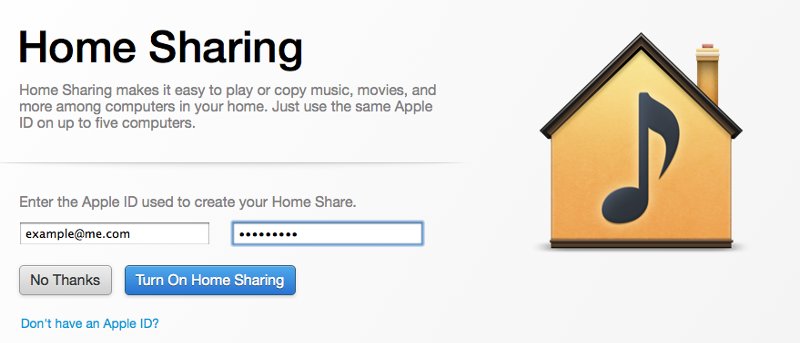
Home Sharing in iTunes allows for multiple computers, regardless of their operation system, to share iTunes contents together. This has been helpful for everything from sharing content between computers within the house. This article will discuss how to set up Home Sharing in iTunes and dive into sharing content between computers.
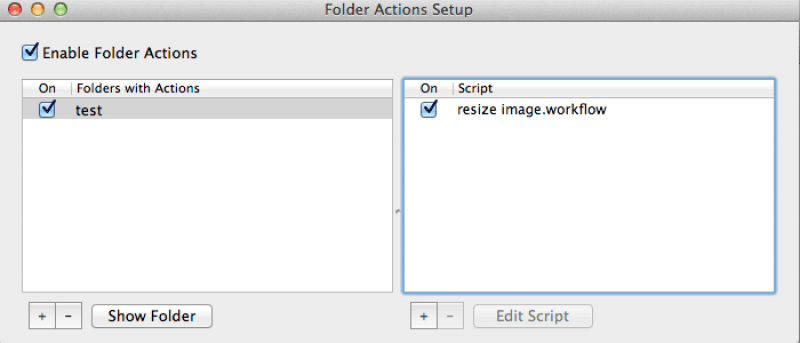
Without any third party software, you can get your Mac to automatically resize an image when you place it in a specific folder. Here is how you can do so.
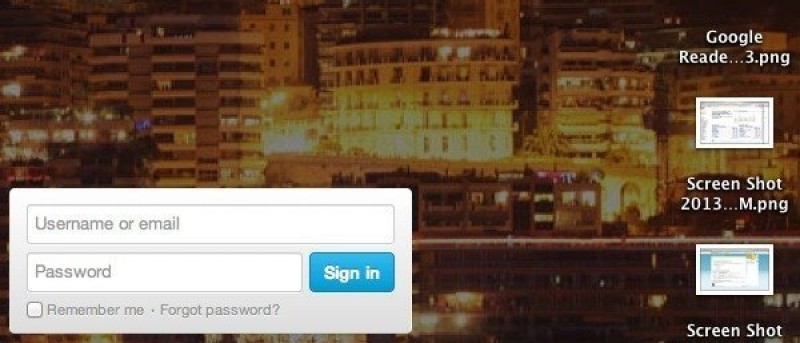
Do you have a favorite webpage that you like to check multiple times a day? How about turning it into your desktop wallpaper so you can quickly access to your favorite webpage without having to open your browser.
Font Book is the area of the Mac where you are able to view, delete, and download new fonts. It’s an aspect of Mac that not all users discover. In this article, we will go through the Font Book in details and let you know what you can do with it.
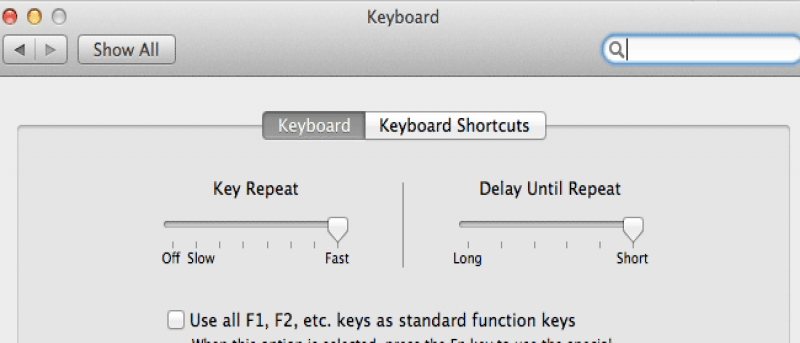
If you are using Mac and find that your cursor is moving too slowly when you press the Left/Right arrow button, here is how you can adjust the cursor moving speed.
The Terminal may seems like a scary place for many Mac users, but do you know that you can play games in your Terminal too? Other than Tetris, there is also Ping Pong, Snake and even lesser-known games like Doctor. If you are keen, here is how you can start playing the games in your Mac’s terminal.
Have you ever wanted to use your Mac’s trackpad for something other than navigating your Mac? Mac OS X has handwriting recognition built into it, so you’d think that you’d already be able to use the trackpad much like you would a tablet. Here is how you can turn your trackpad into a pen tablet.
As technology continues to get smaller and increasingly mobile, many of us are stuck with CD and DVD collections that are growing less compatible with our new lifestyles. Here’s a guide to knock the dust off your stack of DVDs and CDs and turn them into a digital music library.
Do you have two different computers that you want to use at the same time via the same mouse and keyboard? Adding on to that, the two computers are running different operating systems. How can you make use of one set of keyboard and mouse and control both computers? Here’s the fix.
Airdrop allows you to send a file over to another Mac that is in the same WiFi network. However, not all Macs support Airdrop, especially those without the latest updates. Even those with the latest updates may not work out if not under a WiFi network. This doesn’t mean you have to miss out. Here, we will go over how to use Airdrop in both situations.
Have you noticed some of the cool new screen savers in Mac OS X Mountain Lion? Many of them have nice effects like flashing and rotating colors, moving text and photo slideshows. An elegant alternative to Mountain Lion’s default screen savers is a simple flip clock – appropriately named FlipClock. This screen saver does one thing only: displays the current time. It’s a simple, yet comes in handy and looks nice.