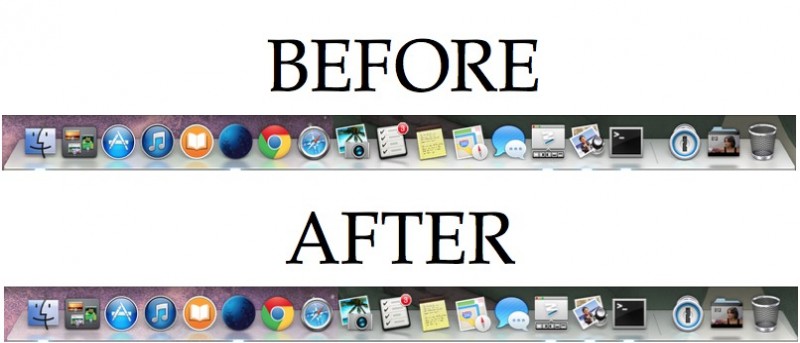
Do you prefer the translucent look of the Mac dock found in Mountain Lion? If so, here’s a quick tip to make the Mac dock translucent in OS XMavericks.
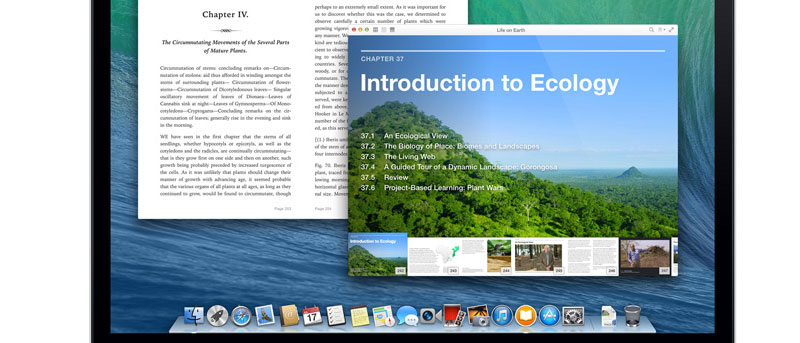
The Quick Look feature in Mac OS X does not come with a text selection feature for documents, but you can easily enable it using this Terminal command.
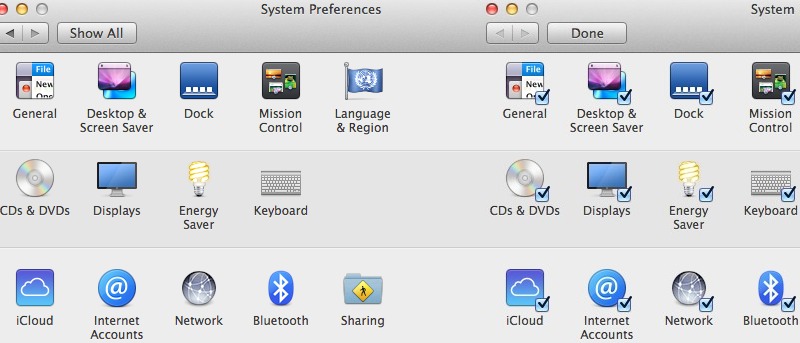
Don’t want your personal notifications displayed for the world to see your Mac? Here’s how to disable notifications on the lock screen on a per-app basis.
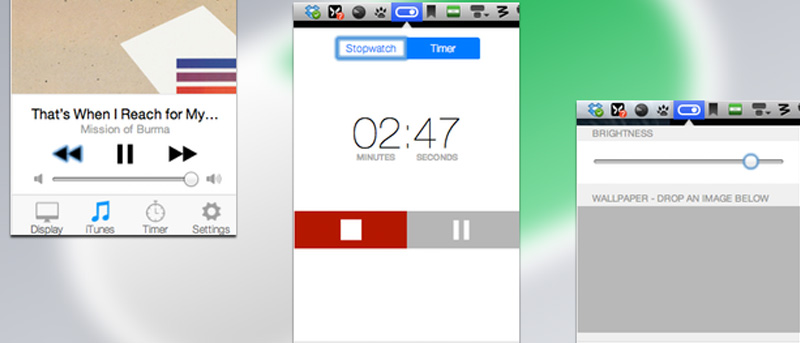
The new Control Center on iOS7 is very handy for accessing a number of important apps and toggles. Controls+ is an app that brings similar functionality to Mac.
Tired of having folders full of unneeded archive files on your Mac? Learn how to automatically move archive files to trash or delete them after expanding.
For Mac users, if you have plenty of applications running, you might find that your desktop is cluttered with all sort of application windows. Here are several keyboard shortcuts that you can use to quickly de-clutter your desktop.
Encfs is particularly useful for encrypting files that you want to store in the cloud. Using encfs in Linux and Windows is pretty straightforward as there are installers for both platforms. However, for Mac OS X, installing encfs is not as easy as it should be. Here is how you can install and use encfs in Mac OS X.
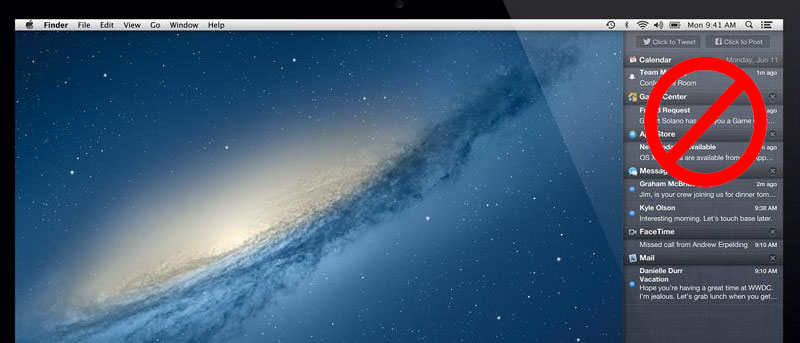
Some people will find the notification center in Mac useful while many others will find it useless. If you belong to the latter, here is an easy way to remove the notification center and reclaim back the small icon space in the system tray occupied by the Notification center icon.
![How to Disable Attachment Previews in Mail [Mac]](https://maketecheasier.com/wp-content/uploads/2013/11/disable-attachment-previews-mail-featured.jpg?width=400&height=225&aspect_ratio=16:9)


![Automatically Move Archive Files to Trash After Expanding [Mac]](https://maketecheasier.com/wp-content/uploads/2013/10/move-archive-files-trash-mac-featured.jpg.jpg?width=400&height=225&aspect_ratio=16:9)