aText allows you to accelerate your typing using abbreviations that expand to their full forms. Check out our aText’s review and stand to win a copy of aText.
Fantastical for Mac allows you to easily add events and working with these calendars as if they were humans. It’s not free, but we have a giveaway event for it. Check it out.
The default highlighted text color in OS X is blue, but you can change it to any color you want. Here is how you can change highlighted text color in OS X.
If you have the needs to install an Internet kiosk in your shop, or home, here is a little hack to easily turn your existing computer into an Internet kiosk.
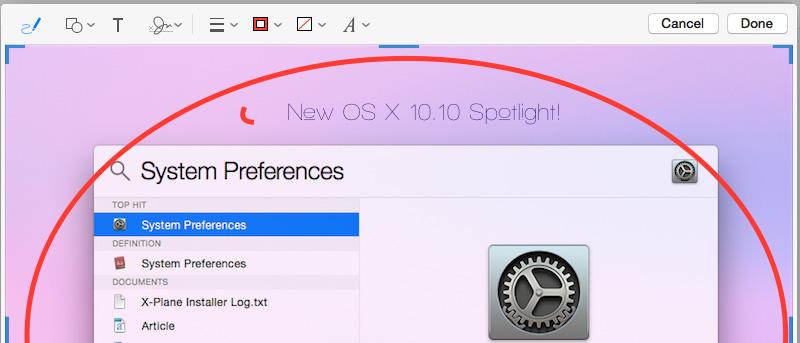
One of the new features in OS X Yosemite is the Markup feature in Mail, which allows you to perform edits and annotations to a PDF or image file. Here’s how it works.
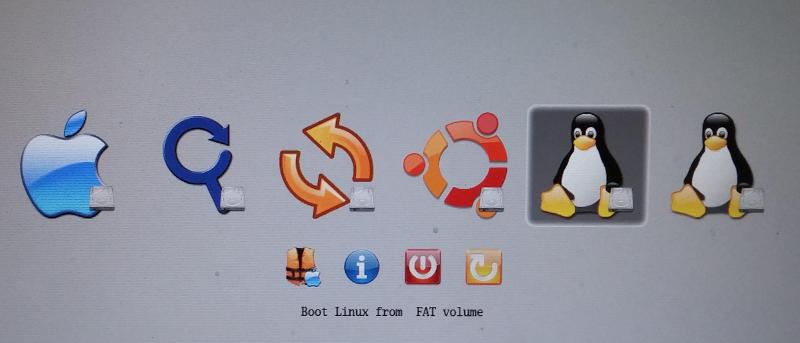
If you have previously dual-booted your OS X with Ubuntu, and you have upgraded to Yosemite, you will lose the dual boot. Here is the solution to fix the dual-boot issue.
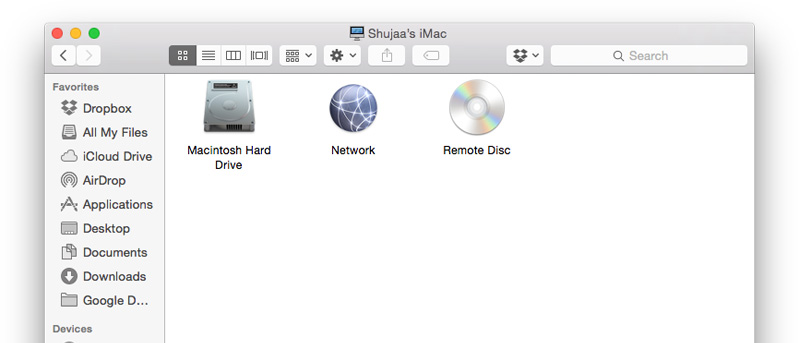
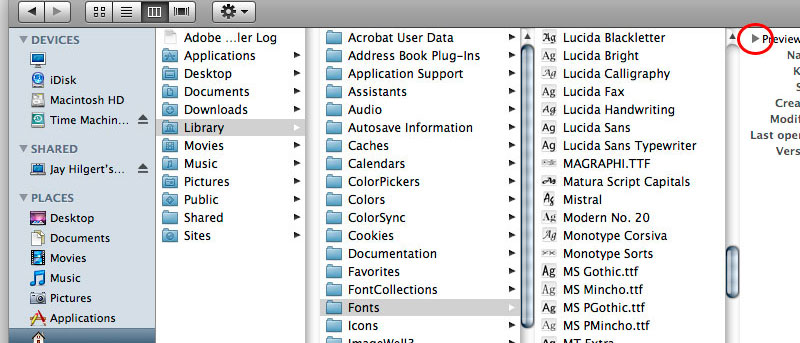
By default, you won’t be able to search for system files in OS X’s Finder or Spotlight. Here is a quick and simple way to search for system files in Finder.
There are plenty of FTP clients for Mac users. Some are simple while others require a fee. Here we have complied a list of the best FTP clients for Mac.
A lot of you might have your own method to convert a text file to another format. Here’s a simple way to batch convert text files to other format in Mac. Check it out.
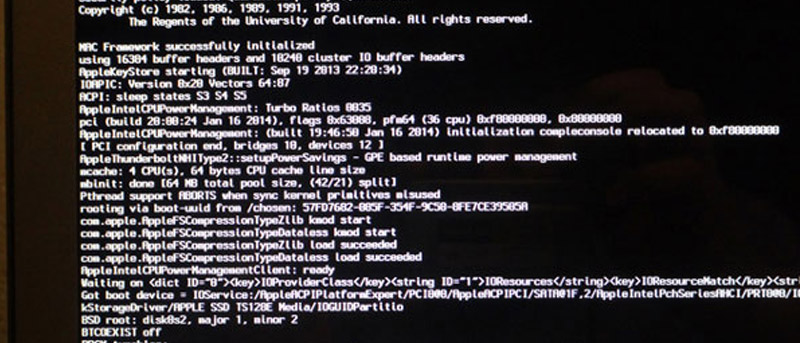
Have you tried all means to reset your OS X password without any success? The last resort to reset OS X account is via the use of Terminal Single User mode. Let check it out.
By default, your Mac comes only with a single partition and all the OS and your files are stored in it. Here is how you can create partition on Mac, for backup or for dual-booting purpose.
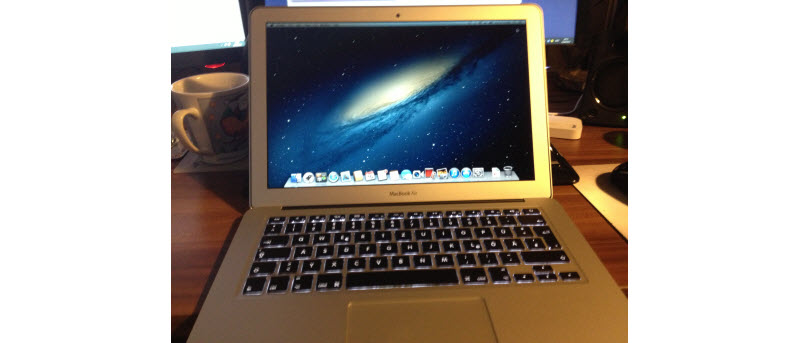
In very unfortunate cases when your Mac is stolen or lost, you can make use of the remote actions to remotely wipe your Mac so others can’t access your data. Here’s how it works.
The default screen capture tool in Mac OS X is pretty nifty, except that it doesn’t allow you to take screenshot of login screen. Here is how you can overcome the limitation.