Using the Mail app on Mac? There’s a feature that constantly scans your emails and finds contacts to add. Want to turn this off? Here’s how to disable contacts scanning.
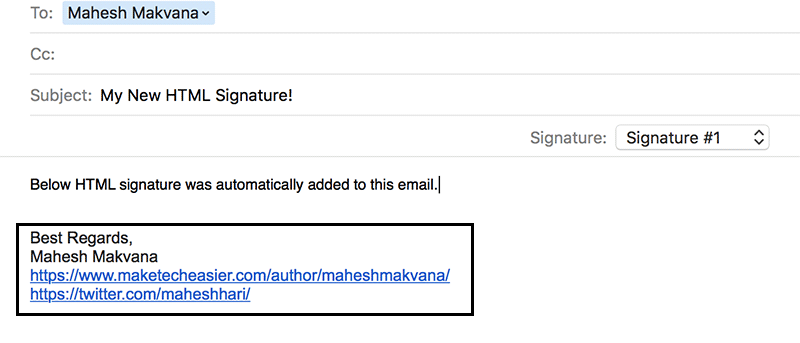
In order to create an HTML signature in the Mail app on your Mac, you need to go through a nifty trick that gets the job done for you. Here’s how it works.
Dr. Cleaner is a free Mac utility app that helps to clean your Mac and provides you with better computer performance by optimizing your Mac OS X disk and memory. Here’s how it works.
The latest version of Safari on Mac allows you to clean the cache files individually instead of removing all browsing data. Here’s how to enable and use it.
The EasyCAP DC60 is a cheap old school video capture device. If you have a ton of old VHS or video game consoles, this is one of the very best cost-effective ways to grab walkthrough videos.
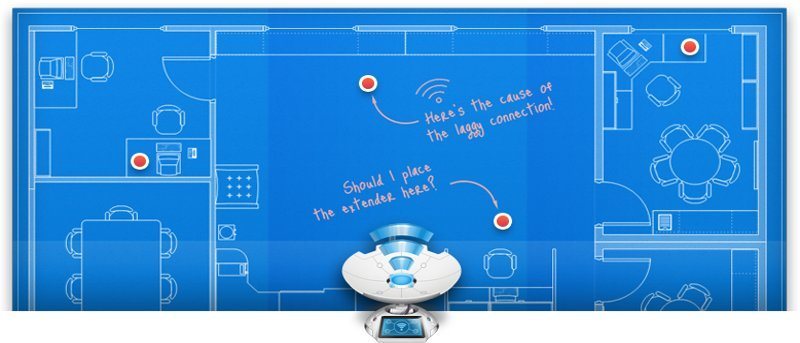
NetSpot is a free utility (with a Pro version) for Mac OS X that makes it easy to map out your wireless network. Here’s how to use it to optimize your Wifi Networks.
Sometimes the Safari browser on your Apple devices goes out of sync and stays that way. Luckily, you can force sync Safari history to get it back on track. Here’s how.
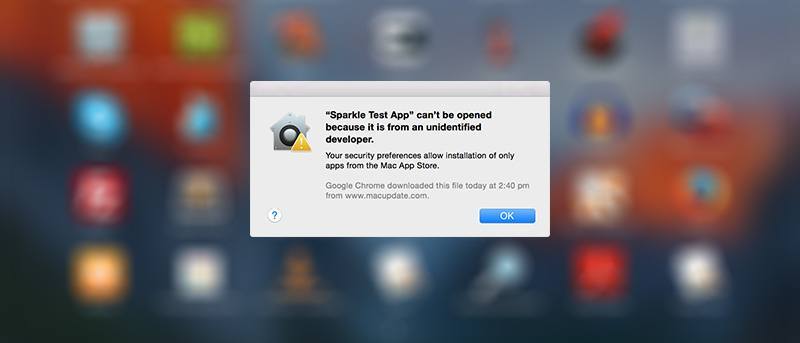
Gatekeeper comes with Mac OS X and helps to prevent installations of any unauthorized apps. If you’re annoyed by this restriction, here’s how to turn off Gatekeeper forever.
It’s impossible to rename hundreds of files one by one individually. For Mac users, one of the recommended file renaming tools to batch rename files is NameChanger. Check it out.
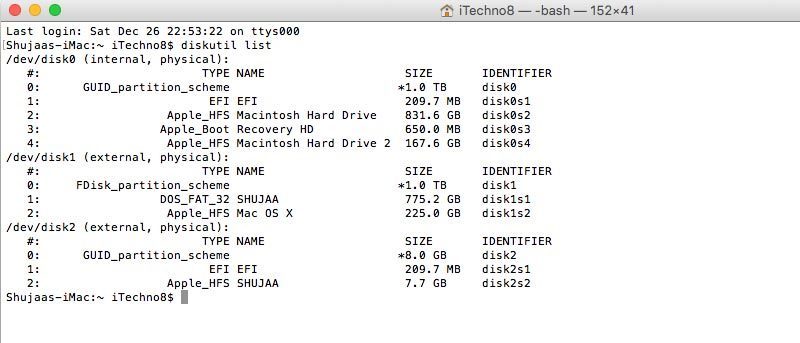
Formatting a drive on your Mac is quite easy, though it isn’t as evident and obvious as it is on a PC. You can format an external drive in OS X using Disk Utility and Terminal. Here’s how to do so.
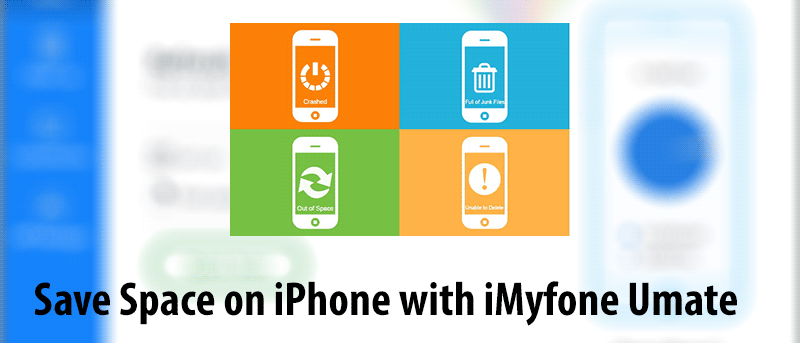
iMyfone Umate is a tool for both Windows and Mac that lets you easily clea up your iPhone and helps you save space on your device. See how it works and enter to win a license key.
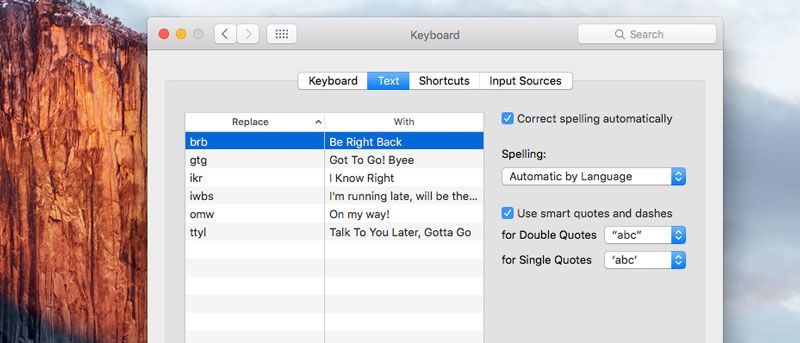
In this article we show you how to set up text shortcuts on your Mac (much like on iOS) and how to save and restore any text shortcut settings you have.
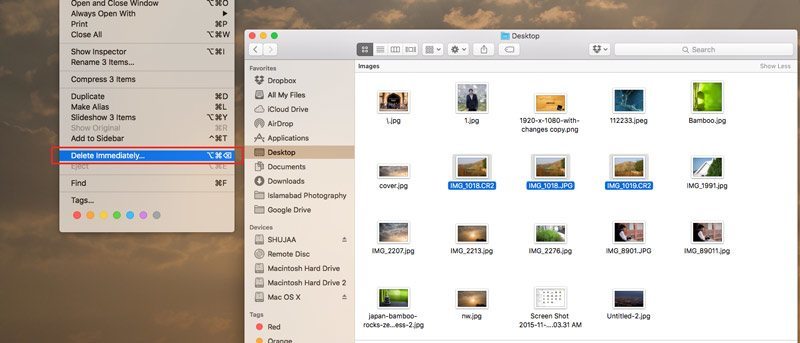
Starting with OS X El Capitan, Apple has introduced a new method that lets you skip the trash can while deleting files from within Finder. Check it out.