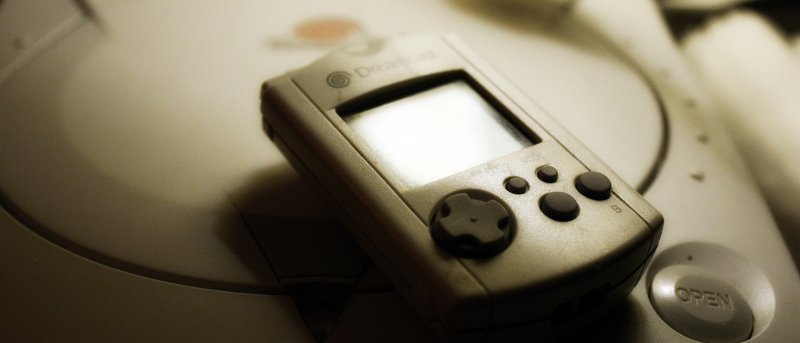
Feeling a little nostalgic and looking to play Sega Dreamcast games on your Mac? This article shares different ways to emulate this retro system on the Mac.
Watching movies in a language other than your native one is possible but hard to understand. Here’s how to search subtitles for movies so you’ll enjoy them.
If you use the Photo Booth app for Mac, you’ve probably noticed pictures are saved to a secret place, making it hard to access the images. Here’s a solution.
Day One is a beautiful journaling app that can make you look forward to writing a journal regularly. It’s available for Mac, iOS, and Apple Watch. Check it out.
Fruit Juice is a battery management app that sits silently in the menubar while analyzing your battery to help extend your Macbook’s bettery life. Here’s how it works.
Some Mac machines do not have an optical drive. If you have a PC desktop or laptop, you can easily access optical drives over your network. Here’s how.
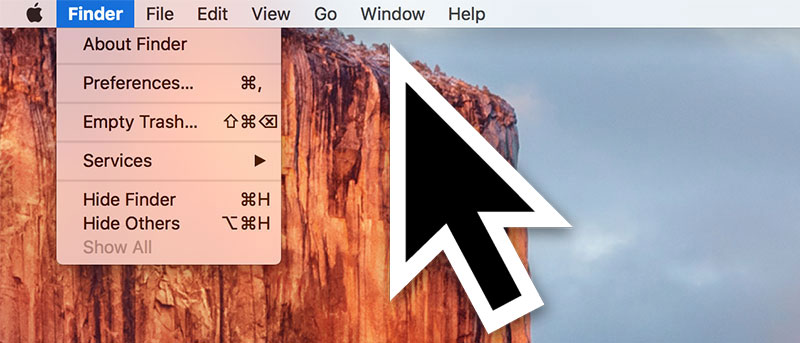
In El Capitan you can find where the cursor is by shaking your fingers on the trackpad to make the cursor get bigger. Don’t like this effect? Here’s how to disable it.
There’s now a way to change both volume and brightness on your Mac in smaller increments. The trick allows you to change levels in as small as 25% of the default bar.
Did you know there’s a way to automatically hide the menu bar on your Mac so that you don’t see it unless you move your cursor near it? Here’s how it’s done.
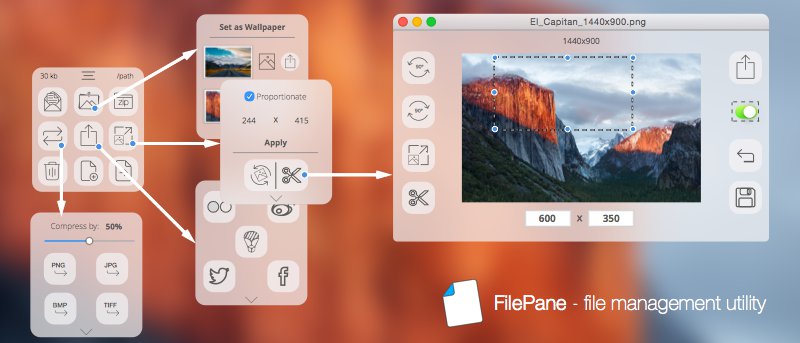
Filepane is a nifty little tool for Mac to add useful drag-and-drop actions to your system and allow you to complete mundane tasks quickly. Let’s check it out.
Downie is a Mac-only video downloader tool that is very easy to use. After installing a browser extension, you can download any video from a site just by clicking the browser extension’s icon.
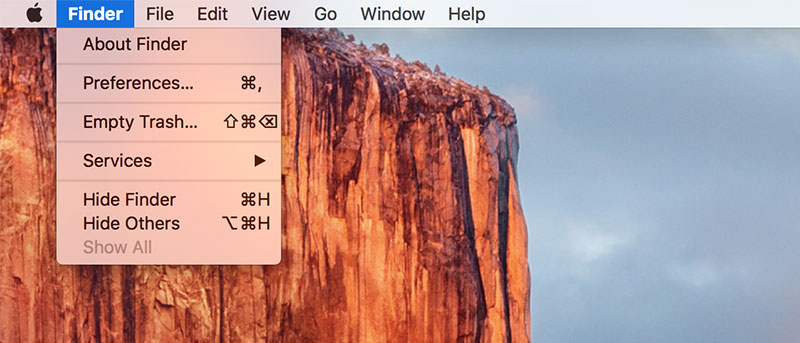
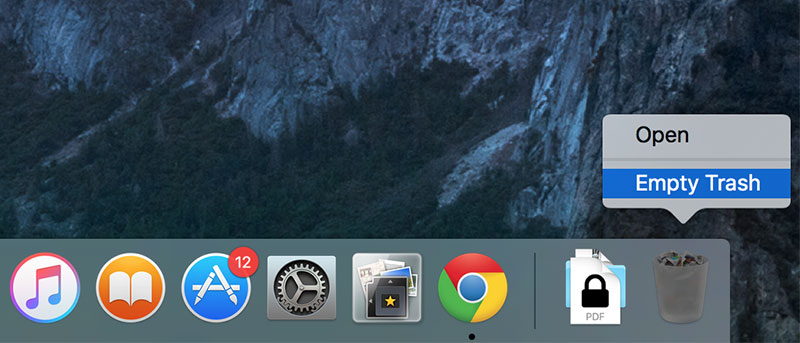
While the secure empty trash option is gone in OS X El Capitan, there is still a way to do it if needed. Here’s how to empty the trash securely on your Mac using a Terminal command.