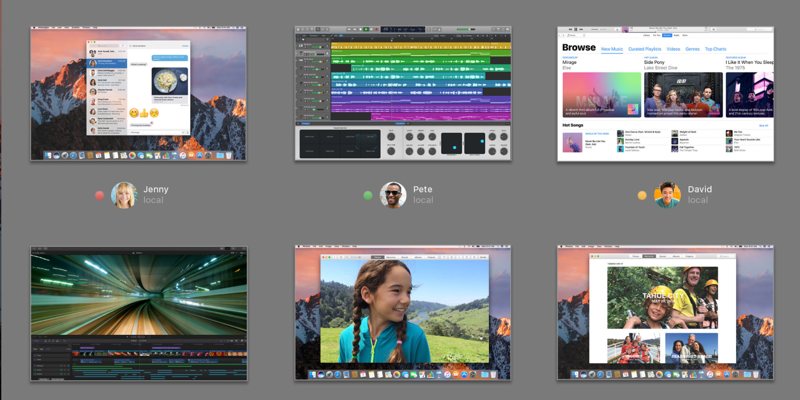
There are times when you want to access your Mac remotely, and there are many different ways to remote access your Mac. Here are some of the easier ways.
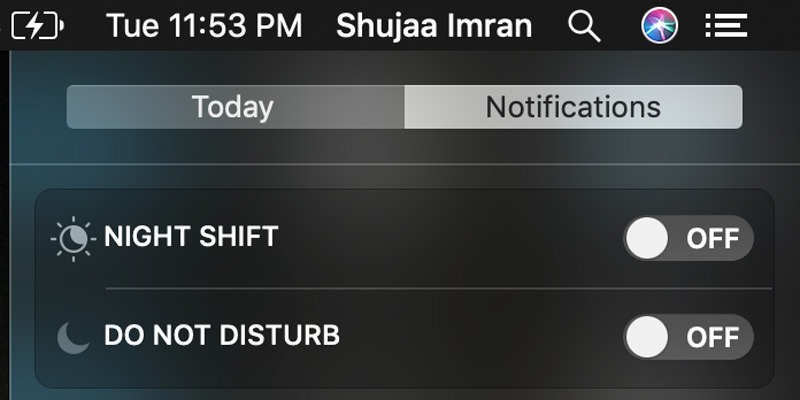
Apple added the “Do Not Disturb” feature to macOS, allowing you to do your work without any disturbance. Learn how you can enable Do Not Disturb in macOS.
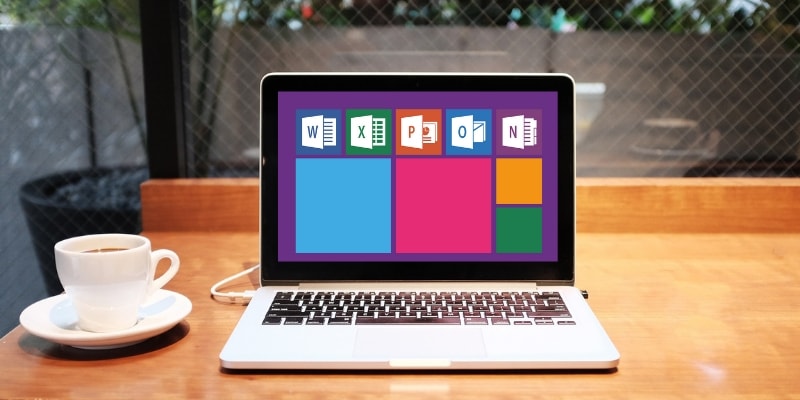
If you just got a Mac but are questioning whether to buy Office all over again, there are several Microsoft Office alternatives for Mac you can choose from.
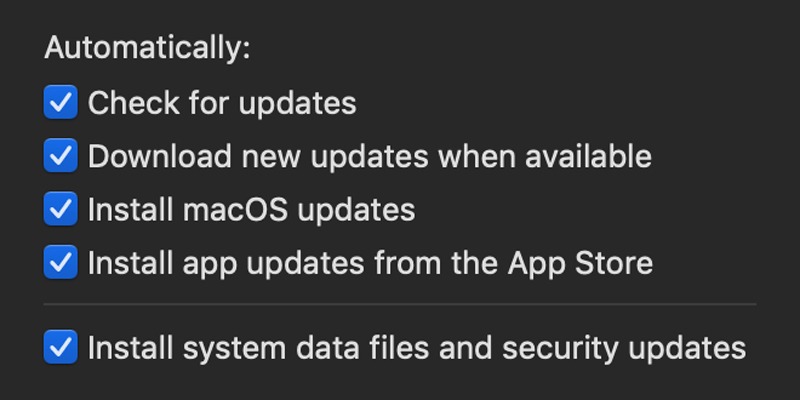
Enabling auto updates allows your device to update all the software installed automatically in the background. Learn how to enable auto update for macOS.
If you are working with a file in macOS, there are times when you will get the error code 43 message. Here is how you can fix Mac’s error code 43 issue.
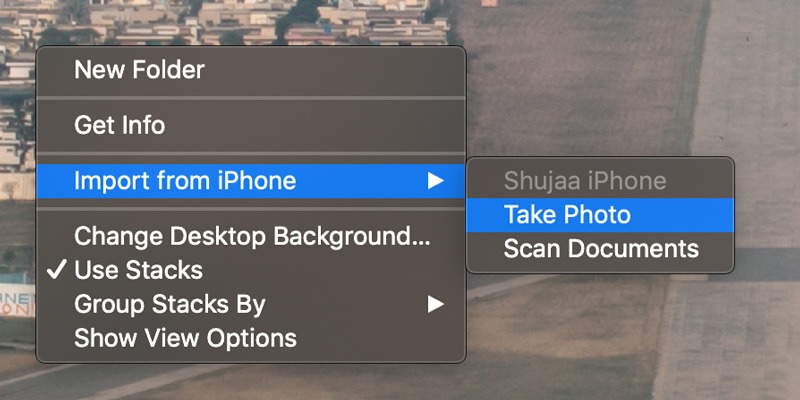
While working on a Mac, you can make use of the Continuity Camera feature to take a photo using your iPhone’s camera and directly import it to your Mac.
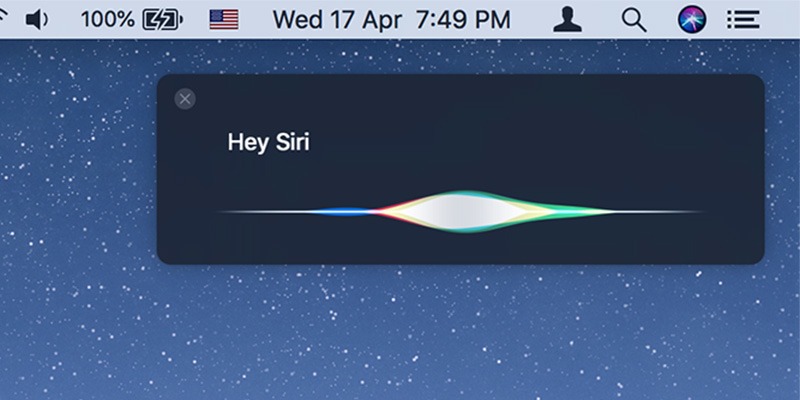
Apple has not made the “Hey Siri” activation function available on older Macs. Fortunately, there’s a workaround to access the “Hey Siri” command on older Macs.
You can get your Mac to save power by automatically turning off the keyboard’s backlight after a specific time of inactivity. Here is how you can do so.
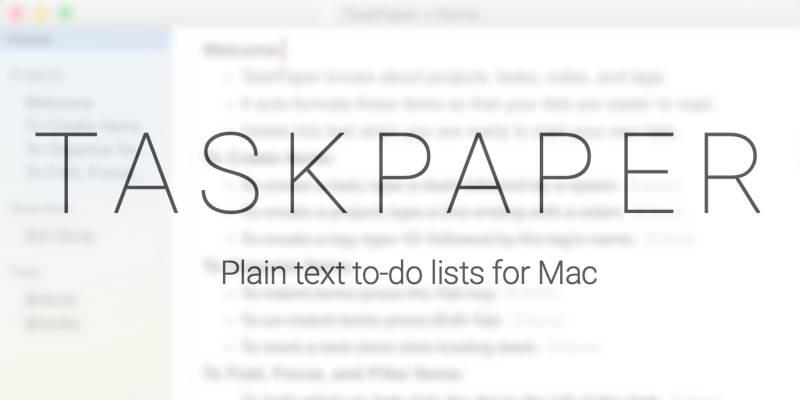
Some task apps have so many features that keeping them up to date is a task in itself. If you prefer a simpler option, TaskPaper might be perfect for you.
Apple’s new “Butterfly” mechanism keyboard is nowhere as good as it sounds, with it being plagued by constant noise and dust entrapment issues since its release.
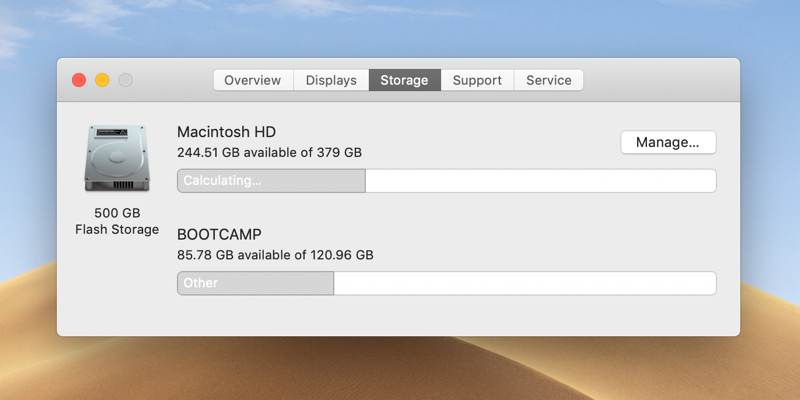
Mac comes with a way for you to find out the cause of its failure. You can use Apple Diagnostics to troubleshoot your Mac and find out what is wrong with it.