Linux offers many tools for scientists to support or conduct experiments. This article focuses on a few that will make learning physics easier or more fun.
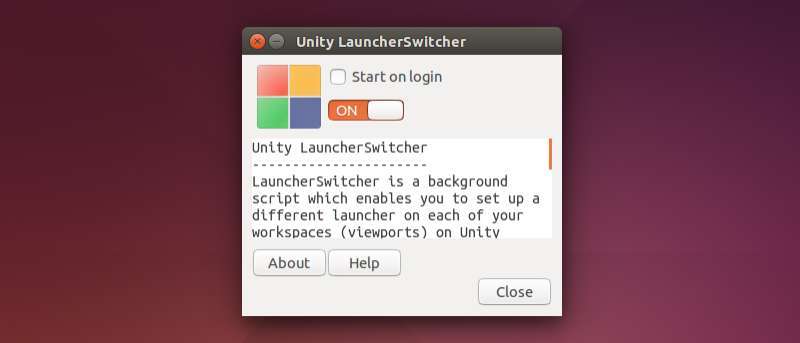
Unity Launcherswitcher is a background script which enables you to set up a different launcher on each of your workspaces on Unity. Here’s how to set it up.
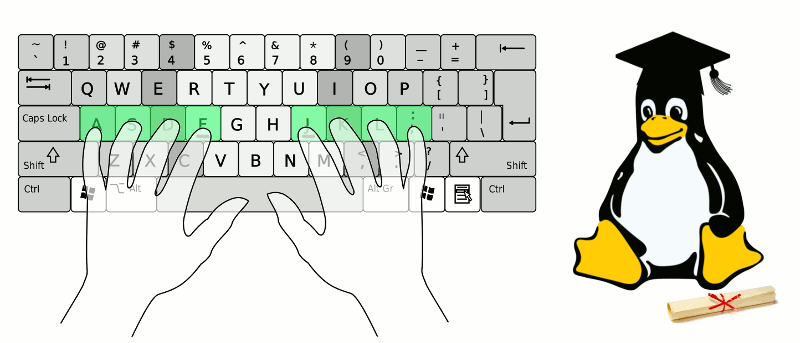
Using Linux as your default OS and interested in learning how to type? The following two applications can help you learn the basics and master the keyboard.
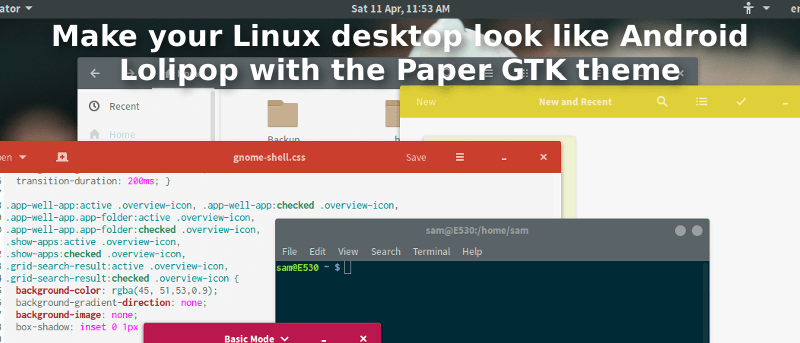
Many Android fans have been enjoying Google’s fresh material look, but what about Linux? Enter the Paper GTK theme suite. Here’s how to install & enable it.
Antergos is an Arch Linux-based distribution featuring a live environment & a user-friendly graphical installer. Find out how easy it is to install & use.
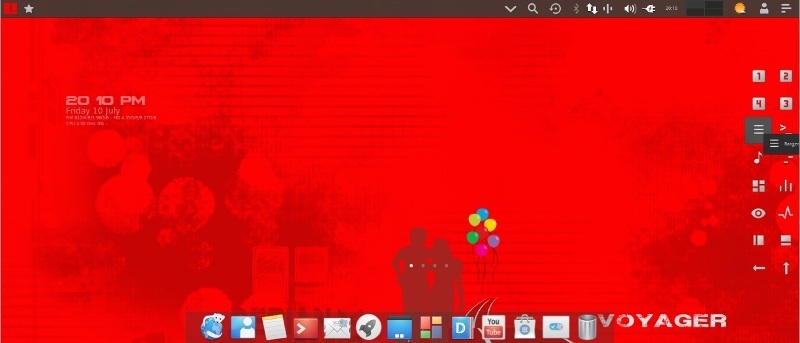
Voyager X8 is a Debian-based distribution, based on stable Debian 8(.1), with the newest “experimental” version of XFCE and great software. Let’s check it out.
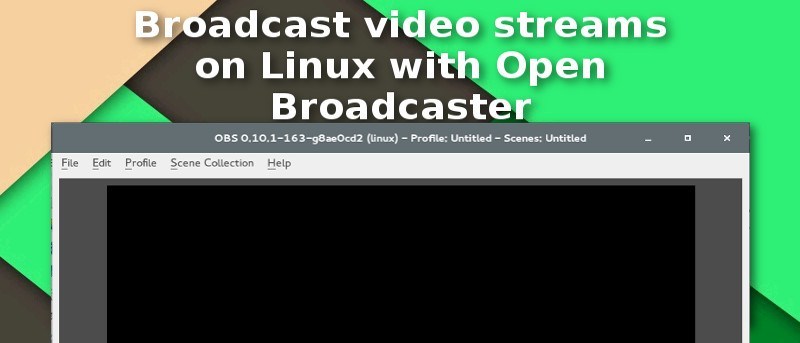
Want to broadcast video streams on Linux? Luckily, Open Broadcaster, a pro-grade streaming software, is finally available on Linux. Here’s how it works.
If you play games via Steam on Ubuntu, you may be looking for an easier way to control your games. Luckily, you can use an Xbox 360 Controller. Here’s how.
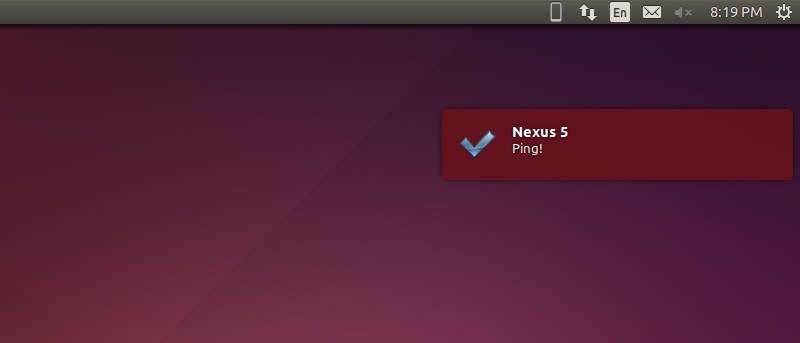
KDE Connect allows your Linux PC and phone to communicate with each other over Wi-Fi. Here’s how to use it to get Android Notifications on Ubuntu Desktop.
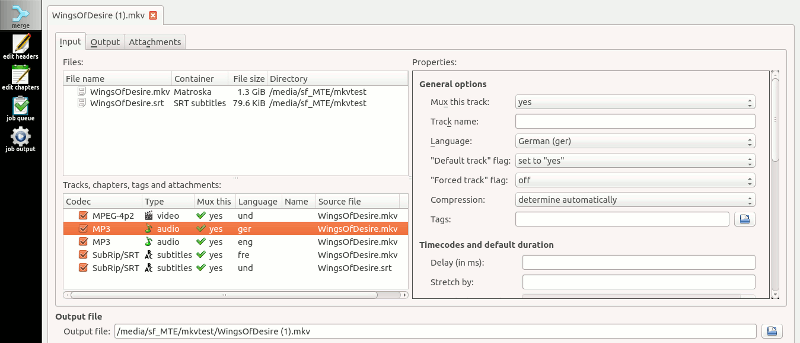
MKVToolnix is a suite of applications to work with Matroska video and audio files. Here’s how to use this software to create and edit MKV files on Linux.
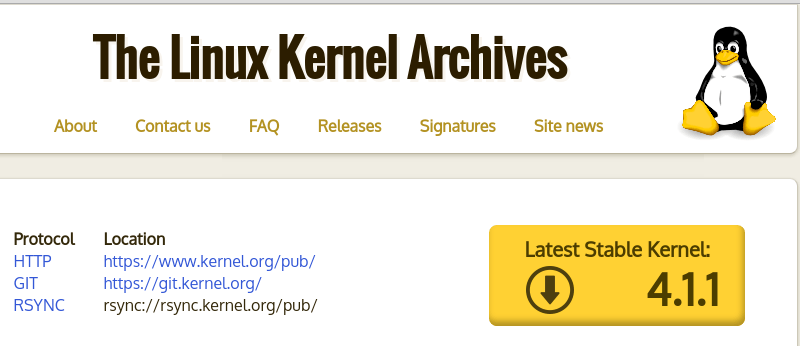
Linux Kernel 4.1.1 was recently released with a host of improvements & new features. Existing users are recommended to upgrade ASAP. Here’s how to do that.
Celestia for Linux allows you to discover the stars and planets of a considerable chunk of the universe with very detailed images. Here’s how it works.
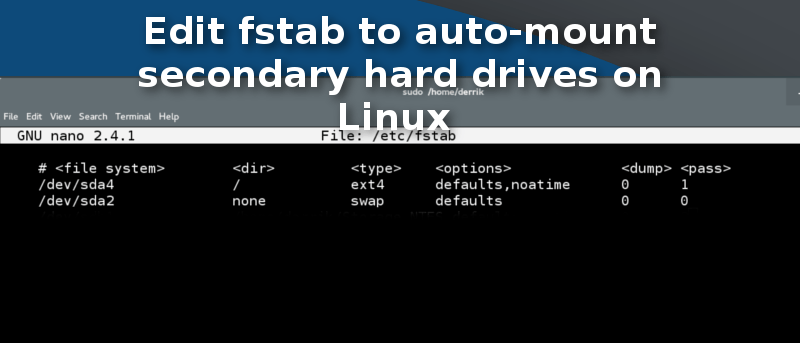
Did you know there’s an easier way to mount your secondary hard drive on Linux? The process involves a few simple edits to the fstab file on your system.
Tickr is a GTK+ based RSS feed reader that displays all your favorite feeds as a simple & useful headline ticker on your desktop. Let’s take a closer look.
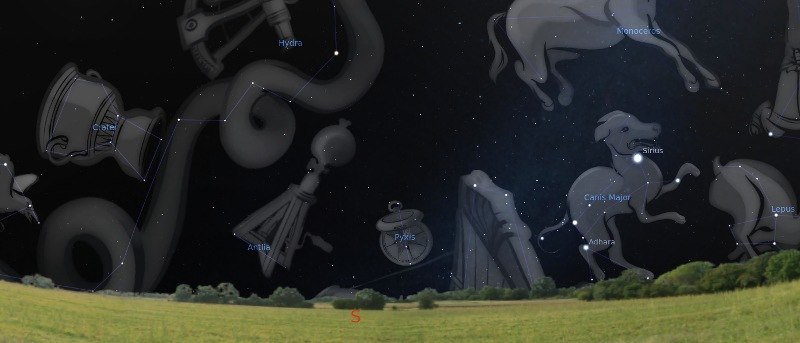
Stellarium is a free & open source planetarium software available for all major operating systems. Today we’ll show you how to install and use it on Linux.
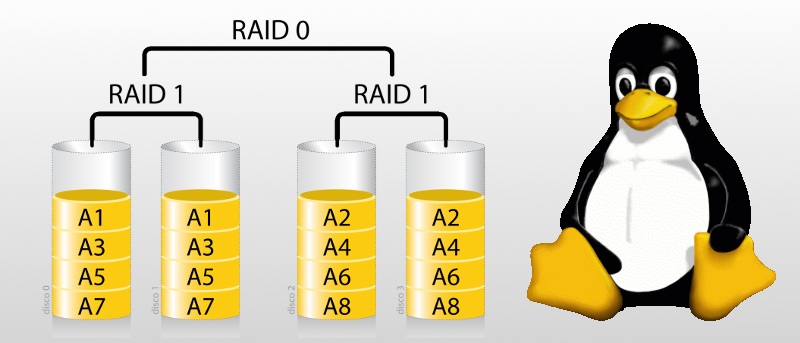
Ready to set up RAID in Linux? This guide will suit anyone with a home system who’d prefer files to be safe or those running small self-hosted servers.