Plasma is a powerful and modern desktop environment for Linux. Aside from just looking good, Plasma comes with lots of tools and settings to help you get things done without wasting time.
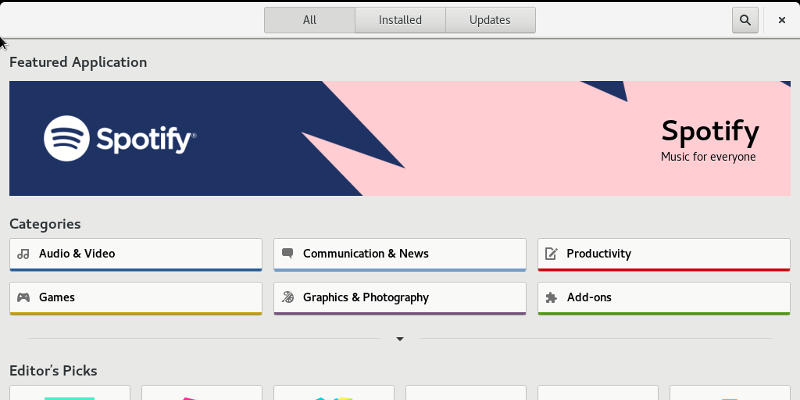
Over the years, Linux has continued to become friendlier for new users. That push includes graphical software centers for installing and managing apps. It’s a great idea, but can GNOME and KDE Plasma pull it off?
Even though Steam is available through the official Ubuntu repositories, a lot of new Linux users get tripped up by the installation process. Learn how you can configure the graphics card and install Steam in Ubuntu.
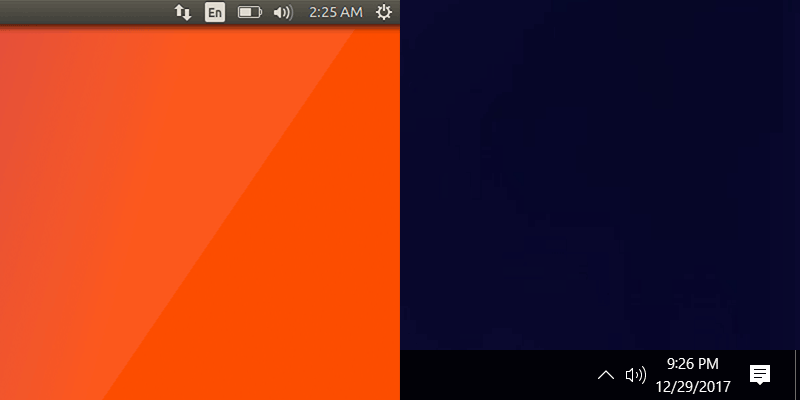
If your system dual boots both Windows and Linux, you might notice that it’s impossible to get the system clocks to sync. Fortunately, there’s a relatively easy fix for that.
Tired of the default look of your Linux desktop? Fret not, here are some places where you can find beautiful Linux themes and icons for you to fully customize your desktop.
There are many Bitcoin clients that support Linux but only a few that are really good. Here are 5 of the best Bitcoin clients for Linux that we recommend.
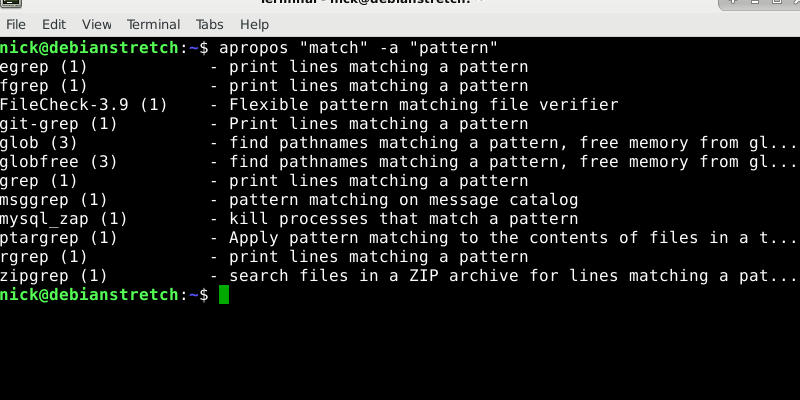
Most of the search commands only read plain text files and not PDFs. To search PDF files from the terminal, you can use pdfgrep. Learn about pdfgrep here.
LibreOffice and WPS Office are two common MS Office alternatives for Linux. We take a look here at both and see which is more suited for your Linux desktop.
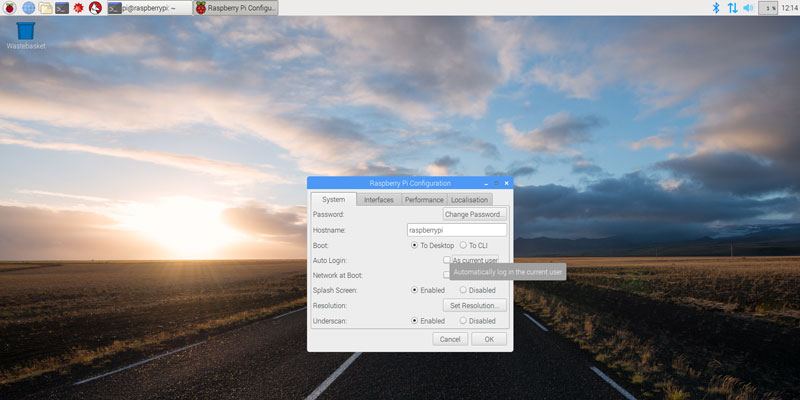
The Raspberry Pi is great but is a little lacking in security out of the box. Here we’ll show you how to change a Raspberry Pi password and secure your Pi.
Different Linux distributions use different package managers to handle installing software. Take a look at the install commands on these popular distros.
Trello is available for most platforms, except for Linux. If you are a Linux user, this unofficial client will allow you to access Trello from the desktop. Check it out!
Gnome shell comes with some useful keyboard shortcuts. Here are some useful and lesser-known Gnome Shell keyboard shortcuts you should use to improve your productivity.
You can record a terminal session with any screen recording program, but Showterm for Linux makes it very easy to record and embed on a site. Here’s how it works.
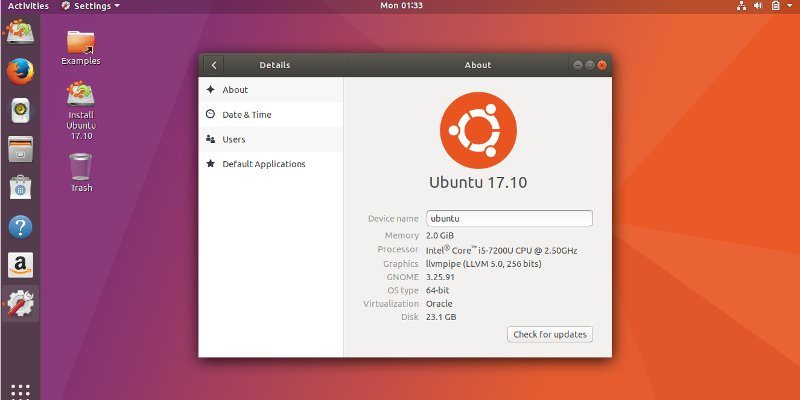
One of the hottest events in October is the release of Ubuntu 17.10 with Gnome desktop. Here’s what you can expect to find in this Ubuntu 17.10 release.