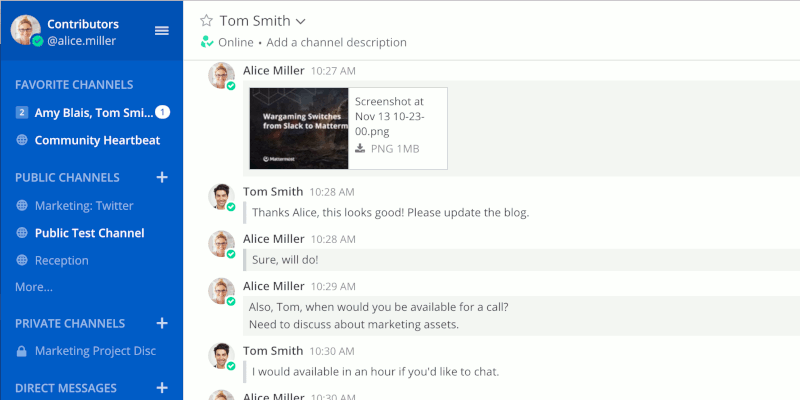
Recently, Microsoft updated their Skype platform (on everything but Linux), so it’s time that Linux users dumped Skype. Here’s a list of four decent alternatives worth checking out.
If you are fairly new to Linux, there are various avenues to help you learn Linux. No matter your learning style, these are some of the best resources for learning Linux.
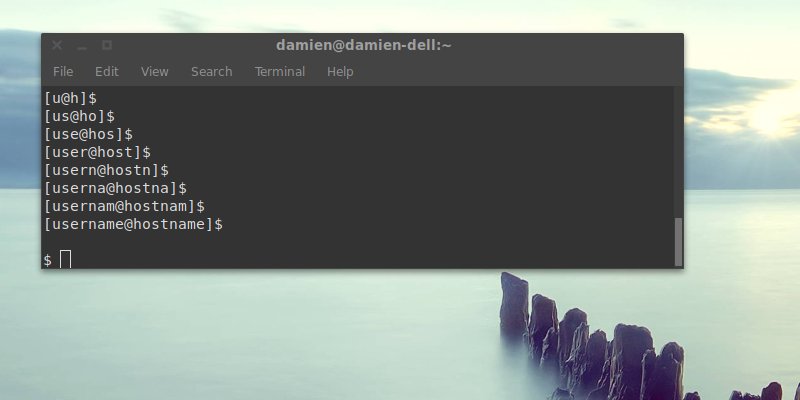
The terminal prompt in Linux shows your username and hostname by default. This will show you how to remove your username and make changes to the prompt.
If you have data you want to protect, you can create an encrypted container. Here’s how to set up an encrypted partition in Linux to safely store your data.
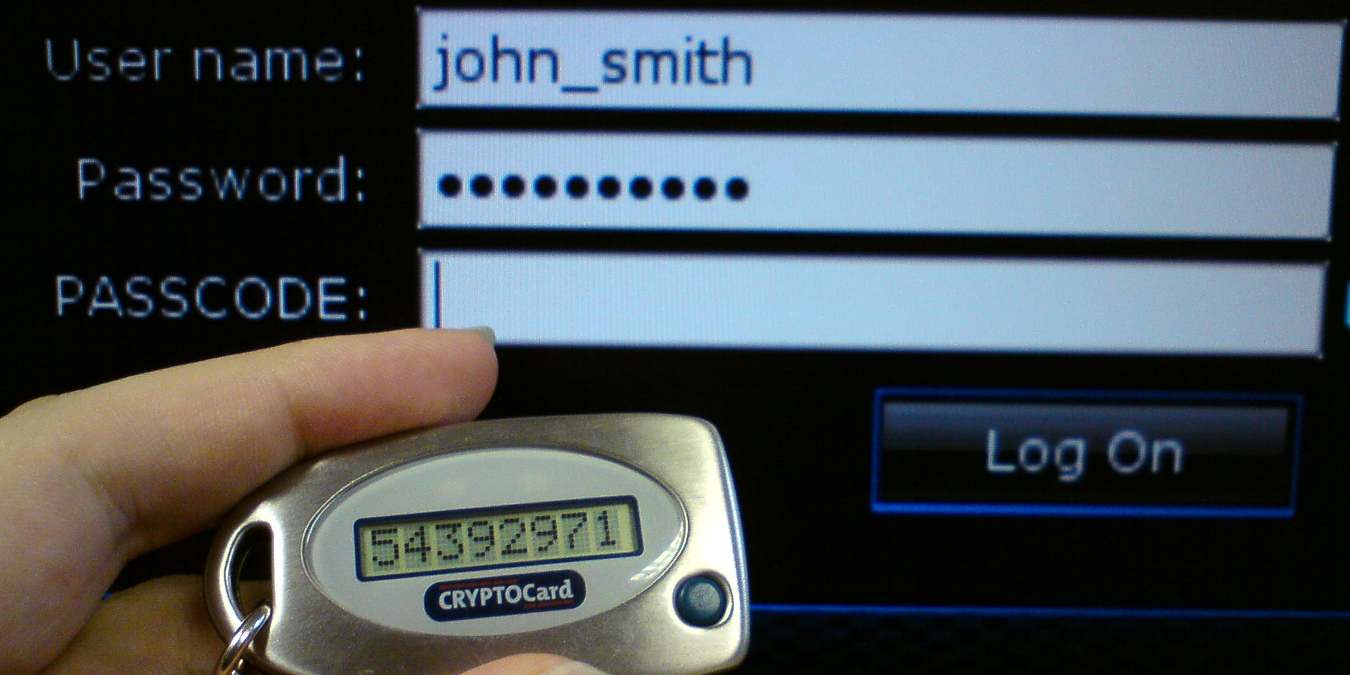
Many people don’t like to use their phones for two-factor authentication. Learn how you can generate two-factor authentication code on a Linux desktop.
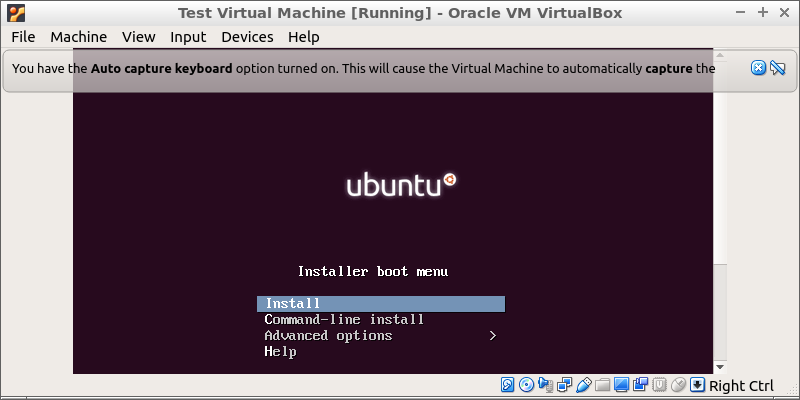
Virtualbox allows you to run a virtual machine on your PC. This shows how to install Virtualbox on Ubuntu and install and run virtual machine on your PC.
Permanently deleting a file can cause problems/ putting it in the Trash bin isn’t good either. Learn to get the system to automatically delete old files from the trash in Linux.
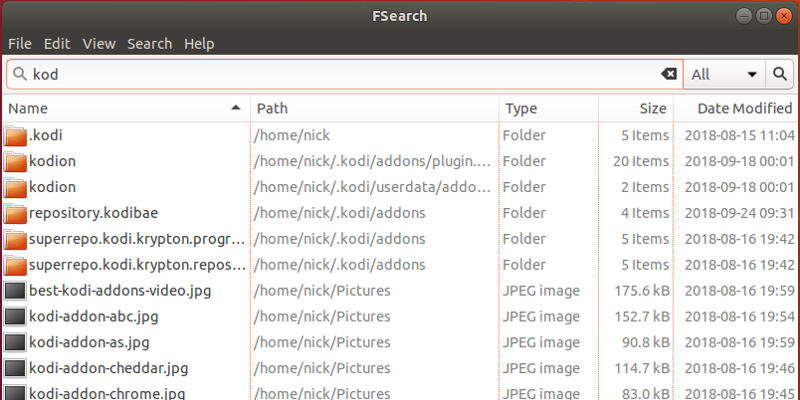
Searching for files in Linux can be a bit clunky. A new search utility, FSearch, aims to change all that with quick and accurate searches. Check it out here.
KDE Connect is not the only way to connect your Android and Linux desktop. If you are a GNOME user, you can use GSConnect to control your Android phone from Gnome.
The terminal is a very powerful tool, and it can be a fun place to be, too. Here are some fun Linux commands you can run in terminal and make it interesting.
Google Drive is an excellent resource for accessing your files from anywhere. Learn how to mount Google Drive in Ubuntu and access your files from Nautilus.
You can upgrade Ubuntu without an Internet connection, and it’s not as hard as you’d think. Apt has an offline mode that lets you make your own local repo.