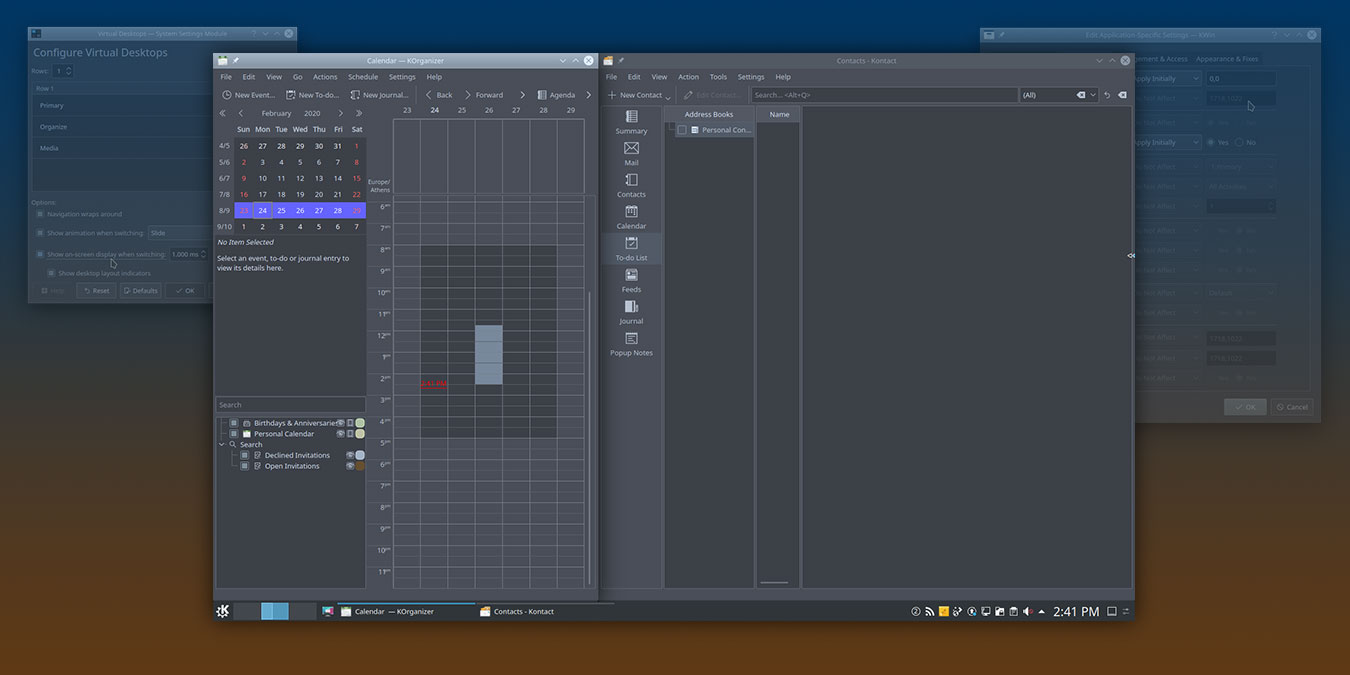
KDE allows you to set up rules that define how an application window appears on the desktop. Learn how you can better manage your application windows in KDE.
There are tons of commands that you can run in the Linux terminal, and if you want to list the content of a directory, you can do so with these commands.
Do you know that Linux has its very own command-line spellcheck utility to check your writing in the Terminal? Here’s how to use aspell to spellcheck in Linux.
In Linux, you can use a soft or hard link to connect two files together. Check out the differences between soft and hard links and which one you should use.
There are a few ways to find and locate files from the terminal in Linux. find, locate, which and whereis are some of the commonly used commands to do so.
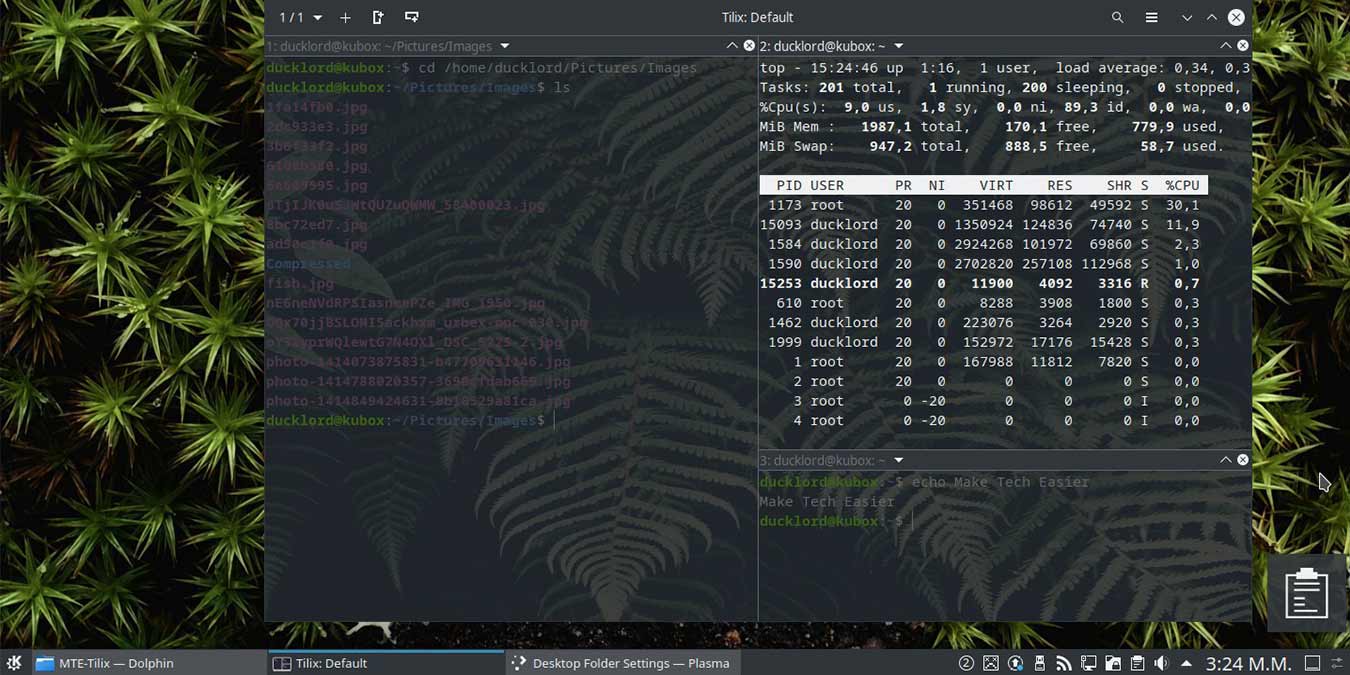
Tilix works as a great terminal alternative for your Linux PC. Let’s see how you can use it to turn your terminal into a modern and efficient workspace.
In a shared directory, there are cases where other user accidentally deleted your files. Here is how to use sticky bits to manage your file permission.
You may have heard of Linux inodes, but are not sure what is it and how it affects your Linux system. Here we will explain what is inodes and how it works.
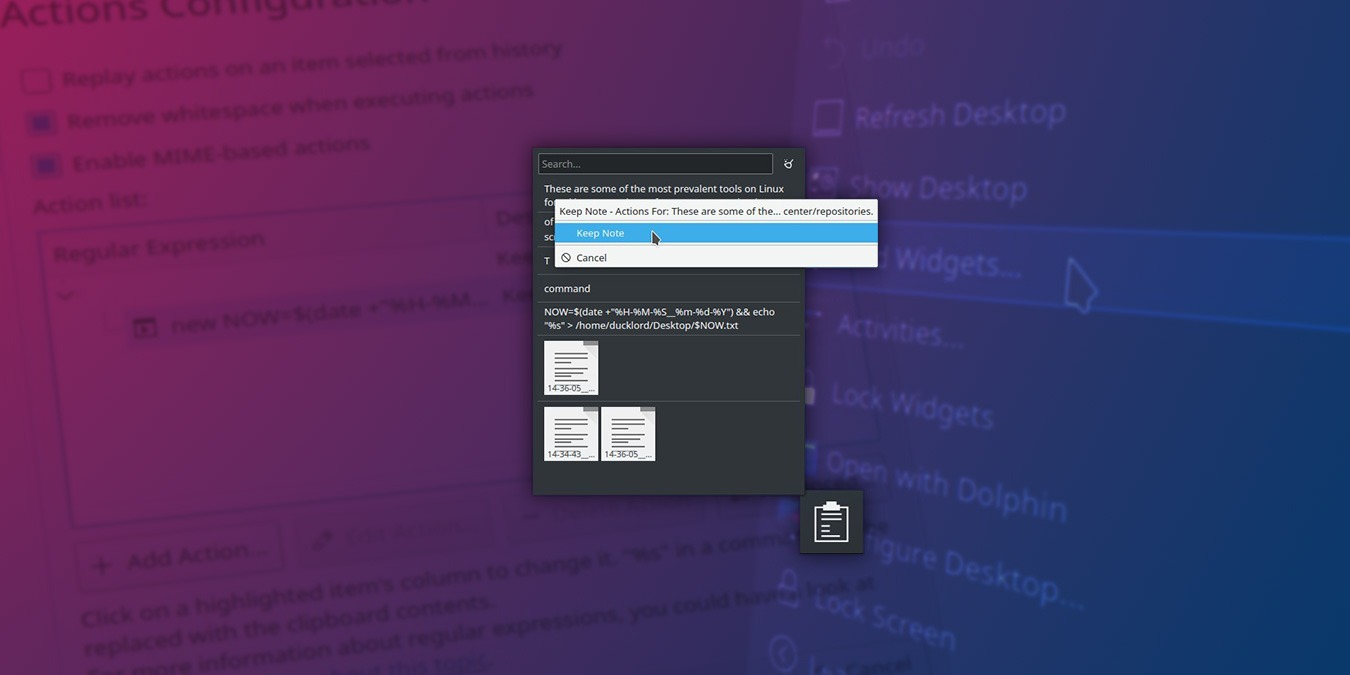
Clipboard managers are useful, but most of them don’t offer a backup feature. Here is a hack to backup your clipboard history with KDE’s clipboard widget.
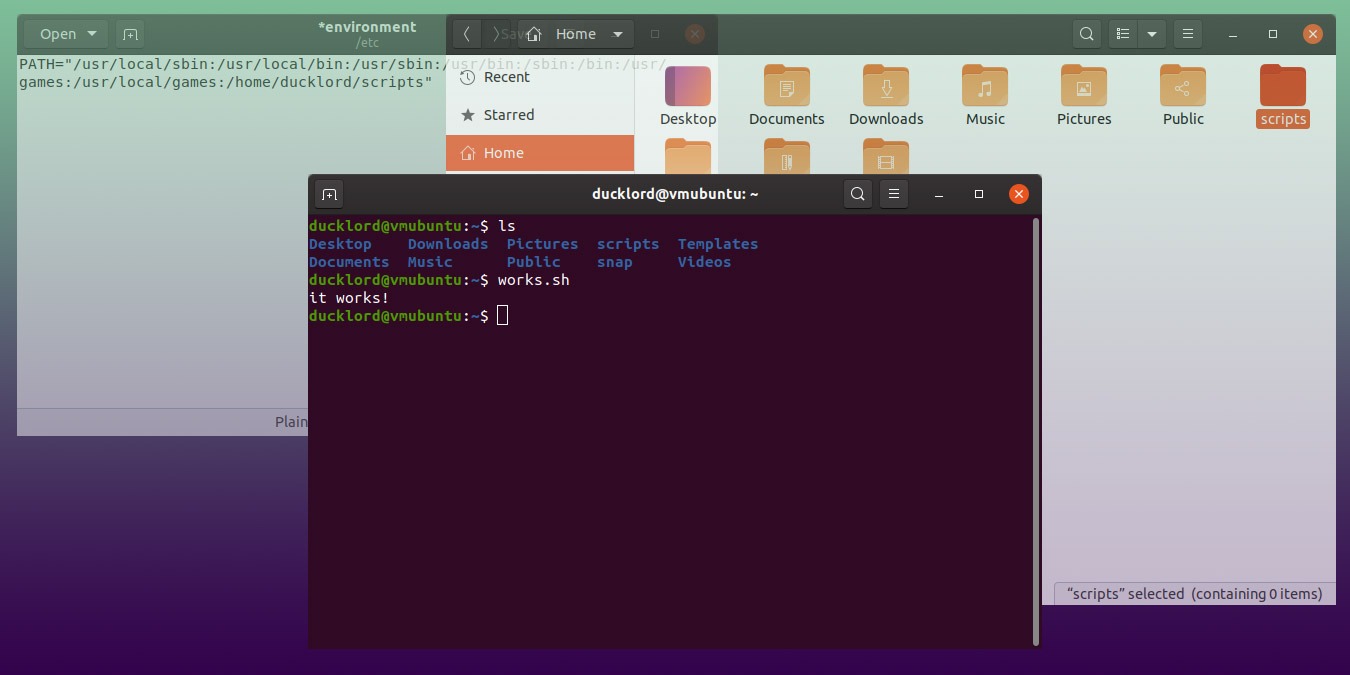
Have you notice how Linux commands are located in different folders but accessible everywhere? Here is how to make your scripts executable everywhere too.
A very useful feature in Linux is the “Access Control Lists” that controls access to files and directories. Here’s how access control lists work in Linux.