You’d be amazed by just how many different text editors are out there. Here are some of the best Linux text editors you can use.
By John Perkins – Oct 22, 2020
Openbox is a lightweight and highly configurable window manager. Learn how you can install Openbox and configure it on your Linux PC.
By William Elcock – Oct 20, 2020
If you have enjoyed using Unity on Ubuntu in the past, check out this Unity desktop review and see how much has changed.
By John Perkins – Oct 19, 2020
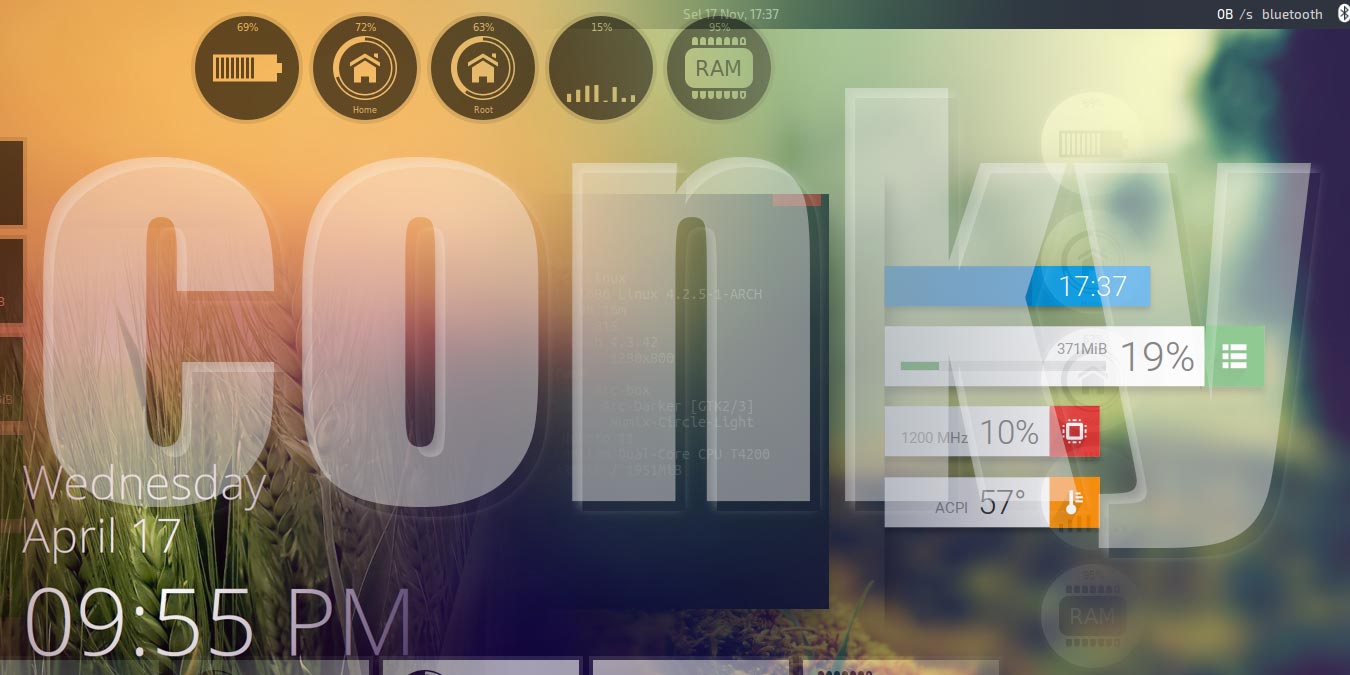
Conky is a useful piece of software to display information on your Linux desktop. Here are some of the coolest, best-looking Conky themes.
By Odysseas Kourafalos – Oct 13, 2020
Vagrant provide an easy way to create, configure and reproduce virtual machines with a known state. Here’s how to use Vagrant on Linux
By John Perkins – Oct 12, 2020
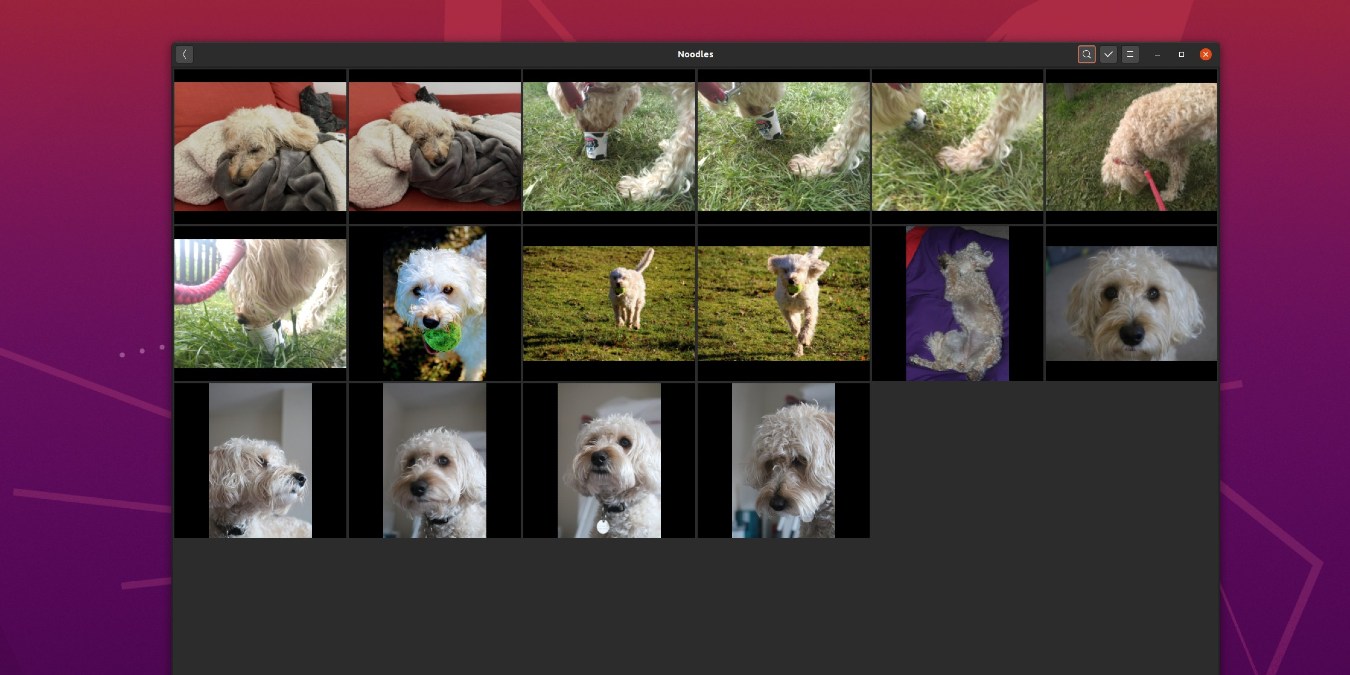
Gnome Photos is default photo management app in Gnome. This guide will show how to add photos, create albums and share images with Photos.
By Andy Channelle – Oct 8, 2020
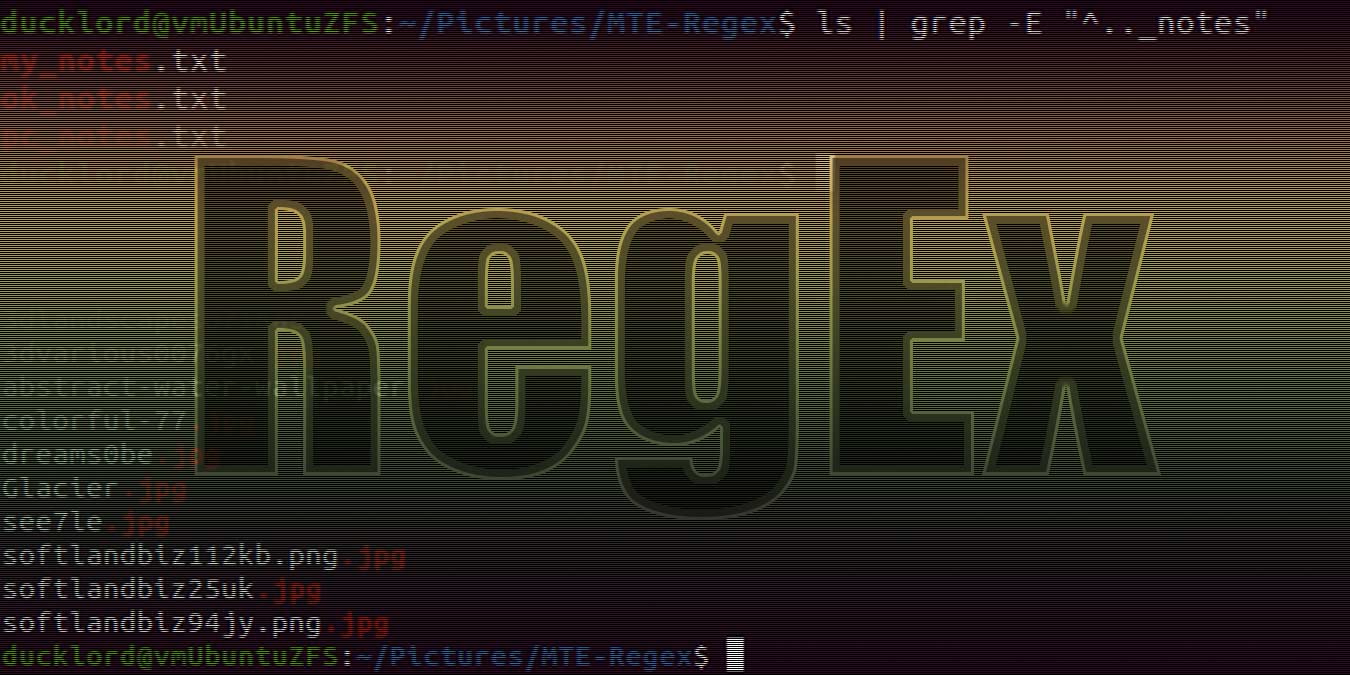
Regular expressions allow you to pick out precise patterns in text right down to the character and let you become a master of search.
By Odysseas Kourafalos – Oct 7, 2020
Ubuntu does not have the latest version of Krita in its repository. Let’s see how to install the latest version of Krita on Ubuntu.
By Odysseas Kourafalos – Oct 6, 2020
Enlightenment is an extremely lightweight window manager that has a huge amount of utility baked into it. Check out our Enlightenment review here.
By John Perkins – Oct 1, 2020
In this tutorial, we show you how to add and manage users in Ubuntu, change their privileges, and set up a common folder for file sharing.
By Andy Channelle – Sep 30, 2020
If you’re the only one using your computer, you can disable the login screen. Here’s how you can disable the lock screen in Ubuntu.
By Odysseas Kourafalos – Sep 28, 2020
Raspberry Pi is widely used as a home server. Here is how to install CentOS on your Raspberry Pi to create a rock-solid home server.
By John Perkins – Sep 25, 2020
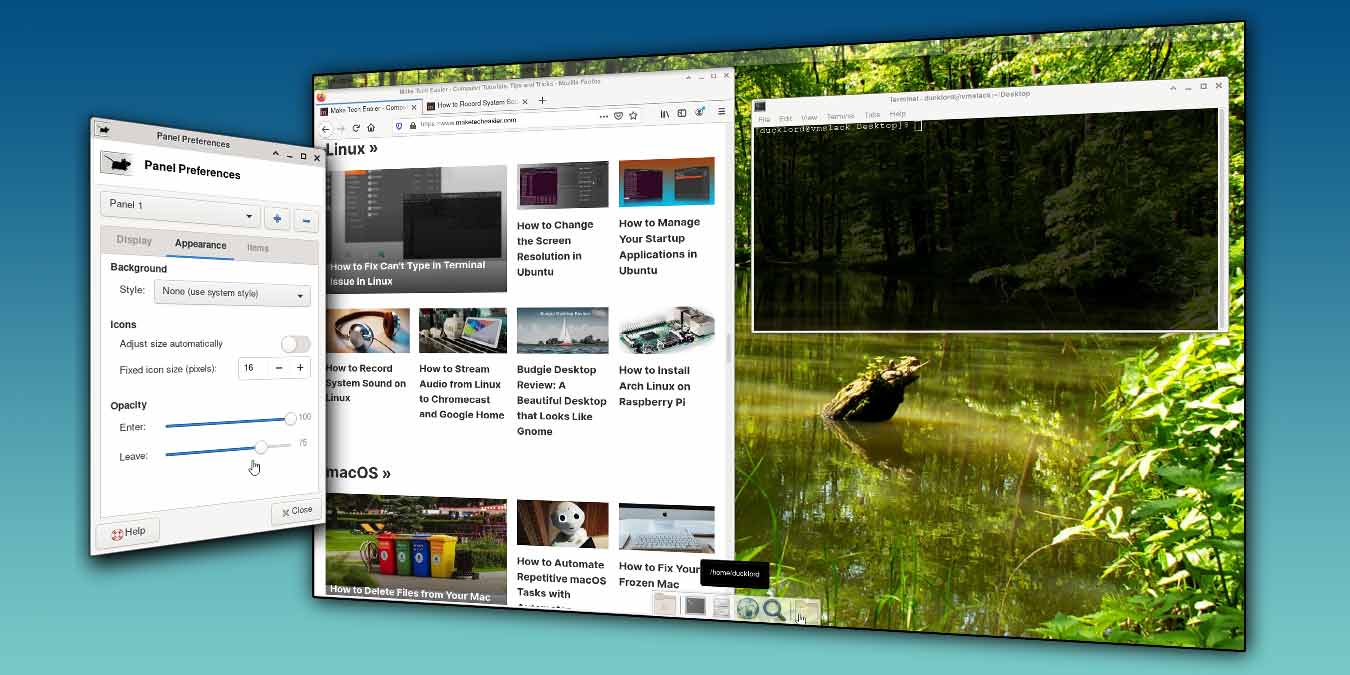
XFCE is very customizable, and you can easily change the color of the panel. Here is how you can make the XFCE panel and terminal transparent.
By Odysseas Kourafalos – Sep 23, 2020
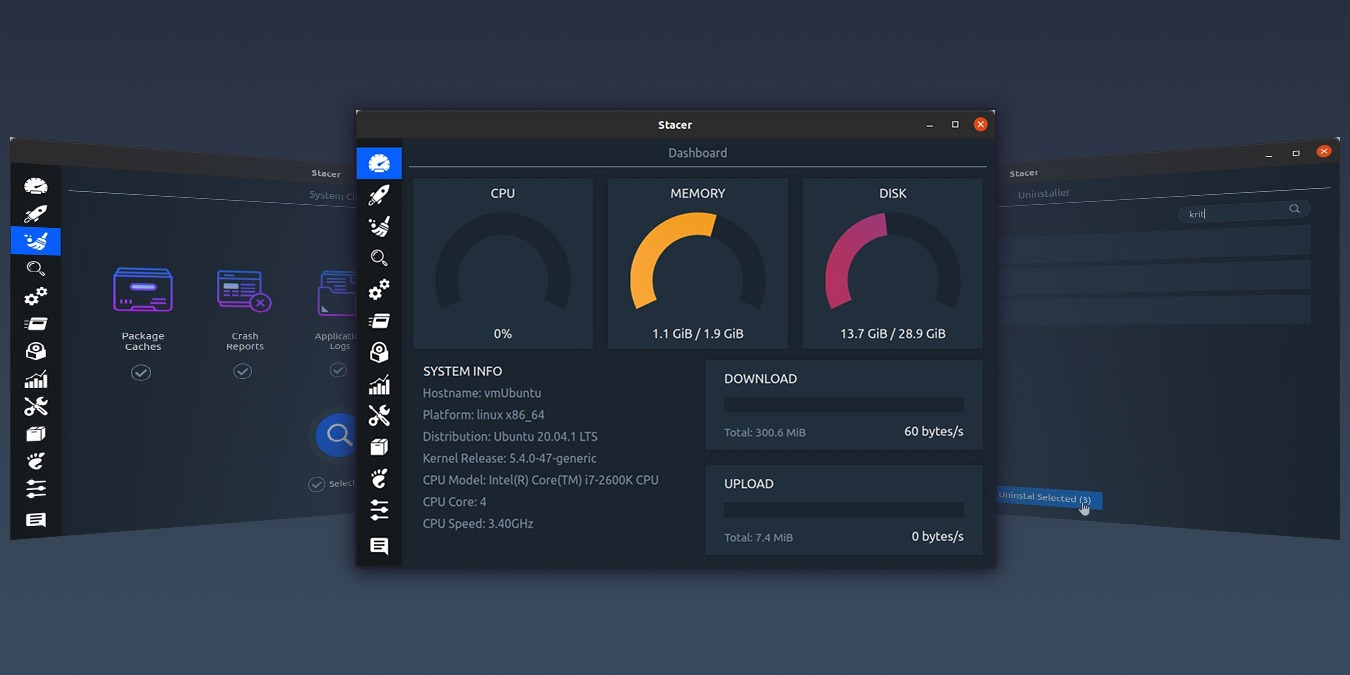
Are you looking for ways to optimize your Linux system? Stacer includes everything you need to monitor, clean, and optimize your Linux system.
By Odysseas Kourafalos – Sep 21, 2020
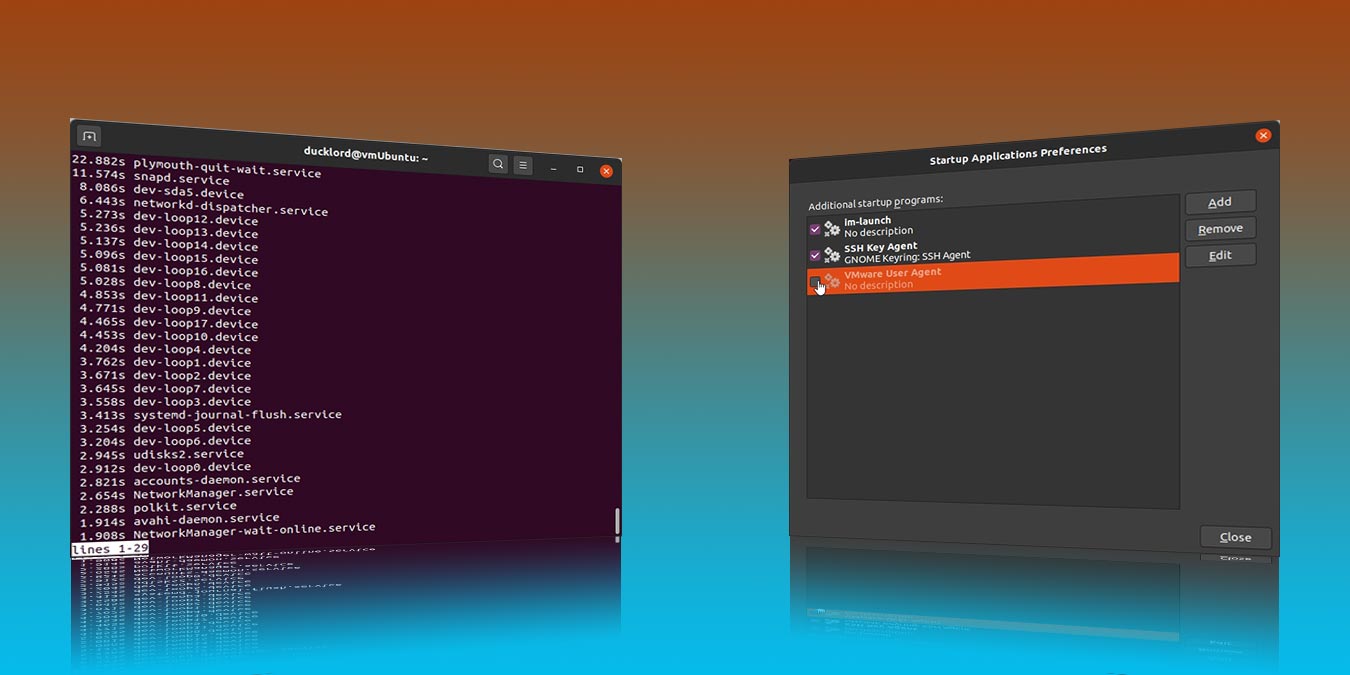
It is easy to manage the startup applications in Ubuntu and clean out those apps and the process that you don’t need during bootup. Here’s how to do it.
By Odysseas Kourafalos – Sep 15, 2020
Ever wanted to record whatever you played on your speakers directly to an MP3 file? Here is how you can record system sound in Linux.
By John Perkins – Sep 14, 2020
Casting your audio from Linux to another speaker is easy. Here we show you how you can stream audio from Linux to Chromecast.
By Andy Channelle – Sep 11, 2020
Budgie is a beautiful desktop that aims to provide sane defaults and a beautiful interface. Find out more in this Budgie desktop review.
By John Perkins – Sep 10, 2020
Raspberry Pi can work with different operating systems. Let’s take a look at how you can install Arch Linux on Raspberry Pi.
By William Elcock – Sep 8, 2020
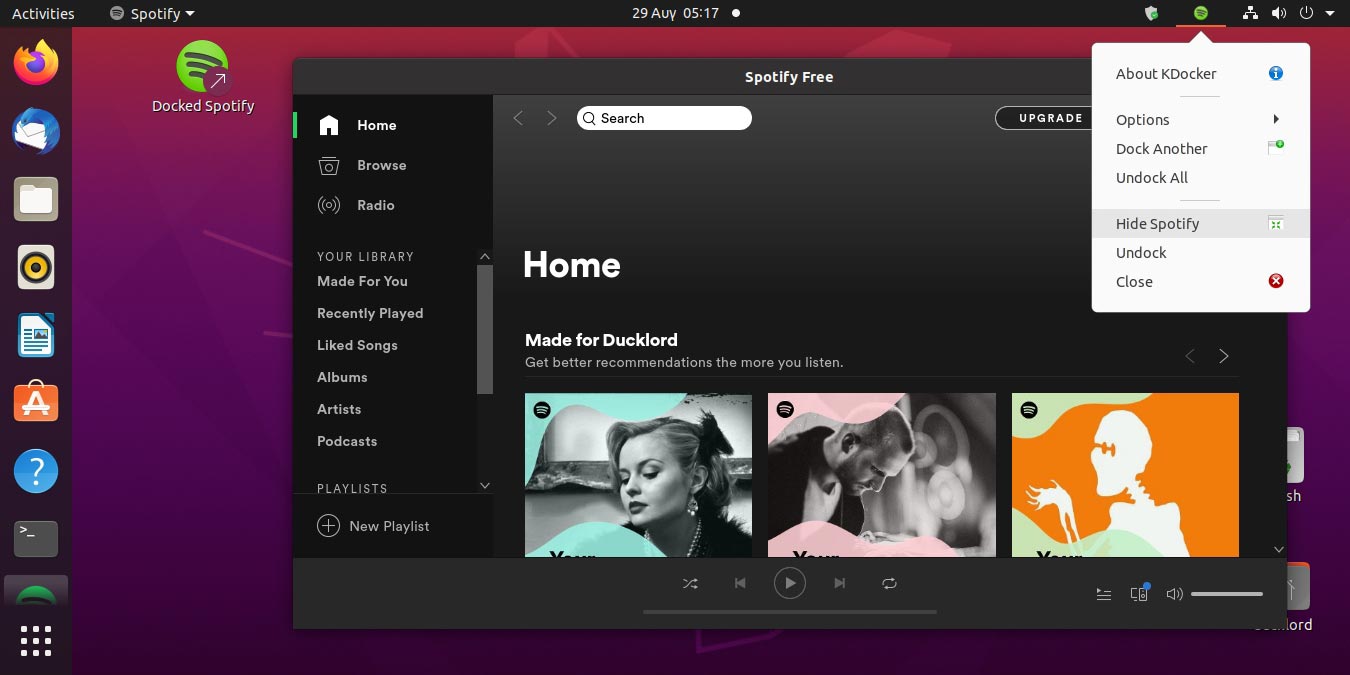
Recent versions of the Spotify client for Linux don’t have the minimize ability. Follow this to minimize Spotify to the system tray in Linux.
By Odysseas Kourafalos – Sep 2, 2020
Pagination
Affiliate Disclosure: Make Tech Easier may earn commission on products purchased through our links, which supports the work we do for our readers.