As another video conferencing option, MIcrosoft Teams is available for Linux, too. Here’s how you can install Microsoft Teams on Linux.
By John Perkins – Dec 21, 2020
Linux users can automatically back up files to Google drive using the open-source package google-drive-ocamlfuse and the cron utility
By Rubaiat Hossain – Dec 16, 2020
Many people hate the way Gnome creates and destroys its workspaces. Here we show you how to disable automatic workspaces in Gnome.
By John Perkins – Dec 15, 2020
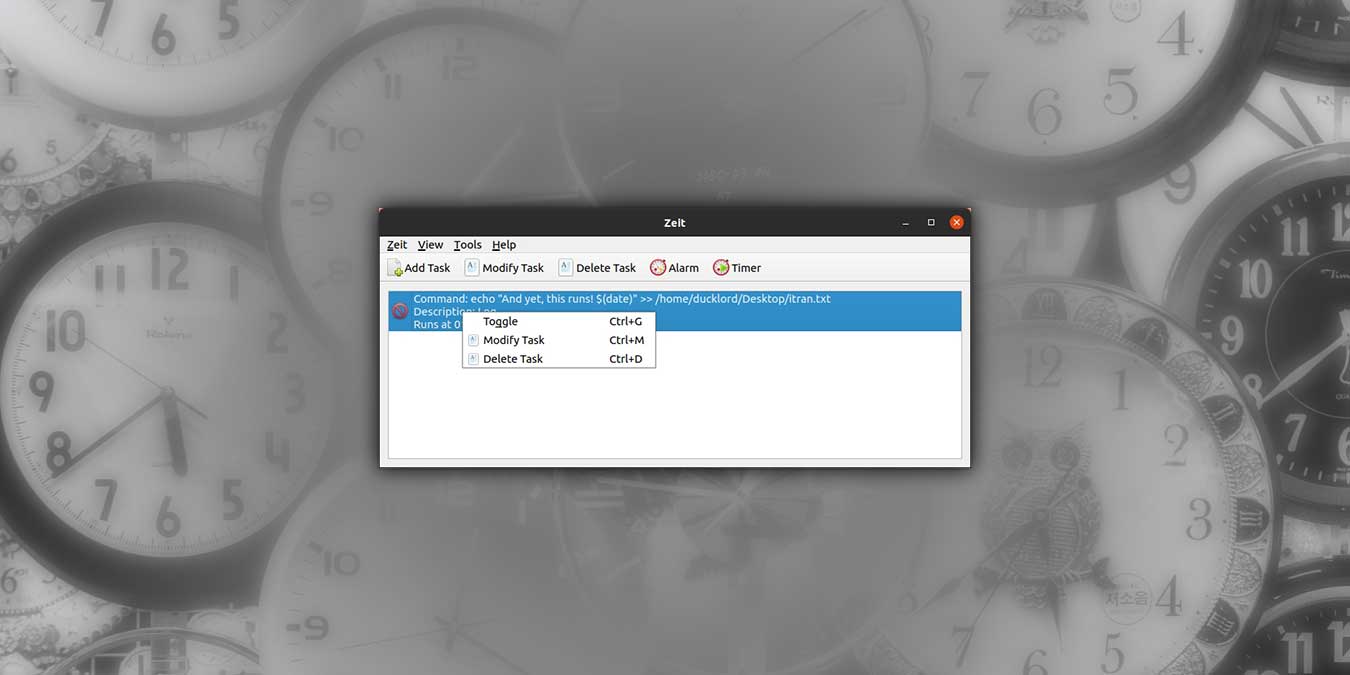
Zeit is a graphical app that makes managing your cron jobs very easy. Let’s see how it allows you to easily create cron jobs in Linux.
By Odysseas Kourafalos – Dec 14, 2020
Symlinks are essential for linking files and directories, but they can easily break without notice. Here’s how to find broken symlinks in Linux.
By John Perkins – Dec 10, 2020
Learn how to install and use Microsoft Defender on Linux to make sure your IT department can scan your machine for threats.
By John Perkins – Nov 30, 2020
If you are using Linux, you have used Gnome Shell before. This GNOME Shell review goes through the pros and cons of GNOME and who is it for.
By John Perkins – Nov 27, 2020
It is never easy to navigate the file system in Linux terminal. nnn allows you to easily do so without having to type any commands.
By Odysseas Kourafalos – Nov 23, 2020
Btrfs is one of the “Copy on Write” filesystems that allows you to easily create snapshots. Check out this beginner’s guide to Btrfs to get started.
By John Perkins – Nov 20, 2020
Gnome has a night light feature that you can easily turn on. Here’s how to configure the color temperature of Gnome night light.
By John Perkins – Nov 16, 2020
Tar typically uses only 1 CPU core when compressing files. Here is how you can make use of all CPU cores when compressing archives with Tar.
By John Perkins – Nov 13, 2020
If you install CentOS on your desktop, you will find Gnome as the default desktop environment. Here is how to install KDE Plasma on CentOS.
By John Perkins – Nov 12, 2020
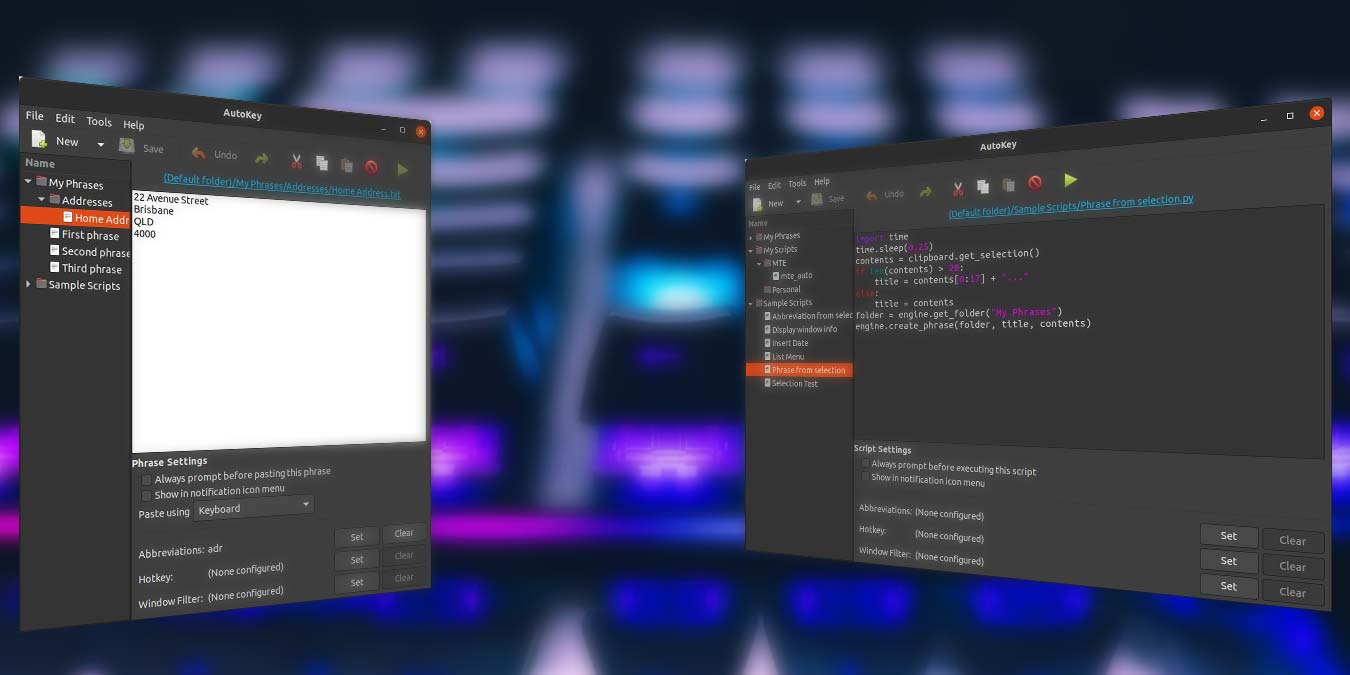
Autokey is a text expansion application for Linux. Learn how you can use Autokey to create shortcuts, hotkeys or automate stuff.
By Odysseas Kourafalos – Nov 11, 2020
Need to meddle with your hard disk partition? Here we show you how to create and resize partitions with GParted.
By John Perkins – Nov 10, 2020
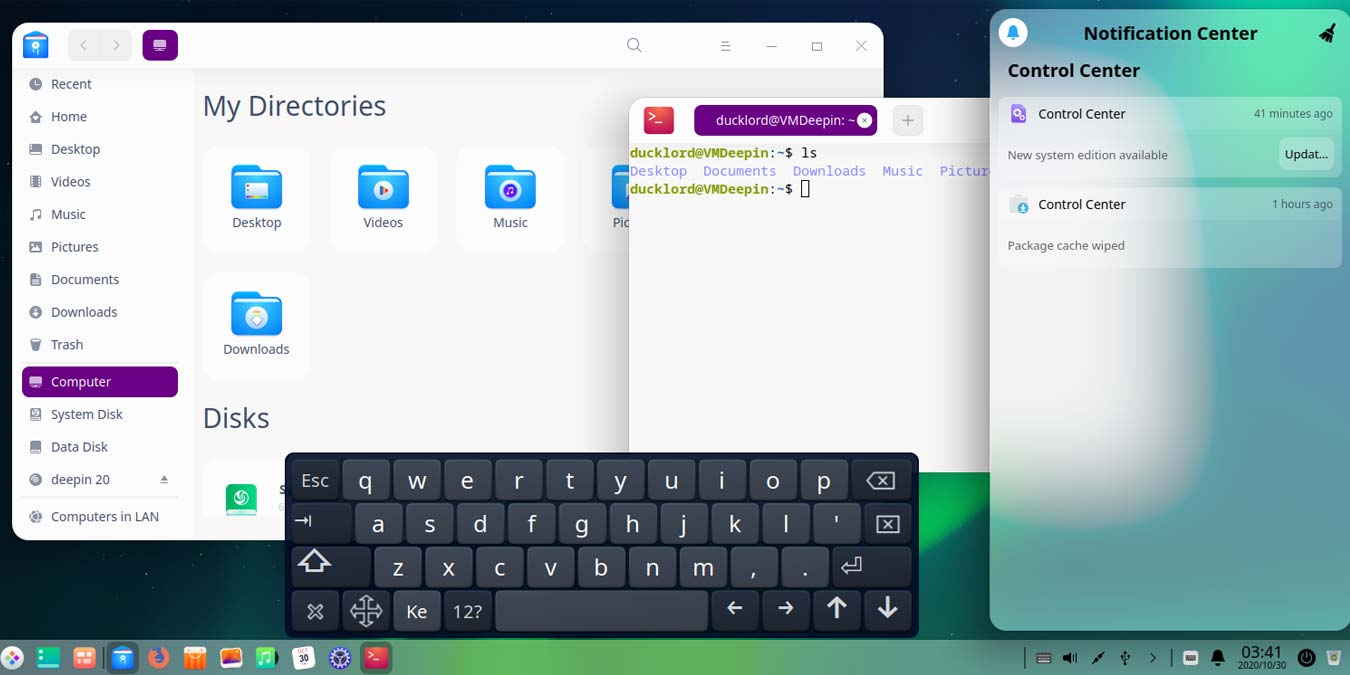
Deepin is a rising star among Linux distributions. What does it offer compared to other distributions? How is it in actual everyday use? Let’s find out.
By Odysseas Kourafalos – Nov 5, 2020
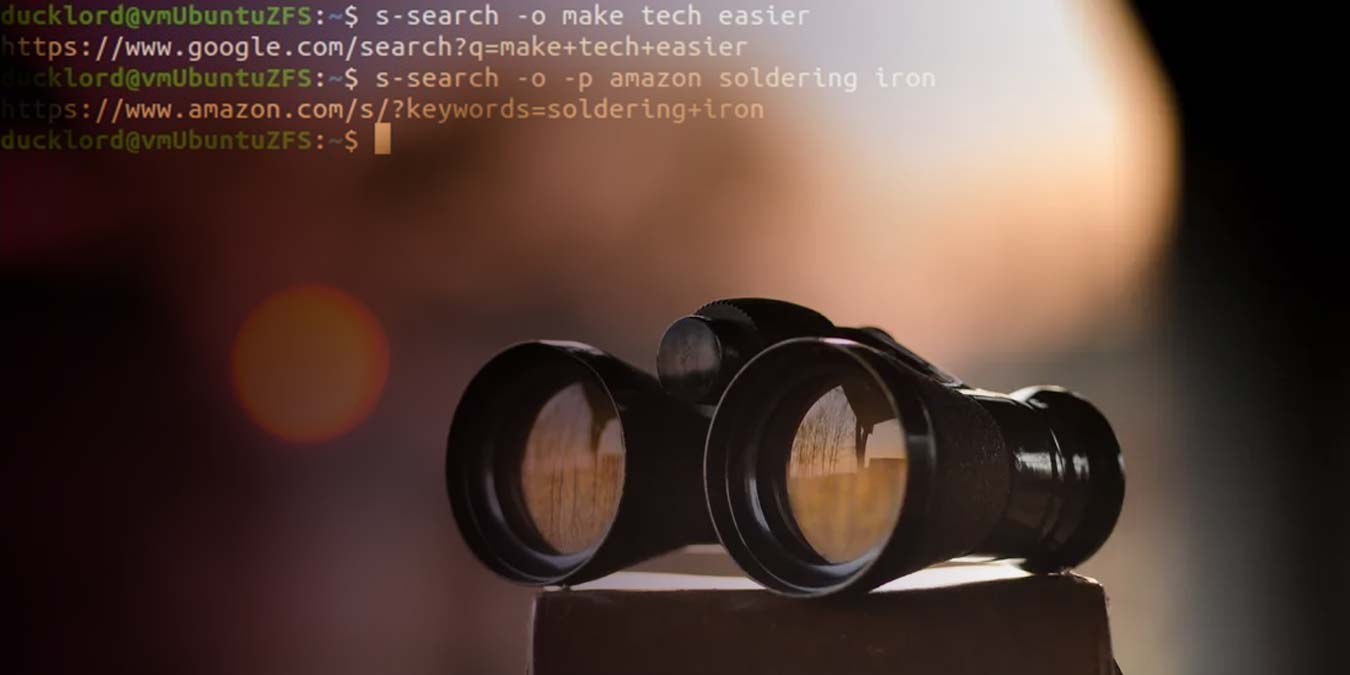
When you need to search the Web from the terminal, S can be an helpful tool. It supports many search engines, and you can search with a simple command.
By Odysseas Kourafalos – Nov 3, 2020
What partition setup should you use when installing Linux? Follow this quick quide to find out Linux partition schemes and how to go about doing it.
By John Perkins – Nov 2, 2020
Sugar is a desktop environment that’s designed for kids, education and ease of use, and it’s built very well for what it is. Check it out!
By John Perkins – Oct 30, 2020
You might have come across a boot partition in your Linux installation and wondered if you need the boot partition in your Linux setup. Here are the answers.
By Odysseas Kourafalos – Oct 27, 2020
A virtual on-screen keyboard can be useful as a touchscreen monitor. Here’s how to set up a virtual on-screen keyboard in Linux.
By John Perkins – Oct 23, 2020
Pagination
Affiliate Disclosure: Make Tech Easier may earn commission on products purchased through our links, which supports the work we do for our readers.