Other than exe files, there are a few different file types that viruses can be present in. In this article, we will show you the different file types and discuss them in detail.
Backing up allows you to recover and get yourself back into the swing of things smoothly and quickly. The key question is – which files, other than our personal data, should we back up to recover from a hard drive crash?
You probably have invested money in a good antivirus software, but how do you know that your anitvirus software is working, without actually infecting your computer intentionally?
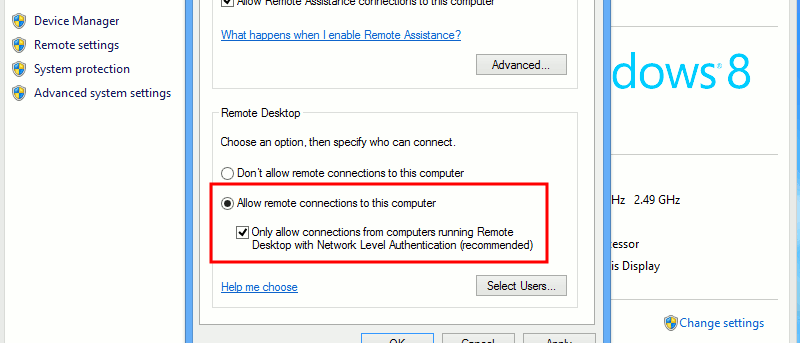
Remote Desktop Connection is a feature in Windows operating system that allows you to control your computer from a different or isolated location. In this guide, you will learn how to set up Remote Desktop Connection.
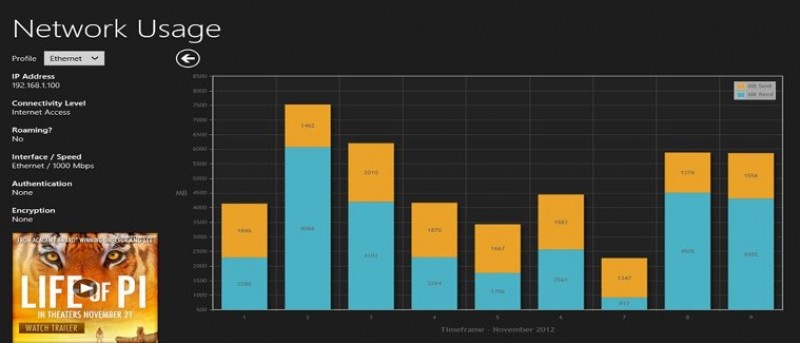
With more and more Internet Service Providers capping bandwidth for subscribers, these users have to find ways to monitor network usage to avoid slow service and high fees. Windows 8 has a built-in tool to show network usage statistics as well as ways to limit your usage to help keep on top of it before your ISP caps you.
While Google has implemented two-factor authentication a long time ago, many people will wonder what took Microsoft so long to follow suit. While they are late to the game, it is still better late than never. Here is how you can activate the two factor authentication for your Microsoft account.
Ever get caught up in activity, grow tired and forgetful, and wish there were a way to recover passwords for Windows apps? Here is a great Password recovery tool and we have a giveaway for it.
You may prefer the standard bubble notification than the new toast notification in Windows 8. Here is how you can disable toast notifications in Windows 8.
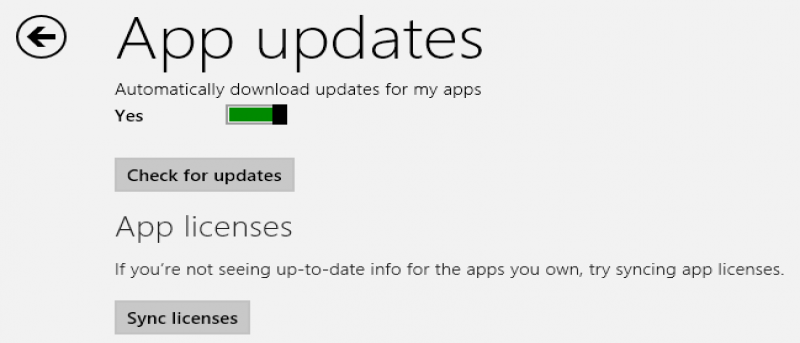
One of the best features in Windows 8 is the ability to bring your “desktop” with you no matter where you use a PC. This article shows you how you can force sync app licenses to the cloud to access them anywhere.
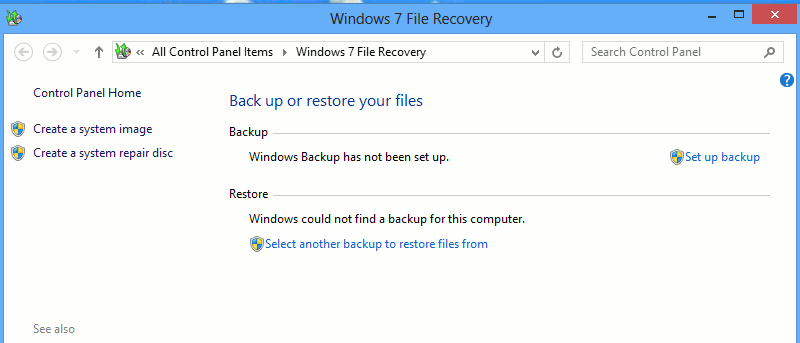
The File Recovery option in Windows 8 allows you to create a system image and back up your files, folders and programs to an external drive or even to a new partition on your computer. If you set up Windows backup properly, it can be a powerful way to keep a backup handy in the event you need to restore not just your computer but also your files.
Page File in Windows can help to share the load with the memory, but will increasing the page file make the computer run faster? Read on to find out the answer.
If your computer hang during the hybrid boot and shutdown process, you may want to disable the hybrid boot and shutdown feature in Windows 8. Here is how you can do so.
A browser hijacking is the practice of taking advantage of vulnerabilities in the browser to compromise the user’s computer in a manner that would serve the interests of the hijacker. There are a few ways a hijacker can achieve this, and we will detail each of them as well as discuss how to prevent them from happening.
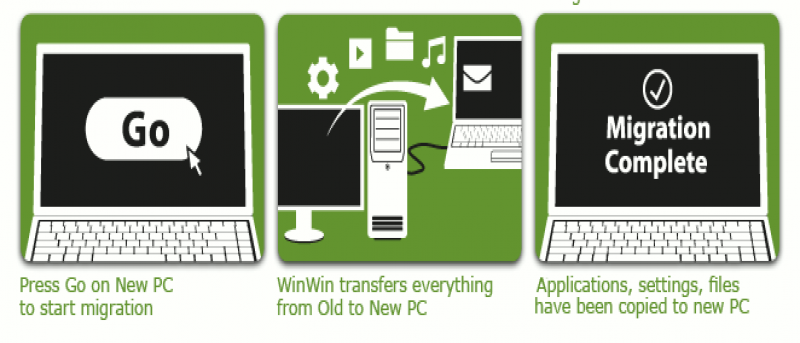
If you just bought a new PC, you will know that transferring data and settings from the old PC to the new machine can be a hassle. When you find yourself in this scenario, there’s one application that can answer your call to migrate data and files: Zinstall WinWin. We have a giveaway for this event. Read on for more detail.
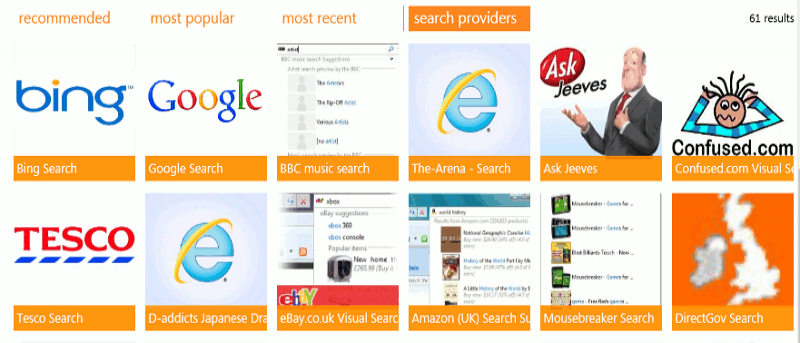
Bing is the default search provider in Internet Explorer 10 and it’s very difficult to configure another search provider. In fact, it almost looks impossible. We’ll explain how you can change the search provider in Internet Explorer 10, effectively ending the frantic search for that darned setting.
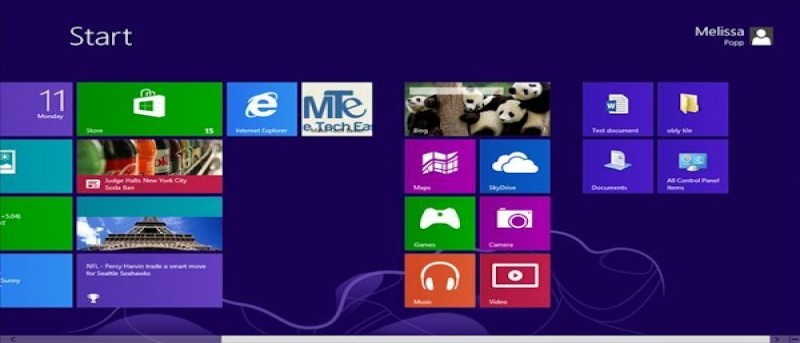
Windows 8 does not give users a way to create or pin live tiles on their own, so users must rely on third party programs to do it. WinAero’s Pin to 8 is a great solution for users looking to pin to the Windows 8 Start Screen.
Microsoft introduced the new interface in Windows 8 that make full use of live tiles, but they failed to gives users the tools to create, modify and tweak the lives tiles. Here is how you can do so.