The general impression of Windows 10 is mostly good. What makes Windows 10 so special that it’s starting to change the public’s opinion of Microsoft, if ever so slightly?
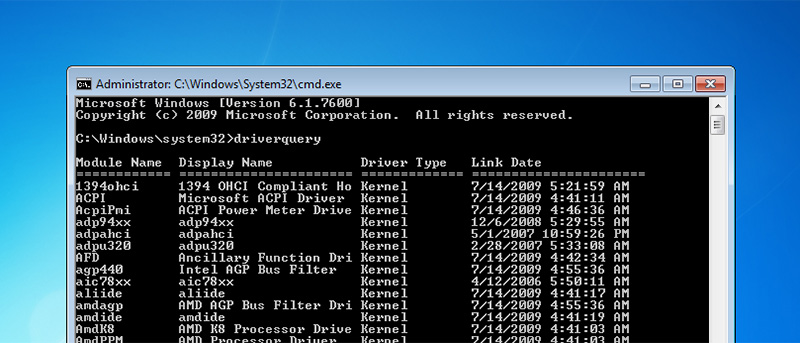
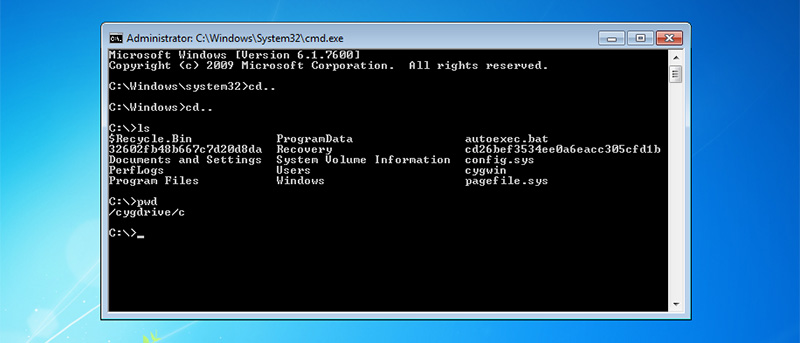
There are some features in Windows that can only be accessed via the command line. Here are some command line tools you can use to troubleshoot Windows PC.
It’s annoying that many Windows freeware are bundled with junkware. Unchecky is a useful freeware that can help you avoid unwanted junkware installations.
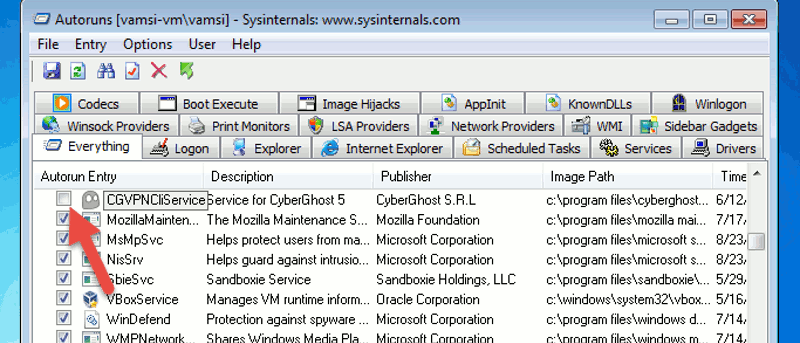
Too many items in your startup list can slow down your Windows boot up time. Learn how to use Autoruns to effectively manage start up programs and processes.
Ever wonder if you can track user logon activities in Windows and see who have logged in and out? This is possible with the Logon Auditing feature. Let’s check it out.
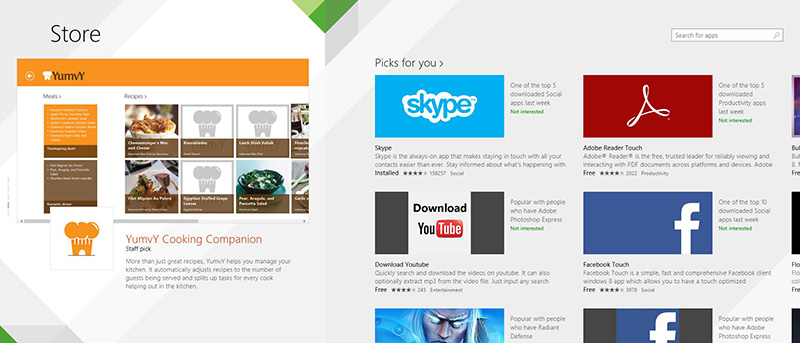
While there are plenty of apps in the Windows Store, a good number of them are fake apps that aim to con your money. Follow these 3 tips to avoid fake apps in WIndows Store.
Plenty of free Windows software come with junkware packaged into them. Here are some tips to avoid downloading and installing junkware to your Windows PC.
Windows 8 comes with a client Hyper-V tool for users to run virtual machines in it. Let us see how to enable Client Hyper-V in Windows 8 and run virtual machines.
How well a solid state drive performs is dependent on how you use it. Here is what you shouldn’t do to your SSD on Windows so as to keep it in top shape.