Being able to share Windows folders with Android over a local network is really handy and even allows you to stream media like video and music. Here’s how to do that.
Many users have complained that Windows 10 leaves sleep mode randomly and refuses to sleep through the night. This tutorial aims to help you fix this problem on your PC.
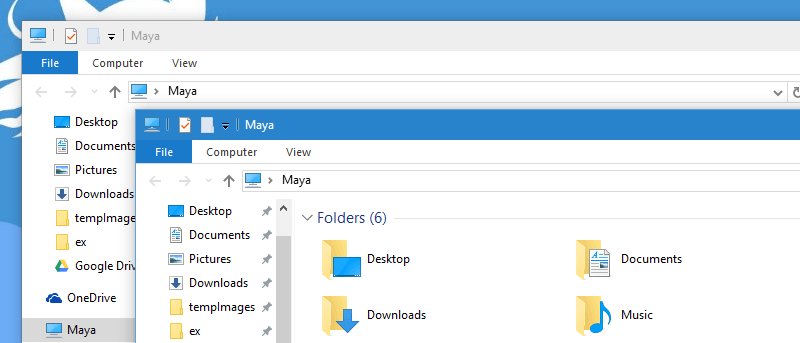
Microsoft recently allowed active window title bars to have a custom color. However, non-active Windows don’t. This tutorial will help you enable colored title bars for non-active windows as well.
Cortana is a powerful digital assistant in Windows 10 that can do a lot more than search the Web. If you’re feeling a bit lost, here are a few other things that you can do with Cortana in Windows 10.
Downloading Windows updates individually is not only time-consuming and unproductive but is also frustrating. If you’d prefer to update Windows 10 offline, here’s how you can do that.
If you want to allow a family member or friend to use your computer, without having to log into your account, here’s how to create a guest account for them.
Is Windows 10 loading slower than you’d like? Luckily, there is a way to improve its startup time by using the included startup app manager. Here’s how.
A LiveCD is useful for PCs that can’t be booted up. Active LiveCD is one such tool that comes with all the essential backup, recovery and security tools.
Looking for extra Windows security? In this article we show you how to add PIN security to your Windows 10 account and explain why it’s a better option.
One of the most improved things about Windows 10 is the new modern apps and how you interact with them. Here are six we feel are worth a try. Check them out!
Predator turns your USB flash drive into a key. Literally. With it you can take your USB flash drive out to lock your computer, and put it back in to unlock it.
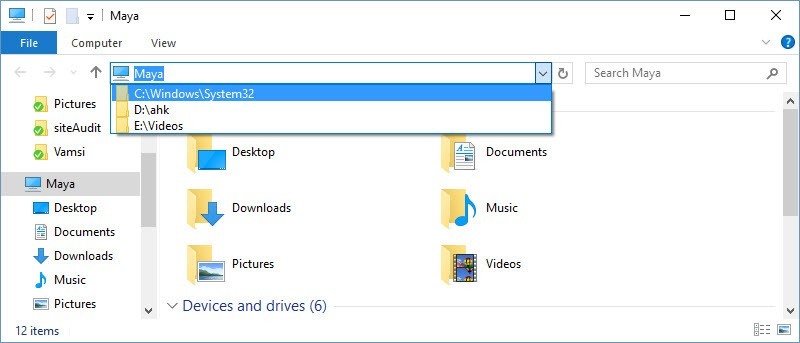
Just like a web browser, the Windows File Explorer keeps track of your frequently opened files and folders. If you don’t want that, here’s how to delete the File Explorer address bar history.