Windows icon cache speeds up the appearance of icons on your computer. Sometimes the cache can get corrupted. Here’s how to repair a broken icon cache.
Tired of your kids spending too much time on the computer? If it’s a Windows computer, here’s how you can set a time limit for a Windows 10 user account.
Overtype allows you to write a word, move the cursor into the middle of the word, and replace the characters previously typed. Here are some of its benefits.
AutoHotkey is a Windows app that creates quick custom keyboard shortcuts and automates tasks. Here’s how to schedule AutoHotkey to start up with Windows.
Desktop icons: some like to keep them on the desktop and others like to hide them. If you’re looking to hide them, AutoHideDesktopIcons is a tiny Windows tool that can help.
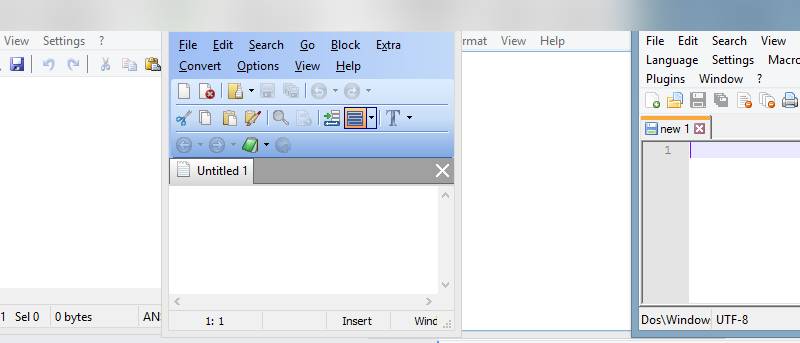
Notepad is a very lightweight text editor for Windows with very few options. If you’re looking for more powerful alternatives, here are some to check out.
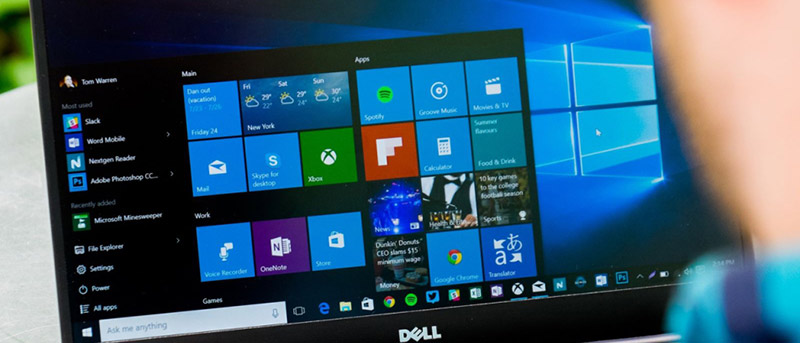
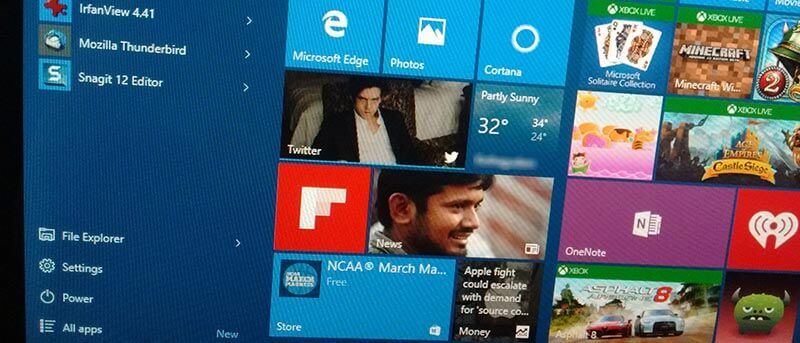
The Windows 10 Start Menu supports four tile sizes but doesn’t provide a quick way to customize tile icon size or change the icon. Here’s how to customize the Windows 10 Start Menu tiles.
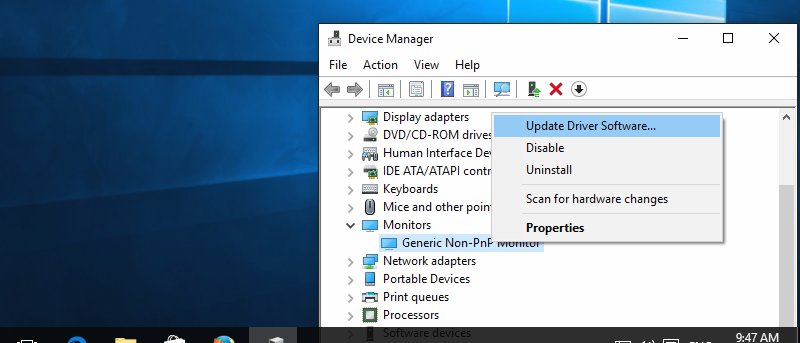
There are many driver update tools available that will automatically keep all your Windows drivers up to date. In this post we share four of those software tools.
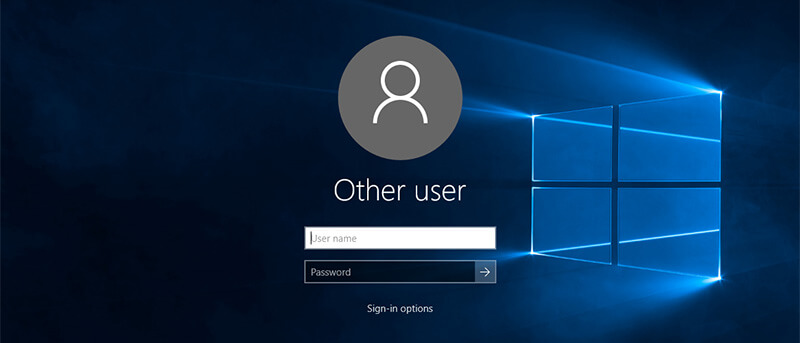
When you log in or lock Windows, you’ll see your account details. Don’t like this? Want to hide all user details from the login screen? Here’s how to do it.
Windows 10 comes with many features to help you in your productivity, but you can make further improvements with these tips and tricks. Let’s check them out.
When you lock your Windows computer, the display or monitor won’t turn itself off. Here’s how to turn off your monitor automatically when you lock the computer.