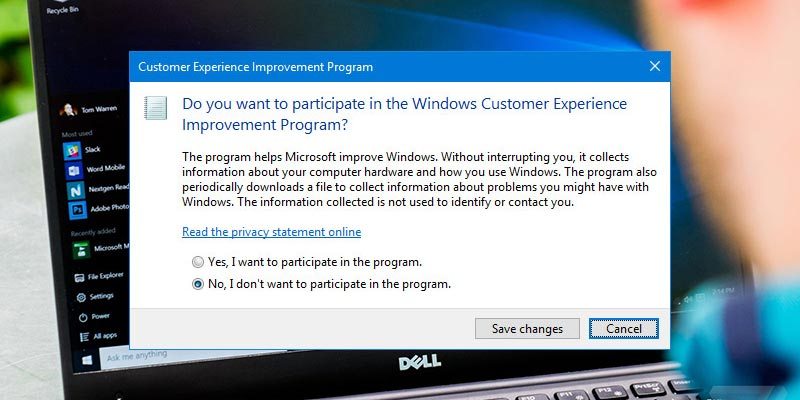
Microsoft collects a lot of info about your system via the Customer Experience Improvement Program. Here’s how you can opt out of it or disable it completely.
One of the more recent innovations in digital video is the ability for users to watch 360 videos. Here are the options to watch 360 video in Windows 10.
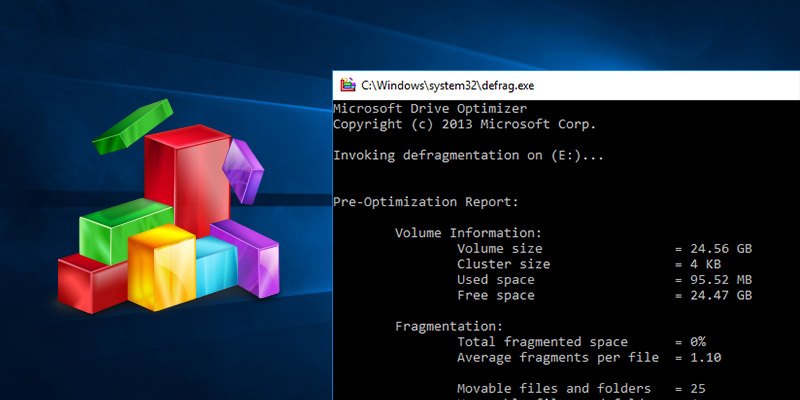
If you need to defrag your hard drive frequently, the quickest way is to have the defragment option available in the context menu. Here’s how to do so.
If you find that some of your keyboard buttons are going unloved, here is how you can remap unused keys in Windows 10 and maximize your keyboard usage.
Windows 10 has a syncing feature that syncs your data between devices. If you are concerned about your privacy, here’s how to control what Windows 10 syncs.
If the built-in archiving feature in Windows is too simple for you, here are some of the free and powerful file archivers for Windows that you can use.
If you’ve bought a new hard drive and wanted to transfer your biggest games to it, here’s how you can move installed PC games between hard drives in Windows.
The default guest account in Windows 10 is completely disabled and cannot be turned on. Here’s how you can create your own guest user account in Windows 10.
If you have an external hard disk that needs to be split into different partitions, here is how you can easily partition an external hard disk in Windows 10.
Hiding your personal files is a necessity if you share a computer with someone else. Learn how you can hide files and folders in Windows 10 easily without third party software.
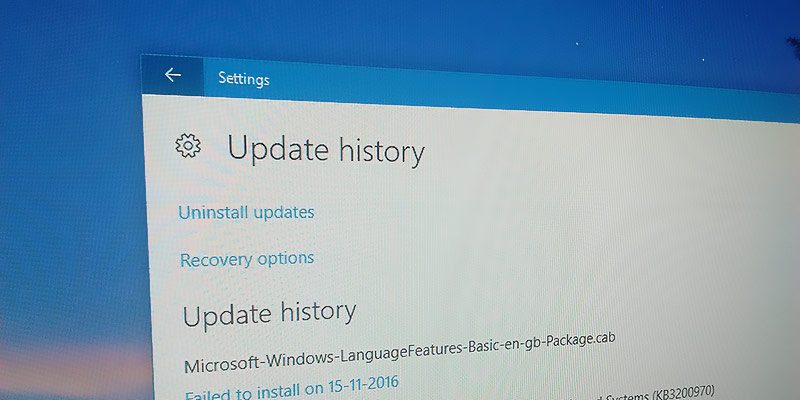
In the event you need to troubleshoot your PC, you can find the Windows update history in Windows 10 and see what has been updated and is causing the issue.
Did you know that other than the CPU, you can also overclock your PC monitor? This results in smoother movement on your screen, which is useful for gaming. Learn how you can overclock your monitor here.
Cloning your Windows 10 boot drive to a new hard drive is not as easy as it might seem. Here is how you can create a bootable clone of a Windows 10 drive.
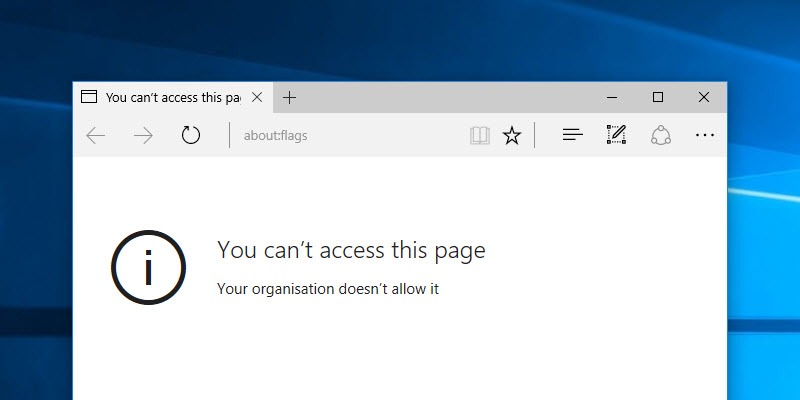
Like Chrome, Microsoft Edge also comes with an “about:flags” page for users to enable developmental options. Here is how you can block users from accessing this page.
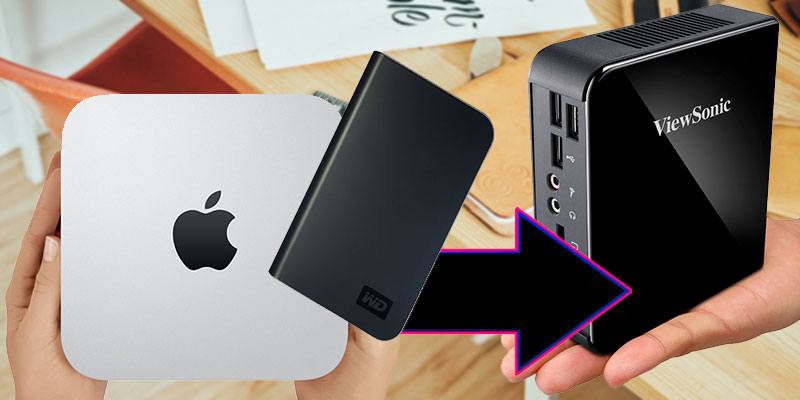
Some hard drives are marketed as “made for Mac” which many would think means it’s not usable in Windows. This guide will show you how to format and use a “Made for Mac” hard disk on a Windows PC.
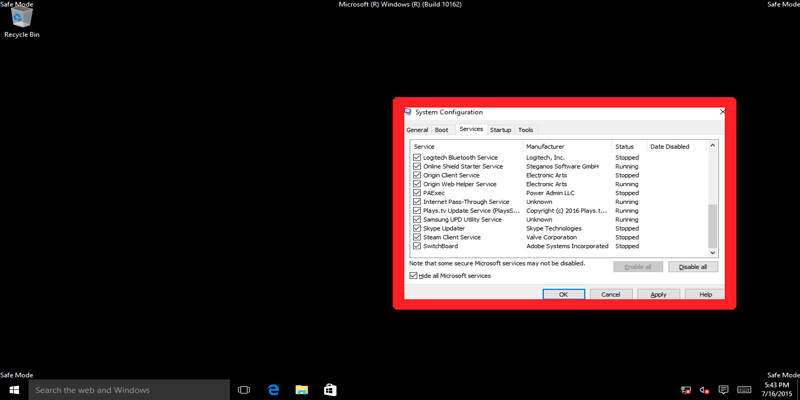
Windows Safe Mode and Clean Boot are not the same. Here we examine Safe Mode vs. Clean Boot, look at the differences, and learn how to use them effectively.