• Computing
  • Mobile
  • Lifestyle
  • PC Guides
  • Reviews
  • Tech Explained
    • Windows
    • Linux
    • Mac
    • ChromeOS
    • Android
    • iOS
    • Gadgets
    • Productivity
    • Smart Home
    • Social Media
    • Gaming
  • Internet
  • Tech Explained
  • News

More from us

  • Reviews
  • Cheatsheets
  • Buying Guides
  • Deals
  • Newsletter

How to Increase Icon Cache in Windows

When dealing with lots of media files, you can increase the icon cache in Windows so the File explorer won’t freeze while generating preview thumbnails.

By Vamsi Krishna – Aug 1, 2017

What Is “Paint 3D,” and How Is It Used?

You may have seen a new app appear on your computer called “Paint 3D.” Is this just a revamped version of Paint, or is it something else entirely? Let’s find out.

By Simon Batt – Jul 30, 2017

9 Reasons Why Your Windows Computer Freezes

There are plenty of reasons why a computer freezes. Here are 9 causes of a freezing computer and what you can do to prevent it.

By Fabio Buckell – Jul 29, 2017

How to Create a Windows 10 Backup to a Network Drive

Windows 10 includes some fairly advanced backup features. Here is how you can use the new backup features to create a Windows 10 backup to a network drive.

By Alexander Fox – Jul 17, 2017

What’s the Difference Between DirectX 11 and DirectX 12?

Microsoft released DirectX 12 with new features and developments. Find out the differences between DirectX 11 and DirectX 12.

By Alexander Fox – Jul 15, 2017

Create Your Own Windows 10 Custom Themes

You can download plenty of Windows 10 themes from the Windows Store, but if you are keen to, here’s how you can create your own Windows 10 custom themes.

By Alexander Fox – Jul 13, 2017

Check for Bad Drivers in Windows with Driver Verifier

A faulty driver can cause a lot of trouble for a computer. Learn how you can use the built-in Driver Verifier to check for bad drivers in Windows.

By Simon Batt – Jul 11, 2017

Windows Live Mail Help: 5 Common Problems and Their Solutions

Windows Live Mail help is particularly in need now that Microsoft has phased out the Windows Live Essentials. Here are solutions to common WLM problems.

By Nicholas Godwin – Jul 10, 2017

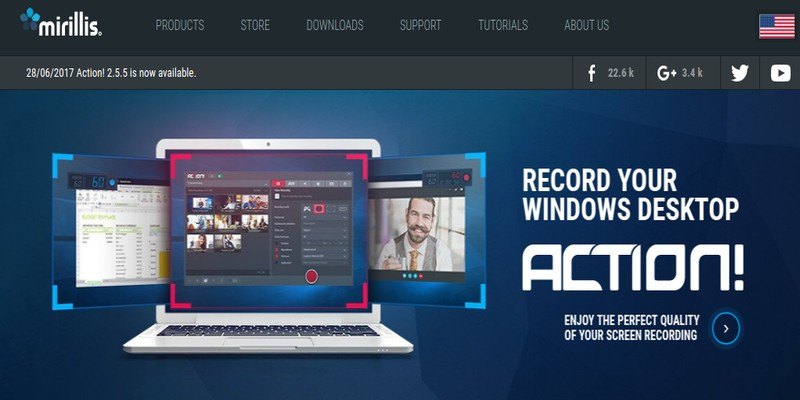
Action! Screen Recorder: All-in-One Software for Screencasting, Game Recording, and Live Streaming on Windows

Action! Screen Recorder: All-in-One Software for Screencasting, Game Recording, and Live Streaming on Windows

Looking for an advanced screen recording program for Windows with tons of features and an affordable price tag? Chech out Action! Screen Recorder.

By Charnita Fance – Jul 10, 2017

How to Download Movies from Netflix in Windows 10

In addition to your phone and tablet, you can now download movies from Netflix on your desktop/laptop too. Here’s how you can download movies from Netflix on Windows 10.

By Benjamin Vitáris – Jul 8, 2017

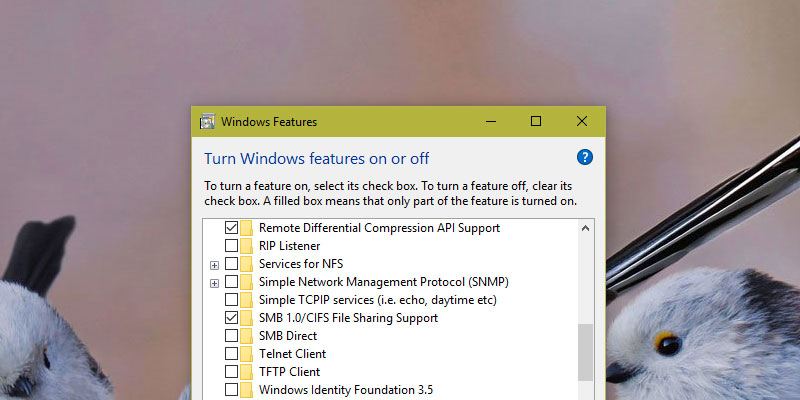
How to Disable SMBv1 in Windows

SMB version 1 is the protocol loophole that resulted in WannaCry ransomware and Petya wiper. Here’s how to disable SMBv1 in Windows.

By Vamsi Krishna – Jul 6, 2017

How to Change the Default Game DVR Folder in Windows 10

By default, videos recorded using Game DVR are stored in the “Videos” folder. Here is how you can change the Game DVR folder in Windows 10.

By Vamsi Krishna – Jul 2, 2017

Create a Portable Windows System on a USB Drive with Windows To Go

Windows To Go allows you to install a fully-functional Windows system onto a USB flash drive. Learn how to create a portable Windows system to use on any computer.

By Ryan Lynch – Jul 1, 2017

How to Get Cortana to Shut Down Your PC in Windows 10

Cortana in Windows 10 can help you with plenty of tasks, except for shutting down and restarting your PC. Here’s a trick to get Cortana to shut down your PC.

By Kenneth Kimari – Jun 30, 2017

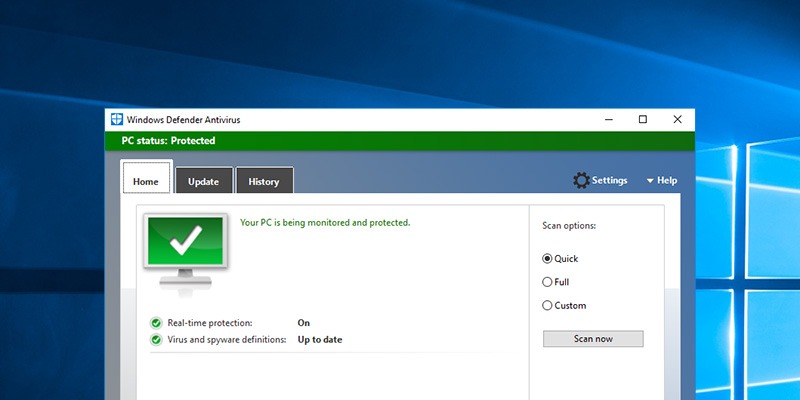
How to Get the Old Windows Defender in Windows 10 Back

There was a complete makeover to the regular Windows Defender in Windows Creators Update. Learn how you can get the old Windows Defender’s interface back.

By Vamsi Krishna – Jun 29, 2017

How to Get the XP Quick Launch Bar in Windows 10

The Quick Launch bar in Windows XP allows users to quickly access frequently used apps and files. Learn how you can get it back in Windows 10.

By Kenneth Kimari – Jun 27, 2017

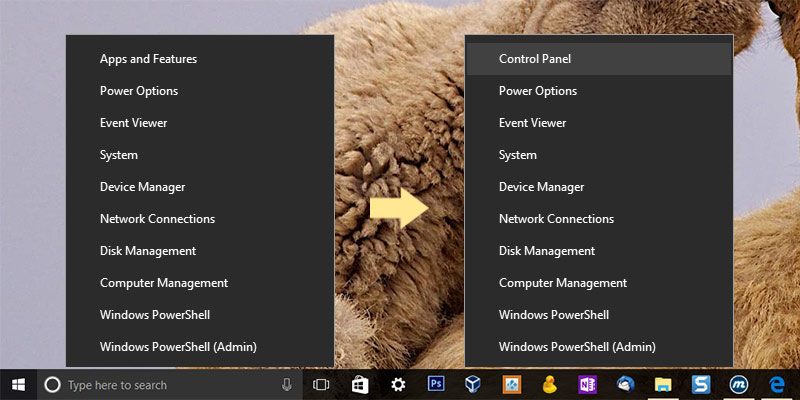
How to Show the Control Panel Option in Windows 10’s “Win + X” Menu

Microsoft removed the Control Panel option from the Power User menu (“Win + X” menu). Here is how you can re-enable it and show the Control Panel option in the Win+X menu.

By Vamsi Krishna – Jun 23, 2017

Chrome OS vs. Windows 10 S: Which Is Right for You?

With Microsoft releasing Windows 10 S as a budget laptop, you might wonder whether to get ChromeOS or Windows 10 S. Let’s find out their differences.

By Benjamin Vitáris – Jun 22, 2017

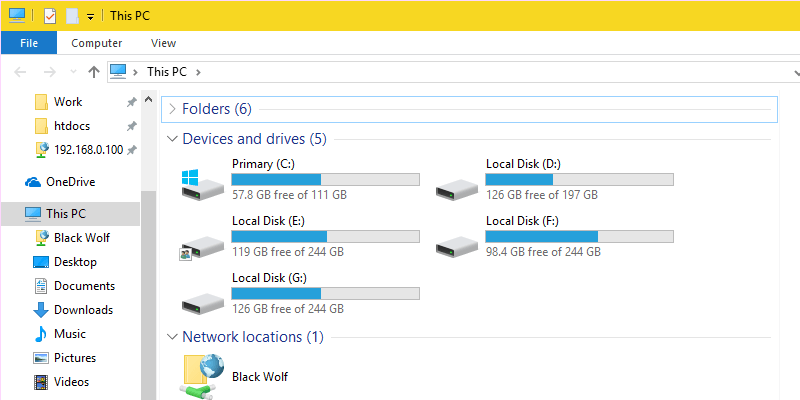
How to Easily Master Your Desktop Email Search in Windows

Do you use multiple email clients on your computer and want to browse your email archive across these clients? Learn how to master desktop email search with these tips.

By Nicholas Godwin – Jun 21, 2017

How to Increase the Transparency of the Start Menu in Windows 10

Making the Start menu transparent lets you read text on a document behind it. Here is how you can increase the transparency of the Start Menu.

By Kenneth Kimari – Jun 20, 2017

Pagination

<1…65666768>

Trending

Twitch Vs Youtube Gaming Vs Facebook Gaming Featured

Twitch vs. Facebook Gaming vs. YouTube Gaming: What’s the Best Live Game Streaming Platform?

Mar 31, 2026

Anytype Android

I Swapped Notion for Anytype on Android, And I’m Not Going Back

Mar 31, 2026

What Is Emulation Featured

What is Emulation? Benefits, Downsides and More

Mar 31, 2026

Play Legend Of Zelda Pc Featured

How to Play The Legend of Zelda on PC

Mar 31, 2026

Nvidia Dlss Featured

What Is NVIDIA DLSS? Upscaling and DLSS Alternatives Explained

Mar 30, 2026

Featured Image depicting the latest Windows10 and 11 Update Problems

Latest Windows Update Problems and How to Fix Them

Mar 30, 2026

More Posts >

Affiliate Disclosure: Make Tech Easier may earn commission on products purchased through our links, which supports the work we do for our readers.

Uncomplicating the complicated, making life easier

Make Tech Easier provides tech tutorials, reviews, tips and tricks to help you navigate the complicated world of technology. We aim to uncomplicate the complicated, making your life easier.

  • About
  • Contact
  • Advertise
  • Editorial Guidelines
  • Terms of Use
  • Privacy Policy
  • RSS Feed Terms

© 2026 Uqnic Network Pte Ltd.
All rights reserved.