MIcrosoft Edge Favorites and browser settings cannot be easily backed up. If you are rebuilding your PC, this shows how to restore Edge favorites and settings.
By Chris Spera – Jul 26, 2018
When charging your laptop, you might see the “plugged in, not charging” message. Find out what this message means and how you can fix it.
By Simon Batt – Jul 25, 2018
If you wake up to find that your Windows screen is flipped upside down, here’s a solution to fix an upside down screen in Windows 10.
By Robert Zak – Jul 24, 2018
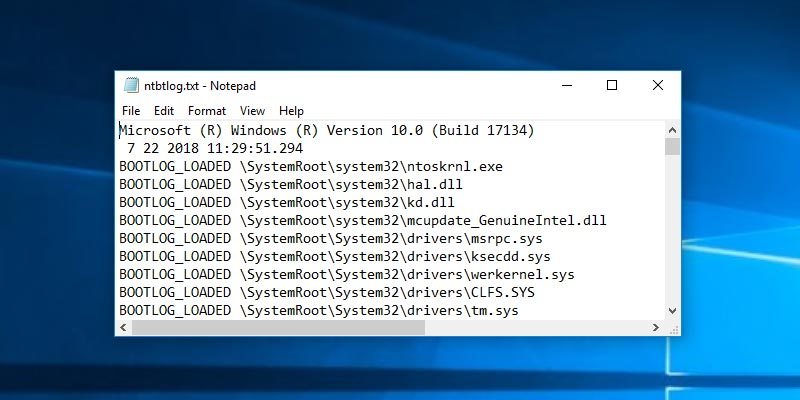
Windows has a “boot log” feature that logs the driver that is being loaded when you start your system.
By Vamsi Krishna – Jul 24, 2018
Curating your startup programs is the best way to ensure your Windows 10 boots up fast.
By Nicholas Godwin – Jul 22, 2018
Windows 10 desktop is capable of changing into something different entirely. Here’s how to install custom Windows 10 themes and things to look out for.
By Robert Zak – Jul 21, 2018
Apple’s products have a tendency not to work well with others. Here’s the workaround to mirror your iPhone’s screen to Windows via Airplay.
By Ryan Lynch – Jul 20, 2018
There are times you may want to limit the Windows update bandwidth to specific hours of the day when you are using mobile data.
By Vamsi Krishna – Jul 17, 2018
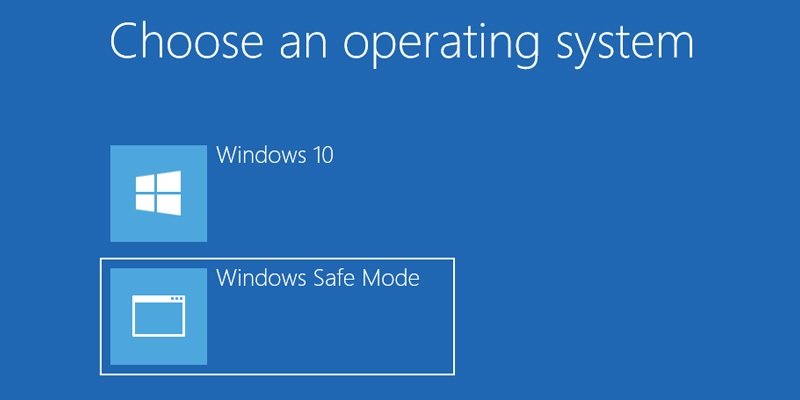
Booting to Safe Mode is often the most efficient way to fix Windows issues. Add Safe boot to the Windows boot option to quickly boot into Safe Mode.
By Vamsi Krishna – Jul 15, 2018
If you ever want to clear your Timeline activity in Windows 10, you can do so with just a few clicks.
By Vamsi Krishna – Jul 12, 2018
There are many ways to find the secret identifier of a user in Windows. Here are some of them.
By Vamsi Krishna – Jul 10, 2018
If your Recycle Bin goes missing, don’t panic! There are ways to get it back.
By Simon Batt – Jul 9, 2018
Are you a 24-hour or 12-hour kind of person? Whichever it is, you need the time format in Windows 10 that suits you.
By Robert Zak – Jul 7, 2018
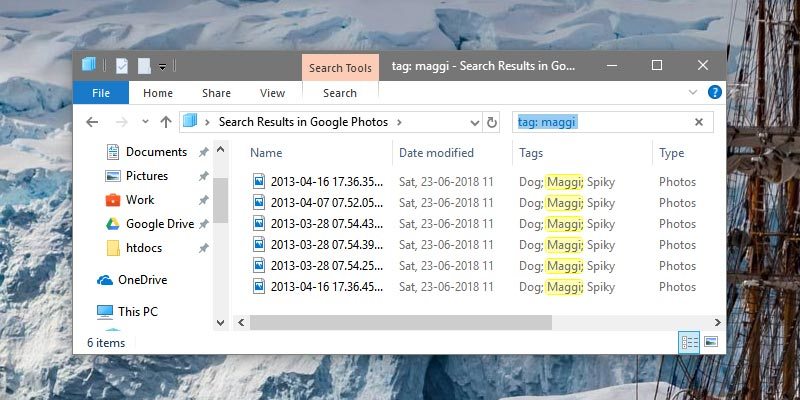
If you want to improve the file search speed in Windows, you can simply tag files with relevant keywords.
By Vamsi Krishna – Jun 28, 2018
If you have two GPU in your computer, you can now choose which GPU to use for specific applications in Windows 10.
By Nicholas Godwin – Jun 27, 2018
While Microsoft Project is very useful, it can be very complex at times. These alternatives are simpler, and they are free.
By Robert Zak – Jun 23, 2018
If you don’t like how the default shortcut icon looks on Windows Desktop, you can replace the shortcut icon with a custom one.
By Vamsi Krishna – Jun 20, 2018
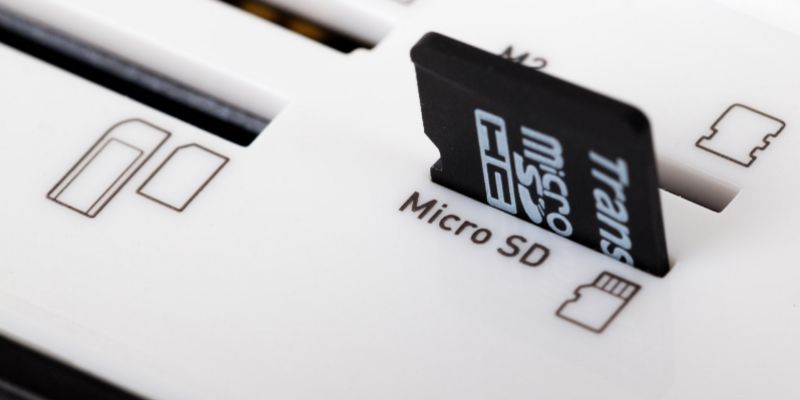
When you see the “SD card is damaged. Try reformatting it.” message, all is not lost yet. You could still retrieve your data.
By Tracey Rosenberger – Jun 16, 2018
If you are looking to create a screencast, this article will show how you can do it in Windows 10.
By Nicholas Godwin – Jun 4, 2018
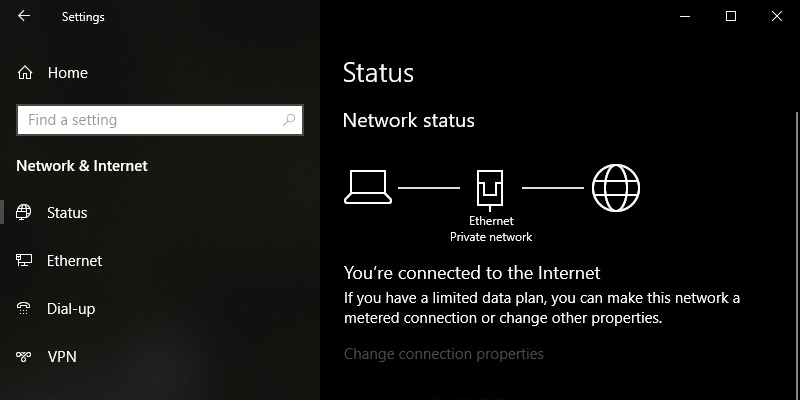
If you have set the network profile the wrong way, this will show how you can change the network profile from public to private on Windows.
By Vamsi Krishna – May 31, 2018
Pagination
Affiliate Disclosure: Make Tech Easier may earn commission on products purchased through our links, which supports the work we do for our readers.