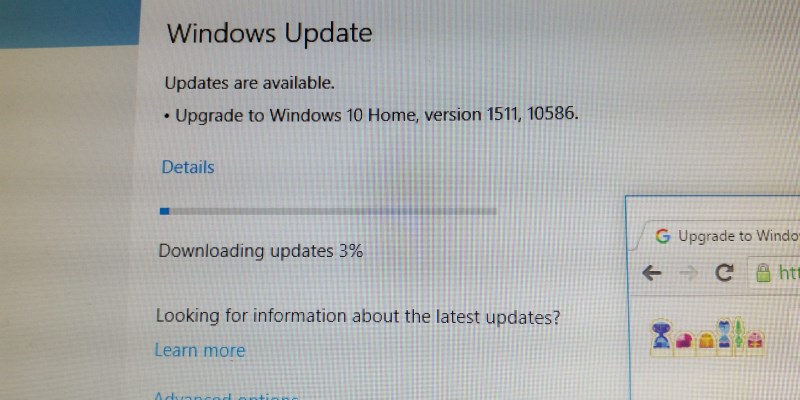
The USOclient.exe runs during startup to check for updates automatically. This shows how to disable the USOclient.exe so it doesn’t interfere with your login.
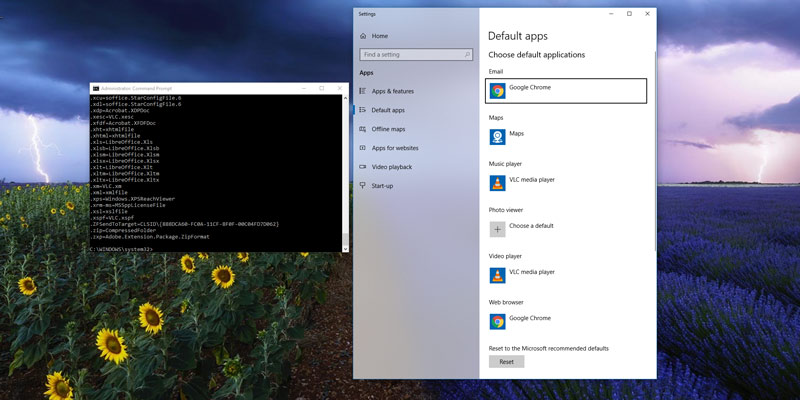
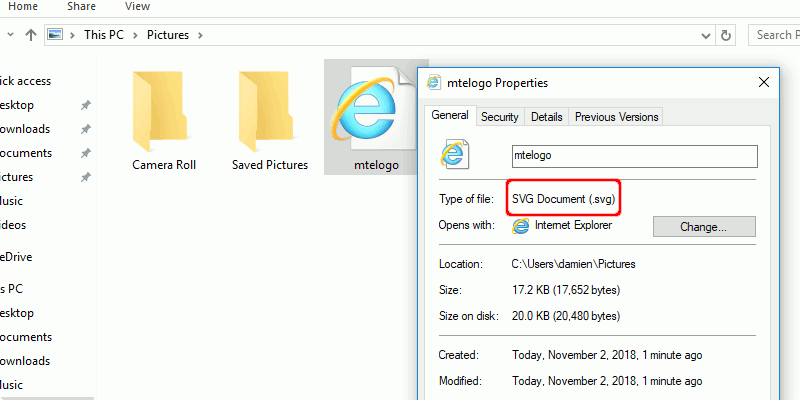
File associations are a vital part of a functioning Windows experience, so making sure the right file types automatically open with the right software is a must.
Windows 10 comes with a dictionary where it used to detect spelling errors on your typed content. Learn how you can add words to the Windows 10 dictionary.
Windows Defender comes with a new sandbox feature to prevent virus and malware from hitting the host computer. Learn how to enable sandbox in Windows Defender.
Windows 10 comes with an Early Launch Anti-Malware feature that scans your drives during boot time. This shows how to configure it to allow/block a particular driver.
Cortana in Windows is enabled on the lock screen by default. If you are not using Cortanta, here’s how you can disable Cortana on the Windows lock screen.
It can be frustrating to see the missing dll files error in Windows, and it can cause an app to malfunction. Luckily, Windows has a few built-in ways to handle this issue.
Using a Wi-Fi analyzer can help you find out which signal is most reliable and fastest. Here are five of the best Wi-Fi analyzers for Windows you should check out.
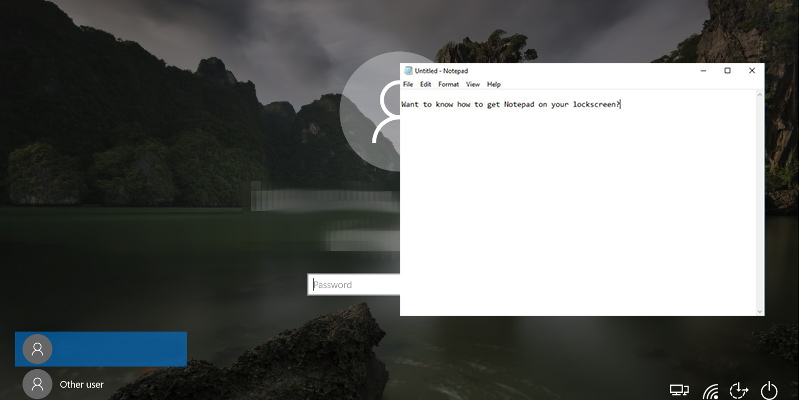
The Ease of Access button on the Windows 10 lock screen can be repurposed to access another app. Learn how you can pin and access apps to the Windows 10 lock screen.
Doing a screen capture is easy but what about a video screen capture? Find out how you can perform a video screen capture on a Windows PC with these free tools.
The Recycle Bin has been around in Windows for a long time. What you may not know is that you can tweak the Recycle Bin settings to improve its performance.
Linux vs. Windows, the age-old battle of the operating systems that caused many flame wars. Let’s take an objective look at how both OSes perform against each other.
With the issues plaguing the Windows 10 update, it’s time we have another look at Windows’ automatic updates and question if they’re the best course of action.
Windows 10 comes with pre-installed apps, but there’s no direct way to remove them. Luckily, you can uninstall pre-installed apps with the Powershell command.