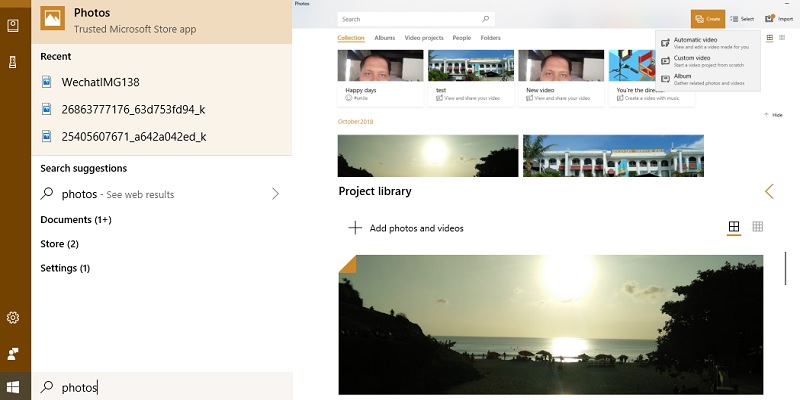
It can be frustrating when you can’t find the files you need. That’s why the Enhanced Search Mode in Windows 10 is useful. It helps you find the files you need faster.
If you are looking for a tool that allows you to easily trim and edit videos, Joyoshare Media Cutter might be the one for you. Check it out to see how it performs.
Microsoft Edge is preinstalled in Windows 10, and now it can start up on its own. Here is how you can block Microsoft Edge from running in the background.
The Realtek HD Audio Manager is the default sound driver for the majority of PC sound cards. Learn how you can update and reinstall the Realtek drivers.
When someone calls you pretending to be a “Microsoft technician,” don’t be fooled – they’re anything but a professional! Here’s how you should deal with it.
The Command Prompt may be a scary place to be, but it can make your life easier. Here are some useful command prompt tricks to get various things done.
WinZip, WinRAR and 7Zip are three of the most popular file compression tools for Windows, but which gives the best compression result? Let’s check it out.
When you have an issue with your Windows system, you can boot into Safe mode to safely troubleshoot problems. Learn what Safe mode is in Windows 10 and how it is useful to you.
To fix the DNS not responding error, there are several different things you can try. Here are some of the ways you can use to resolve DNS errors in Windows.
If you are an app developer, you will have to test your apps on the latest version of Android. Here is how to set up and run Android Pie 9.0 on your computer.
Notifications can be annoying when they are constantly grabbing your attention. Learn how you can customize Windows 10 notifications to only show the things you want.