If you recently updated your Windows device and noticed that some of your Bluetooth devices have stopped working, this is a deliberate decision by Microsoft for the sake of your OS security.
You can easily carry portable apps in your USB drive and use them on any computer. Here are some of the best portable apps you can carry in your pocket.
When your PC fails to boot, one of the issues you should check for is bad sectors on your hard disk. Use these tools to check and repair bad sectors on SSD.
There are various ways to change your computer’s name in Windows 10. The options to change your computer’s name are quick and easy. Here is how you can do so.
Instead of manually creating a restore point, you can set up Windows to create restore points every time your computer starts up. Here is how you can do so.
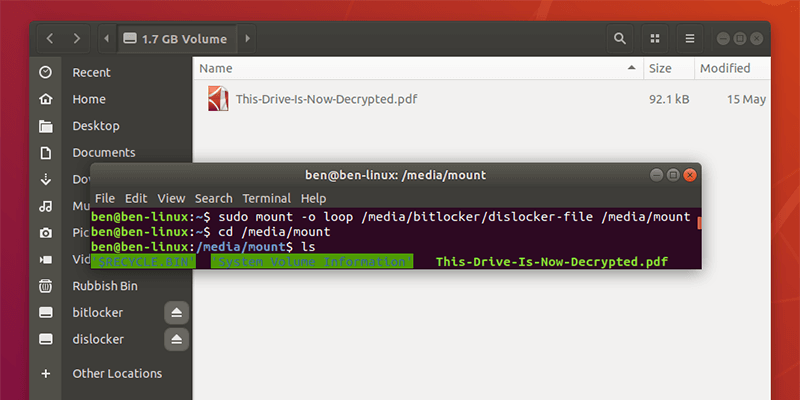
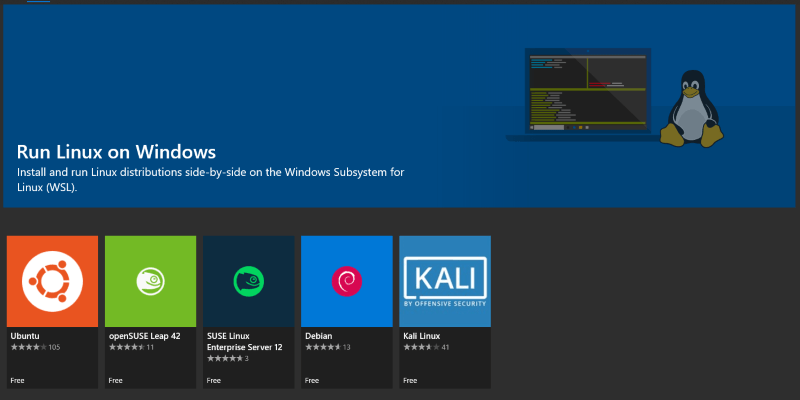
If your Windows partition is BitLocker-encrypted, it’s difficult to access it in Linux. Here’s how you can mount a Bitlocker-encrypted partition in Linux.
A custom “install.wim” file for Windows 10 can go over 4GB, which won’t fit in a FAT32 USB drive. Learn how you can split the install.wim file into smaller files.
Windows 10 comes with a Fast Startup feature that allows you to boot up Windows quickly. Here is what you need to do to make Windows 10 boot up in 3 seconds.
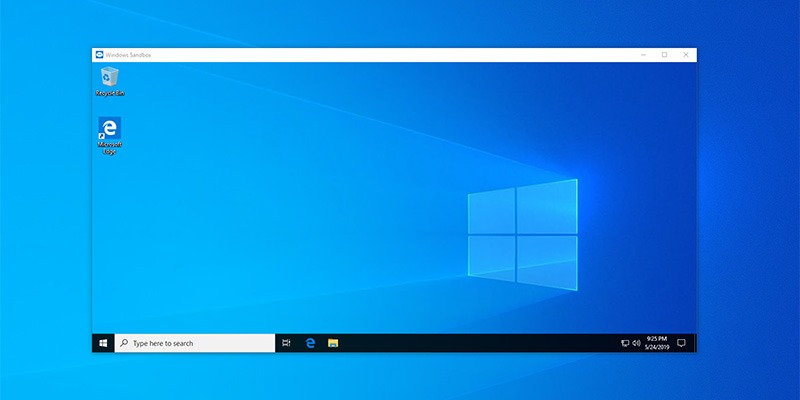
With the Windows 10 May 2019 update, Microsoft added a new Windows Sandbox feature. This articles discusses what Windows Sandbox actually is and how to enable it.
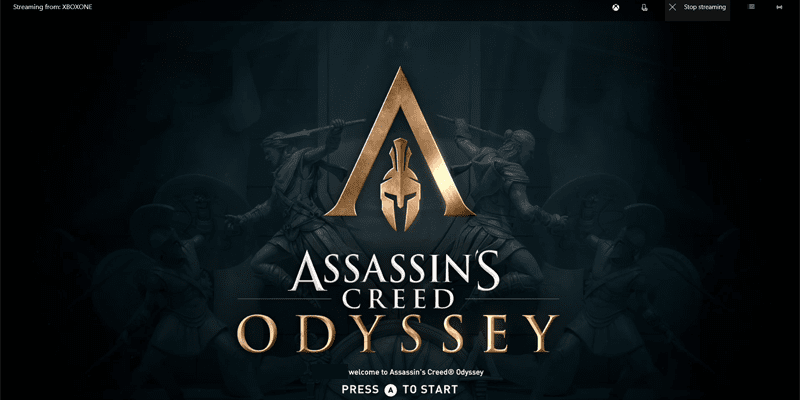
All you need is a Windows 10 PC and a decent connection between your Xbox One and router to stream your Xbox One games to Windows. Here’s how to do it.
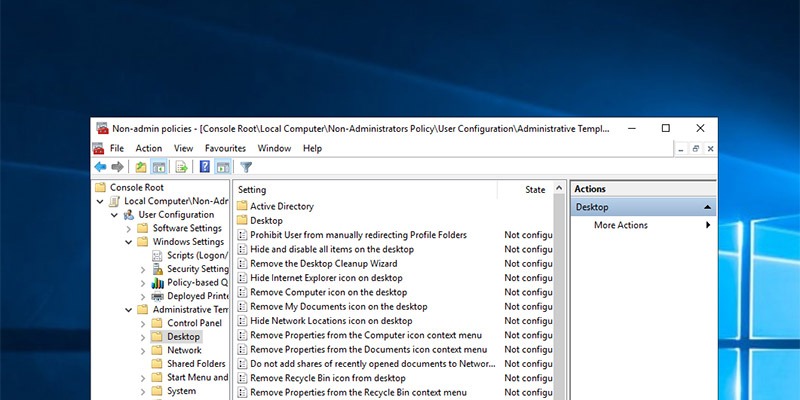
In Windows there will be times when you want to apply group policies to non-administrators only. For these situations, you can create a custom snap-in.
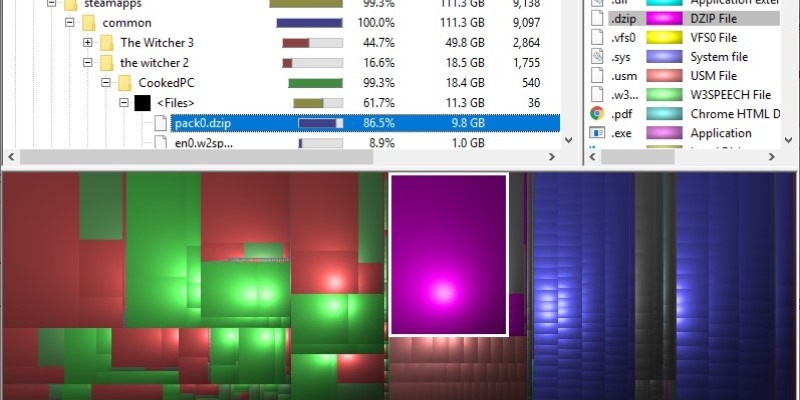
A dis, space analyzer offers a visual representation of how large each directory is. Find out some of the best disk space analyzer tools for Windows 10.