Facing the dreaded “Inaccessible boot device” error on your PC? Check out this guide to see how to fix it and get your PC working once again.
By Khizer Kaleem – Jul 19, 2023

Get rid of this annoying error in no time.
By Crystal Crowder – Jul 18, 2023

Apple Music is not exclusive to iOS/Mac devices. It can be used on Windows too. Learn how to listen to the streaming service on Windows.
By Charlie Fripp – Jul 18, 2023
Learn how to delete files on Windows if they are large. The various methods include CMD or adding a dedicated option in the context menu.
By Mustafa Ashour – Jul 17, 2023

Seeing the “This sign-in option is disabled” error as you try to log in to your account on your Windows PC? Take a look at our list of fixes.
By Zainab Falak – Jul 16, 2023

Learn how to empty Recycle Bin automatically on Windows, so that files don’t accumulated in it. We discuss various methods of doing so.
By Mustafa Ashour – Jul 16, 2023
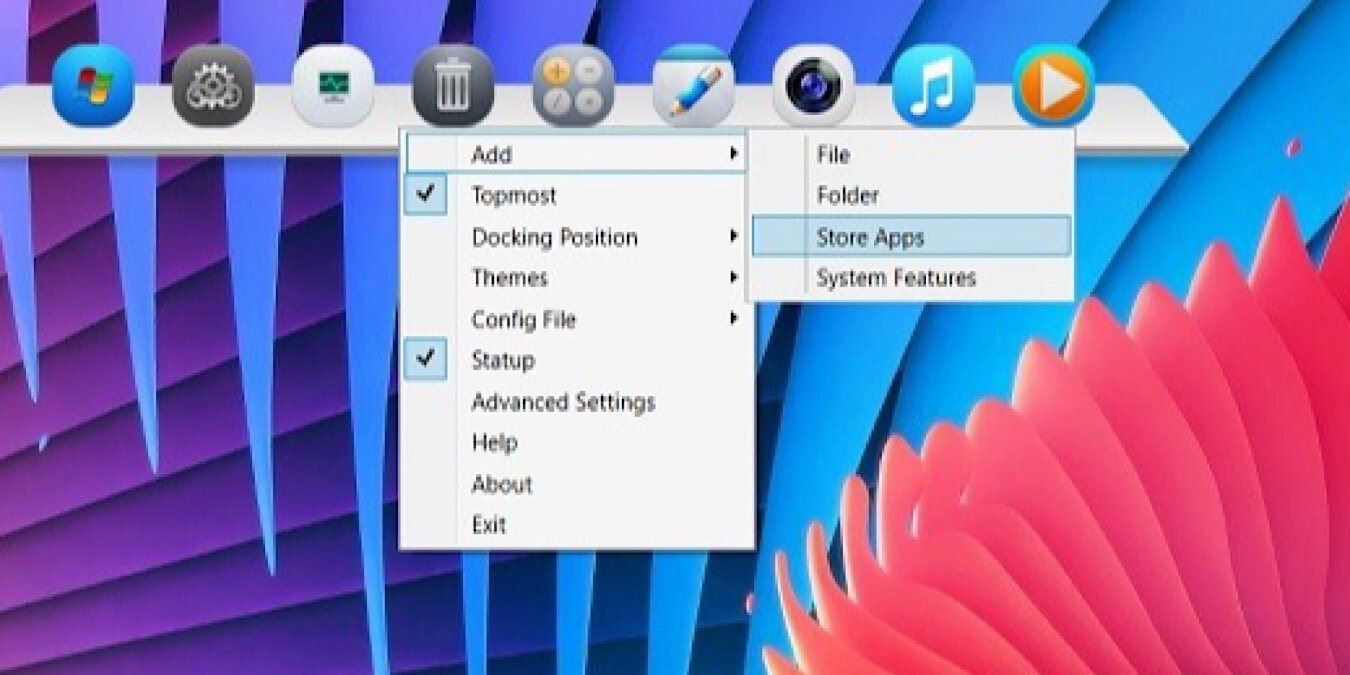
Choose your favorite app dock!
By Sayak Boral – Jul 15, 2023

The System Service Exception BSOD can be caused by a variety of reasons. But with our list of fixes, you should be able to resolve it.
By Tanveer Singh – Jul 15, 2023

Want to limit your child’s activity on their PC and online? Find out how to set up Microsoft Family Safety features for free.
By Crystal Crowder – Jul 15, 2023

Seeing the “The referenced account is currently locked out” error after inputting a password too many times? Learn how to bypass it.
By Chifundo Kasiya – Jul 14, 2023

Need to debug your wireless network? You can use the netsh tool and apply these cmd network commands to view/control WLAN profiles on your PC.
By Meenatchi Nagasubramanian – Jul 13, 2023

Facing Windows error code 0xc0000001? Use these few quick fixes to help you get out of this BSOD loop once and for all.
By Tanveer Singh – Jul 12, 2023
Despite its popularity on Linux, Nginx works in Windows too. Follow the instructions here to install and run Nginx web server on Windows.
By Sayak Boral – Jul 12, 2023

Having difficulty troubleshooting your PC? Find out all about booting to safe mode in Windows to troubleshoot and solve your problems.
By Farhad Pashaei – Jul 12, 2023

Getting the “This file does not have an app associated with it” error on Windows? This guide has solutions to access the files you need.
By Zainab Falak – Jul 11, 2023

If you use Visual Studio Code for your projects, there’s a way to use it with your WSL system, without having to open a new Command Prompt.
By Terenz Jomar Dela Cruz – Jul 11, 2023

If you’re sick of getting the “This app has been blocked by your system administrator” error when you run a Windows app, try these fixes.
By Chifundo Kasiya – Jul 9, 2023

Newer iPhones take photos in HEIF format. If you hit a brick wall viewing these files on Windows, try these methods to convert HEIC to JPG.
By Megan Glosson – Jul 8, 2023

Wondering which files are safe to delete in Windows Disk Cleanup? This guide goes over what can be removed and whether it’s safe to do so.
By Ryan Lynch – Jul 6, 2023
Don’t you hate it when your shiny new computer comes with plenty of bloatware? Learn to oblierate them completely.
By Sayak Boral – Jul 6, 2023
Affiliate Disclosure: Make Tech Easier may earn commission on products purchased through our links, which supports the work we do for our readers.





