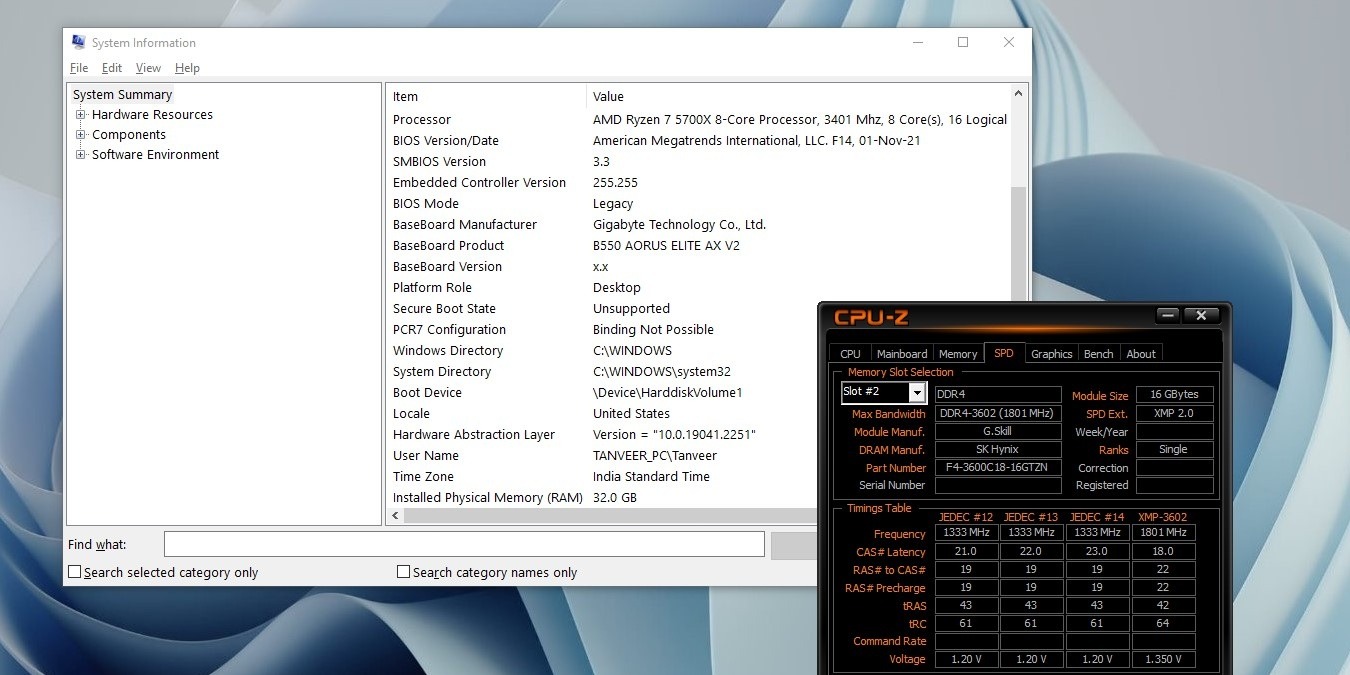
If you’re looking to learn more about the internals of your PC, this tutorial shows how to check PC specs using a few quick and easy methods.
By Tanveer Singh – Oct 12, 2023
Dealing with a faulty laptop? Read up on how to find your laptop model number before calling technical support.
By Meenatchi Nagasubramanian – Oct 11, 2023

Unable to find a window on your desktop? While that can be frustrating, we show you how to move a window that is off screen into focus.
By Chifundo Kasiya – Oct 10, 2023

Can’t access the Windows Volume Mixer? This guide shows multiple ways to fix your Volume Mixer not opening in Windows.
By Farhad Pashaei – Oct 9, 2023
Are you facing issues with the default Calendar app on your PC? This guide shows how to fix the Calendar app not working in Windows.
By Meenatchi Nagasubramanian – Oct 8, 2023
If you’re not using the Teams app every day, you may want to learn how to stop Microsoft Teams from opening on startup.
By Princess Angolluan – Oct 6, 2023
Need to modify some registry keys? Learn how to open Registry Editor in various ways, ranging from the very simple to the more complex.
By Meenatchi Nagasubramanian – Oct 5, 2023
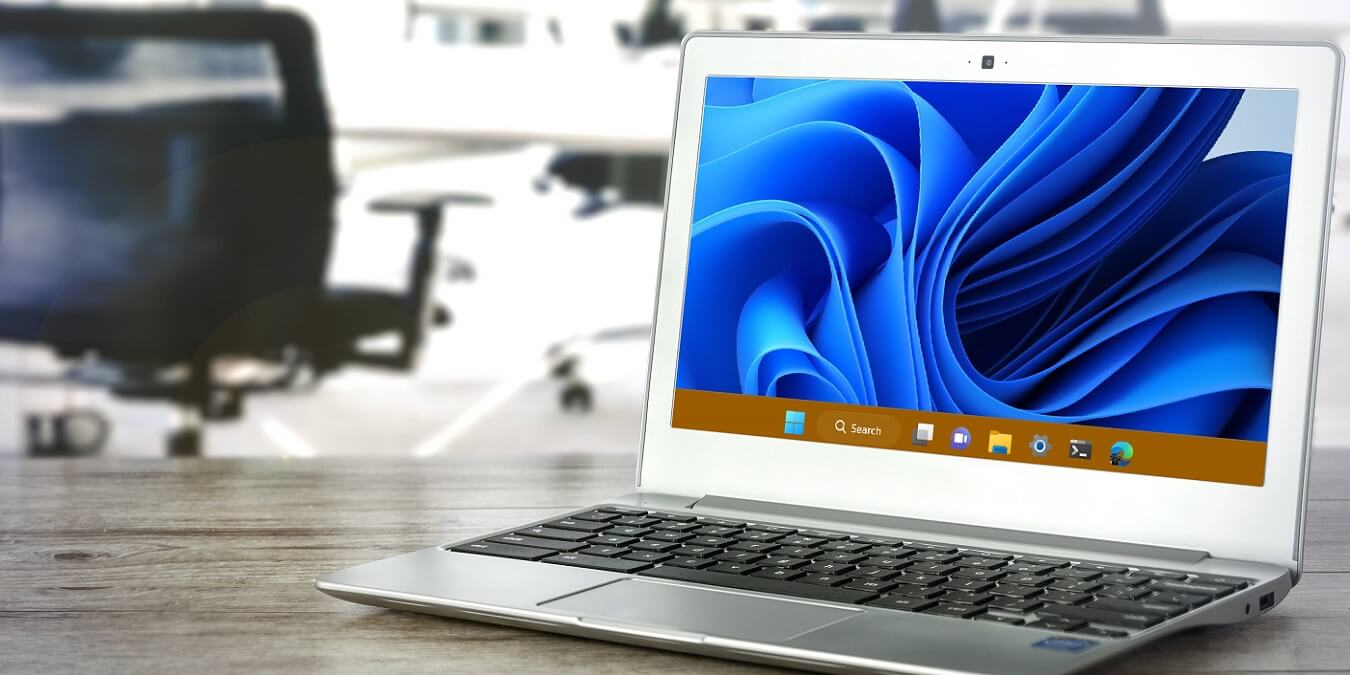
Personalizing your PC wouldn’t be complete without a customized taskbar. Learn how to change the taskbar color in Windows.
By Princess Angolluan – Oct 4, 2023
Need to quickly turn your Windows screen off? Check out these quick ways to turn off the screen, protecting your work when you’re away.
By Crystal Crowder – Oct 4, 2023
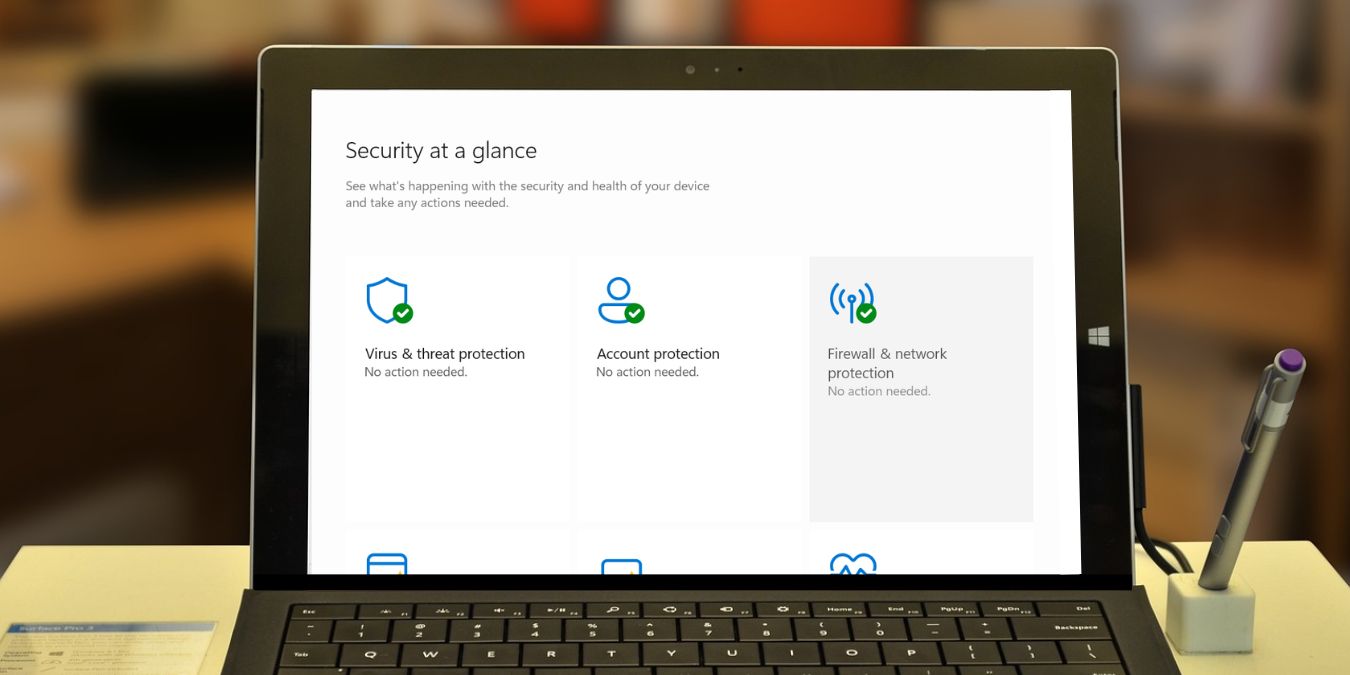
Want a safe experience on the eb? Learn how to use the built-in Windows Firewall and how to customize it according to your needs.
By Princess Angolluan – Oct 3, 2023

Can’t type into the Windows Search bar on your PC? Read on to learn how to fix the typing issue and get back to searching.
By Meenatchi Nagasubramanian – Oct 3, 2023
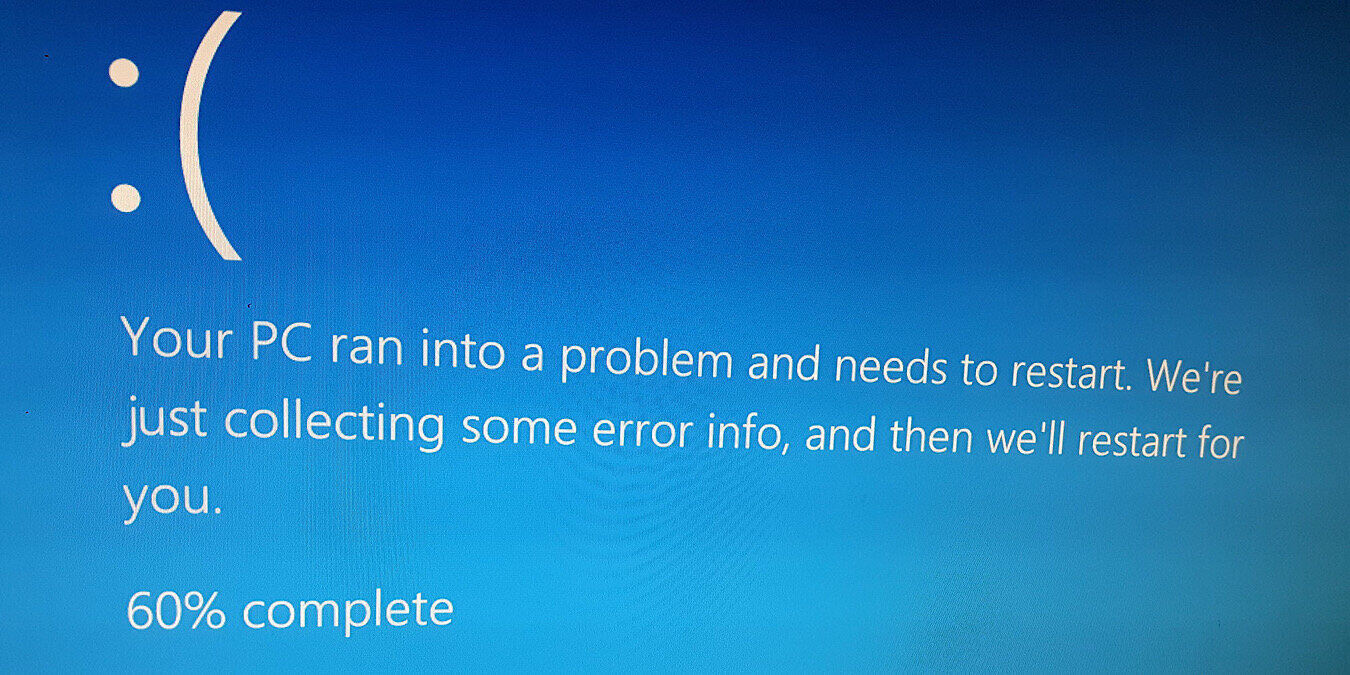
Stuck with the ”System thread exception“ blue screen error on your PC? Explore effective methods to fix the problem in Windows.
By Khizer Kaleem – Oct 2, 2023
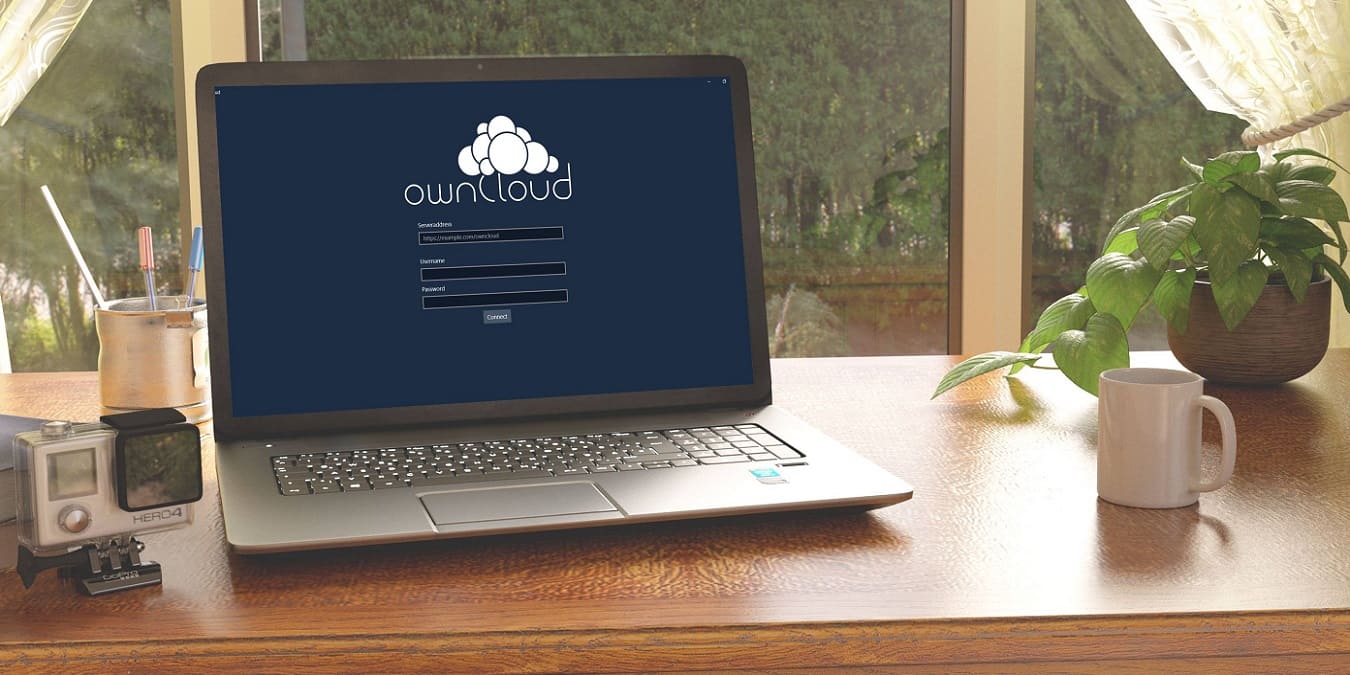
ownCloud lets you build cloud storage solutions for free. Learn how to complete a basic ownCloud install on a Windows computer.
By Sayak Boral – Oct 1, 2023
Does your PC have many unused apps? Learn how to uninstall programs on Windows to clear some space on your device.
By Meenatchi Nagasubramanian – Sep 29, 2023
Windows Test Mode is a tool that allows you to bypass the signature enforcement on your PC. This guide explains how to enable it.
By Chifundo Kasiya – Sep 28, 2023
Having trouble setting up your printer? Learn how to add a printer in Windows using manual or automatic methods.
By Princess Angolluan – Sep 26, 2023
Is your Windows computer lost or missing? Use Find My Device on Windows to track it down on a map in a web browser.
By Sayak Boral – Sep 25, 2023
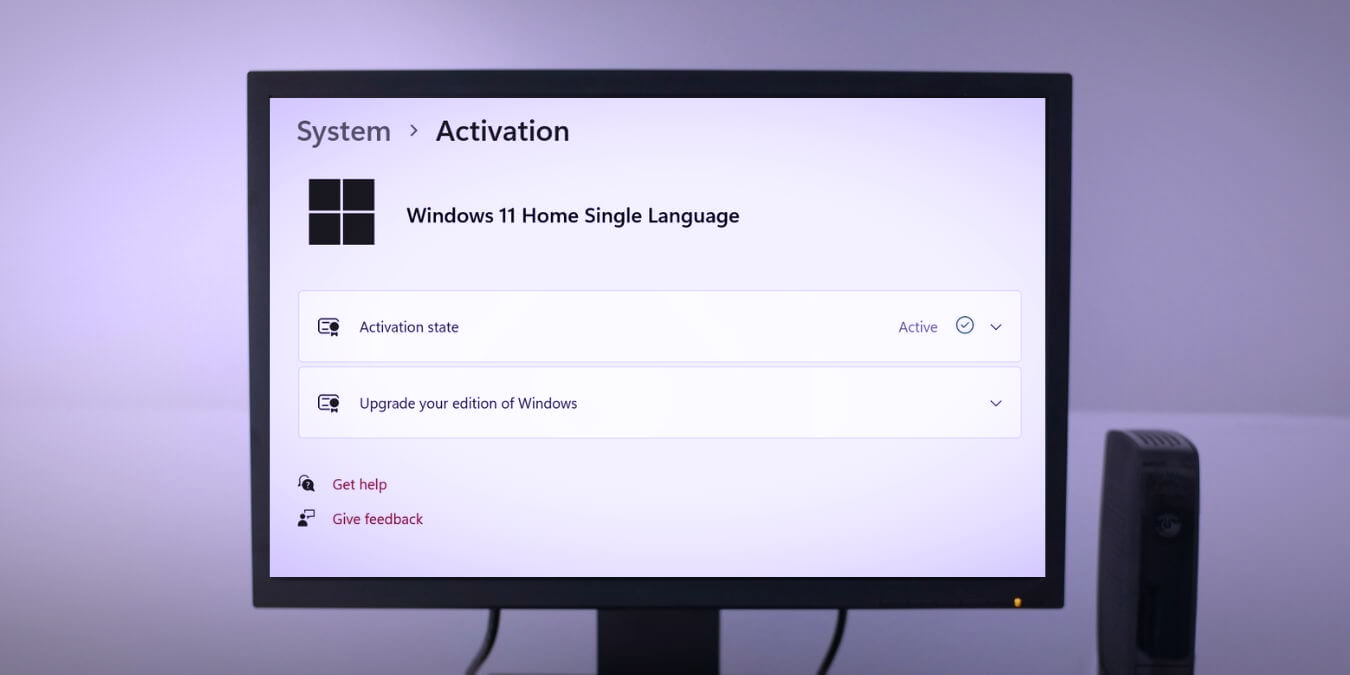
You need the product key to activate your copy of Windows. Learn how to find your Windows 10 or 11 product key.
By Princess Angolluan – Sep 24, 2023

Are you bored with hearing the same sound every time Windows notifies you of something? Learn how to change the notification sound on Windows.
By Meenatchi Nagasubramanian – Sep 22, 2023
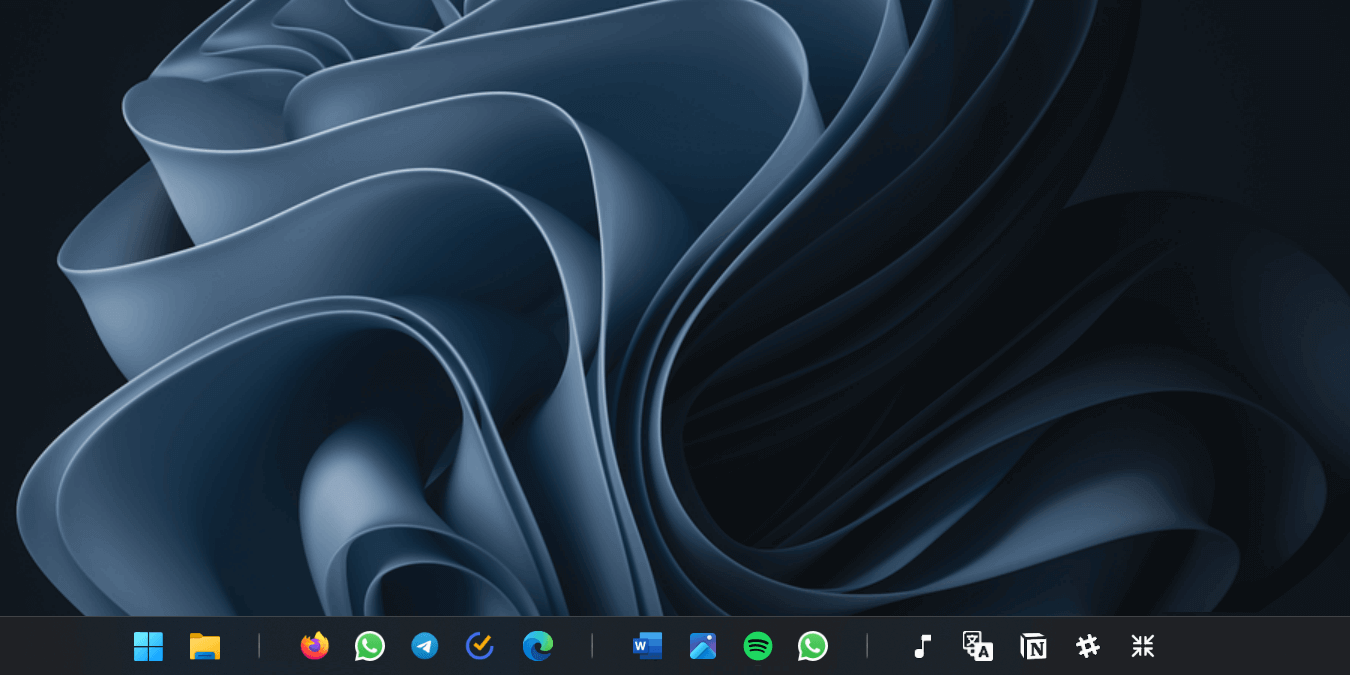
Did you know that you can separate taskbar icons in Windows 11? This post shows how to start organizing your taskbar icons.
By Mustafa Ashour – Sep 21, 2023
Affiliate Disclosure: Make Tech Easier may earn commission on products purchased through our links, which supports the work we do for our readers.





