Learn how to manually or automatically adjust screen brightness on Windows in a low-light environment or to save battery life.
By Khizer Kaleem – May 11, 2023

Users can store multiple ISO installations and boot into them with Ventoy, an open-source solution. Learn how to do it on your PC.
By Mustafa Ashour – May 11, 2023
Disable unnecessary services with these seven useful tweaks to clean up Windows startup programs and speed up startup time.
By Farhad Pashaei – May 11, 2023
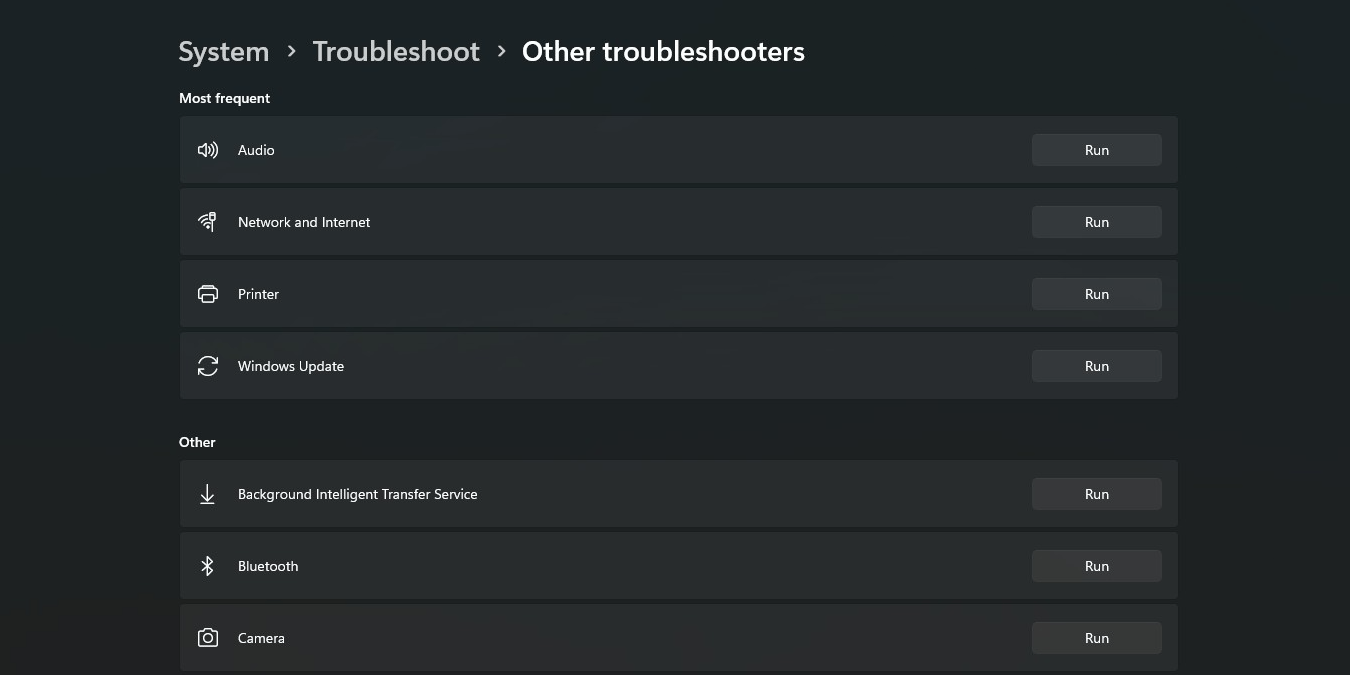
Having trouble running the built-in Windows diagnostic tools? These are the best fixes to troubleshoot the Windows Troubleshooter.
By Tanveer Singh – May 10, 2023
Want to enable autosave in Word and other Windows apps? Learn how you can make use of the feature even for apps that don’t support it.
By Mustafa Ashour – May 9, 2023
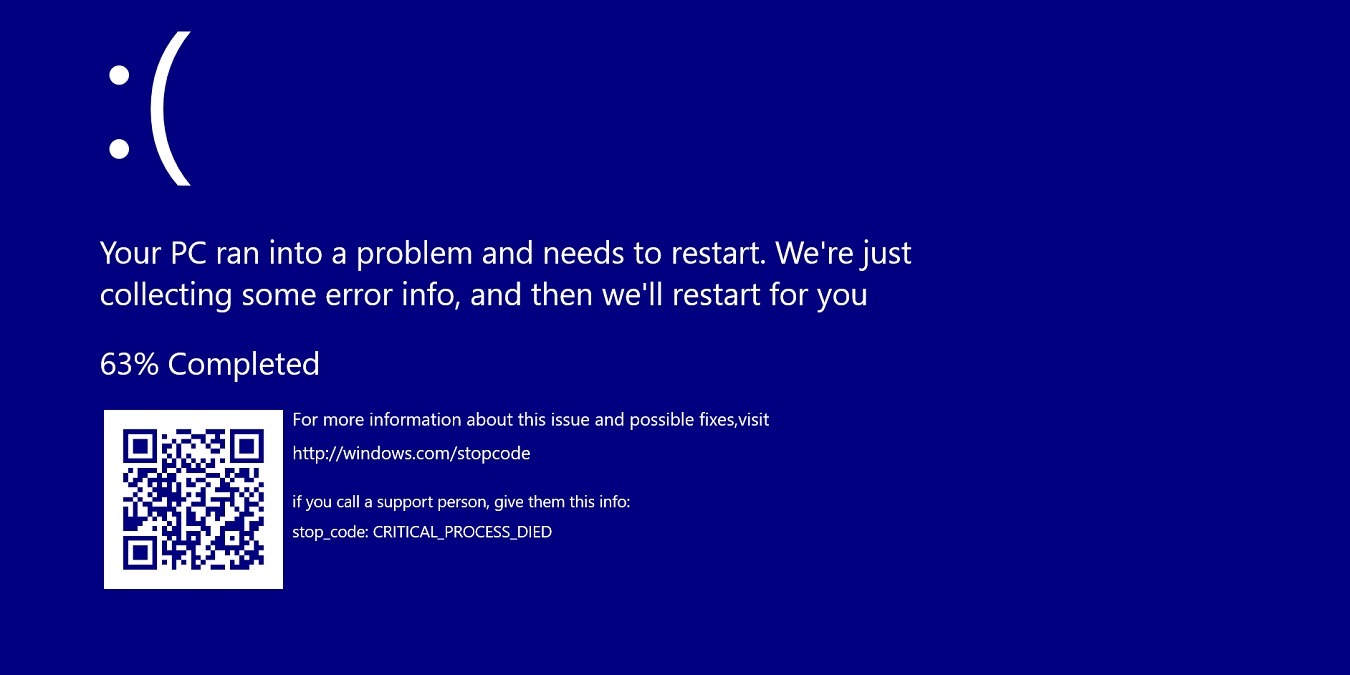
Want to learn how to fix Blue Screen of Death errors? There are many quick general fixes for Windows, irrespective of the stop code.
By Sayak Boral – May 9, 2023

If you have any issues with the Photos app not working, these fixes can be implemented, as can this alternative that’s built into Windows.
By Farhad Pashaei – May 8, 2023

Too many startup programs can bring your boot times to a crawl. This list includes startup programs that you can disable on your Windows PC.
By Tanveer Singh – May 6, 2023

Bluetooth button missing on Windows? Check out our guide on bringing back the Bluetooth goodness in the Action Center.
By Joshua Solomon – May 5, 2023
Looking for ways to recover Sticky Notes in Windows? You’ve come to the right place, as we have a few methods you should try.
By Farhad Pashaei – May 5, 2023

While there’s no official YouTube Music client for Windows desktop, you can get a Youtube Music app-like experience with these workarounds.
By Mustafa Ashour – May 5, 2023
If you share your PC with others, hiding your personal apps can help you have some privacy. Learn how to hide apps in Windows.
By Ojash Yadav – May 5, 2023

Need to set up an alarm on your Mac? Learn how to manage your time and wake up on time with ease using your Mac.
By Hashir Ibrahim – May 4, 2023
Is your Windows PC giving you trouble that you can’t resolve? You may want to factory reset Windows to its default settings to eradicate all issues.
By Crystal Crowder – May 4, 2023

Can’t access applications in Windows due to “The application was unable to start correctly” 0xc00000e5 error? Learn what to do about it.
By Zainab Falak – May 3, 2023

Diff is a simple tool that allows you to check updates in your files on Linux. Learn how you can use it effectively on both GUI and the CLI.
By Ramces Red – May 3, 2023
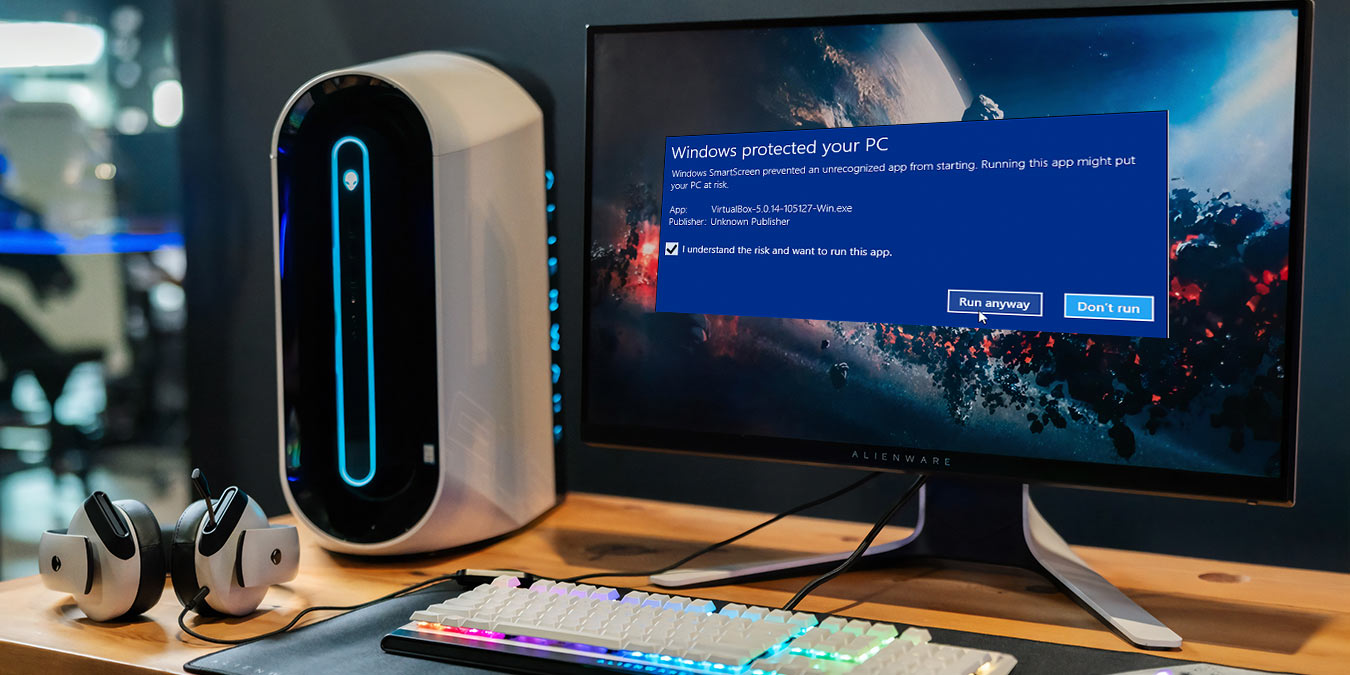
You may want to temporarily disable the SmartScreen Filter in Windows to install an application. Learn how you can do so.
By Farhad Pashaei – May 3, 2023

Discover the best ChatGPT desktop apps for macOS to streamline your interaction with the AI-powered chatbot and benefit from extra features.
By David Morelo – May 2, 2023

Did you know that you can add your iCloud email to Outlook on Windows and Android? This post shows you how to get started.
By Mustafa Ashour – May 2, 2023

The “A breakpoint has been reached” error usually happens when you try to open an application on your Windows PC. Learn how to fix it.
By Farhad Pashaei – May 2, 2023
Affiliate Disclosure: Make Tech Easier may earn commission on products purchased through our links, which supports the work we do for our readers.























