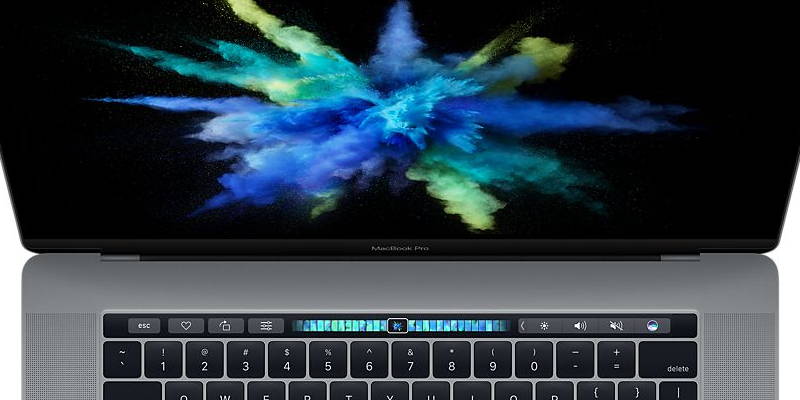
You don’t have to wait until your new MacBook comes to take the Touch Bar for a spin. Here are 2 different ways to get Touch Bar working on your old MacBook.
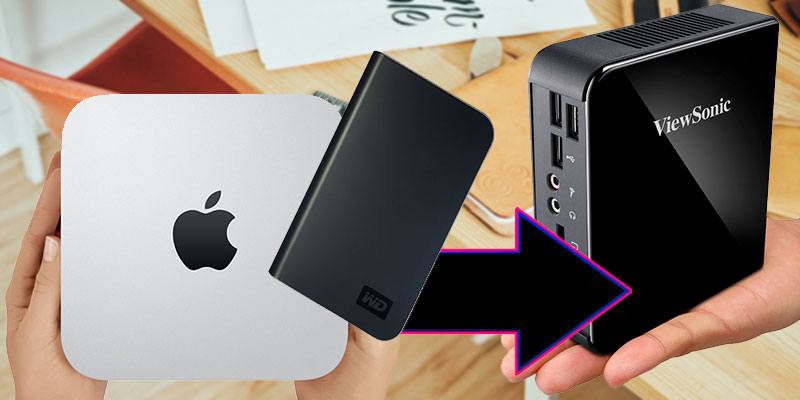
Some hard drives are marketed as “made for Mac” which many would think means it’s not usable in Windows. This guide will show you how to format and use a “Made for Mac” hard disk on a Windows PC.
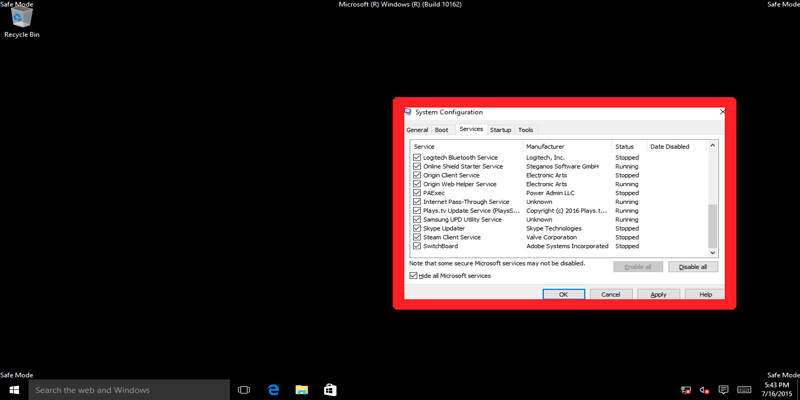
Windows Safe Mode and Clean Boot are not the same. Here we examine Safe Mode vs. Clean Boot, look at the differences, and learn how to use them effectively.
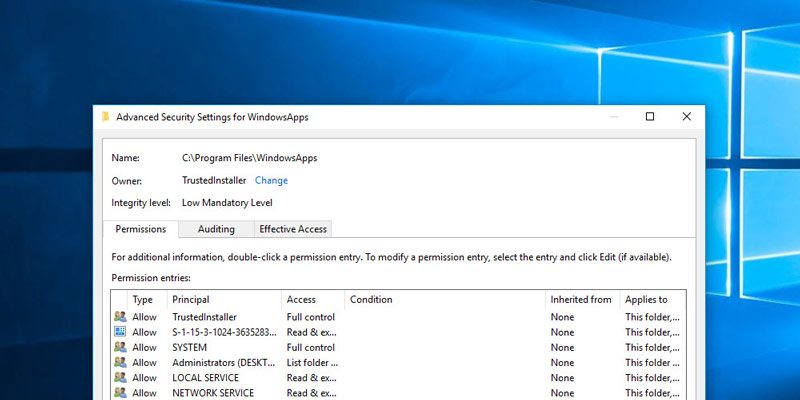
There are times when you take ownership of a system file, and it causes the system to be unstable. Here’s how you can restore the ownership to TrustedInstaller in Windows 10.
If you have several Ubuntu PCs connected in a LAN network, you can set up a local repository in one of them and update every computer without Internet access. Here’s how to set up a local repository in Ubuntu.
Extending a hard drive partition sounds like a difficult task, but luckily it’s not. Here’s how you can easily extend a hard drive partition in Windows 10.
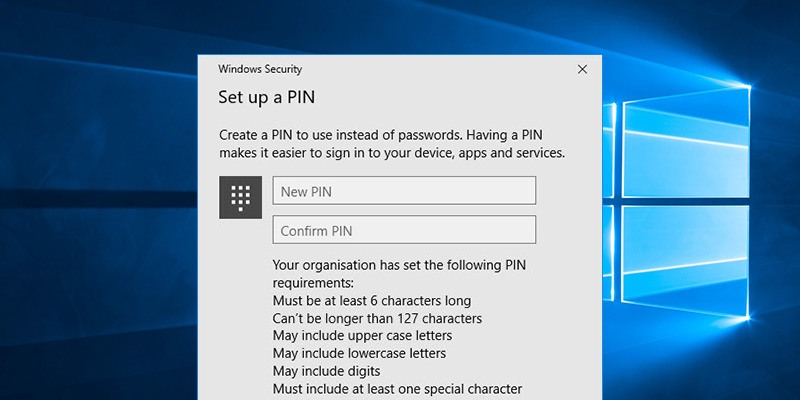
Microsoft allows you to log in to Windows using a PIN, which some of you might find insecure. Luckily, you can add PIN complexity to the Windows 10 login PIN to increase its effectiveness.
While most laptop is capable of running any Linux distro, some are more compatible than the rest. Here are some tips to choose a laptop for Linux that you should consider.
Even though Microsoft is actively pushing Windows 10, its market share is still far behind Windows 7. Did Windows 10 flop? How did things get this way?
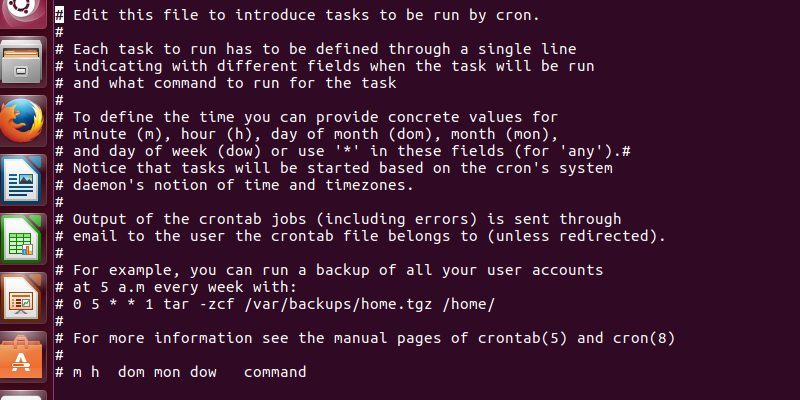
Have you ever wanted to run bash script as a root user during startup? Here’s how you can harness the power of cron and set your scripts to run at startup.
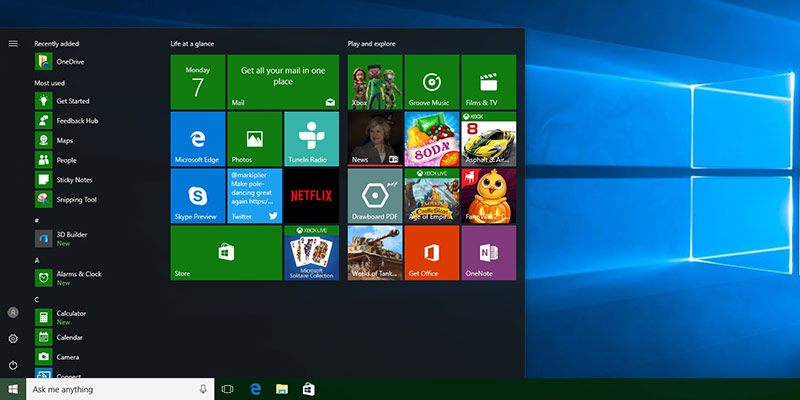
Setting the accent color in Windows 10 will apply it to the Start menu, taskbar, title bar, etc. This trick will show you the way to apply the accent color to the taskbar only.
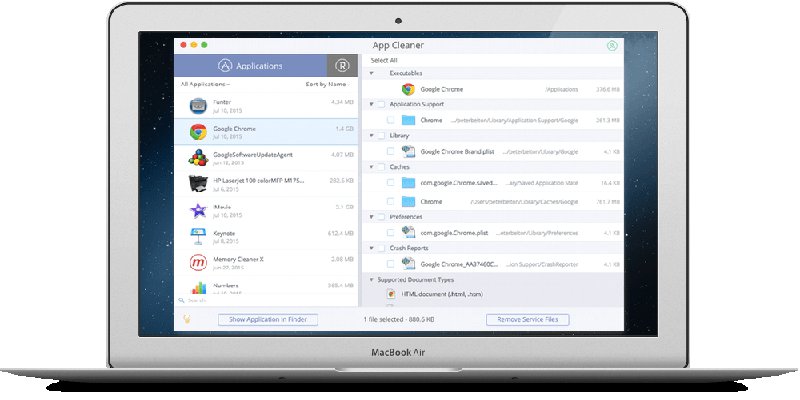
Macs, like any PC, can get cluttered with applications and installations too. We checked out Nektony App Cleaner to see its effectiveness against system clutter. Here’s what we found.
While Telegram comes with a desktop client for most operating systems, it can be accessed via the command line too. Here’s how to use Telegram from the Linux command line.
Lumina Desktop is a lightweight desktop manager for BSD system but has been ported over to many Linux distro. Here’s how to install Lumina Desktop on Linux.