Tethering from a mobile phone is easy, but sharing an Internet connection between PCs will require more effort. Here’s how to share an Internet connection between 2 Windows PCs.
Installing custom cursors for Windows 10 is not as straightforward as it should be. Here’s how you can safely find and install custom cursors on Windows 10.
There is a lot of screen recording software for Windows, but only a few of them are great. Here is some of the best screen recording software for Windows you should use.
The taskbar in Windows 10 is big and takes up a lot of screen real estate. Here’s how you can hide the taskbar in Windows 10 and other tips to customize it.
Finding update for WIndows drivers can be a manual and troublesome task. iObit Driver Booster allows you to easily update Windows drivers with a single click.
Microsoft will be releasing Windows 10 Cloud to compete with Google’s Chrome OS. It’s still in the early development stage, but here is all you need to know about it.
If you want to install apps in Windows without the Windows Store, you need to have the apps. Here’s how you can download appx files from the Windows Store.
Did you know that instead of using apps you can back up your Android data entirely using the PC? Here is how you can back up your Android data with ADB on Ubuntu.
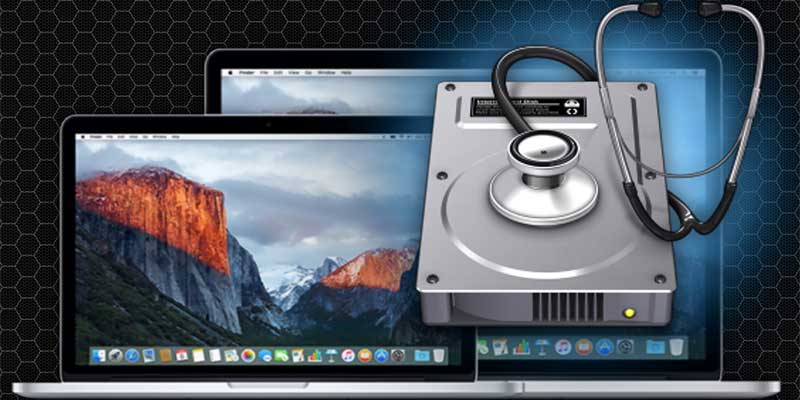
Disk utility is an app for macOS for all disk-related operations. This article will walk you through the technical terms in Disk Utility and help you to master it.
There are plenty of Linux music players out there, and it is hard to find the best one. Here are some Linux music players you might consider switching to.
Windows apps come with the .appx file extension and can be installed from the Windows Store. To bypass the Windows store, you can manually install .appx files in Windows 10. Here’s how.
While the Firefox developer edition is available for Linux, its installation is not as straightforward. Here’s how to install Firefox Developer edition in Linux.
In the late ’90s antivirus was almost a necessity in every computer. In these modern days are AVs still able to protect you from threats as advertised? Is antivirus relevant anymore?
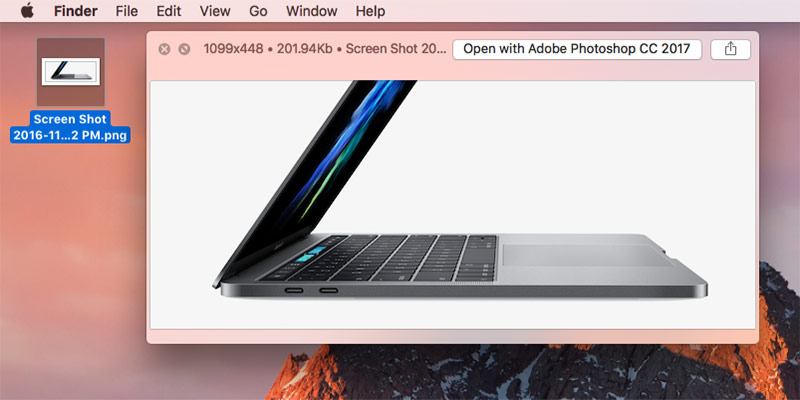
Quick Look is one of the most convenient features of macOS as it allows you to quickly preview files. Here is how to extend its functionality and make it more powerful with plugins.