Are you facing problems uninstalling Adobe Creative Cloud products from your Windows 10 PC? Here is a simple method you can use to banish Adobe CC from your PC.
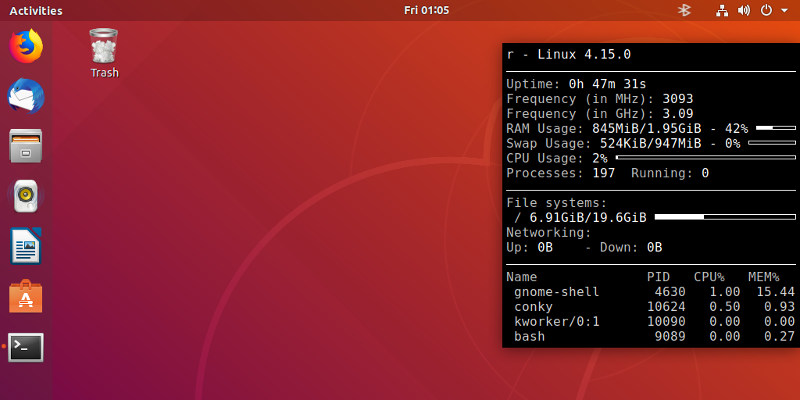
Sometimes you just need to find out the available memory in your system. Let’s see some Linux utilities that show memory usage in a human-readable format.
Quicktime is not the only media player for macOS. There are plenty of alternatives. Elmedia Player is a handy and useful media player for macOS, as you’ll discover here.
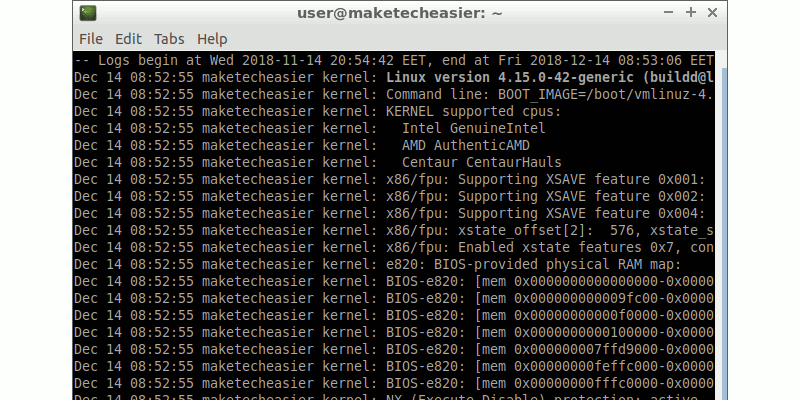
Most Linux distros have migrated to systemd, which comes with a different log daemon, journald. You will need to use the journalctl utility to read system logs.
Recently, Microsoft updated their Skype platform (on everything but Linux), so it’s time that Linux users dumped Skype. Here’s a list of four decent alternatives worth checking out.
Windows Movie Maker is a simple-to-use tool for editing video. Follow this guide to brush up on your Windows Movie Maker skills and create professional-looking videos.
You can set up your own email server and protect your emails from prying eyes. Here is how you can host your own email server right in your Windows PC.
Final Cut Pro X has changed a lot over the years. If you are just starting to use FCP, here is the get-started guide for Final Cut Pro X and how you can become a Pro.
Windows 10’s Delivery Optimization feature lets you transfer updates to and from other PCs on your network. Here’s how you can manage the delivery optimization cache.
If you are fairly new to Linux, there are various avenues to help you learn Linux. No matter your learning style, these are some of the best resources for learning Linux.
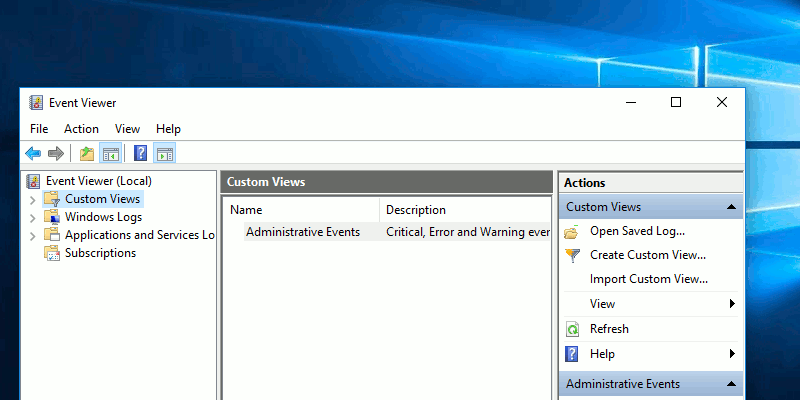
Custom Views in Windows Event Viewer is a special showing where you only see the warnings that interest you. Learn how to create a custom view in Windows.
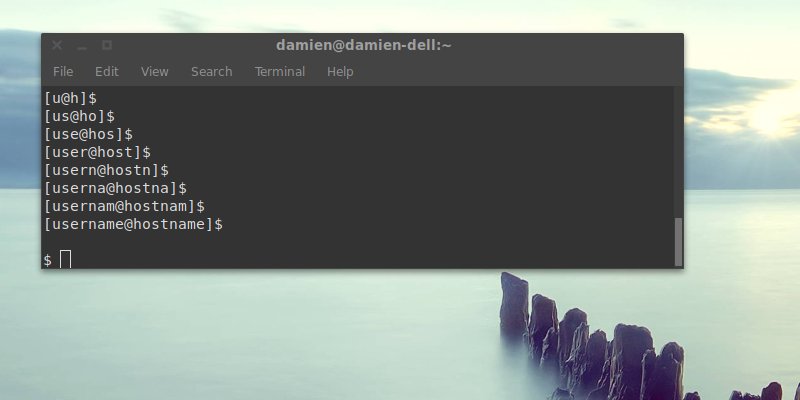
The terminal prompt in Linux shows your username and hostname by default. This will show you how to remove your username and make changes to the prompt.
If you have data you want to protect, you can create an encrypted container. Here’s how to set up an encrypted partition in Linux to safely store your data.