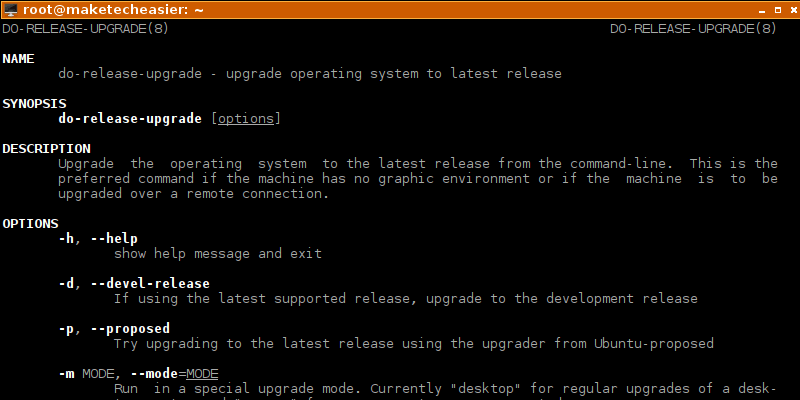
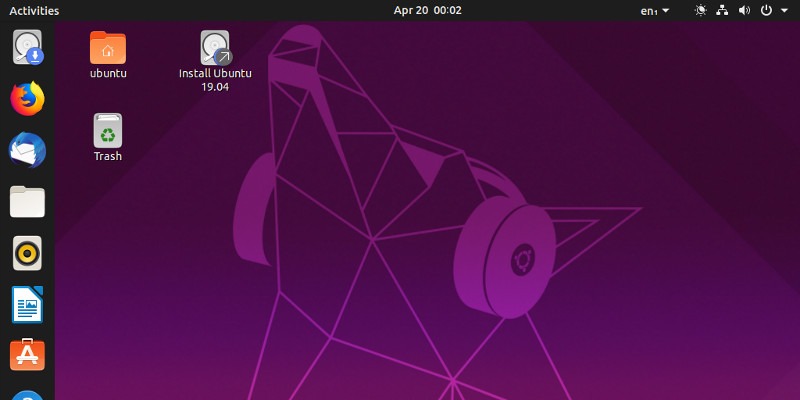
It is easy to upgrade your Ubuntu to a new release, either with a graphical interface or via the terminal. Here’s how to upgrade Ubuntu from the command line.
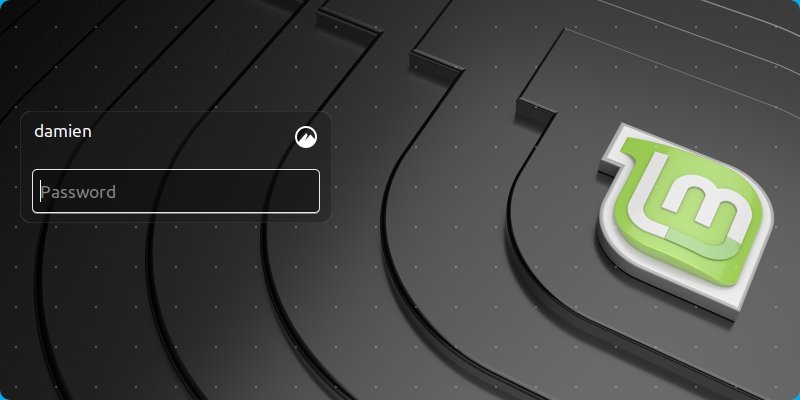
If you have encrypted your hard disk, you can safely disable the login password at the login screen. Here’s how you can enable autologin in LightDM in Linux.
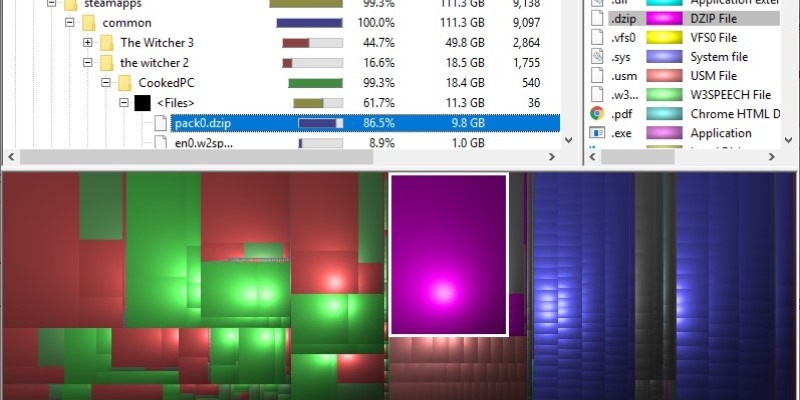
A dis, space analyzer offers a visual representation of how large each directory is. Find out some of the best disk space analyzer tools for Windows 10.
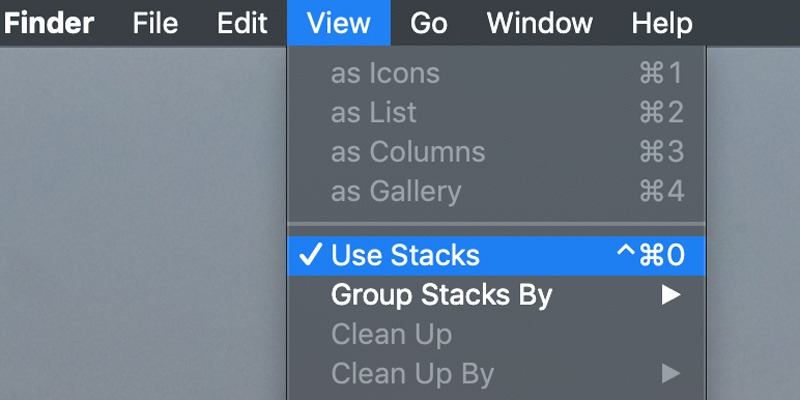
If you are working with a file in macOS, there are times when you will get the error code 43 message. Here is how you can fix Mac’s error code 43 issue.
ZFS is one of the most feature-rich filesystems that guarantees you will never lose a single bit of data. Here is what ZFS snapshots and clones can do for you.
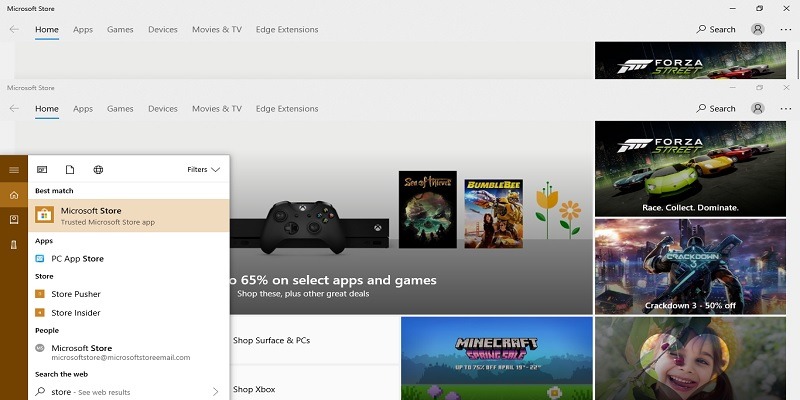
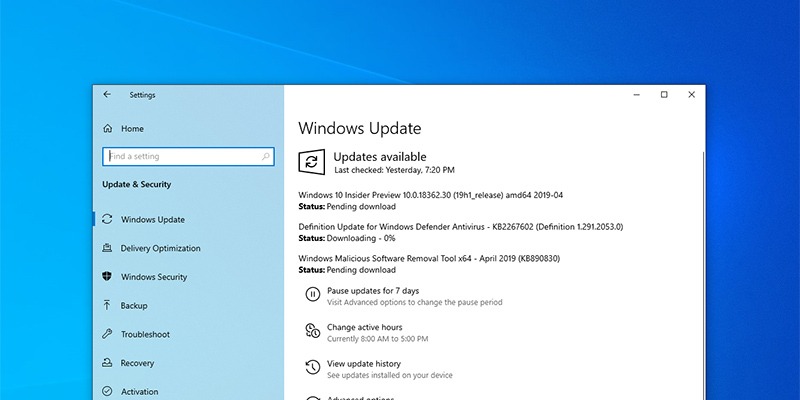
Microsoft has announced they’ll be allowing users to control their updates. Scheduled for the May 2019 update, you’ll be able to review and download updates manually.
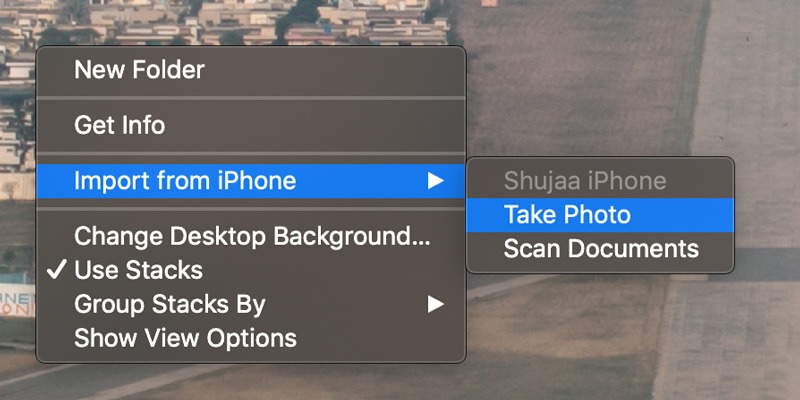
While working on a Mac, you can make use of the Continuity Camera feature to take a photo using your iPhone’s camera and directly import it to your Mac.
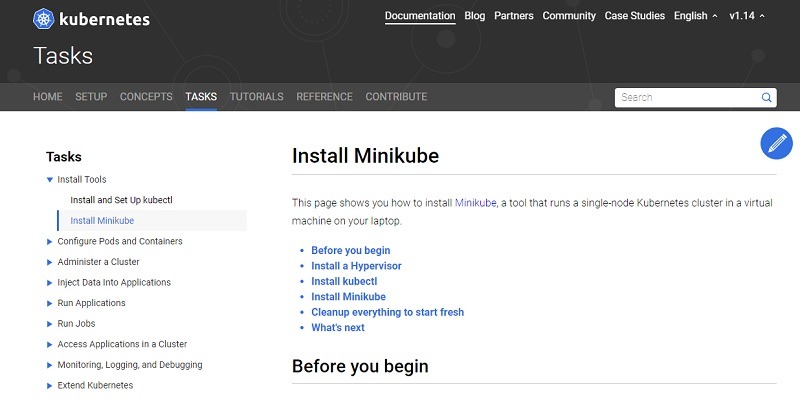
As a single-node Kubernetes cluster, Minikube is the best way to run Kubernetes on your laptop because it can be squarely placed inside a virtual machine.
There are numerous ways to spruce up the XFCE terminal. For those who want to tweak their terminal, here are five great XFCE terminal themes to check out.
There are times when Windows 10 updates make your system unbootable. For such cases, you can uninstall updates from the advanced startup screen. Here’s how.
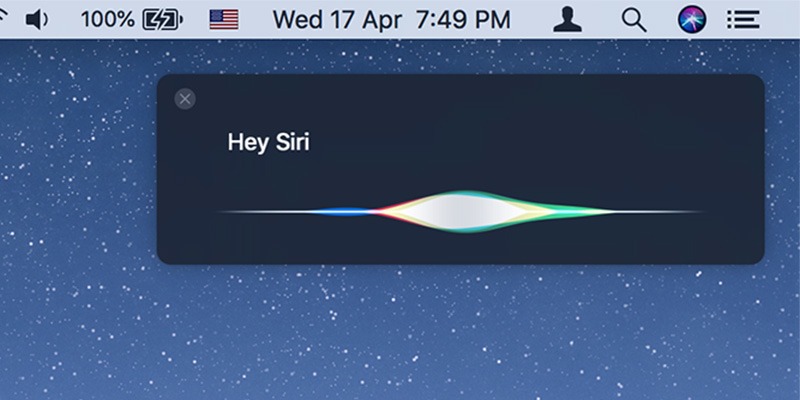
Apple has not made the “Hey Siri” activation function available on older Macs. Fortunately, there’s a workaround to access the “Hey Siri” command on older Macs.
You may know that Canonical just launched a new version of Ubuntu, but is it worth the upgrade? Does Ubuntu 19.04 solve any problems you currently have?
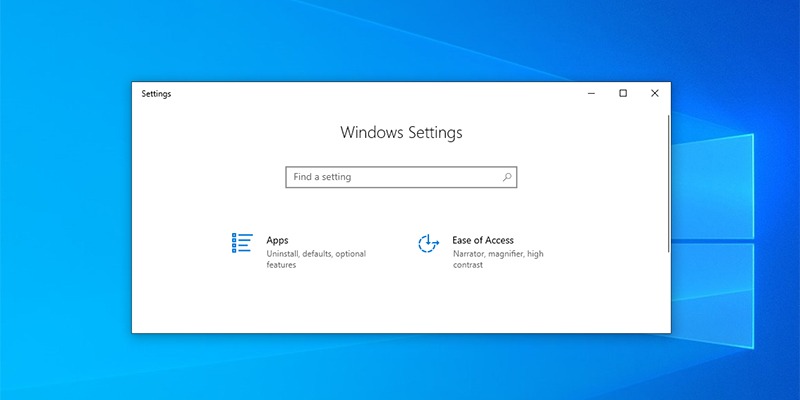
If you are sharing your computer and don’t want users messing with different settings, you can easily hide specific pages in the Settings app. Here’s how.