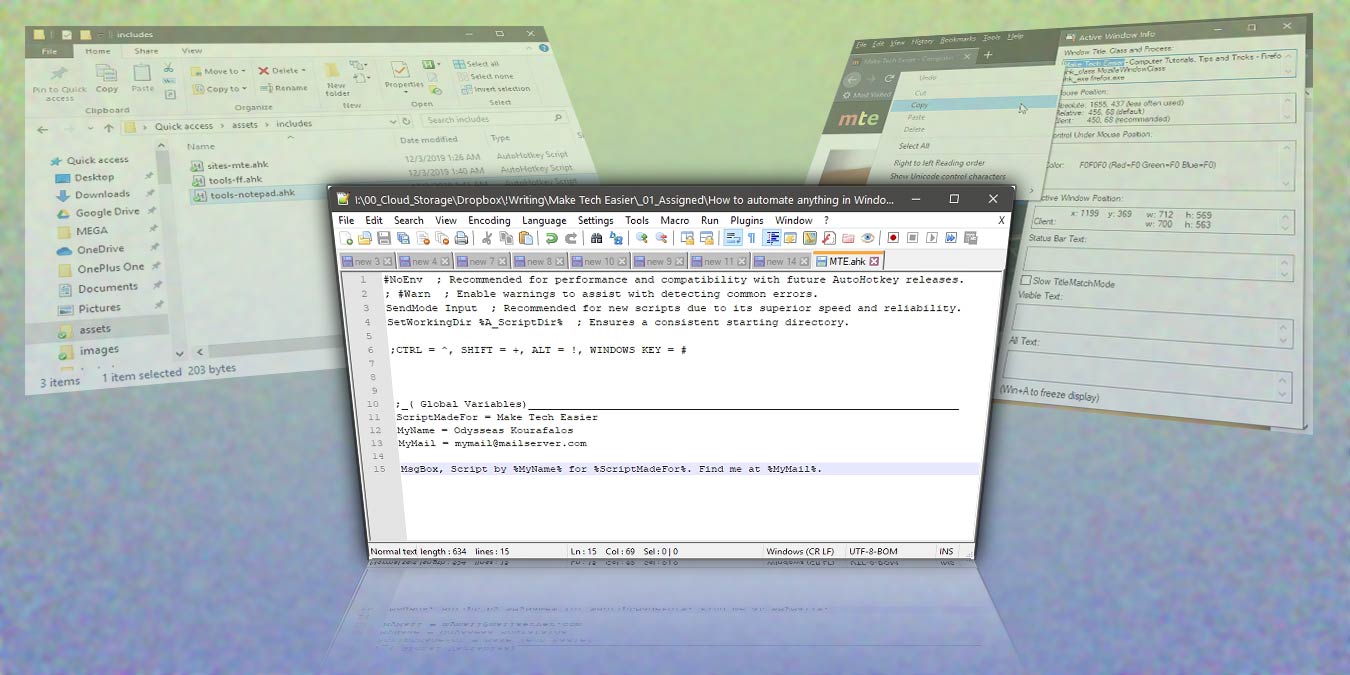
AutoHotkey allows you to create your own scripts to automate anything on Windows desktop. Here we show you the basics to get you started in autohotkey.
Disabling UEFI secure boot mode may be necessary to boot the PC with an unrecognizable USB drive. Here’s how you can disable UEFI secure boot in Windows 10.
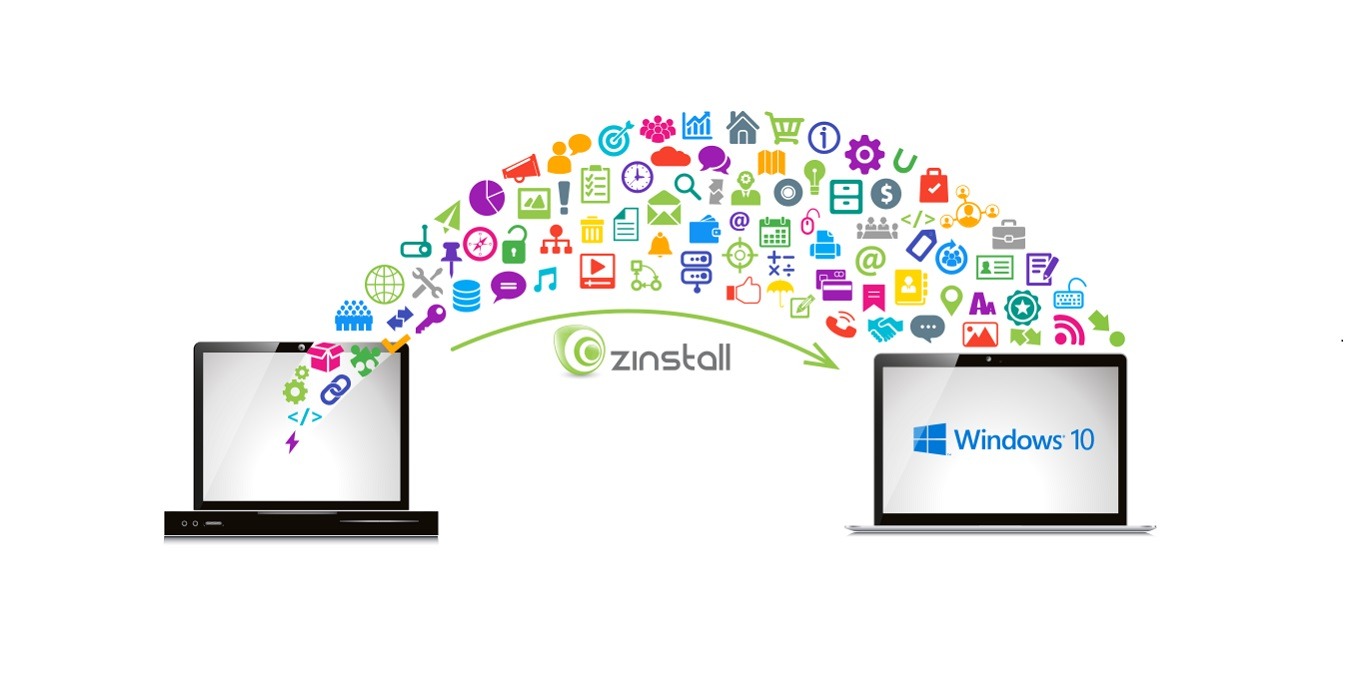
Zinstall WinWin is one of the best applications to transfer files and programs between different computers, parrticularly from Windows 7 to Windows 10. Let’s check it out.
Krita is a software specializing in sketching and drawing. This tutorial will work as both an intro to sketching and the use of Krita for this purpose.
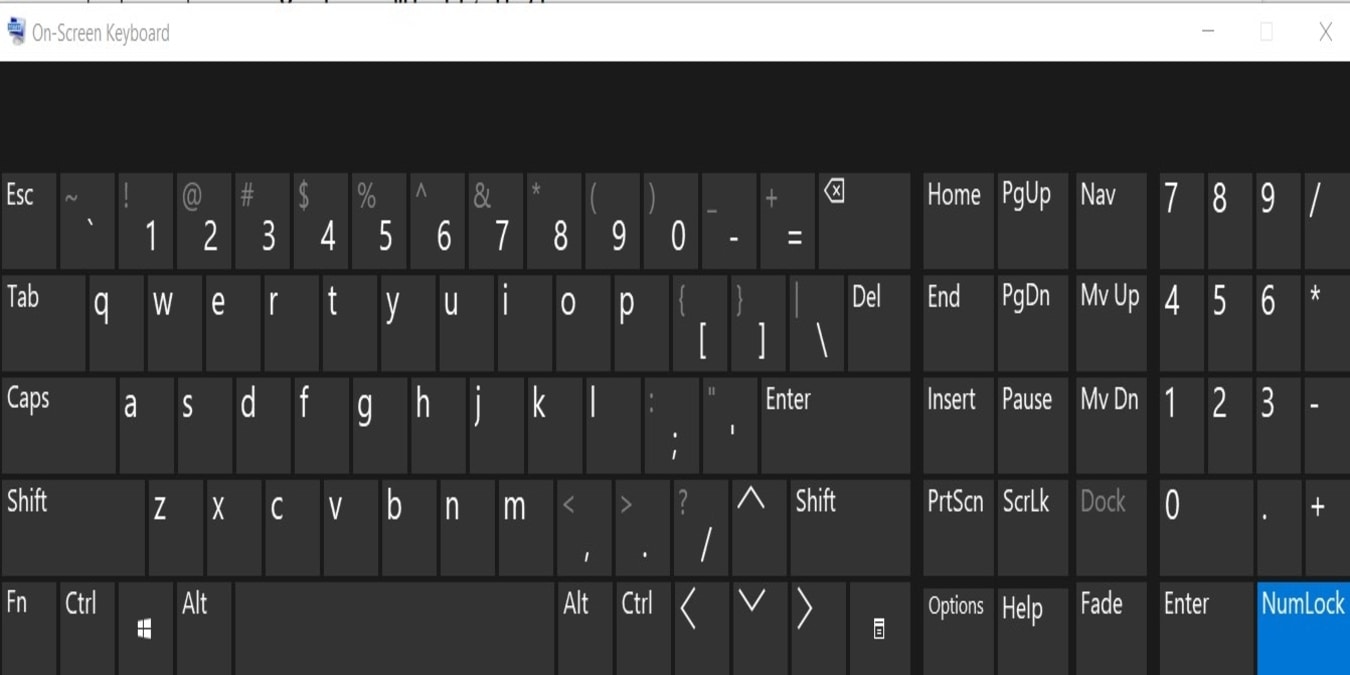
Having a malfunctioning keyboard can be a frustrating problem. Fortunately, Windows 10 provides an onscreen keyboard. Here’s how to make the best use of it.
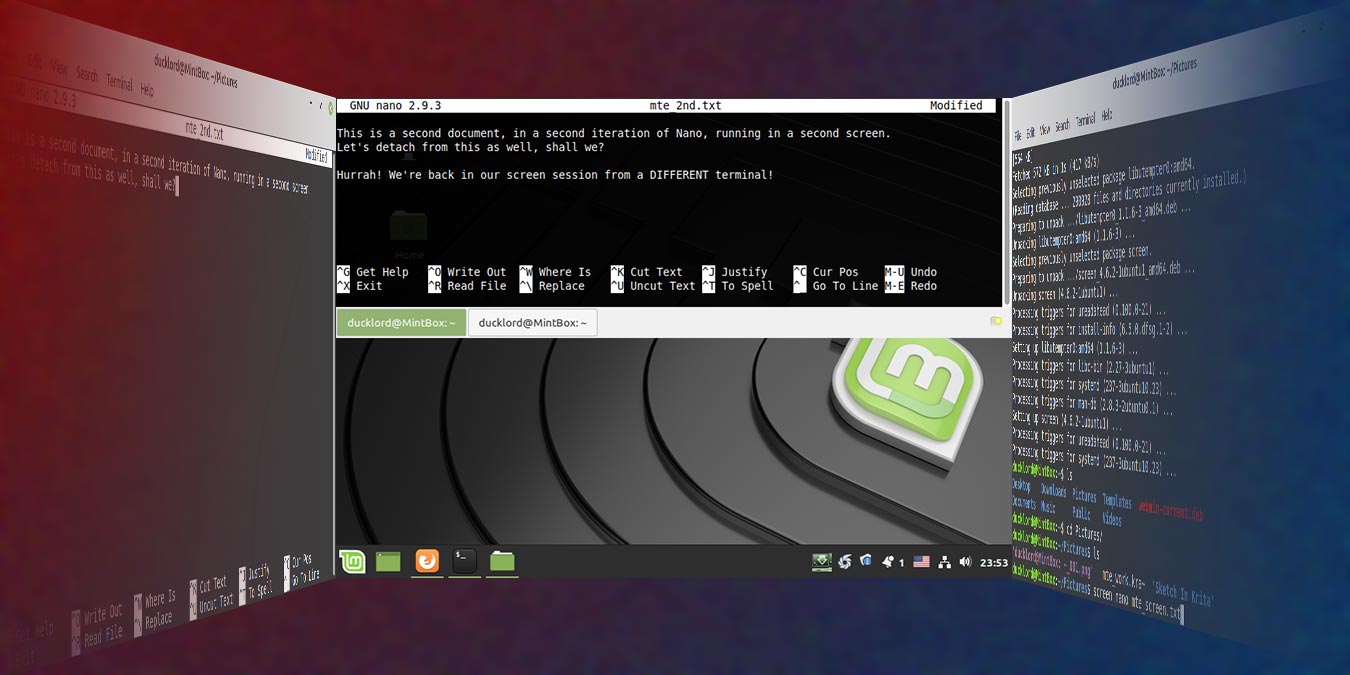
Screen makes multitasking in the terminal simple. With it, you can run many tools in parallel, each in their session, and detach and reattach to it at will.
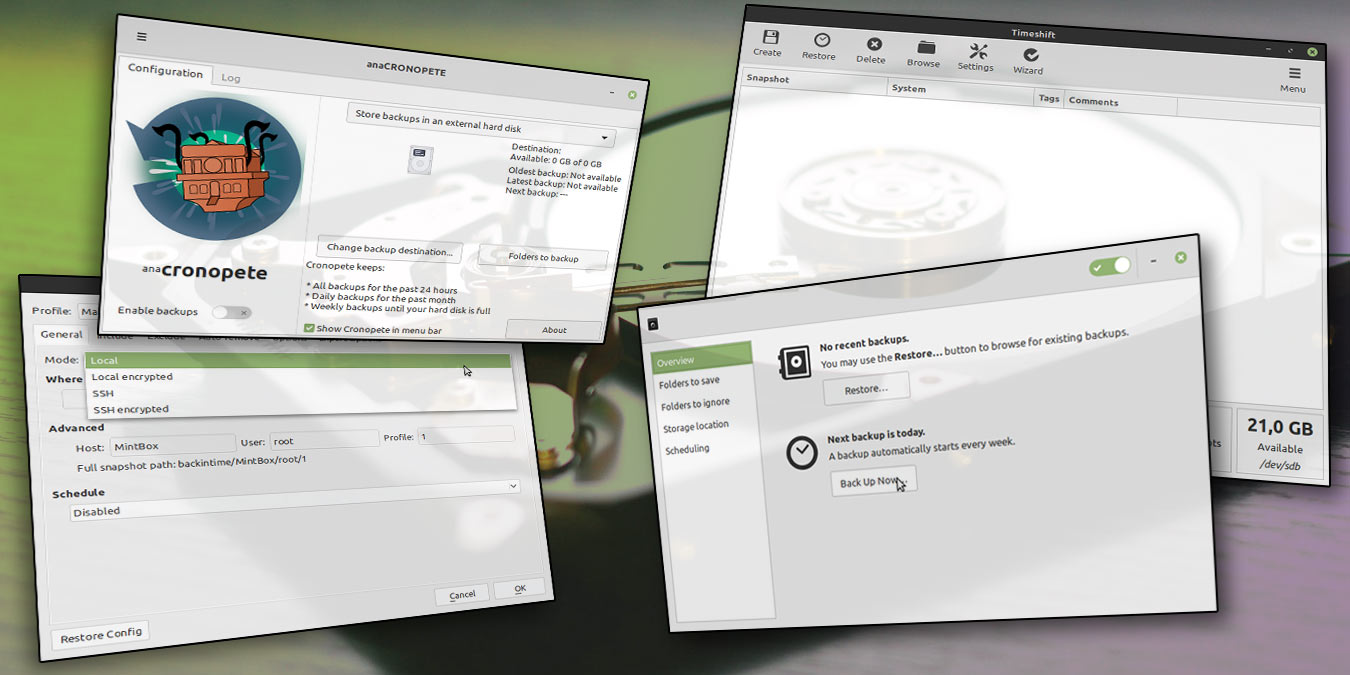
Apple has set a high standard in their Time Machine backup software. Here are some of the best Time Machine alternatives for Linux that can back up your HDD.
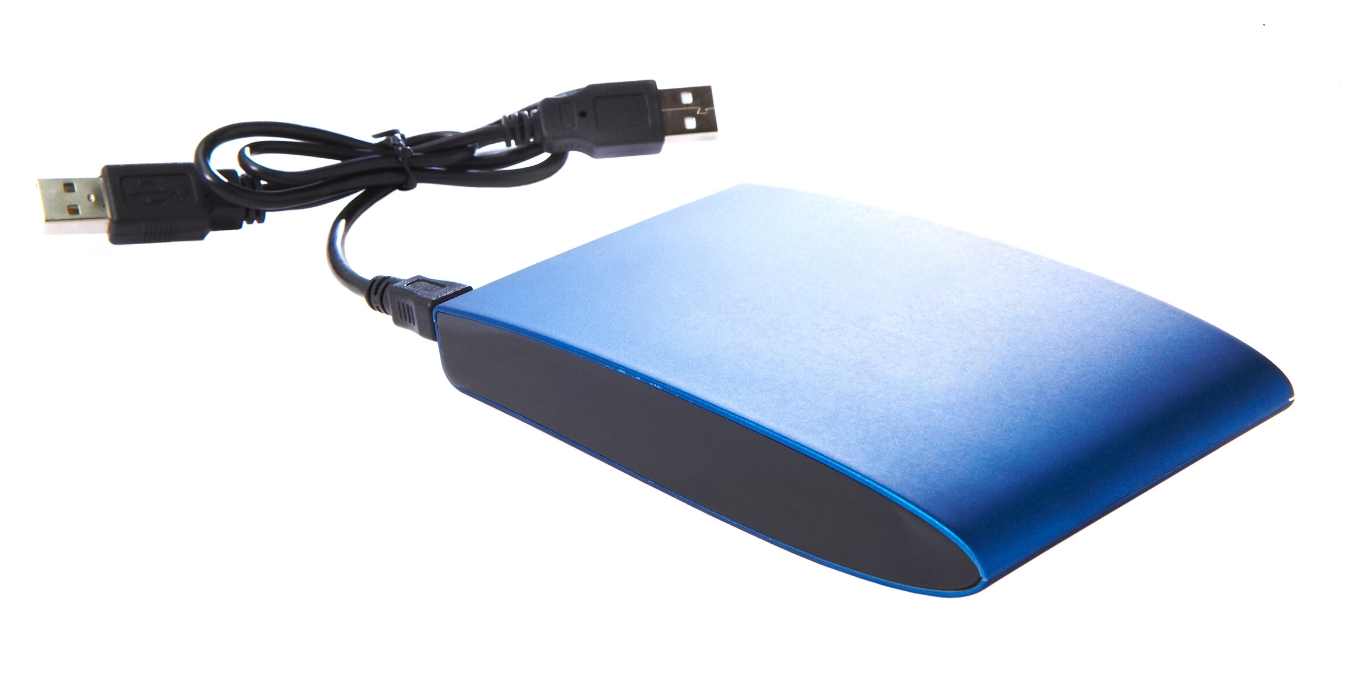
Have you ever tried to connect an external hard drive to Windows, only to have it not show up? Here are some ways to identify the cause and fix the issue.
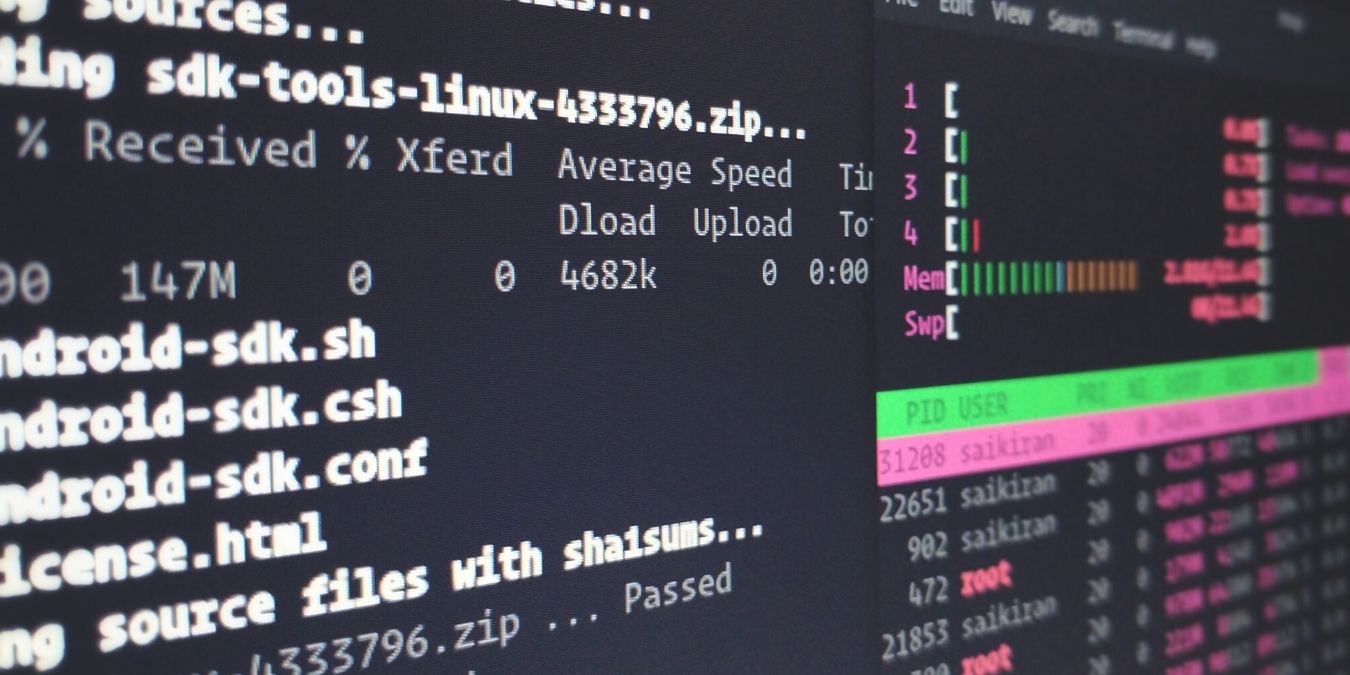
Ever been curious about the different stages of Linux? What happens behind the scenes when you power your device on? Learn about the Linux boot process here.
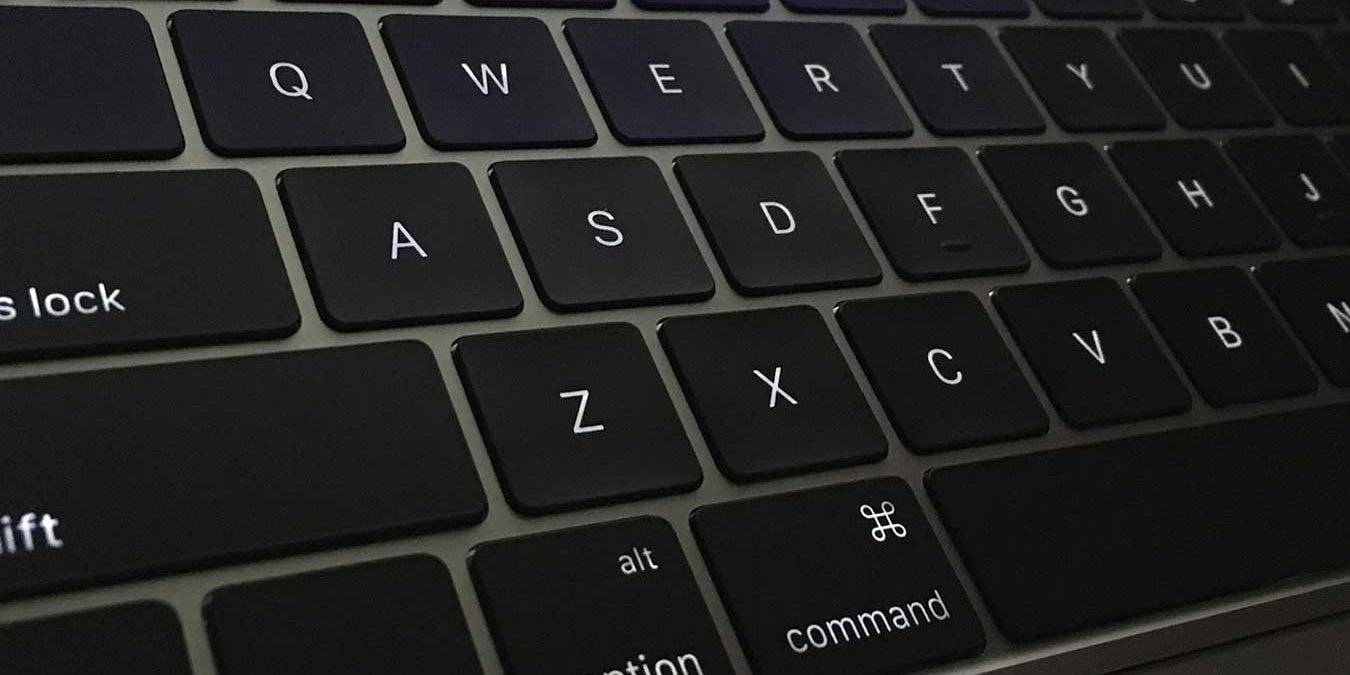
Apple’s Butterfly keyboards have so many issues that Apple might switch back to the scissor-style switches. But why are the Butterfly keyboards so terrible?
Deleting your files and partition doesn’t wipe the data within. Here’s how you can completely wipe your hard drive in Linux, making data retrieval difficult
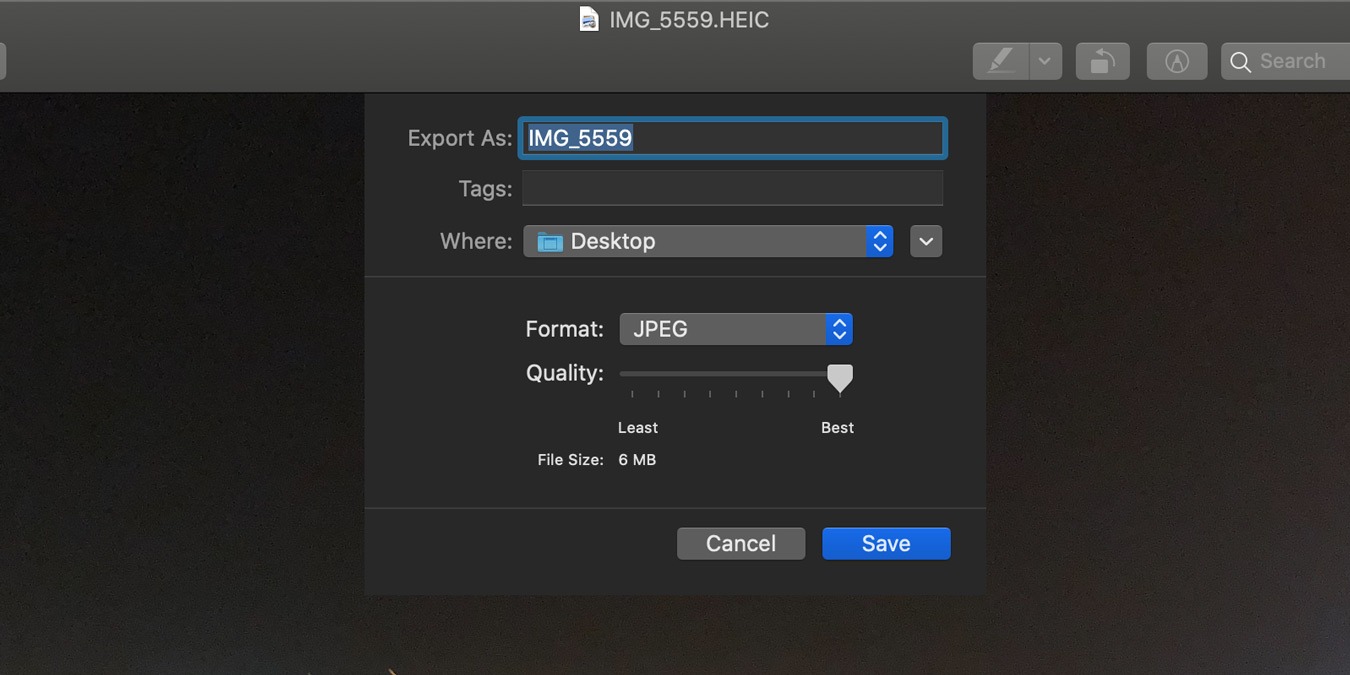
Vector graphics are not quite the same as normal images. Here are some ways to work with vector graphics in macOS and the solutions to problems that first-time graphic editors can run into.