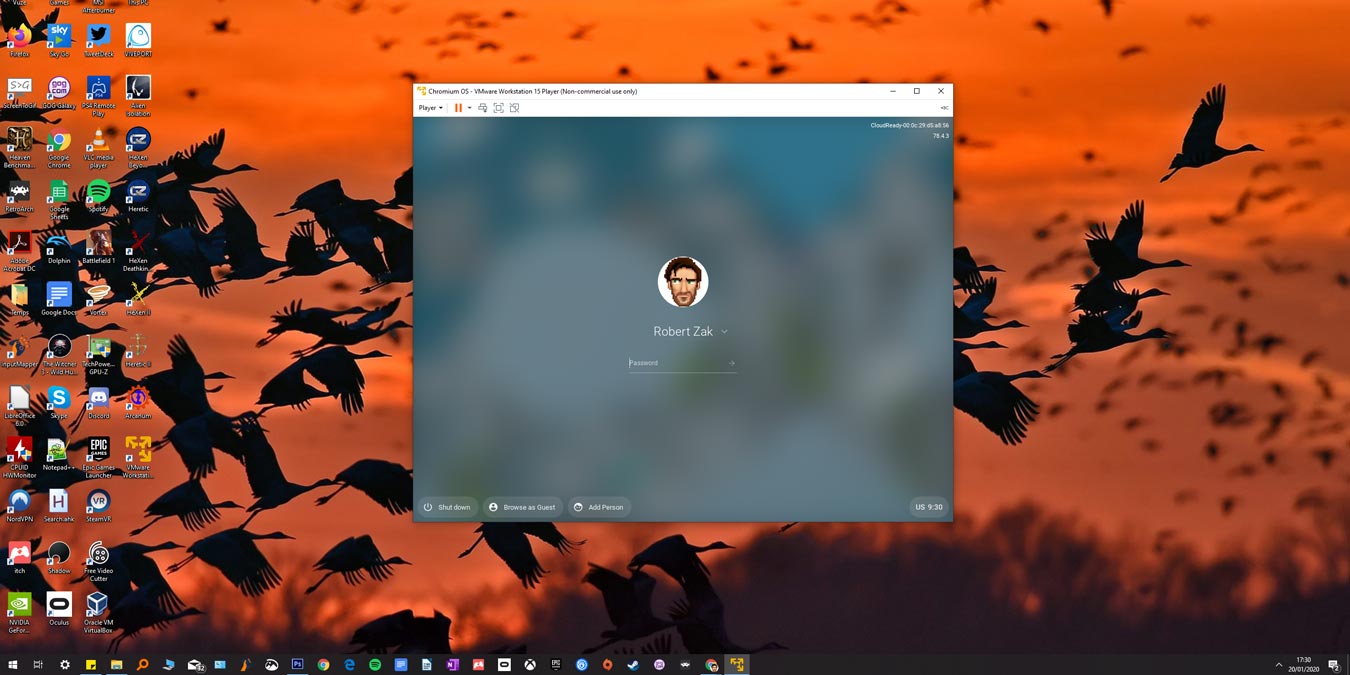
If you want to test Chrome OS for development or personal purposes on Windows 10, learn how you can run Chromium OS in Windows.
By Robert Zak – Jan 24, 2020
Anyone can accidentally tap the Shift key too many times and activate the Sticky key feature. Here is how you can disable Sticky keys on your Windows PC.
By Tracey Rosenberger – Jan 23, 2020
Did you download the new macOS Catalina and notice you couldn’t install it smoothly? Here are the fixes for the common macOS Catalina problems.
By Sarah Adedun – Jan 23, 2020
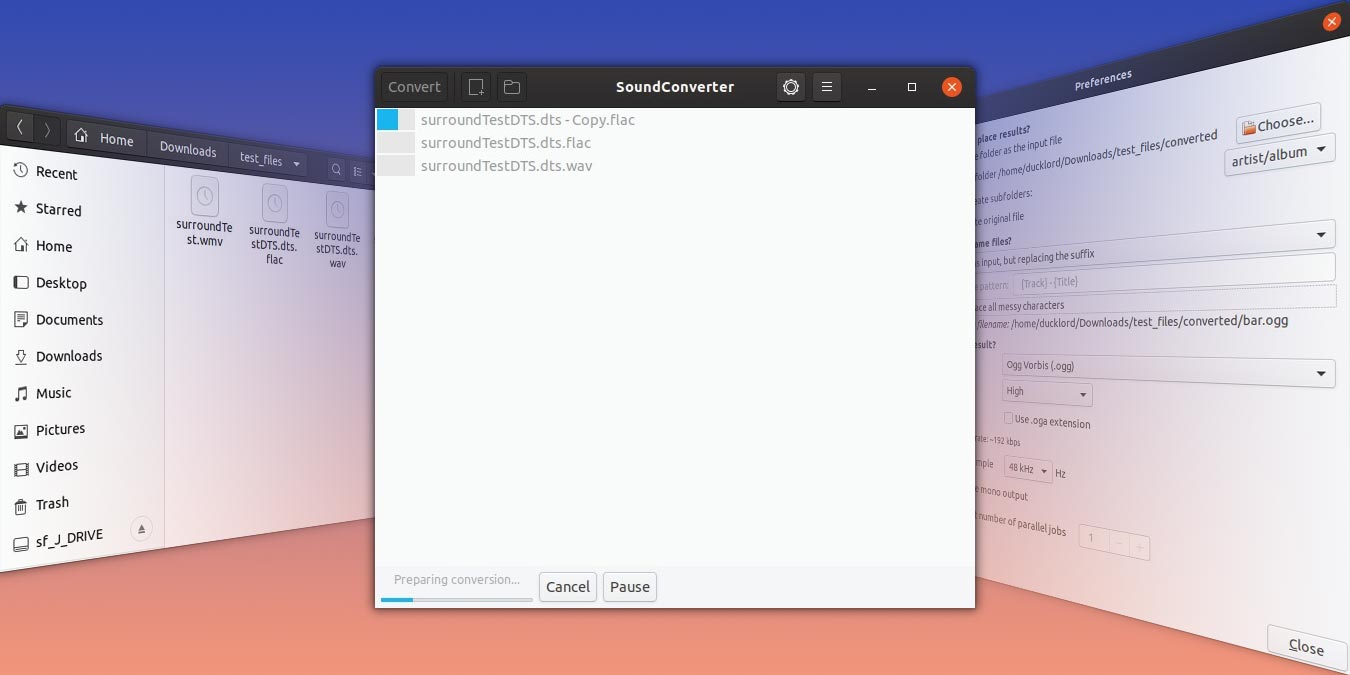
If you have a bunch of audio files that you want to convert to MP3, you can make use of the popular SoundConverter to convert audio files in Ubuntu.
By Odysseas Kourafalos – Jan 23, 2020
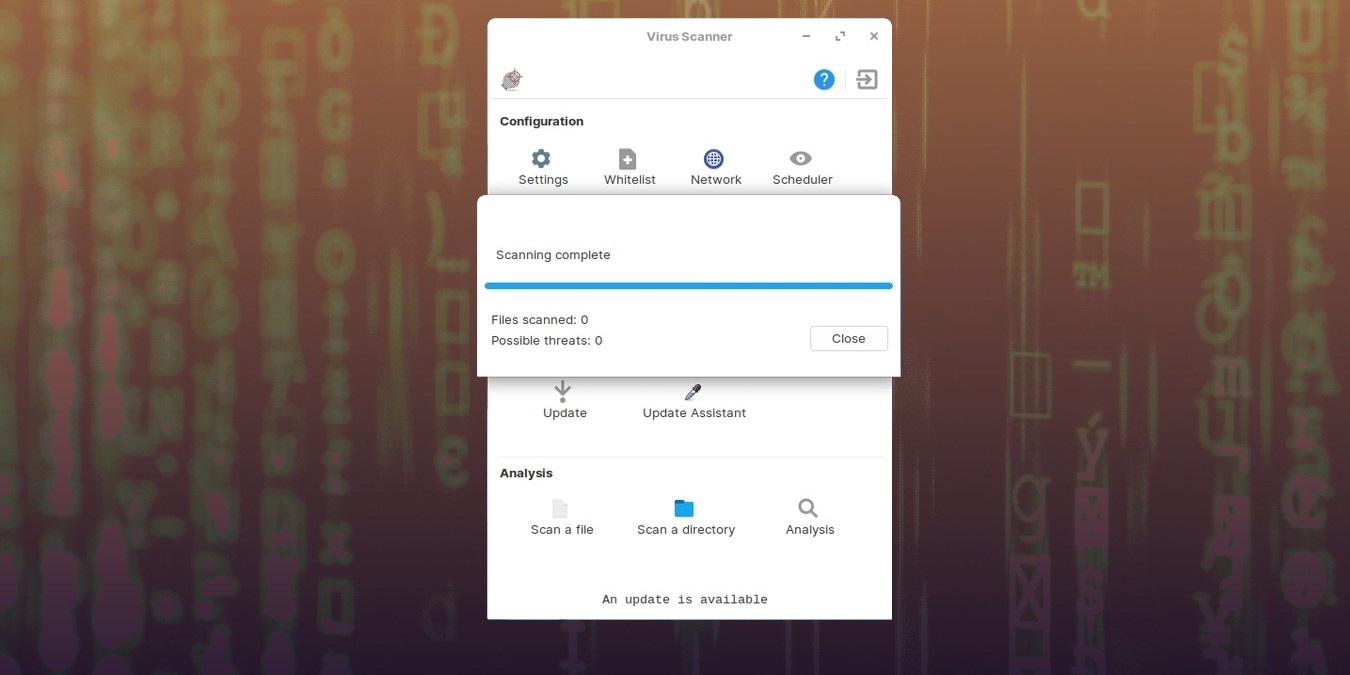
Linux can get viruses, but you don’t need an antivirus. How can both those claims be true? Do you really need antivirus on your Linux machine?
By Odysseas Kourafalos – Jan 22, 2020
Before you jump ahead and install new RAM to your machine, make use of the following methods to free up RAM on your Windows computer first.
By Tracey Rosenberger – Jan 21, 2020
A very useful feature in Linux is the “Access Control Lists” that controls access to files and directories. Here’s how access control lists work in Linux.
By Divya Lakshmanan – Jan 21, 2020
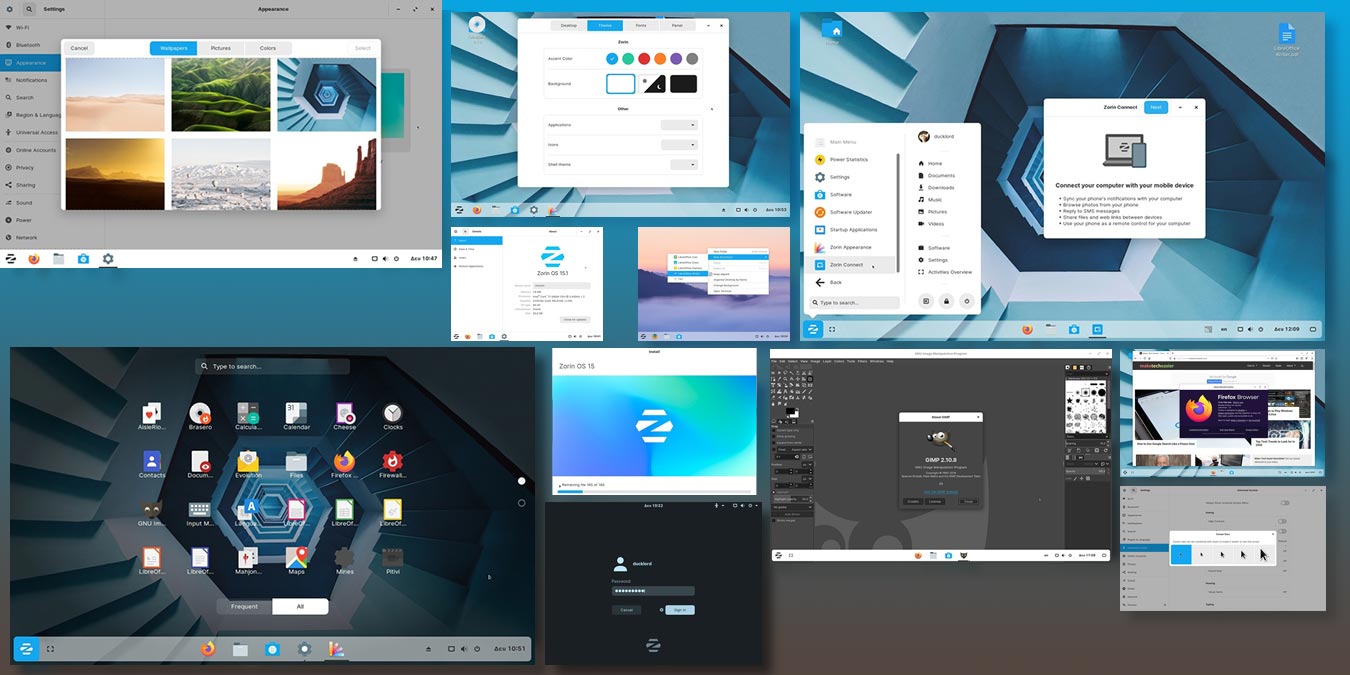
Zorin OS touts itself as a Windows alternative and is targeting Windows users that are looking to switch to Linux. Check out our review of Zorin OS.
By Odysseas Kourafalos – Jan 20, 2020
If you have maxed out the volume in your laptop and it is still soft, here are a few ways to further increase the laptop volume in Windows 10.
By Sayak Boral – Jan 16, 2020
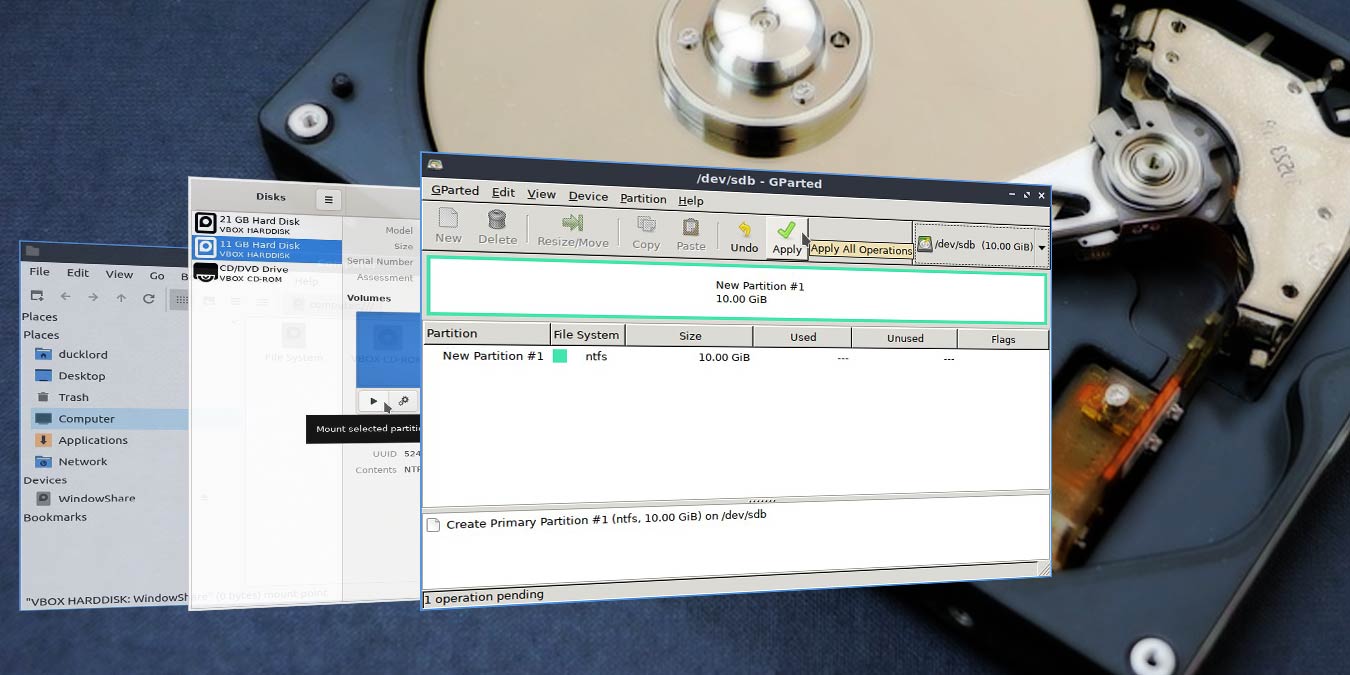
It’s easy to format your hard disk to NTFS in Linux. There are many ways to do this, and we will show you how to do it using GParted.
By Odysseas Kourafalos – Jan 16, 2020
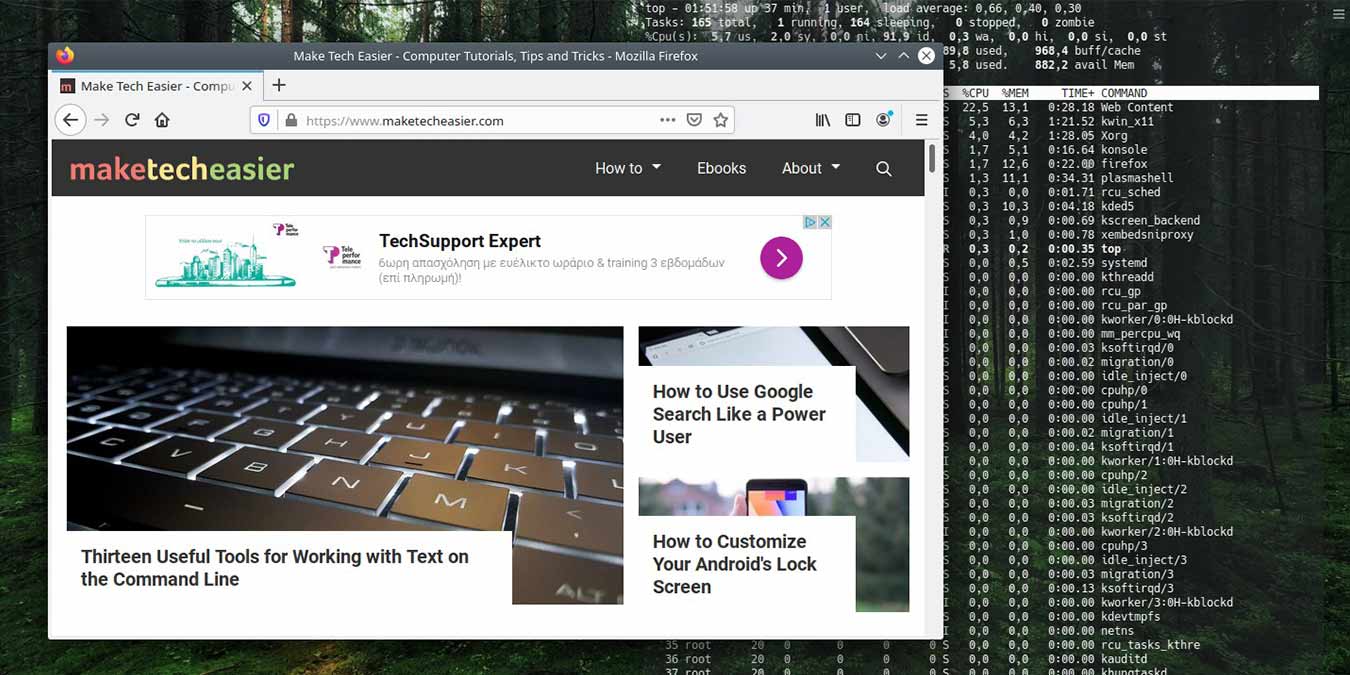
Setting the terminal as a transparent wallpaper is a great way to use the terminal and enjoy your wallpaper at the same time. Here’s how to do it in Kubuntu.
By Odysseas Kourafalos – Jan 14, 2020
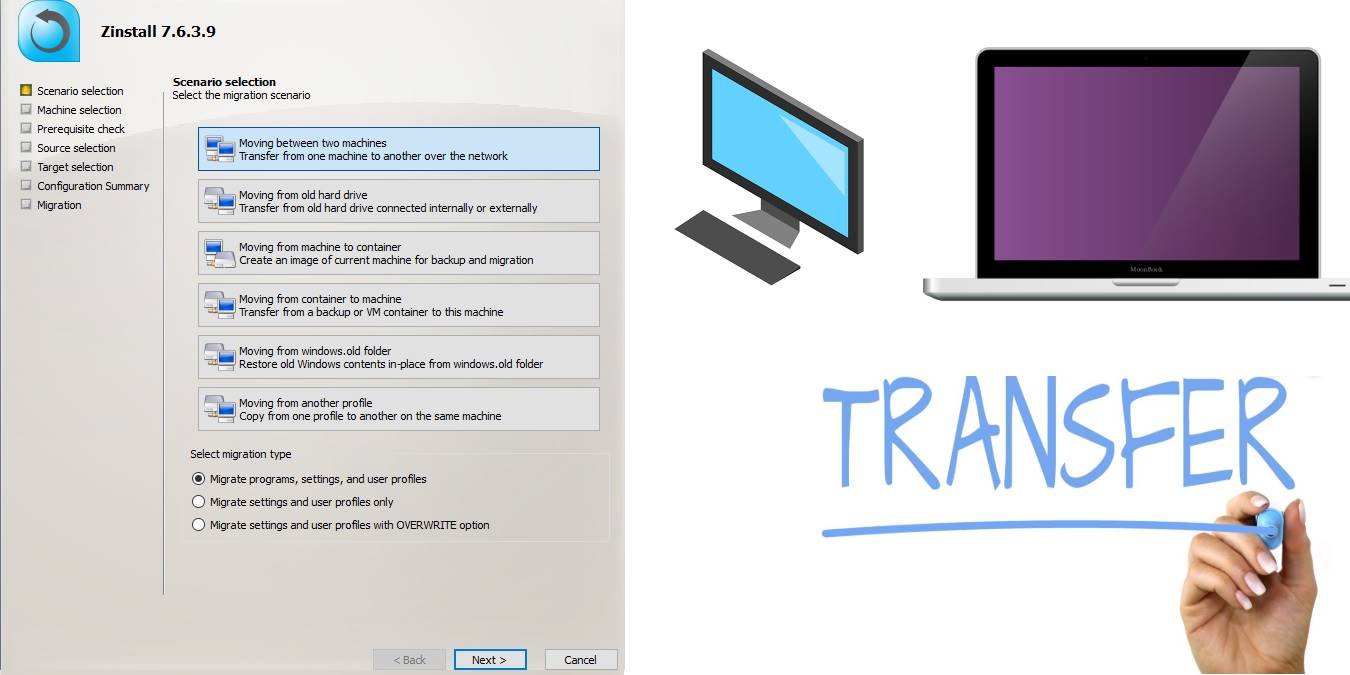
Zinstall Migration Kit Pro can be used for advanced and automated PC-PC transfer. Learn how this software can take care of your multiple data transfer needs.
By Sayak Boral – Jan 13, 2020
In 2020, we finally have some dependable methods to play Windows games on Linux. Here are some of the best options for Linux gaming.
By Robert Zak – Jan 10, 2020
Do you want to ensure your files and pictures are safe on your Apple device? You can make use of iCloud with Windows 10 to back up your relevant files.
By Sarah Adedun – Jan 9, 2020
There are plenty of tools for handling text in Linux. Here are 13 powerful text manipulation tools every command-line user should know.
By Karl Wakim – Jan 9, 2020
Tired of having to manually handle certain tasks on your computer by yourself? Check out our guide on how to schedule and automate tasks in Ubuntu.
By Sarah Adedun – Jan 6, 2020
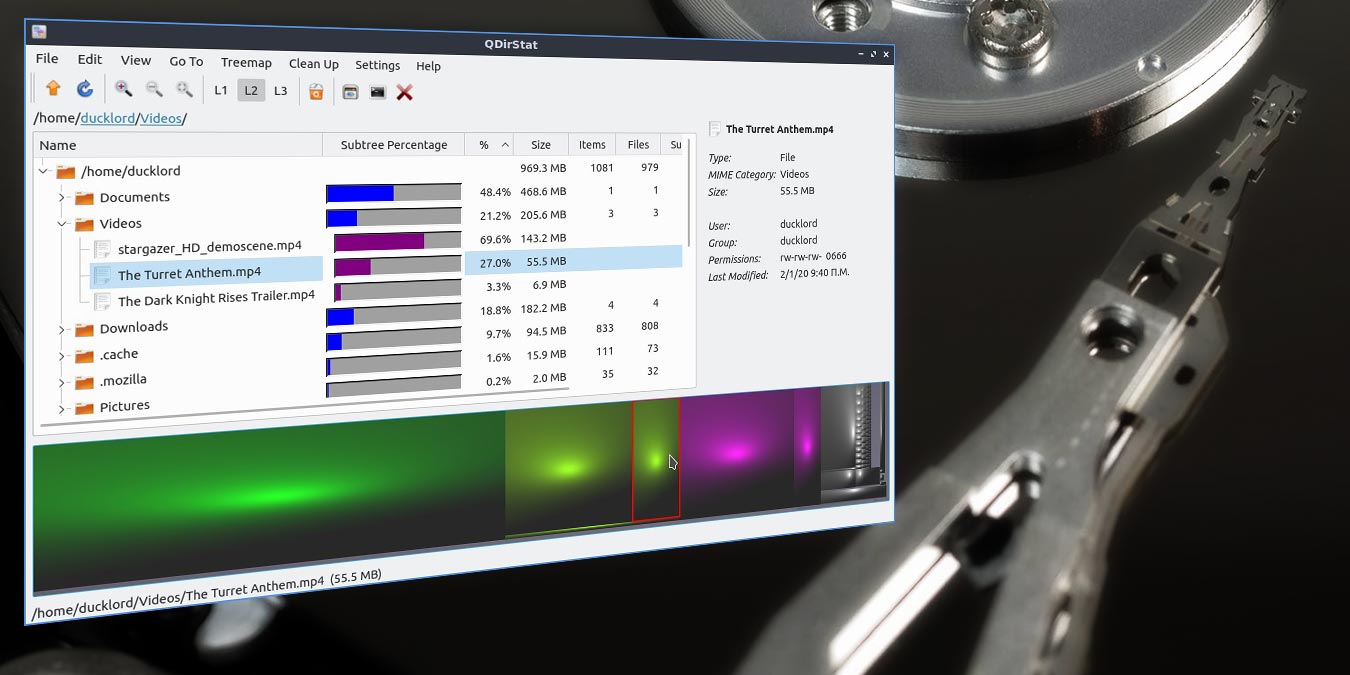
QDirStat can pinpoint space hogs: find files and reclaim the space they take up. Learn how you can clean up hard disk storage with QDirStat.
By Odysseas Kourafalos – Jan 3, 2020
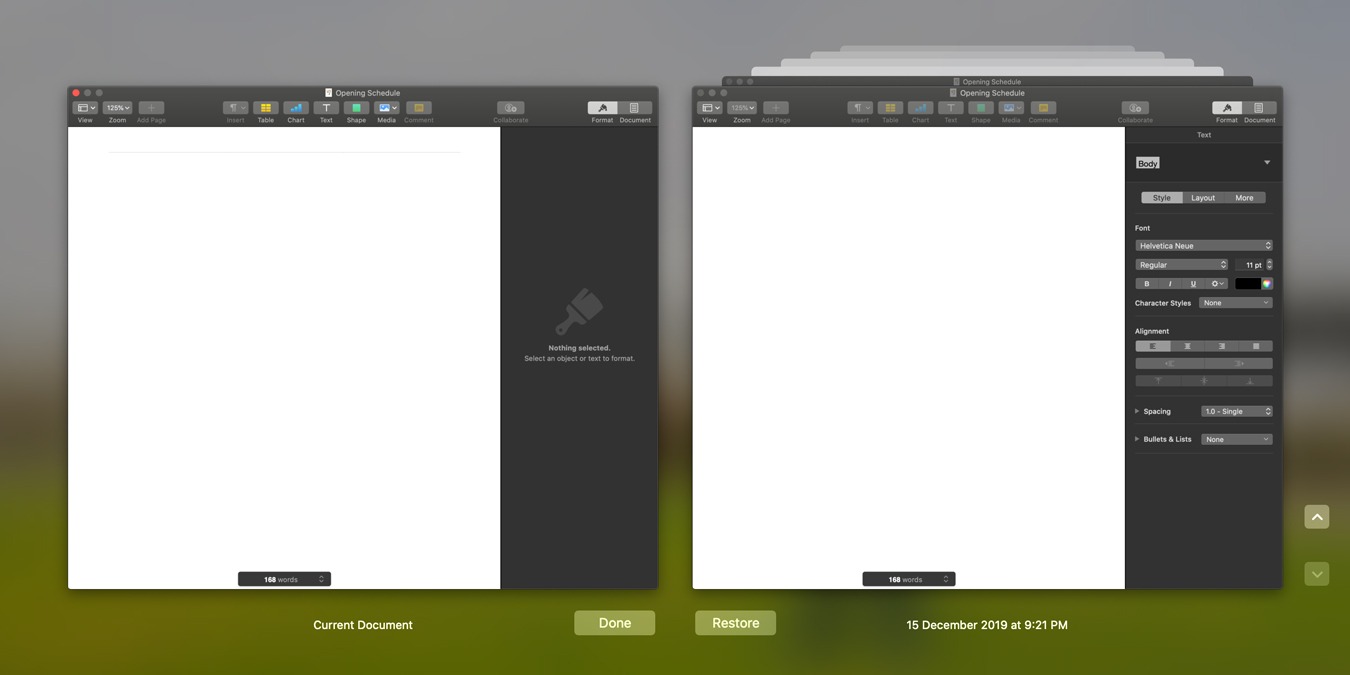
Some of the apps in macOS have an autosave feature that save your work every few minutes. Here’s how to delete the autosave file version in macOS.
By Shujaa Imran – Jan 2, 2020
There are a couple of ways to record audio and sound files in Windows 10. Let’s take a look at two different ways to do so.
By Neeraj Chand – Jan 1, 2020
You have probably encountered app bundles in macOS. What do they do? Here is a breakdown of macOS app bundles and their hierarchical structure.
By Alexander Fox – Jan 1, 2020
Pagination
Affiliate Disclosure: Make Tech Easier may earn commission on products purchased through our links, which supports the work we do for our readers.