Did you know that you can use the built-in Automator app on your Mac to create a service to resize images to specified values? Resized images are available instantly!
Alternote is an Evernote-based note-taking and organizing app that retains your collection while giving you more features and a better writing experience.
If you’re looking to open the Gmail website whenever you click on email links in various browsers on your Mac, here’s how to set the Gmail website as the default mail app.
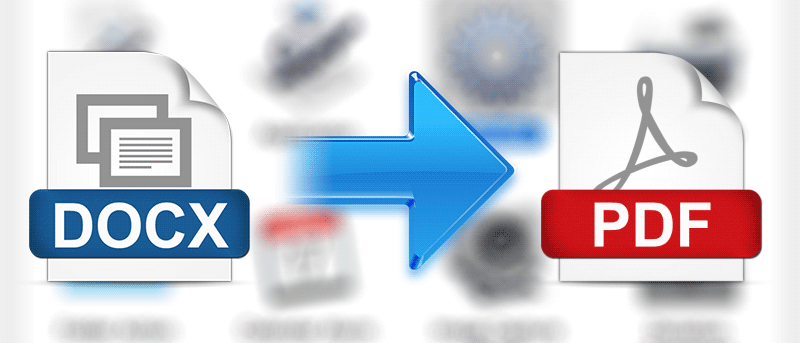
There are multiple ways to convert a DOCX file to a PDF file on your Mac. However, this is one the most convenient and fastest ways because it only requires right-clicking on a Word file.
Quitter is a Mac app that helps you automatically quit the apps that have been open for some time but are not used to help free up resources. Here’s how it works.
You can’t schedule emails in the Mac Mail app natively, but with a little trick and an Automator script, scheduling emails is a snap. Here’s how it’s done.
If you have several calendars for different purposes, you may want to set one of them as the default calendar. Here’s how to set the default calendar in OS X and iOS.
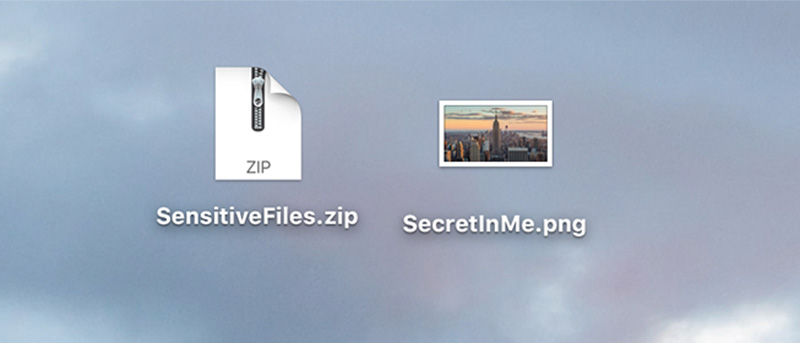
If you have files you don’t want nosy eyes to see on your Mac, this tutorial shows how to hide files (zip archive) inside another file (image). Users only see the image file and not the zip archive.
Looking to keep your Mac desktop uncluttered? One option is to hide the device icons. Here are two ways to hide them, allowing you to get them back when desired.
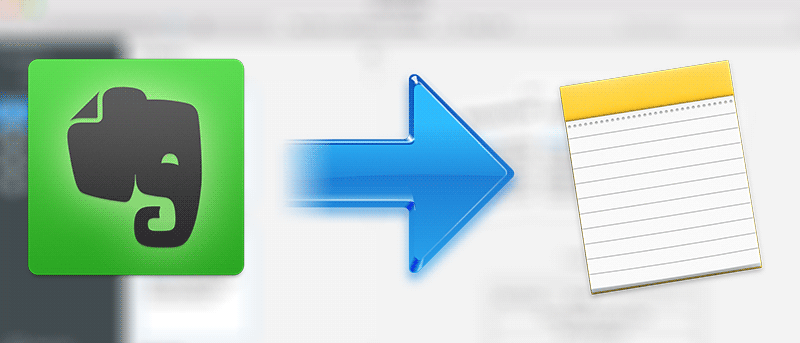
If you’re an Evernote user wanting to switch to Apple Notes, you’re in luck. Apple has made it easy to migrate from Evernote to Apple Notes. Here’s how.