Python is now in version 3.5, and yet your Mac is still shipping with Python 2.7. If you have a need to use Python 3, here’s how to upgrade and use Python 3 on Mac.
If you are downloading an app outside of the Mac App store, it is best to scan the package file for malware before you install it. Here’s how you can do it in macOS.
Have you ever wondered if you could watch a video and do other things at the same time? Enter Picture-in-Picture mode. Learn how to enable it in macOS Sierra.
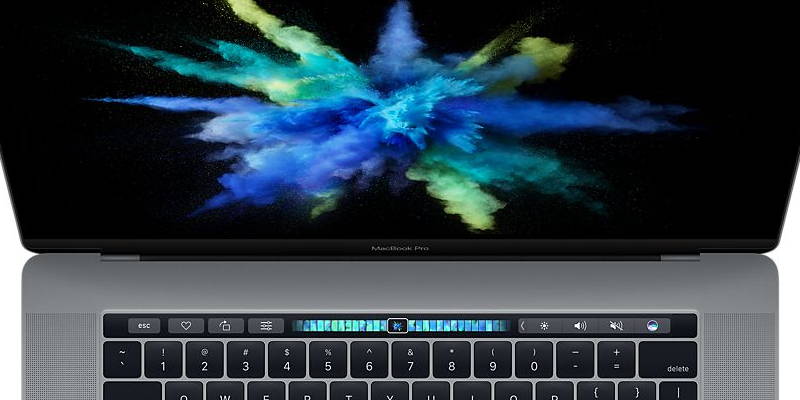
You don’t have to wait until your new MacBook comes to take the Touch Bar for a spin. Here are 2 different ways to get Touch Bar working on your old MacBook.
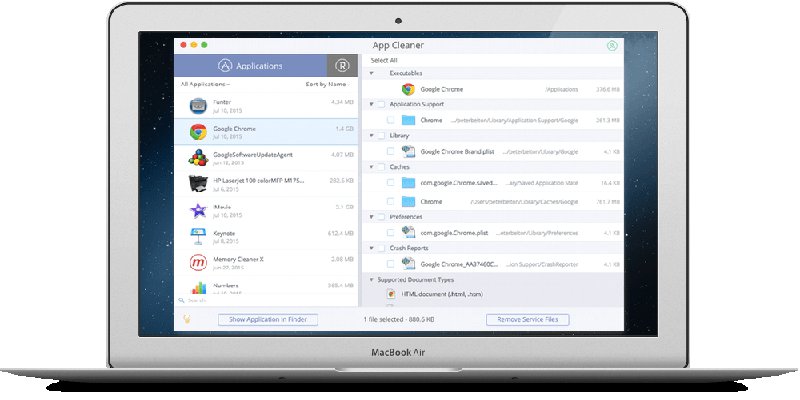
Macs, like any PC, can get cluttered with applications and installations too. We checked out Nektony App Cleaner to see its effectiveness against system clutter. Here’s what we found.
There can be times when the Mac app store hangs or crashes for no reason. If you are having this problem, here are a few ways to fix the frozen app store issue.
Apple File System won’t be finalized until 2017, but you can get a taste in the developer preview now available on Sierra. Here’s a quick review of what APFS brings to the table.
If you buy a used Mac, chances are you’ll want to change the home folder’s name. Here is how you can do so, and the fixes for the problems it has caused.
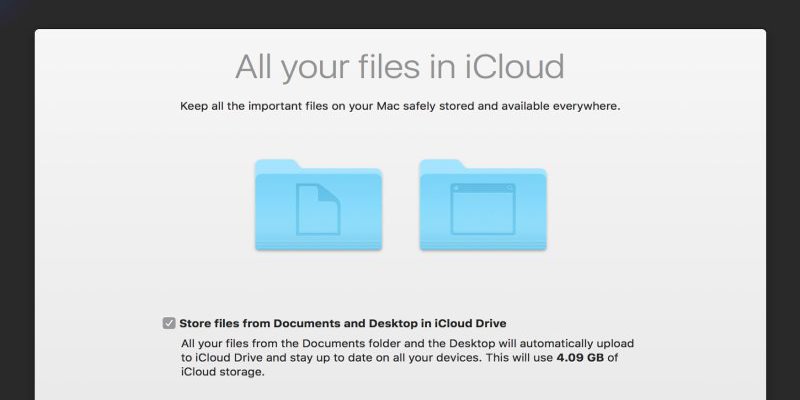
After you turned on iCloud syncing for macOS Sierra, you might find your files missing. Here’s how to fix the issue with iCloud Desktop and Documents sync.




![How to Move the Cursor Word by Word in Terminal on Your Mac [Quick Tips]](https://maketecheasier.com/wp-content/uploads/2016/08/movecursor-featured.png?width=400&height=225&aspect_ratio=16:9)